
ARC Raiders Beginner Guide: The Systems the Tutorial Skips
A starting point for new ARC Raiders players: the core loop, the quiet systems the opening does not surface, and how to survive the first raids.
Applies to: ARC Raiders beginner fundamentals and commonly-missed systems, compiled on October 15, 2026 from official descriptions and community reports
Quick answer
ARC Raiders runs on a simple loop — gear up in your workshop, drop to the surface, loot and fight your way to an extraction, then keep what you carry out — but several systems are easy to miss because the tutorial does not surface them. Community reports highlight the emote/ping wheel for talking to other Raiders without a mic, the roll (Left Alt on PC, a crouch double-tap on console), the Safe Pocket that survives death, and the downed state you can crawl out of. Start in lower-risk areas, learn the map and the ARC behaviour before chasing high-value loot, and treat every other Raider as unknown until they prove otherwise.
At a glance
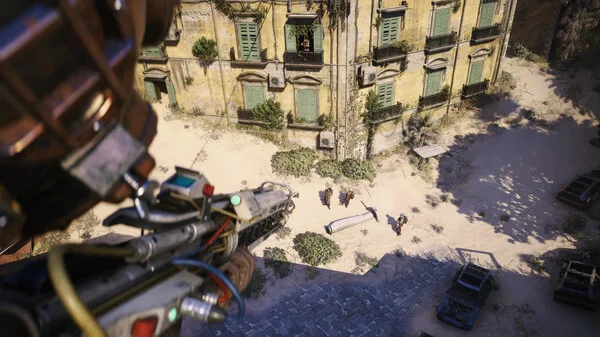
ARC Raiders runs on a simple loop — gear up at your base, drop to the surface, loot and fight your way to an extraction, and keep what you carry out — but it is easy to feel lost in the first few raids because the opening does not explain several systems. The biggest one players miss is the emote and ping wheel for talking to other Raiders without a mic. This page is a starting point, not a full walkthrough.
The core loop
| Stage | What you do |
|---|---|
| Prep | Craft, repair and load out at your workshop, then pick a map and drop. |
| Surface | Scavenge loot, complete objectives, and decide whether to fight or avoid the ARC machines and other Raiders. |
| Extract | Reach an extraction point before the timer runs out. What you carry out is yours; what you are carrying when you die can be lost. |
| Between raids | Sell or recycle loot, craft gear, take Trader quests, and upgrade your base and Outpost. |
Systems the tutorial skips
These are the mechanics new players most often report finding out about late (community-sourced):
- The emote and ping wheel. Preset lines and pings let you say "need help" or "let's group up" without a mic — useful with proximity voice chat, and easy to miss because nothing forces you to use it.
- Rolling. A dodge roll is bound to Left Alt on PC and a crouch double-tap on console — worth learning early, because it is your main way out of a bad fight.
- The Safe Pocket. One inventory slot survives death; keep a valuable blueprint, a key, or emergency healing in it rather than your rarest loot.
- The downed state. At zero health you are downed, not out — you can crawl, and a teammate or a passing player can revive you. The wiki records a default downed timer that skills can extend.
- Proxy voice and etiquette. A quick "friendly" callout before approaching another Raider often prevents a fight neither side wanted.
Surviving your first raids
- Start in lower-risk areas. Learn a map and how ARC behaves before pushing high-value zones.
- Listen more than you look. Footsteps, ARC movement and extraction sounds carry; sound is your first warning.
- Assume other Raiders are neutral until proven otherwise. ARC Raiders runs on aggression-based matchmaking, so your own behaviour shapes who you are grouped with over time.
- Insure and diversify. Keep a couple of spare loadouts so a lost raid is not a lost night.
- Extract early when you are heavy. The longer you stay, the more likely you are to run into ARC density or another squad.
Note that the roll, the Safe Pocket, the downed timer and the aggression-based matchmaking all describe behaviour reported by players and confirmed at a high level by the developer's own statements; the exact bindings and timers are community-recorded.
What is community-reported
- The tutorial gap itself. There is no official "what the tutorial misses" list; the items above come from player discussion and community guides.
- Specific bindings and timers. Key bindings (e.g. Left Alt for roll) and the downed timer are player-recorded and can change with patches or input settings.
- Any "best" route or build. This page deliberately avoids one, since the skill tree changed in Frozen Trail 2.0.
Sources and review scope
- Embark Studios — ARC Raiders official site — confirms the extraction loop, the Trader and workshop systems, and the ARC premise.
- ARC Raiders Wiki — Skills (community-run) — used for the downed-state and skill-related notes; labelled third-party.
- Community guides and player discussion (Icy Veins, RadioGame, Mehr-MMO summaries) — used only as leads for the commonly-missed systems; labelled third-party.
Checked on October 15, 2026. The core loop is described from official material; the commonly-missed systems, bindings and timers are community-reported and labelled as such. No play-testing is claimed.
Checked on October 15, 2026 against the Steam store listing and the Steam Web API app-details, current-players, review-summary and news endpoints for ARC Raiders, and Embark Studios' own posts on arcraiders.com. Live figures such as the concurrent-player count and the review total are timestamped snapshots that keep moving and are labelled as such. Game-internal details that Embark Studios has not published come from the community-run ARC Raiders Wiki and are labelled third-party, not official. Player-tested values are marked as such. Anything neither source states is written as unconfirmed rather than guessed.
Not independently play-tested. This is not a claim that every platform or game version was tested. Source review: Oct 15, 2026.
More ARC Raiders Guides
 ARC Raiders
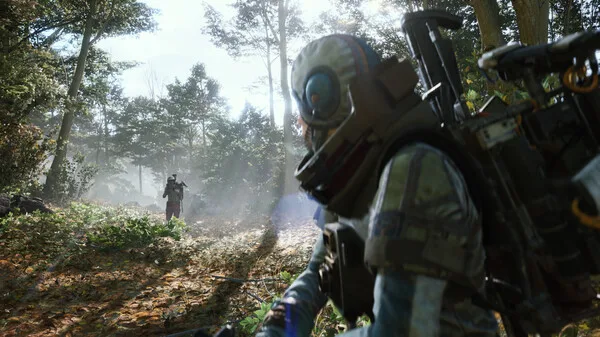
What Is ARC Raiders? Free-to-Play, Platforms and Price Explained
ARC Raiders in one page: who makes it, what kind of game it is, which platforms and editions exist, what it costs, and why "is it free" keeps coming up.
 ARC Raiders
ARC Raiders Update and Patch Notes: What's Live Now (Frozen Trail)
The current ARC Raiders version, the Frozen Trail 2.0 update and the patches after it, the twice-a-year cadence, and what Embark Studios has not dated.
 ARC Raiders
ARC Raiders Player Count and Steam Charts: How to Read the Numbers
The official ARC Raiders concurrent-player figure from Steam, why the third-party trackers disagree with each other, and what no source publishes.
 ARC Raiders
ARC Raiders PvE Mode: The October Toggle Test, Rules and Dates
How the ARC Raiders PvE matchmaking toggle works, when the October 2026 test runs, what changes, and whether a permanent PvE mode is coming.
 ARC Raiders
ARC Raiders Maps and Map Conditions: The Current Rotation
Every ARC Raiders map and map condition named on the official map-conditions page, how the hourly rotation works, and what each condition means.
 ARC Raiders
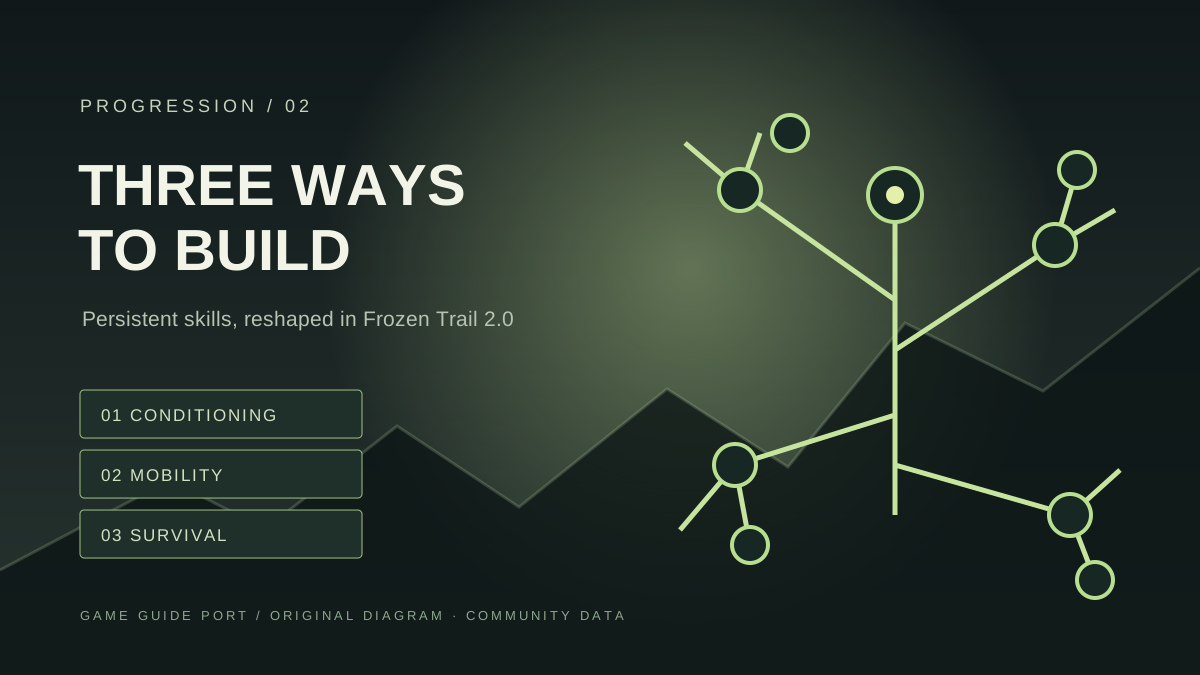
ARC Raiders Skill Tree: Branches, Tiers and Respec Cost
How the ARC Raiders skill tree is built — three branches, how points are earned, the tier thresholds and the respec cost — with the Frozen Trail overhaul noted.