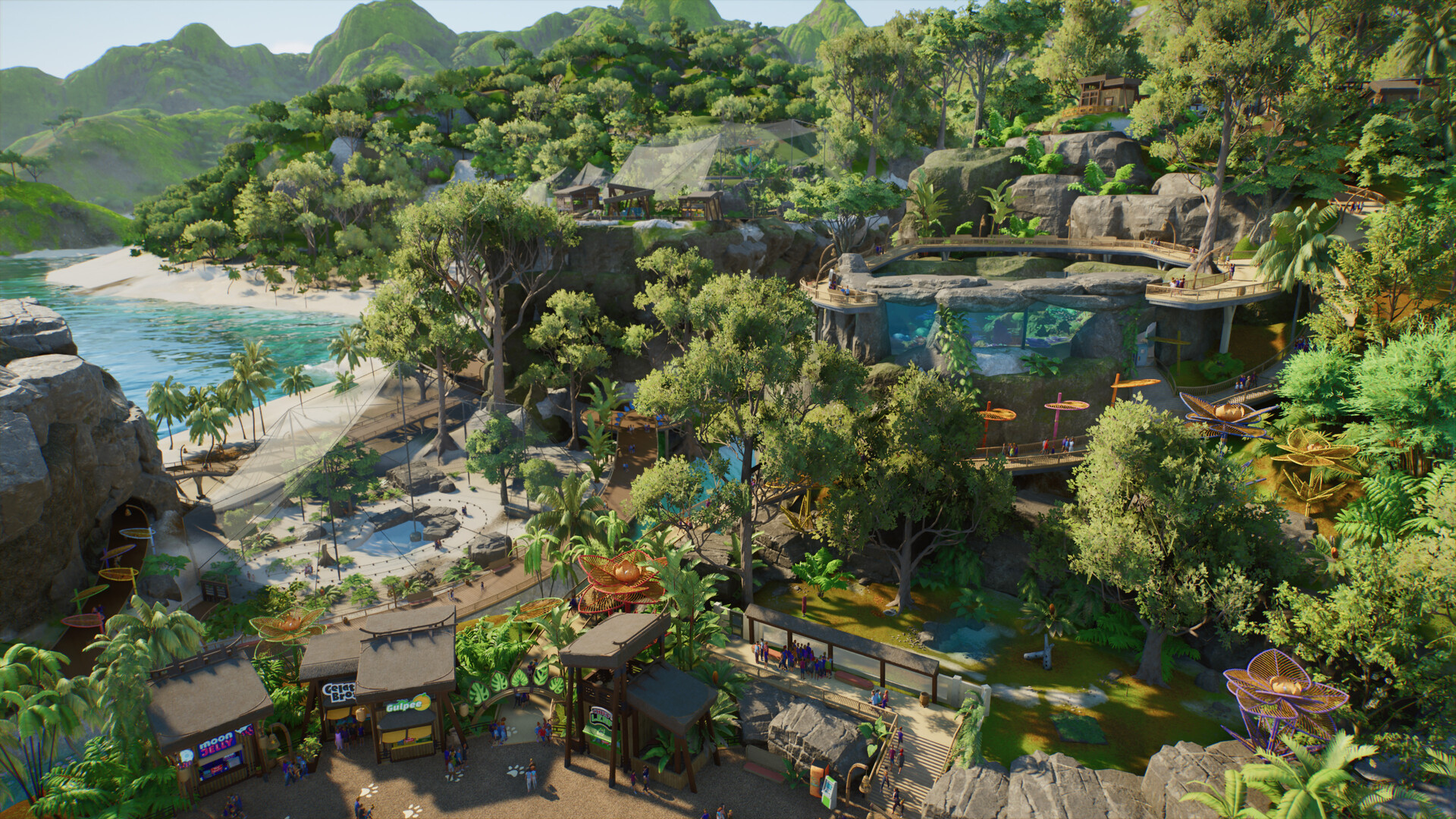
How aquariums work in Planet Zoo 2
Plan freshwater or saltwater aquariums, staff access, welfare checks and viewing areas using confirmed systems.
Applies to: Launch aquarium systems · exact UI can vary by platform
Quick answer
Planet Zoo 2 supports custom freshwater and saltwater aquariums. Build the enclosure for the chosen species, provide the water conditions and space shown by Zoopedia, and preserve staff access instead of treating the tank as scenery alone.
Plan from the animal
Choose the species before shaping the tank. Its Zoopedia entry determines freshwater or saltwater, required deep-water area, temperature, social range and compatible presentation. For example, the sand tiger shark needs far more water than a small exhibit-capable fish, so a generic aquarium blueprint is not a universal solution.
Water and staff access
Frontier describes fully customisable freshwater and saltwater aquariums with staff who can interact with aquatic animals. Keep a working route to the enclosure and check the live welfare panel after animals arrive. Decorative rockwork, tunnels and glass must not replace usable water volume or keeper access.
Guest viewing
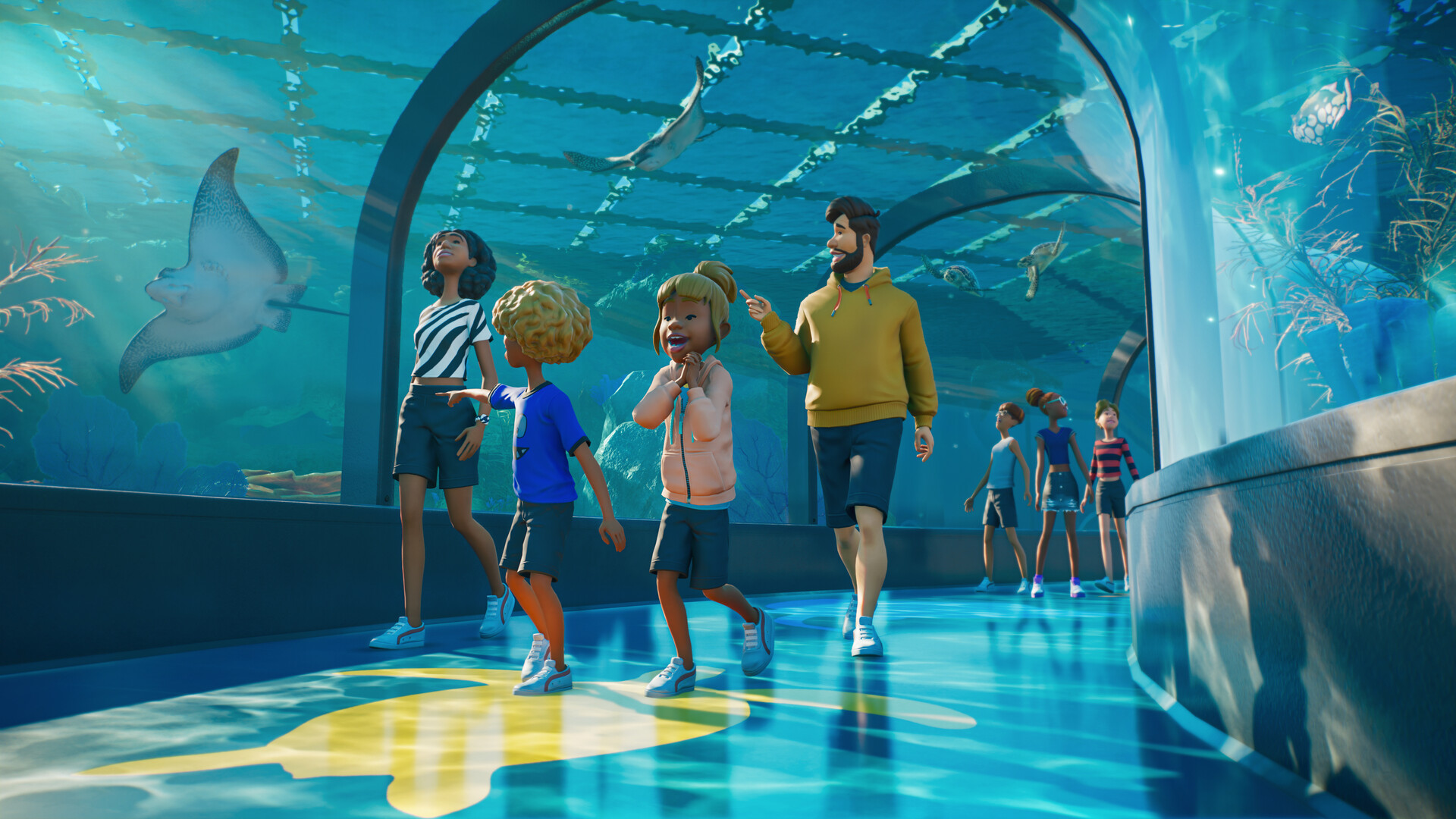
Underwater tunnels and large viewing panels are confirmed presentation options. Build them after the welfare footprint is reserved. If a tank fails, compare its usable deep-water figure and access warnings with the species requirement before rebuilding the scenery.
Recommended build order
- Pick the species and record water type, temperature, group and deep-water requirement.
- Reserve the full usable volume plus expansion room.
- Create a valid staff route and service access.
- Add the minimum starting group and read the welfare panel.
- Only then add tunnels, glass, rocks, plants and guest facilities.
This order isolates animal-care problems before scenery makes them harder to diagnose.
Diagnose the warning, not the appearance
If the game reports insufficient space, temporarily remove internal objects and retest. If keepers cannot work, inspect their complete route rather than the guest path. If water conditions fail, compare the exact Zoopedia entry; “aquatic” does not mean every animal accepts the same tank.
Plan for the adult group
Some aquarium requirements increase sharply per additional animal. Decide the final group before completing a tunnel or roof. A tank that satisfies the first pair can become undersized after breeding or market additions.
Sources
Official Frontier, Steam, PlayStation, Xbox and support pages anchor release, platform and feature facts. Zoopedia-derived figures are identified and dated; community posts are used for questions and current incident context, not as proof of game mechanics.
Not independently play-tested. This is not a claim that every platform or game version was tested. Source review: Oct 14, 2026.
More Planet Zoo 2 Guides
 Planet Zoo 2
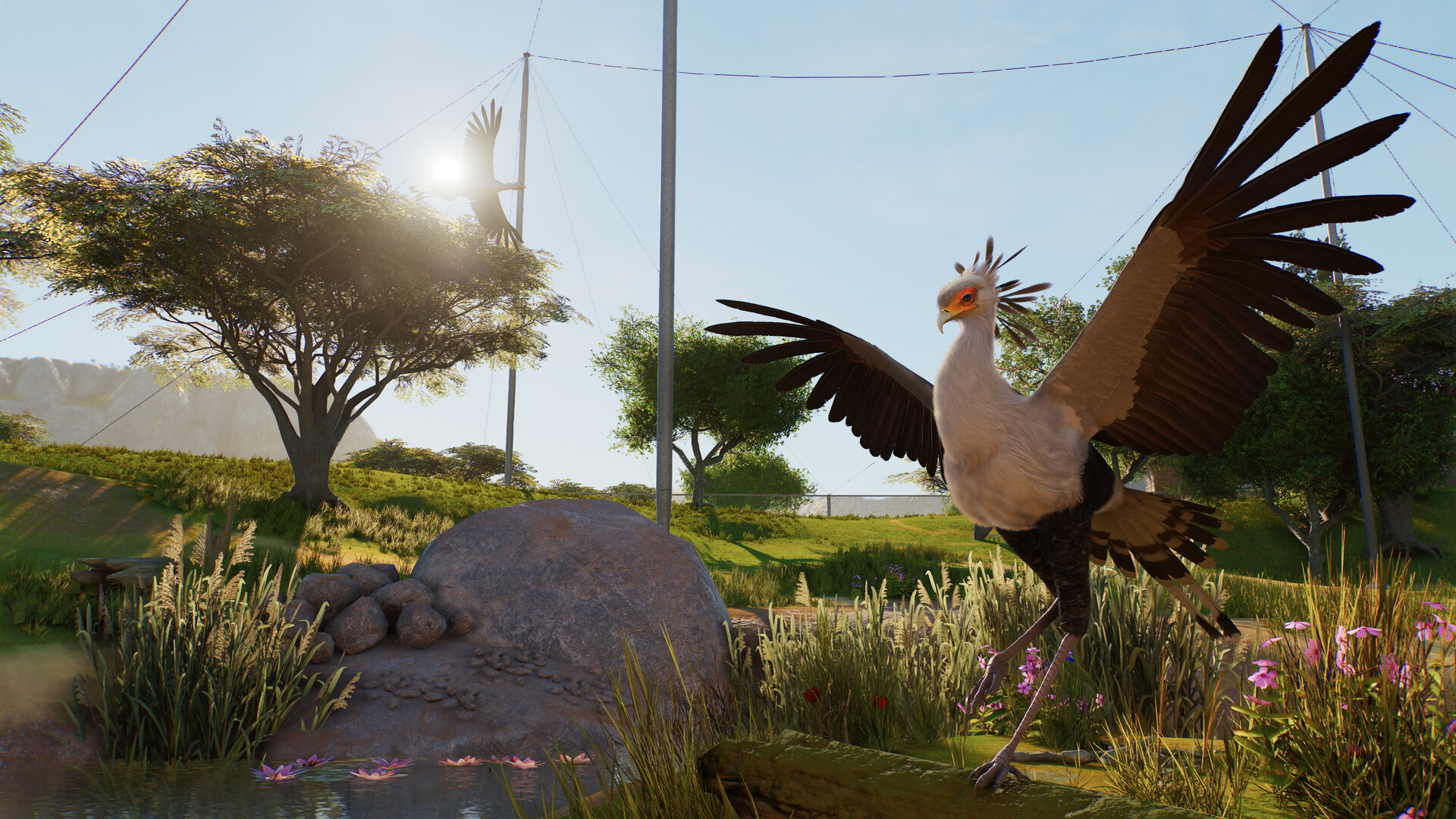
Planet Zoo 2 aviaries and flying animals explained
Understand aviary barriers, support poles, dynamic covers, flying space and the launch bird roster.
 Planet Zoo 2
Planet Zoo 2 path collision and obstructed-path fixes
Use the new path tools carefully and understand what can be confirmed about collision settings and workarounds.
 Planet Zoo 2
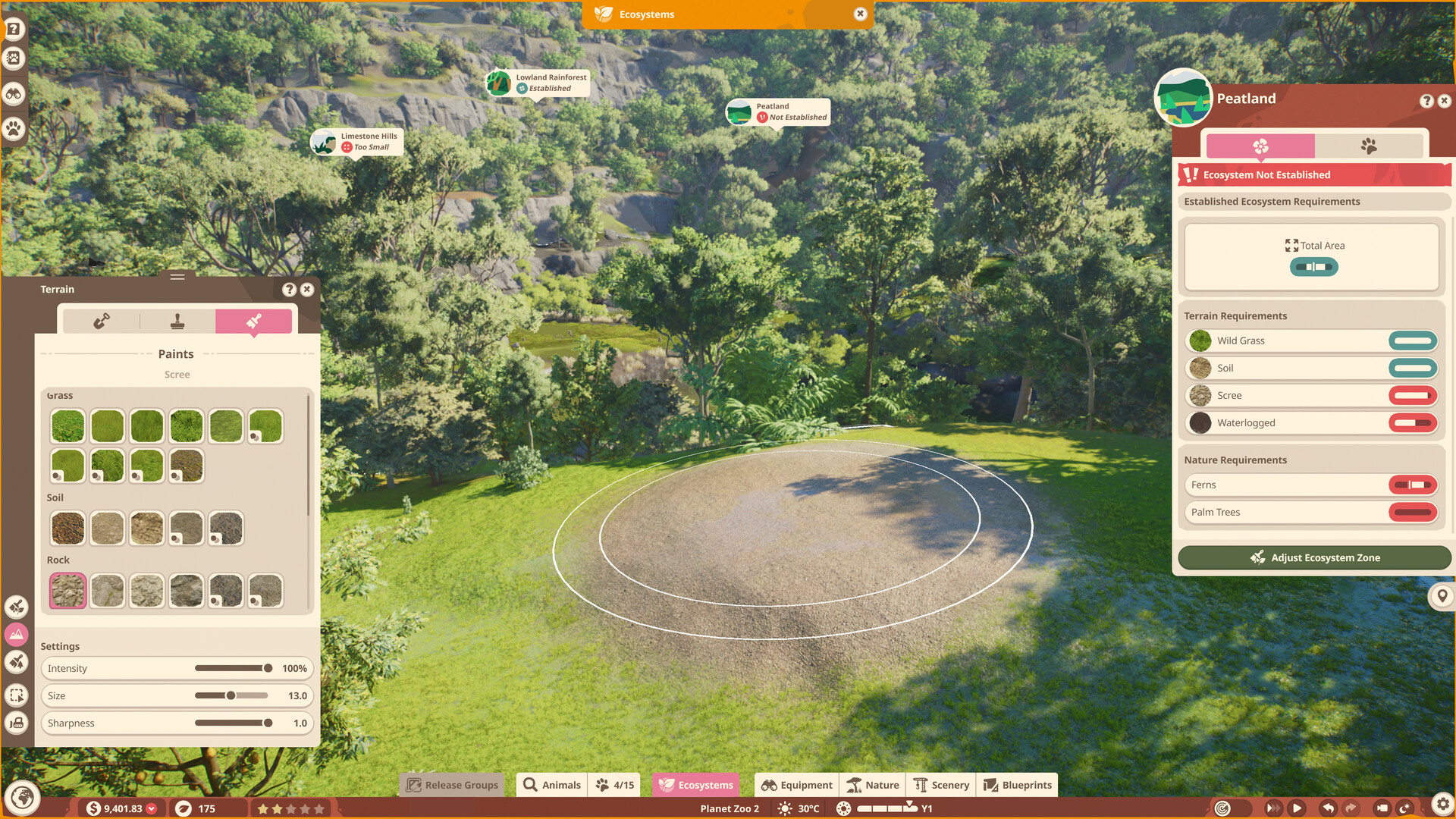
Planet Zoo 2 terrain painter and biome brushes
Separate terrain sculpting, terrain materials and the nature brush without importing original-game limits as sequel facts.
 Planet Zoo 2
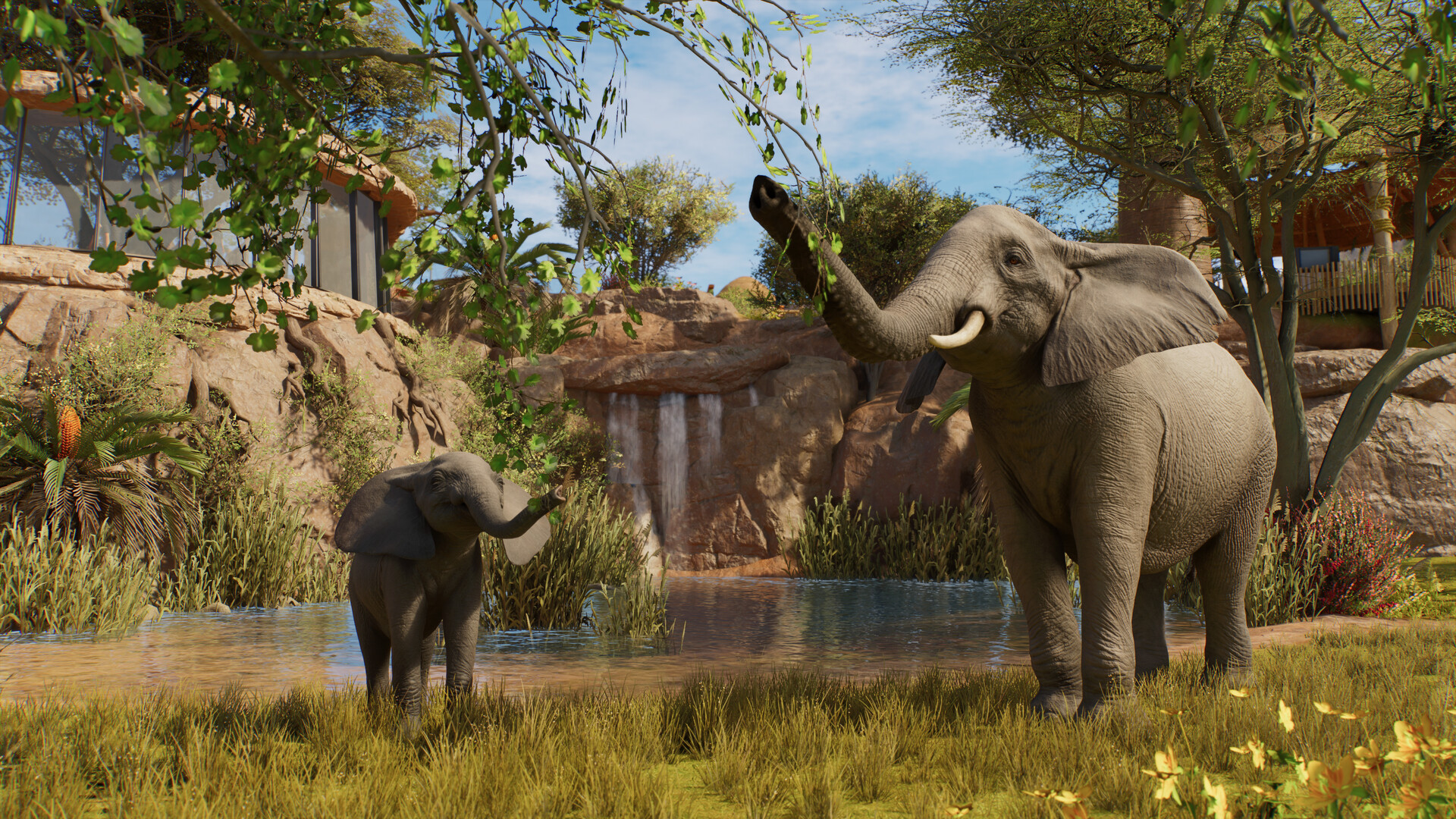
Planet Zoo 2 animal list: all 136 Zoopedia species
Search the complete launch animal list by enclosure type and edition without mixing base-game and Deluxe species.
 Planet Zoo 2
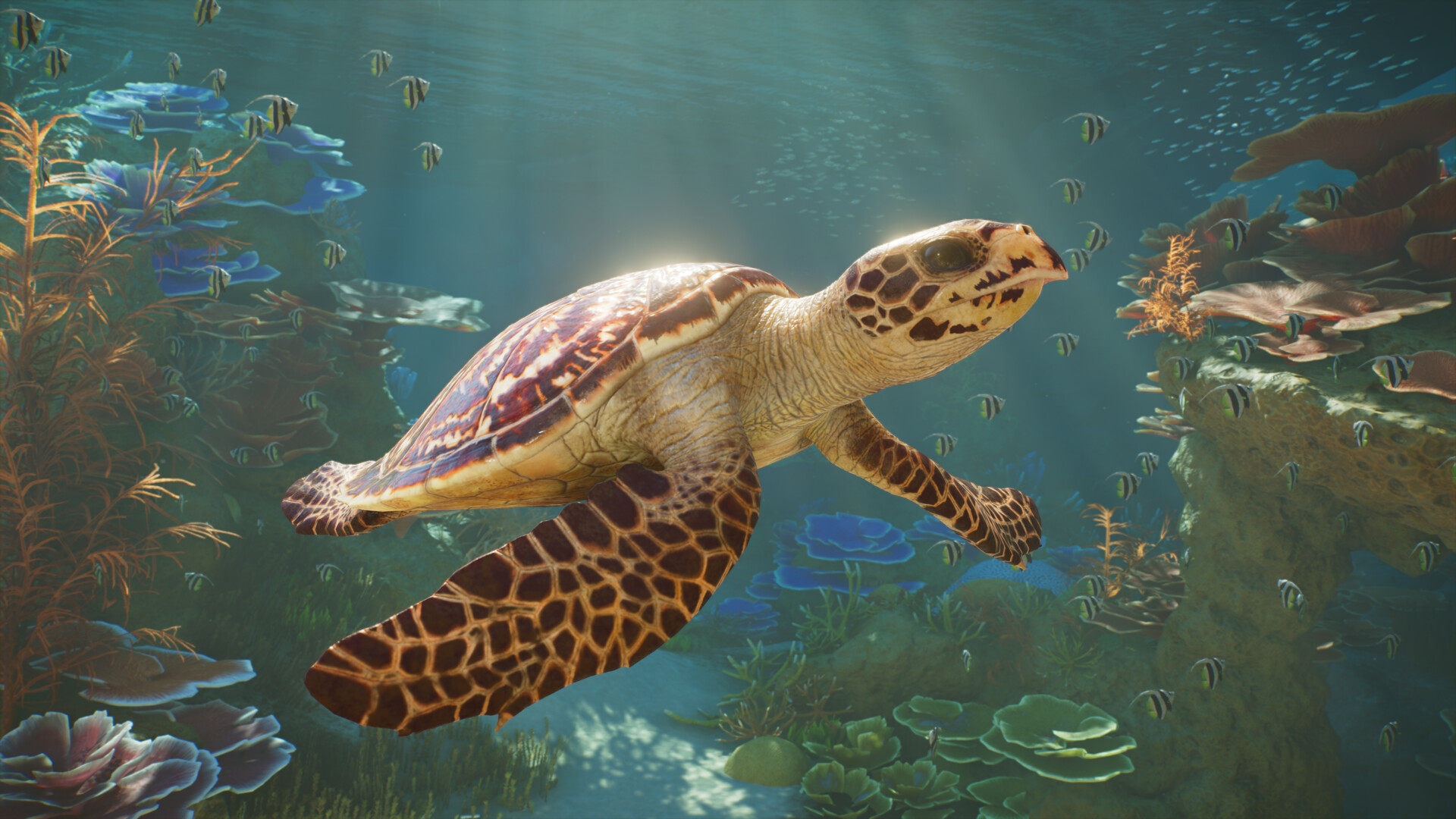
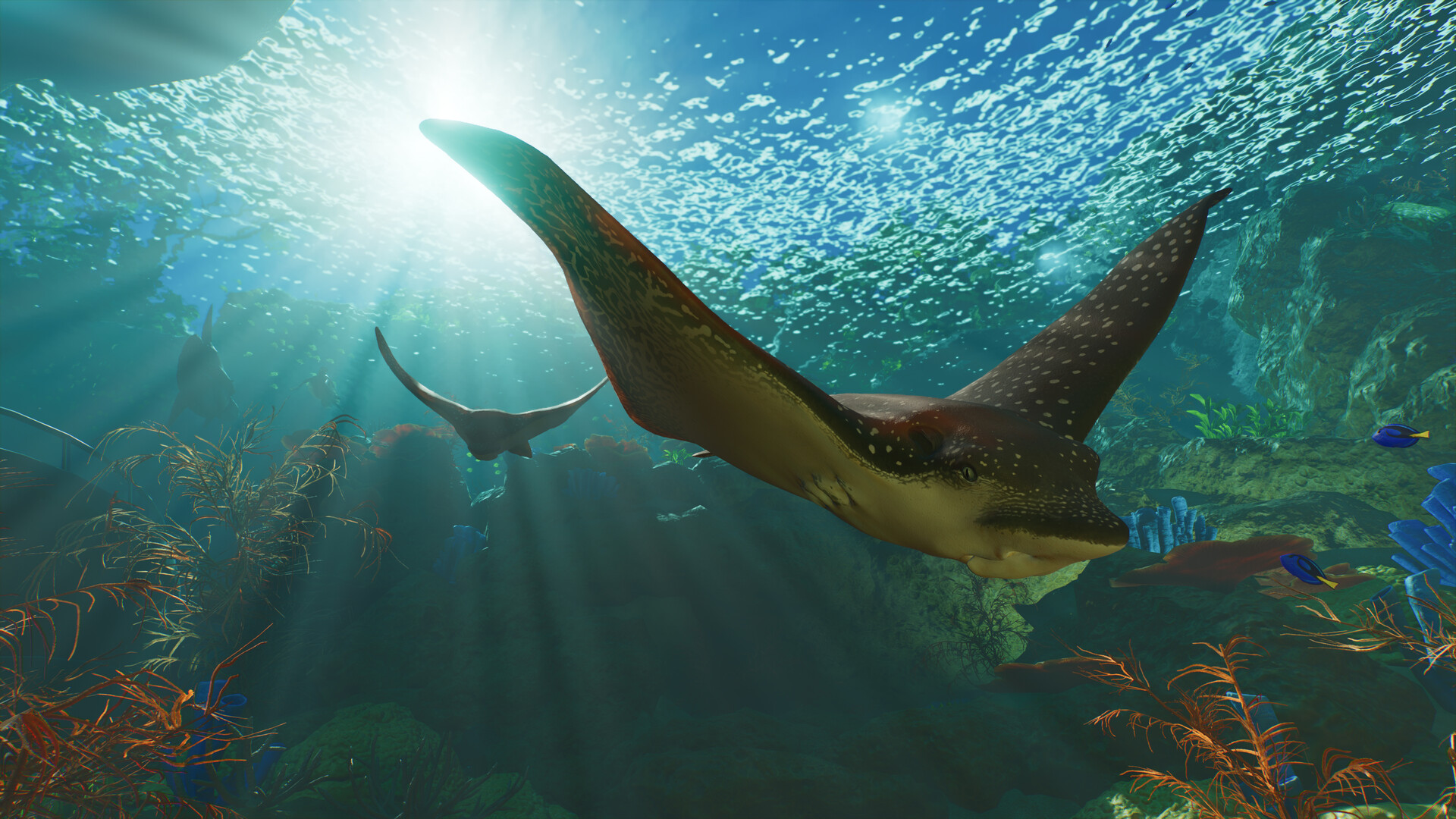
Planet Zoo 2 aquatic animals: all 37 aquarium species
Browse all 37 aquarium-capable animals, see which species also support exhibits, and identify the Deluxe entries.
 Planet Zoo 2
Planet Zoo 2 Standard vs Deluxe Edition
Compare prices, the six Deluxe animals, decorative signs and the separate upgrade before buying.