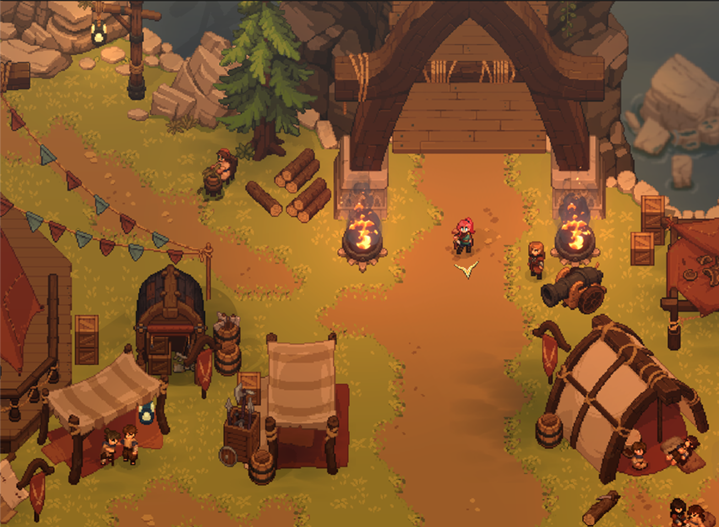
Dimraeth co-op progression and saves: what travels between worlds
Understand the official distinction between your hero’s personal progress and the world-based progress of a co-op session.
Applies to: Steam store co-op progression description
Quick answer
Steam says a hero’s level, equipment, inventory, spells and personal progression travel between worlds. Story progress, recruited allies and buildings remain tied to the world where they were created, so a character and a host world do not progress in the same way.
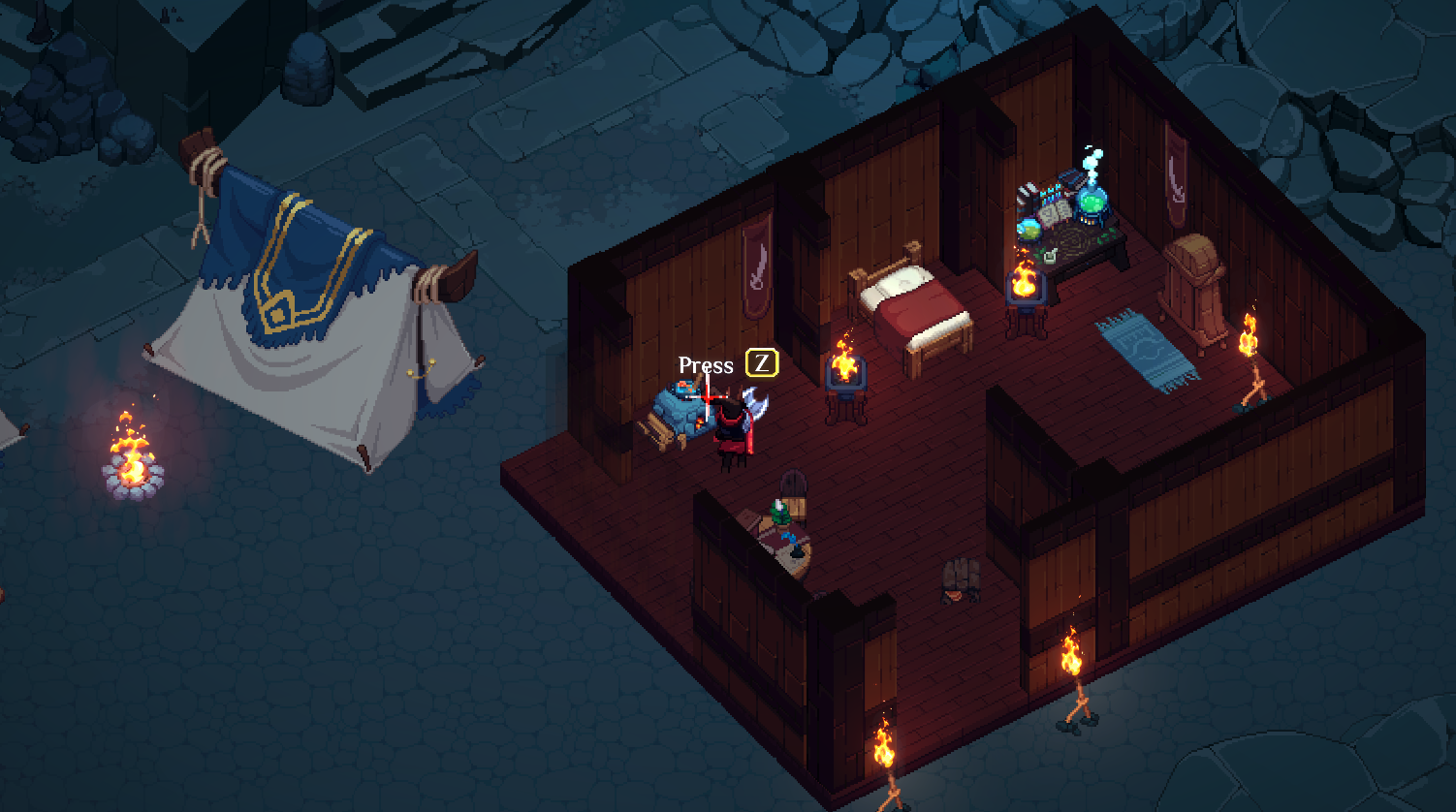
Dimraeth separates hero and world progression
The official Steam description distinguishes progress that travels with your hero from progress that stays in a particular world. This is the key fact to understand before moving between solo and co-op sessions.
| Travels with your hero | Remains tied to the world |
|---|---|
| Level | Story progress |
| Equipment | Recruited allies |
| Inventory | Buildings |
| Spells | The world’s continuing shared state |
| Personal progression | Stronghold development in that world |
What this means in practice
If you develop a hero in your own world and later join a friend, the listed hero data travels with you. Your friend’s completed story steps, recruited characters and buildings remain part of the friend’s world. Likewise, progress made in a host world should not be assumed to reproduce that world state automatically in a different save.
The official wording confirms the categories above but does not document every edge case, such as how a specific quest item behaves at a particular step. For those cases, use the current game prompts and patch notes instead of extrapolating from the general rule.
A sensible co-op plan
- Choose one main host for shared story and Stronghold progress.
- Let each player keep developing the hero they want to carry between sessions.
- Before a major Early Access patch, preserve important save data using the platform and developer-supported options available to you.
- After an update, check the official notes before using an old workaround or third-party migration tool.
This guide does not claim a manual save-file location or promise that copying files between machines is safe; Mudtek’s public progression description is about gameplay ownership, not a documented file-transfer procedure.
Related guides
Read solo and co-op for choosing a play mode and P2P hosting for the current server model.
Sources
Based on the official Steam store description. It explains the published progression split but is not a substitute for backing up saves before major Early Access patches.
Not independently play-tested. This is not a claim that every platform or game version was tested. Source review: Oct 8, 2026.
More Dimraeth Guides
 Dimraeth
Dimraeth controls: keyboard, mouse, controller and hybrid input
Understand the official input methods and what the FAQ does—and does not—confirm about exact keybinds.
DimraethCan you play Dimraeth solo or in co-op?
What Mudtek confirms about solo play, online co-op, the player limit and choosing a session style.
 Dimraeth
Dimraeth P2P co-op and dedicated servers
Understand the official peer-to-peer hosting model and the current lack of dedicated or private servers.
 Dimraeth
Does Dimraeth have split-screen or local multiplayer?
A direct answer from the official FAQ, plus how to avoid confusing online co-op with couch co-op.
 Dimraeth
Dimraeth difficulty settings: what Early Access confirms
Know what Mudtek has confirmed about difficulty levels without inventing presets, scaling rules or hidden modifiers.
DimraethHow to report a Dimraeth bug or technical issue
Use Mudtek’s stated reporting route and include the information that helps a small development team reproduce an issue.