
Rust Skins and the Steam Market: Where to Buy or Sell
Compare Rust’s in-game item store with the Steam Community Market, and check whether a skin is actually tradable before buying.
Applies to: PC Rust item store and Steam Community Market
Quick answer
Rust has two different routes: Facepunch’s in-game store sells items directly, while the Steam Community Market lists eligible player-owned items. A skin shown in the Rust store is not automatically marketable; check the item’s current Steam trading and market restrictions before purchase.
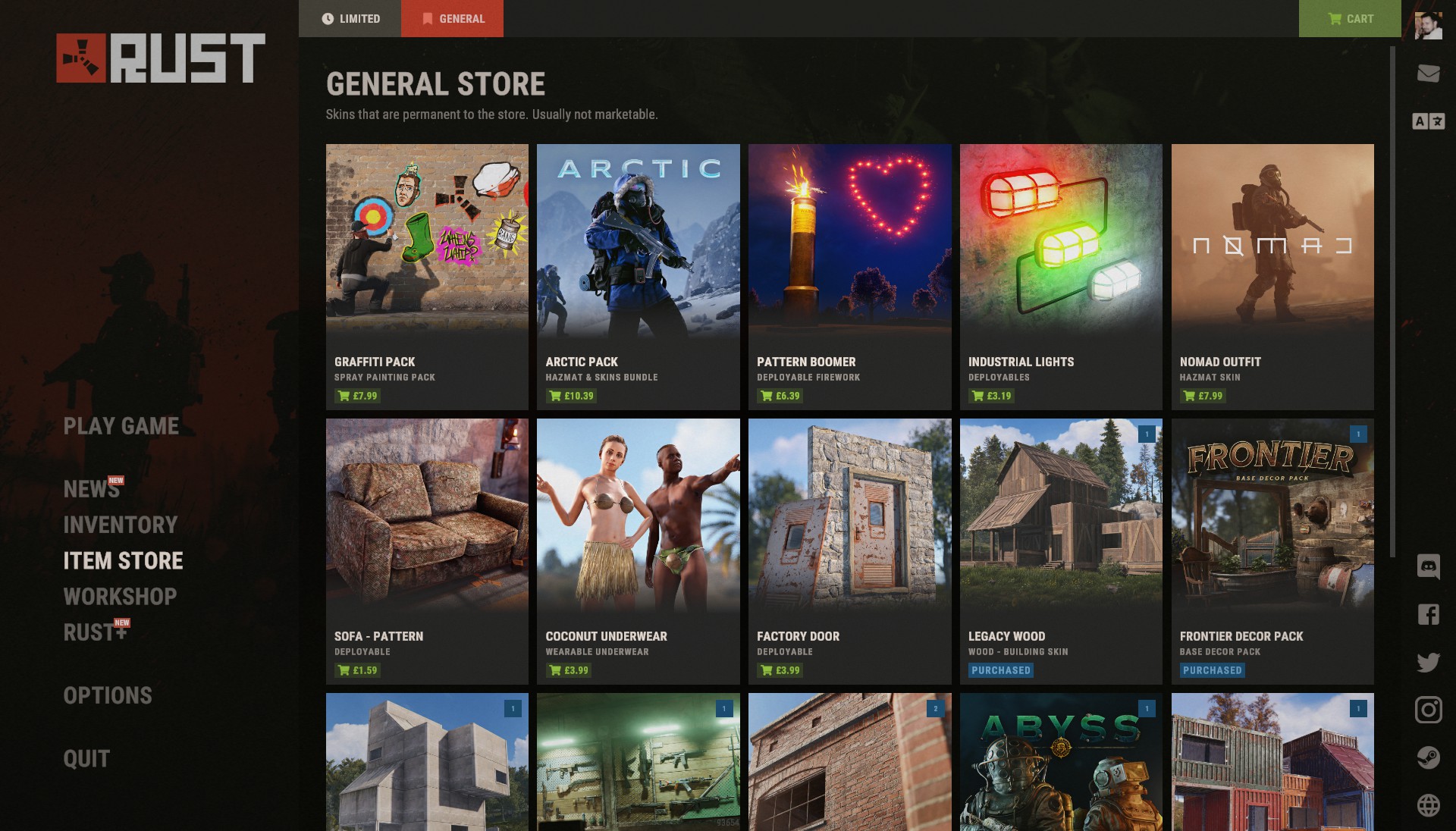
Rust Store vs Steam Community Market
| Where | What it is | What to check |
|---|---|---|
| Rust in-game Item Store | Facepunch’s official store for Rust items, including rotating and general-store listings. | Current item, price, platform, and whether the listing says it is marketable. |
| Steam Community Market | Steam marketplace where eligible owners can list supported Rust inventory items. | Steam account eligibility and the item’s current market/trade status. |
| Workshop | Community-submitted skin designs; appearing in the Workshop does not itself mean an item is in your inventory or available to trade. | Whether Facepunch has selected/released it and the resulting item’s restrictions. |
These are separate purchase routes. A skin’s artwork appearing in one place does not guarantee it can be resold in another. Facepunch’s permanent-store announcement said those store items were not Steam Market tradable at that time; use the current item’s Steam status rather than assuming every store item has the same policy forever.
Check before buying
- Confirm the exact item name and the Rust item it applies to (for example, a weapon skin versus a deployable skin).
- On Steam, open the item details and check whether it is marketable and tradable. Steam only exposes eligible items for sale, and account restrictions can also apply.
- Compare the live price and quantity on the market; prices change, so this guide does not quote a fixed value.
- For an in-game store listing, read its current details and do not assume it can later be sold on Steam.
- Use the official Steam or Facepunch checkout. Avoid third-party “giveaway” links and requests to sign in through lookalike pages.
Selling a skin you already own
Open the Steam Community Market while signed into the account that owns the Rust item. If the item is eligible and your account can use the Market, Steam provides the listing flow and shows the proceeds estimate before confirmation. If no sell/list option is offered, check the item’s restriction text and Steam account Market eligibility; do not try to bypass a trade hold.
A permanent Facepunch Store purchase and a Steam-market skin are not interchangeable balances. The official Facepunch announcement described permanent-store items as non-marketable; confirm the current listing terms before purchasing if resale is important to you.
Availability and restrictions
- Store rotations and item prices can change without this guide being updated.
- Steam account restrictions, holds, or regional rules may prevent a market transaction even when an item is otherwise eligible.
- Do not treat third-party price trackers as proof that a specific item is currently tradable.
- “Rust market” can refer to different games, stores, or trading sites; this page covers the Facepunch Rust PC item store and Steam Community Market only.
Official sources
- Facepunch: Rust Item Store.
- Facepunch: Permanent Store announcement.
- Steam Support: Community Market eligibility and restrictions.
Reviewed October 23, 2026. Recheck item-specific marketability, store terms, Steam account eligibility, and live prices before purchase.
Checked against the official sources linked on each page. Campaign availability and game mechanics may change; no hands-on testing is claimed.
Not independently play-tested. This is not a claim that every platform or game version was tested. Source review: Oct 23, 2026.
More Rust Guides
 Rust
RustRust Twitch Drops Not Showing? How to Claim and Check Missing Drops
Claim an active Rust Twitch Drop, verify the linked accounts, and follow Facepunch’s checks when an item does not arrive.
 Rust
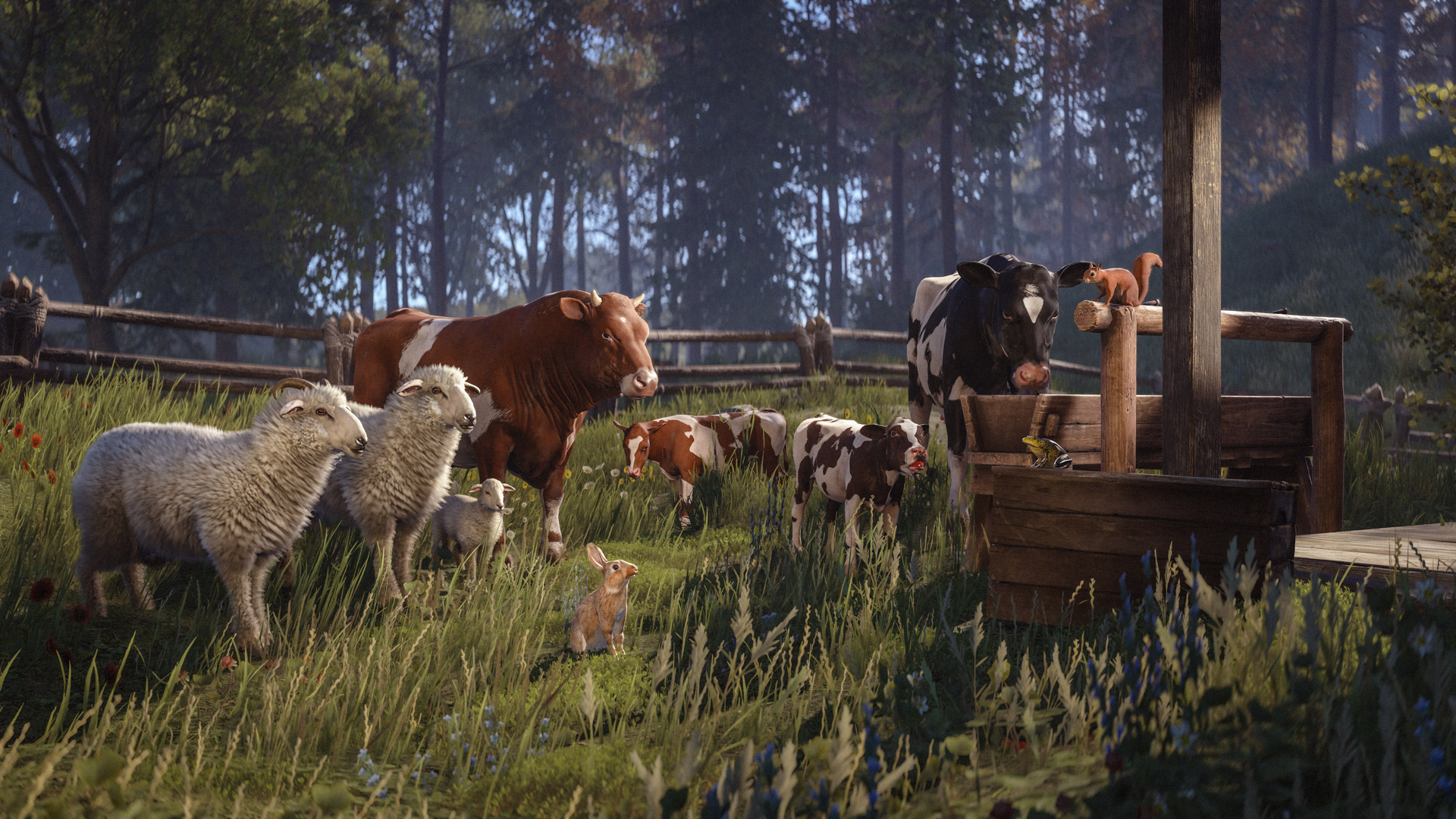
RustRust Livestock Explained: Cows, Sheep, Breeding, Milk, Cream, and Wool
What the October 2026 livestock update confirms about capturing, breeding, trading, and processing cows and sheep—and what it leaves unspecified.
 Rust
RustRust System Requirements: Can Your PC or Mac Run It?
Compare your Windows PC or Mac with Rust’s current Steam requirements, storage guidance, and platform limitations before buying or installing.
 Rust
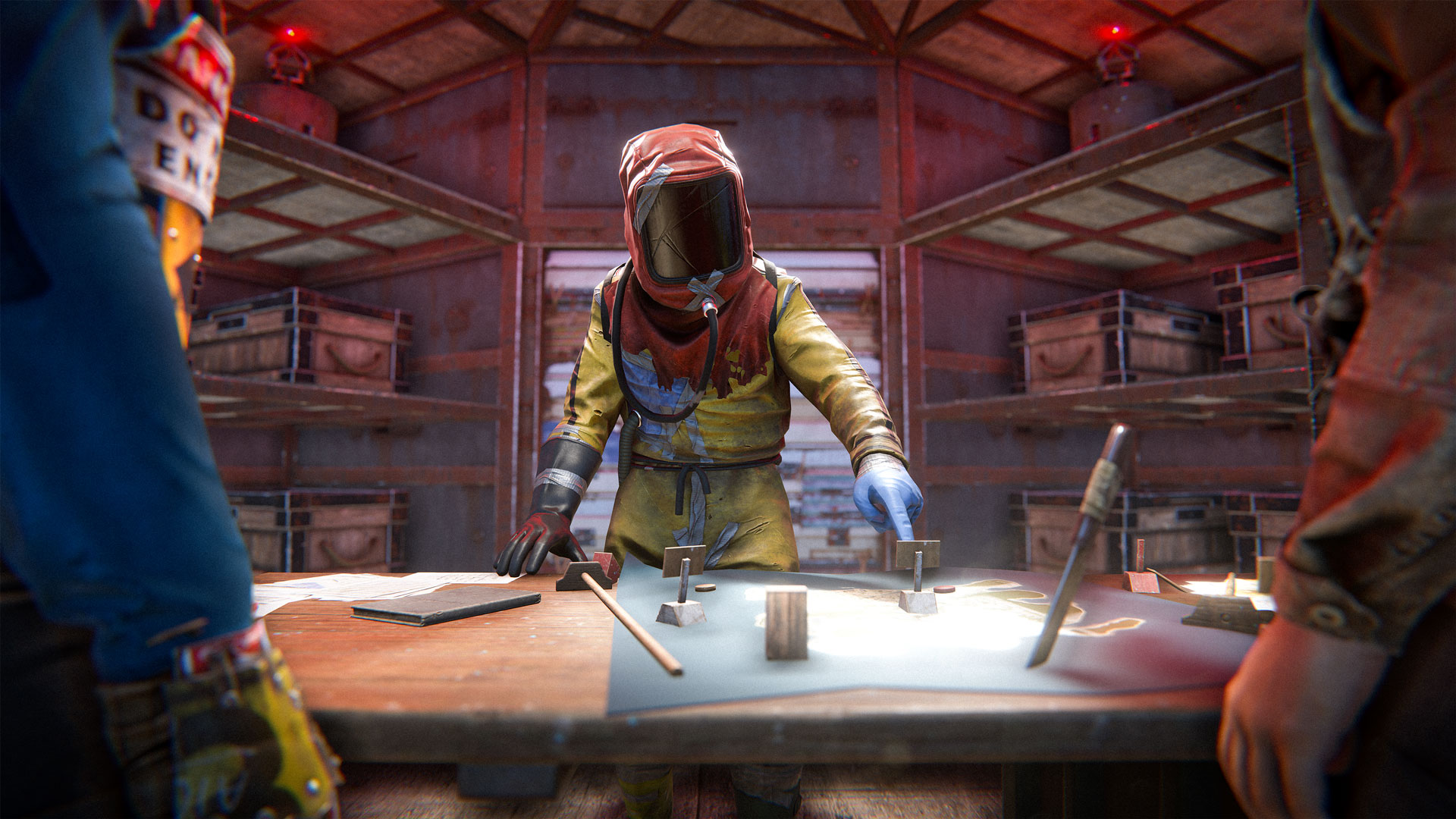
RustRust Clan Table: What It Does and How Clans Differ from Teams
Understand Rust’s Clan Table, clan roles, chat and map features, and the limits Facepunch has officially confirmed.
 Rust
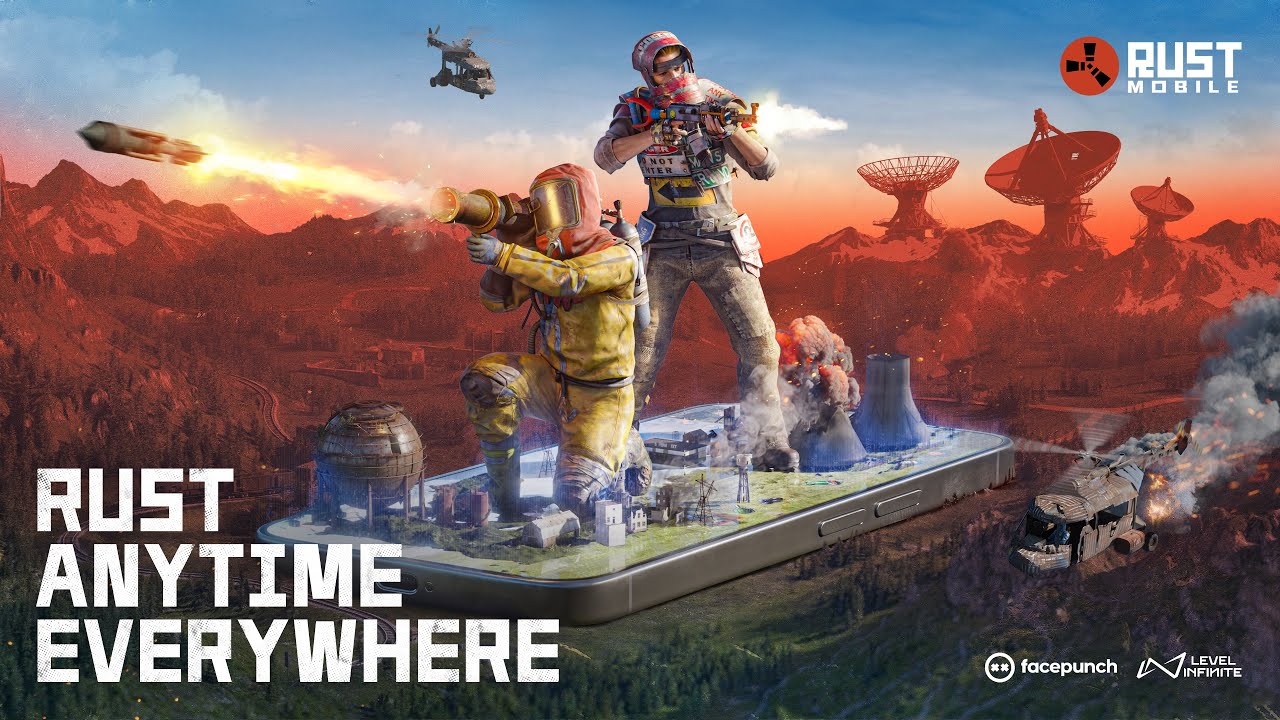
RustRust Crossplay: PC, Console, Xbox, PlayStation, and Mobile
Understand which Rust editions share servers, what console crossplay means, and how to verify Rust Mobile availability in your region.
 Rust
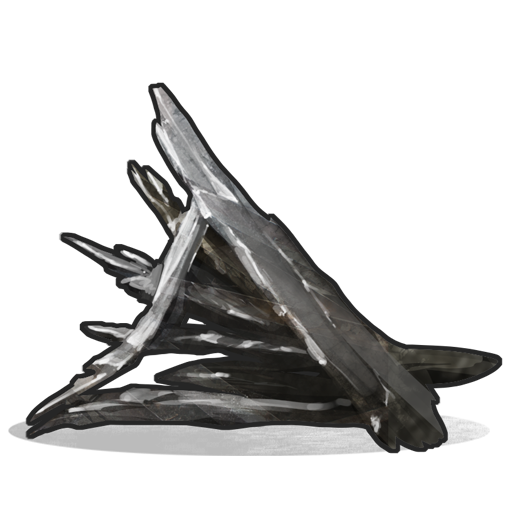
RustHow to Get Metal Fragments in Rust: Ore, Smelting, and Recycling
A practical early-game route to metal fragments, with the confirmed ore yield, furnace timing, and when recycling is useful.