Enshrouded Crashes or Runs Poorly: A Safe PC Troubleshooting Order
Check the current build and hardware first, protect saves, isolate startup and in-game crashes, and collect the files Keen requests.
Applies to: Steam PC · Enshrouded 1.0 hotfix 1.0.0.3 status
Quick answer
Update Enshrouded and Steam first, confirm the PC meets the current 16 GB RAM, 6 GB VRAM-class minimum, and 60 GB storage requirements, then back up saves before changing files. Separate “will not launch” from a crash tied to one world, action, or peripheral. Hotfixes 1.0.0.1 through 1.0.0.3 fixed multiple random and situation-specific crashes, so the exact build matters. If the problem remains, report it with reproduction steps, DxDiag, enshrouded.log, its backup folder, and relevant save files as Keen requests.
Classify the symptom before changing files
| Symptom | First useful distinction | Preserve |
|---|---|---|
| Will not launch | Does a process or log appear, and did it begin after an update or new peripheral? | enshrouded.log, log backups, DxDiag. |
| Crashes loading one character or world | Can another world load on the same current build? | All related save files before retrying migration or rollback. |
| Crashes during one action | Record the location, inventory state, fast travel, gliding, factories, water, or Adventure Sharing step. | Reproduction steps and the newest logs. |
| Low FPS or stutter without a crash | Compare resolution, GPU load, VRAM, CPU load, and whether the problem is one area or the whole game. | A repeatable scene and current graphics settings. |
| Server disconnect | Treat it as a network path issue unless the client or server process actually closes. | Client and server logs plus the connection time. |
Check the current build and hardware
Install the latest public hotfix and restart Steam before deeper diagnosis. Keen’s current support page lists Windows 10, 16 GB RAM, 60 GB free storage, and a GTX 1060 / RX 580-class GPU with 6 GB VRAM as the minimum tier. The recommended tier names an i7-8700 / Ryzen 7 2700X, RTX 2070 Super / RX 6700 XT, and recommends an SSD.
Meeting the minimum does not promise a fixed frame rate in every area. Falling below it is a strong reason to reduce settings or stop treating the symptom as a game-side regression until hardware pressure is measured.
Use a reversible repair order
- Back up local or cloud saves using the save-management guide.
- Update Enshrouded, Steam, Windows, and the GPU driver; reboot once.
- Use Steam’s installed-files verification. Do not delete save folders as a generic repair step.
- Disconnect nonessential controllers and peripherals for one launch test. Hotfix 1.0.0.1 fixed crashes caused by specific attached peripherals.
- Test a second world or character only after preserving the affected data.
- Remove unofficial mods or injectors by their documented uninstall method; verify files again.
- If the failure persists, stop repeating changes and collect a report while logs still describe the crash.
What the first three 1.0 hotfixes fixed
Hotfix 1.0.0.1 fixed several random crashes and crashes caused by some PC peripherals. Hotfix 1.0.0.2 fixed a migration crash involving corrupted characters, fast-travel or glider crashes in entity-heavy worlds, factory crashes, Adventure Sharing browsing and download crashes, water-related crashes, large-enemy-count server crashes, full-backpack crashes, and potential exit crashes.
Hotfix 1.0.0.3 added more water-simulation, exit, factory, recipe-filter, migration, random-crash, multiplayer black-screen, and AMD V-Sync stutter fixes. It also improved migration for characters with invalid backpack-slot entries. These notes identify fixed cases; they do not establish that every visually similar crash or stutter has the same cause.
A patch note proves that those identified causes were addressed; it does not prove every crash with a similar symptom is fixed. Record the revision and exact reproduction path.
Separate low FPS from crashes
- Test one setting group at a time and reuse the same scene. A busy base and an empty field are not a controlled comparison.
- Reduce resolution or upscaling quality to test GPU pressure; watch VRAM separately from total system RAM.
- Close overlays and capture tools only as a temporary isolation test, then re-enable them one by one.
- Keep enough storage free for game updates and shader/cache activity; the listed 60 GB is installation guidance, not a safe target for a completely full drive.
- Do not use random registry edits, disable security software, or download replacement DLL files from third-party sites.
Collect what Keen requests
Use Report a Bug in the Escape menu when available, or Keen’s form if the game will not start. Include a detailed description and steps to reproduce, DxDiag.txt, the enshrouded.log file and its backup folder from the installation directory, and relevant cloud or local saves. Dedicated-server reports should include the configured logs and world-save folder.
Official sources
- Hotfix 1.0.0.1.
- Hotfix 1.0.0.2.
- Hotfix 1.0.0.3.
- System Requirements.
- Reporting Bugs.
- Network Troubleshooting.
Reviewed October 23, 2026 against hotfix 1.0.0.3. Later patches may supersede the known-issue section.
Checked against the sources linked on the page. Dynamic data, platform plans, patch status, and game mechanics can change; no hands-on testing is claimed.
Not independently play-tested. This is not a claim that every platform or game version was tested. Source review: Oct 23, 2026.
More Enshrouded Guides
 Enshrouded
Enshrouded Platforms and Release Status: PC, PS5, and Xbox
See which Enshrouded versions are available now, what each store confirms, and how to interpret the current Xbox target.
 Enshrouded
Enshrouded Crossplay and Cross-Save: Can PC and PS5 Play Together?
Separate the current crossplay answer from save transfer, platform player limits, and Adventure Sharing across platforms.
 Enshrouded
Enshrouded Player Count: Live Steam Players and Peak Explained
Read the live SteamDB chart correctly, distinguish concurrent players from owners, and put the launch and all-time peaks in context.
 Enshrouded
Enshrouded 1.0 Saves: Compatibility, Backup Locations, and Rollback
Keep an Early Access world for 1.0, find local and Steam Cloud saves, back up before conversion, and understand rolling world copies.
 Enshrouded
Enshrouded Dedicated Server Setup: Install, Configure, and Connect
Set up the official Windows dedicated server, configure slots and user groups, open the correct port, verify startup, and protect the world save.
 Enshrouded
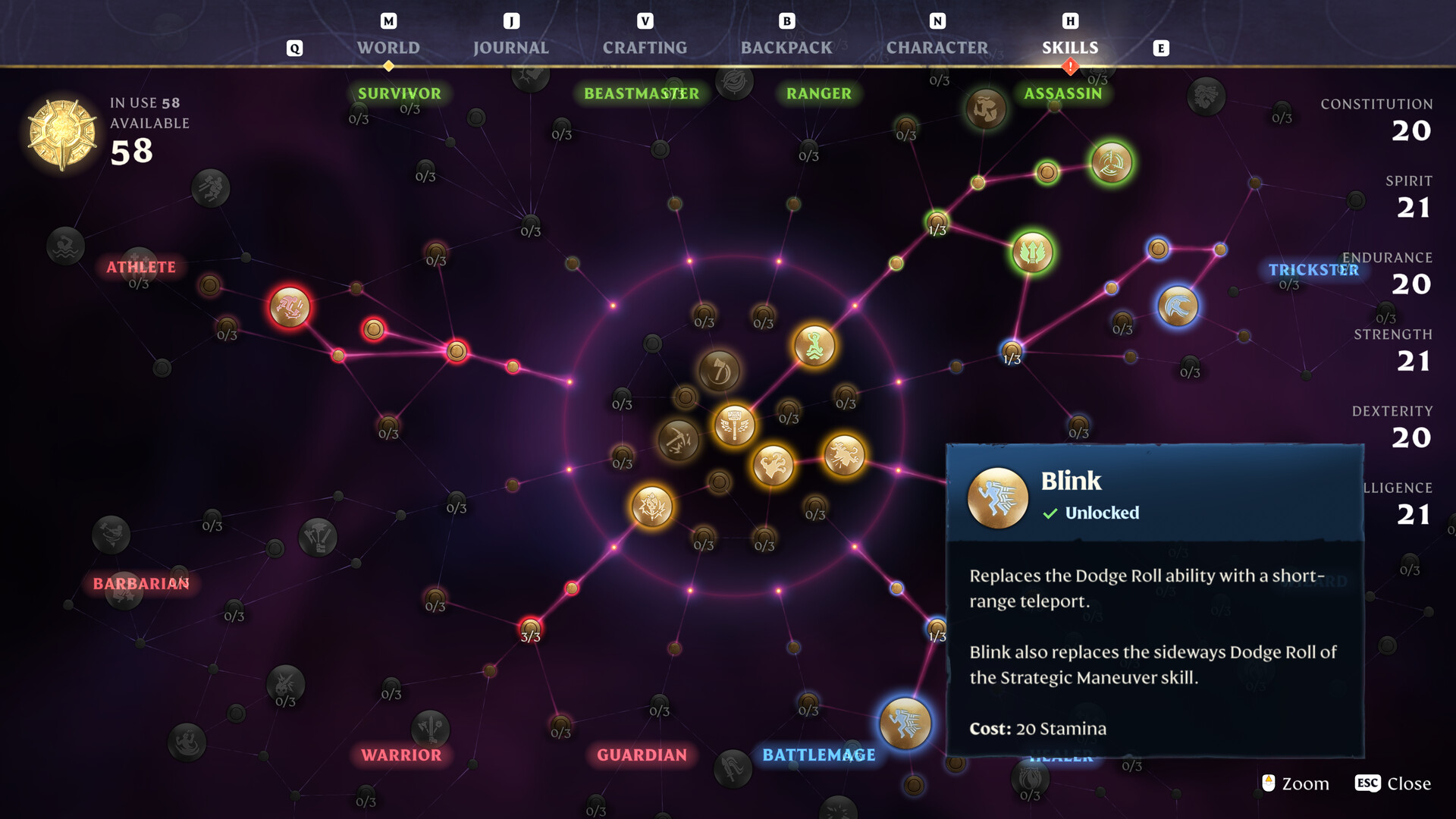
Enshrouded 1.0 Skill Tree and Max Level: Build Planning Basics
Use the current level caps, understand the 1.0 skill-tree reset, and plan around weapon roles without relying on outdated Early Access builds.