ARC Raiders Not Launching or Stuck in Queue: What to Check
The common ARC Raiders launch and connection problems — SID and EAC errors, the "In Queue" screen and dropped connections — and the safe order to fix them.
Applies to: Common ARC Raiders PC launch and connection problems and their recommended fixes, checked on October 15, 2026, with official support treated as the first port of call
Quick answer
Most ARC Raiders launch problems come down to the anti-cheat or to Embark's servers rather than to your files. The repeat offenders are SID errors (often a flagged background tool such as AutoHotkey, or a failed Easy Anti-Cheat install), "Login failed due to a service interruption" and the "In Queue" screen, which usually clears on its own within 15–20 minutes and points to load on Embark's side. Start with the checks below, and treat the official support channels as the first source for anything server-side rather than a third-party "fixer" site.
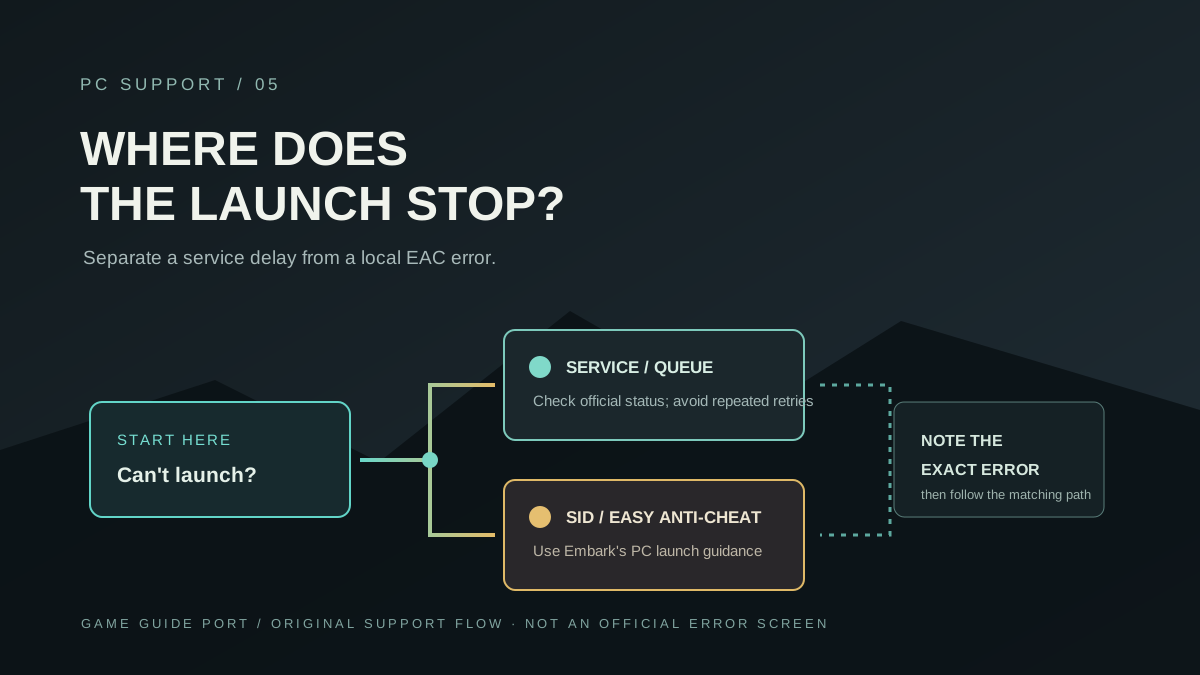
At a glance
Most ARC Raiders launch problems trace back to one of two places: the anti-cheat, or Embark's servers. The repeat offenders are SID errors (often a flagged background tool or a failed Easy Anti-Cheat install), "Login failed due to a service interruption", and the "In Queue" screen, which usually clears on its own. Treat the developer's own support channels as the first source for anything server-side rather than a third-party "fixer" page.
Is it you or the servers
Before changing anything on your PC, work out whether the problem is local or global.
- Check if others are affected. A spike of reports, or an acknowledgement from Embark's own channels, points to a server-side incident rather than your machine.
- Try once, cleanly. Wait a few minutes and relaunch once before you start changing settings.
- Do not hammer reconnect. Repeatedly restarting the client or spamming Retry can push you back in the queue and add load.
SID and Easy Anti-Cheat
"SID" is not a single bug — it is a label that appears next to a more useful message. Match your fix to the exact text beside it.
| Message | Usual meaning | First thing to try |
|---|---|---|
| Cheat software detected | A background tool is flagged (AutoHotkey and similar are commonly named) | Close the flagged program and any automation/macro tools, then relaunch |
| EasyAntiCheat failed to install | The anti-cheat did not finish setting up | Verify game files, relaunch, and let EAC reinstall; remove stale EAC files if it persists |
| Login failed due to a service interruption | A backend or login-side issue | Wait, then retry once; confirm it is not a wider outage |
| Maximum simultaneous instances reached | A stuck background process or a session that did not close | End any ARC Raiders process, restart, and wait a few minutes before relaunching |
Stuck "In Queue" or disconnecting
The "In Queue" screen appears under heavy load and often resolves on its own within 15–20 minutes. If it comes with a dropped connection or an error code, a full restart sometimes clears it. Reported codes in this group include ARMR0002 (matchmaking failed), AREX0024 (connection lost) and ART00004 or a generic network timeout — all of which usually point at Embark's services rather than your files.
A safe order to try
- Confirm it is not a global outage — check Embark's channels for an acknowledgement.
- Close the game fully — end any ARC Raiders process in Task Manager, then exit Steam or Epic.
- Verify game files through your launcher — the single most repeated fix in Steam discussions.
- Close background tools — anything that injects into games, overlays or automation utilities.
- Restart your PC, then relaunch once through your normal launcher.
- Wait out the queue rather than restarting repeatedly if the screen is just a queue.
Reinstalling the whole game is slow and rarely the first thing to try; file verification and an anti-cheat repair address most launch problems.
What is not official
- A published error-code reference. The codes above are player-reported; Embark Studios has not published a full list with definitions.
- A guarantee that a given fix works. These are mitigations, not developer instructions.
- Cause of a specific outage. Nothing here diagnoses an individual incident.
Sources and review scope
- Embark Studios — ARC Raiders official site — the developer's own channels, named here as the first source for server-side problems.
- Steam — ARC Raiders news — used to check whether a launch issue coincides with a known update or incident.
- Steam community discussions and third-party help articles (LagoFast, VGTimes, Olles) — used only as leads for the common error messages and fixes, all labelled third-party.
Checked on October 15, 2026. No fix on this page is presented as an Embark Studios instruction; the messages and mitigations are aggregated from player reports and are labelled third-party. Server-side problems should always be verified against the developer's own support and status channels.
Checked on October 15, 2026 against the Steam store listing and the Steam Web API app-details, current-players, review-summary and news endpoints for ARC Raiders, and Embark Studios' own posts on arcraiders.com. Live figures such as the concurrent-player count and the review total are timestamped snapshots that keep moving and are labelled as such. Game-internal details that Embark Studios has not published come from the community-run ARC Raiders Wiki and are labelled third-party, not official. Player-tested values are marked as such. Anything neither source states is written as unconfirmed rather than guessed.
Not independently play-tested. This is not a claim that every platform or game version was tested. Source review: Oct 15, 2026.
More ARC Raiders Guides
 ARC Raiders
What Is ARC Raiders? Free-to-Play, Platforms and Price Explained
ARC Raiders in one page: who makes it, what kind of game it is, which platforms and editions exist, what it costs, and why "is it free" keeps coming up.
 ARC Raiders
ARC Raiders Update and Patch Notes: What's Live Now (Frozen Trail)
The current ARC Raiders version, the Frozen Trail 2.0 update and the patches after it, the twice-a-year cadence, and what Embark Studios has not dated.
 ARC Raiders
ARC Raiders Player Count and Steam Charts: How to Read the Numbers
The official ARC Raiders concurrent-player figure from Steam, why the third-party trackers disagree with each other, and what no source publishes.
 ARC Raiders
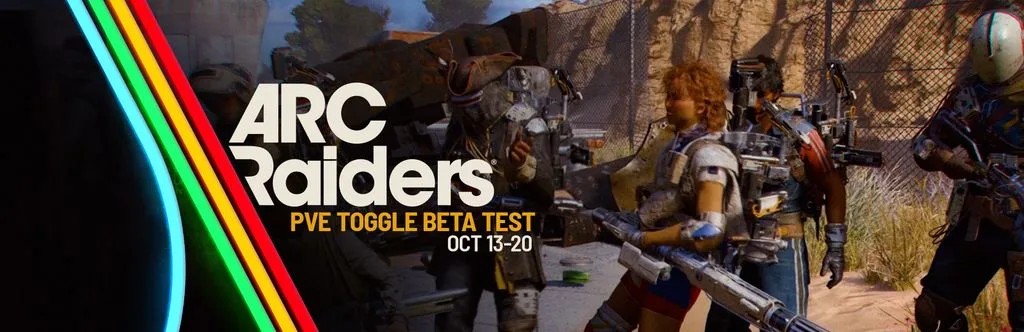
ARC Raiders PvE Mode: The October Toggle Test, Rules and Dates
How the ARC Raiders PvE matchmaking toggle works, when the October 2026 test runs, what changes, and whether a permanent PvE mode is coming.
 ARC Raiders
ARC Raiders Maps and Map Conditions: The Current Rotation
Every ARC Raiders map and map condition named on the official map-conditions page, how the hourly rotation works, and what each condition means.
 ARC Raiders
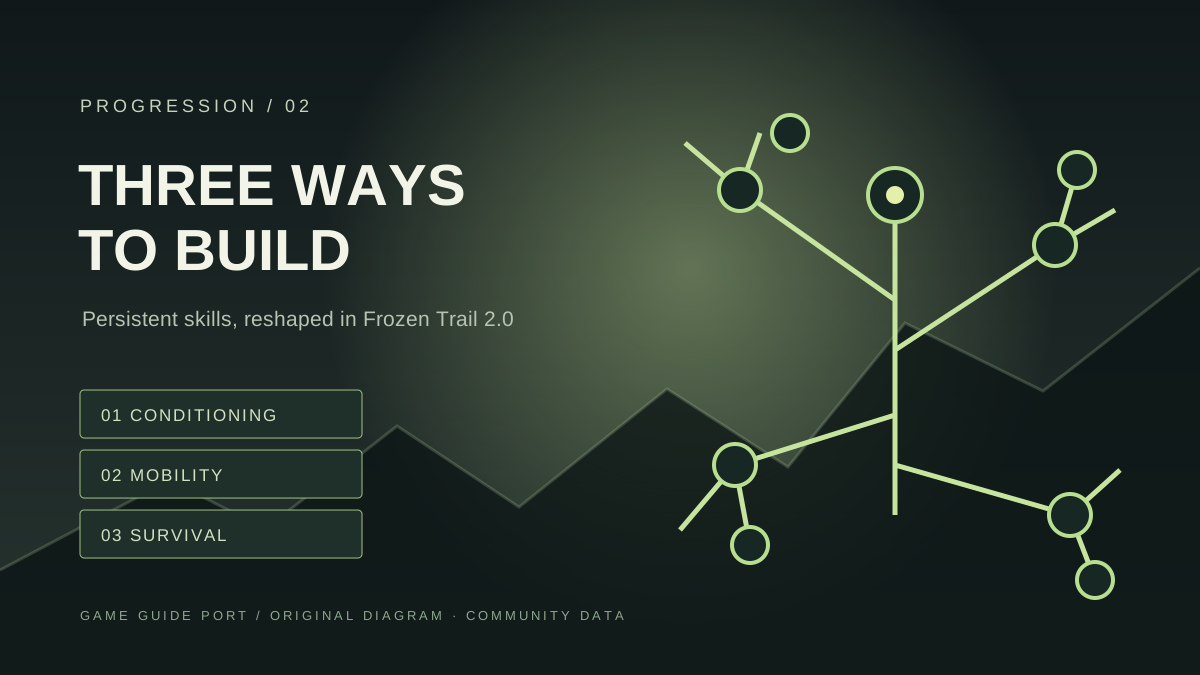
ARC Raiders Skill Tree: Branches, Tiers and Respec Cost
How the ARC Raiders skill tree is built — three branches, how points are earned, the tier thresholds and the respec cost — with the Frozen Trail overhaul noted.