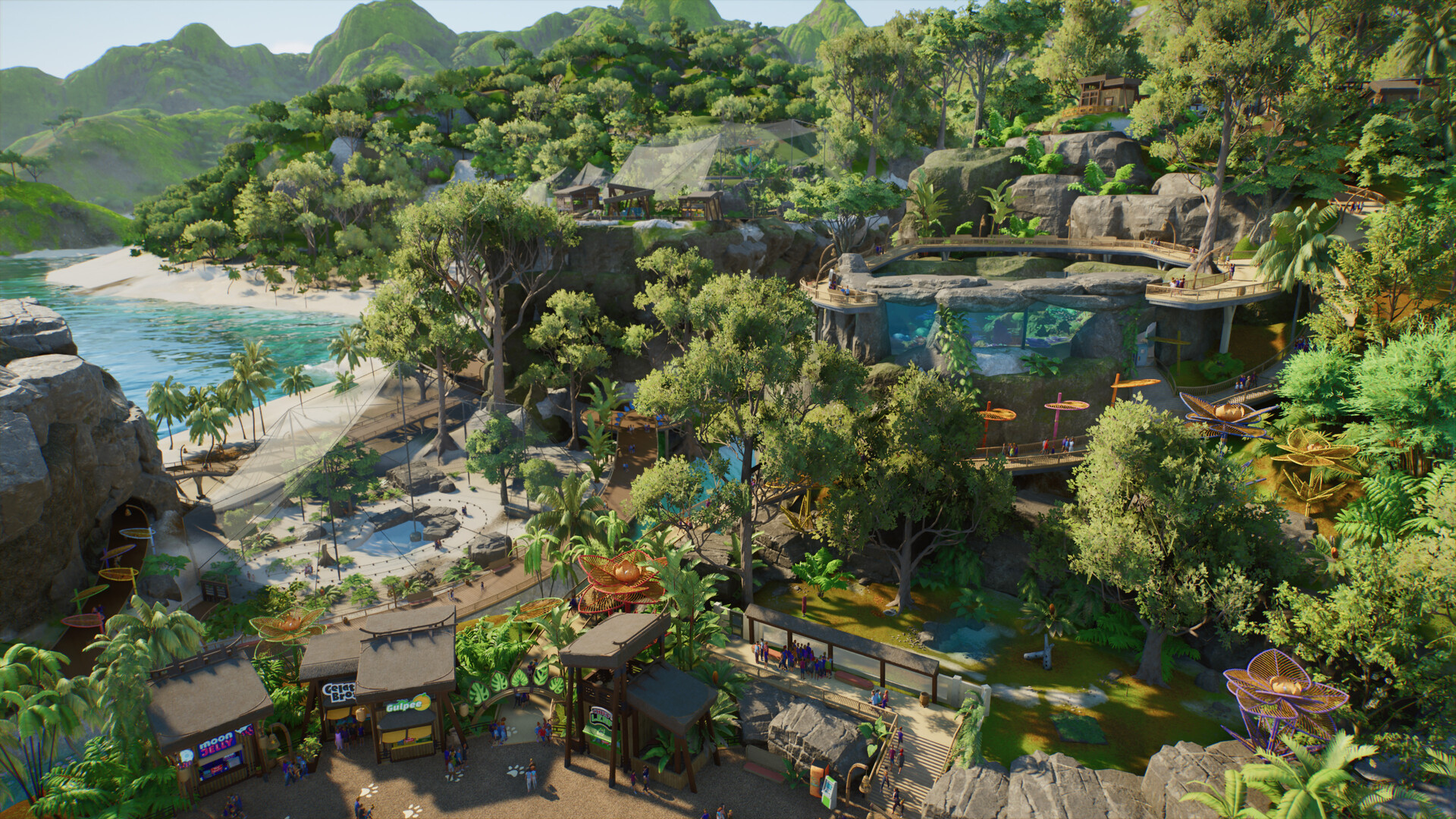
Planet Zoo 2 crashing, low FPS and performance checks
Follow Frontier’s official PC troubleshooting order before trying risky or unrelated fixes.
Applies to: Windows PC launch build · not tested on every configuration
Quick answer
Start by checking the requirements, verifying Steam files, updating Windows and installing a clean current GPU driver. Then disable overlays, whitelist the game in security software, lower resolution or settings and collect a DxDiag before contacting Frontier.
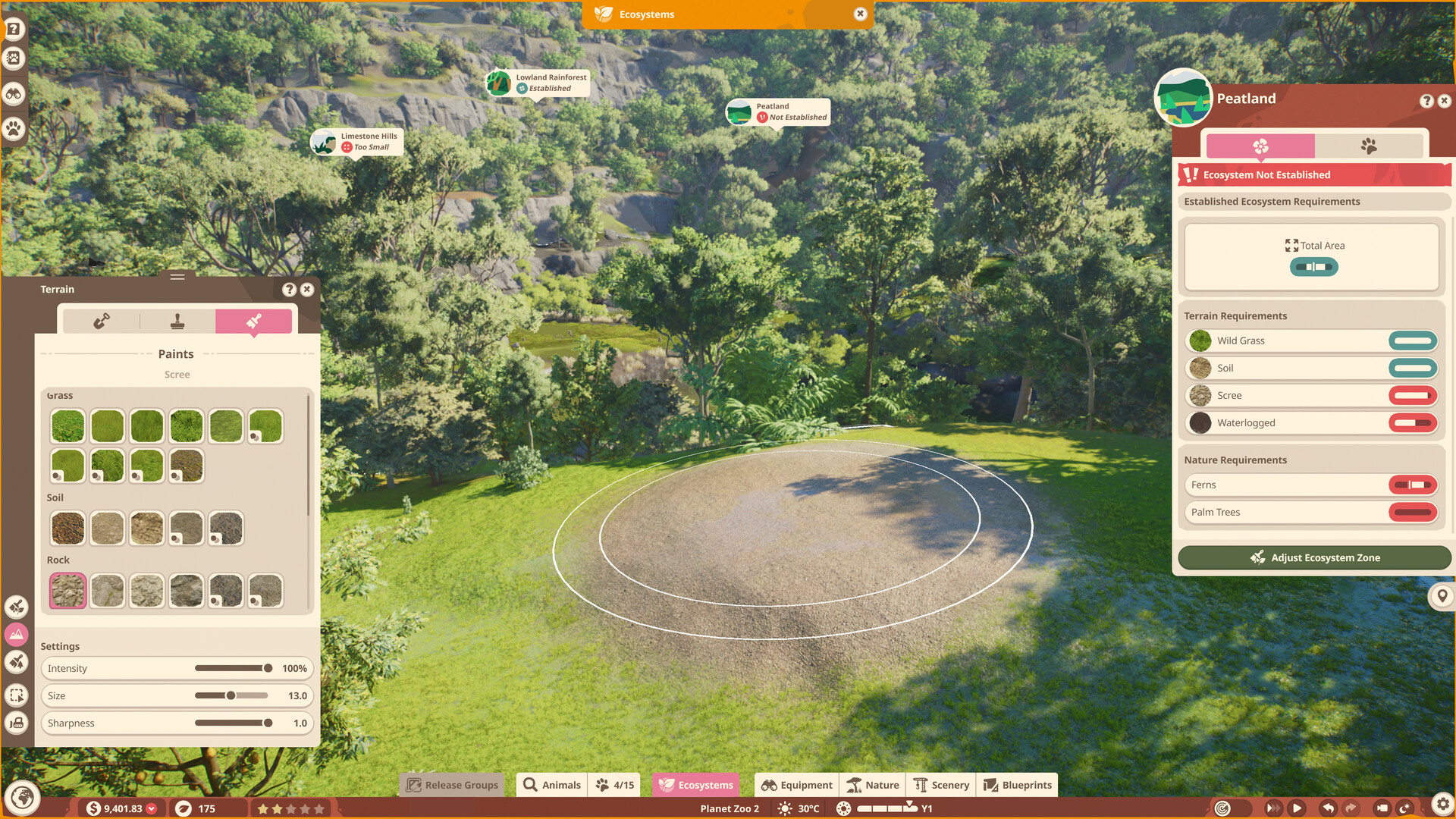
First checks
- Compare the PC with the official requirements, including 16 GB RAM, DirectX 12 and GPU memory.
- Restart the PC, update Windows and verify the game files in Steam.
- Install the current driver directly from NVIDIA, AMD or Intel; Frontier recommends a clean installation where available.
Change one item at a time so the result is attributable.
Overlays and graphics
Frontier's checklist includes disabling overlays and unnecessary background applications, allowing the game through antivirus or security software, and lowering resolution or graphics settings. Do not delete saves or download third-party “fix” tools as a first step.
Contact support
If the crash remains, record when it happens and whether a new empty zoo behaves differently. Generate a DxDiag and attach relevant crash information to a Frontier support request. Server or Franchise errors need service-status context and may not be a local graphics fault.
Match the fix to the symptom
| Symptom | First distinction to test |
|---|---|
| Crash before menu | Files, driver, overlays and security software |
| Only one zoo crashes | Compare with a new empty zoo and protect the save |
| Low FPS in a large zoo | Guest, animal and scenery load versus an empty map |
| Franchise connection error | Online service status rather than graphics settings |
| Stutter after update | Driver, shader rebuilding and changed settings |
Safe troubleshooting order
Back up important saves, use official verification and driver tools, and retest after each change. Avoid registry cleaners, random DLL downloads and deleting save folders. Those actions can create a second problem without proving the first cause.
Information to include in a report
- Platform, Windows build and game build
- CPU, GPU, driver version and RAM
- Exact point of failure and reproducible steps
- Whether an empty zoo and offline mode behave differently
- DxDiag and crash files requested by Frontier
Sources
Official Frontier, Steam, PlayStation, Xbox and support pages anchor release, platform and feature facts. Zoopedia-derived figures are identified and dated; community posts are used for questions and current incident context, not as proof of game mechanics.
Not independently play-tested. This is not a claim that every platform or game version was tested. Source review: Oct 14, 2026.
More Planet Zoo 2 Guides
 Planet Zoo 2
Planet Zoo 2 system requirements and PC specs
Compare the official minimum and recommended CPU, GPU, memory, storage and SSD requirements.
 Planet Zoo 2
Planet Zoo 2 animal list: all 136 Zoopedia species
Search the complete launch animal list by enclosure type and edition without mixing base-game and Deluxe species.
 Planet Zoo 2
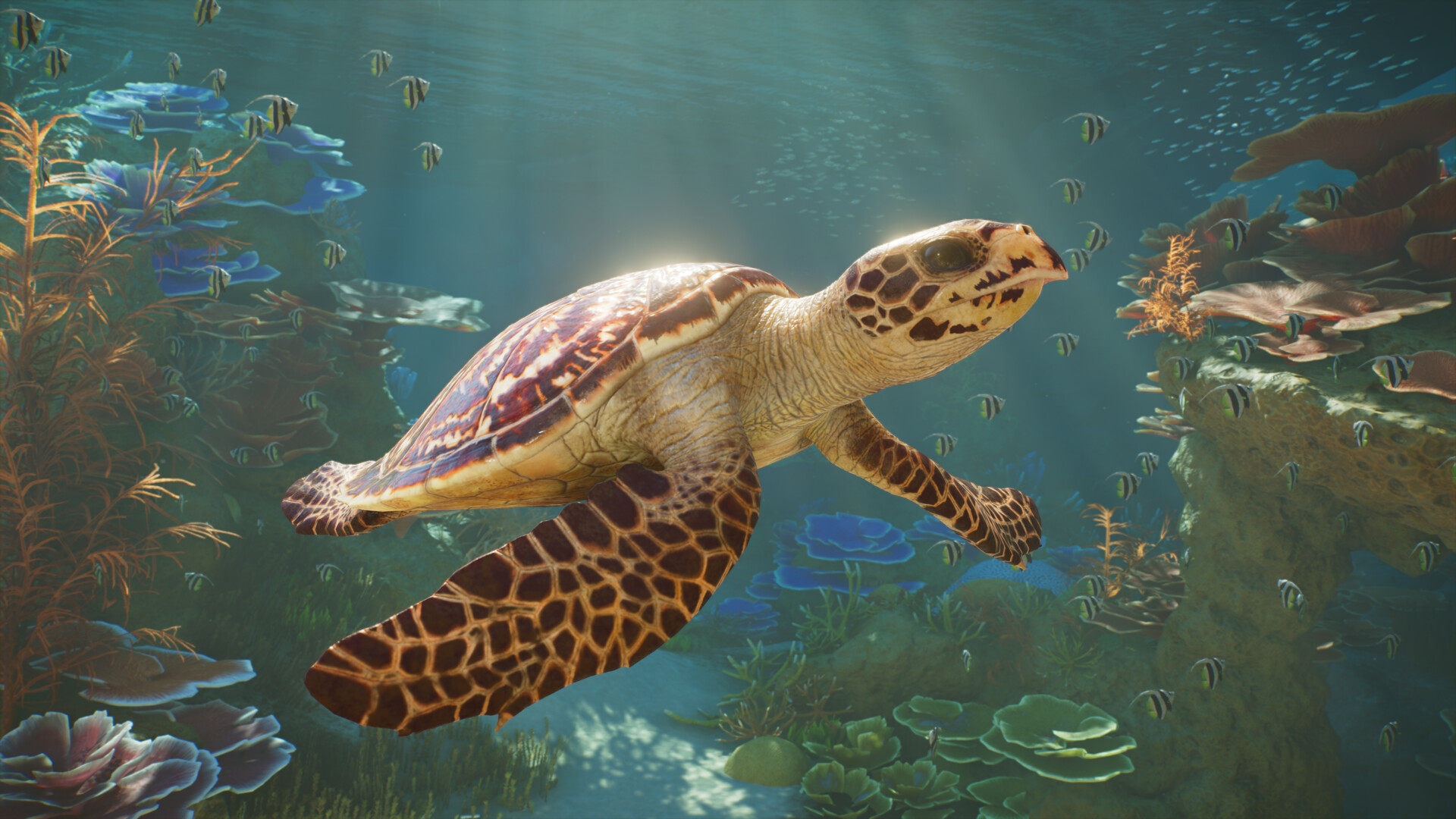
Planet Zoo 2 aquatic animals: all 37 aquarium species
Browse all 37 aquarium-capable animals, see which species also support exhibits, and identify the Deluxe entries.
 Planet Zoo 2
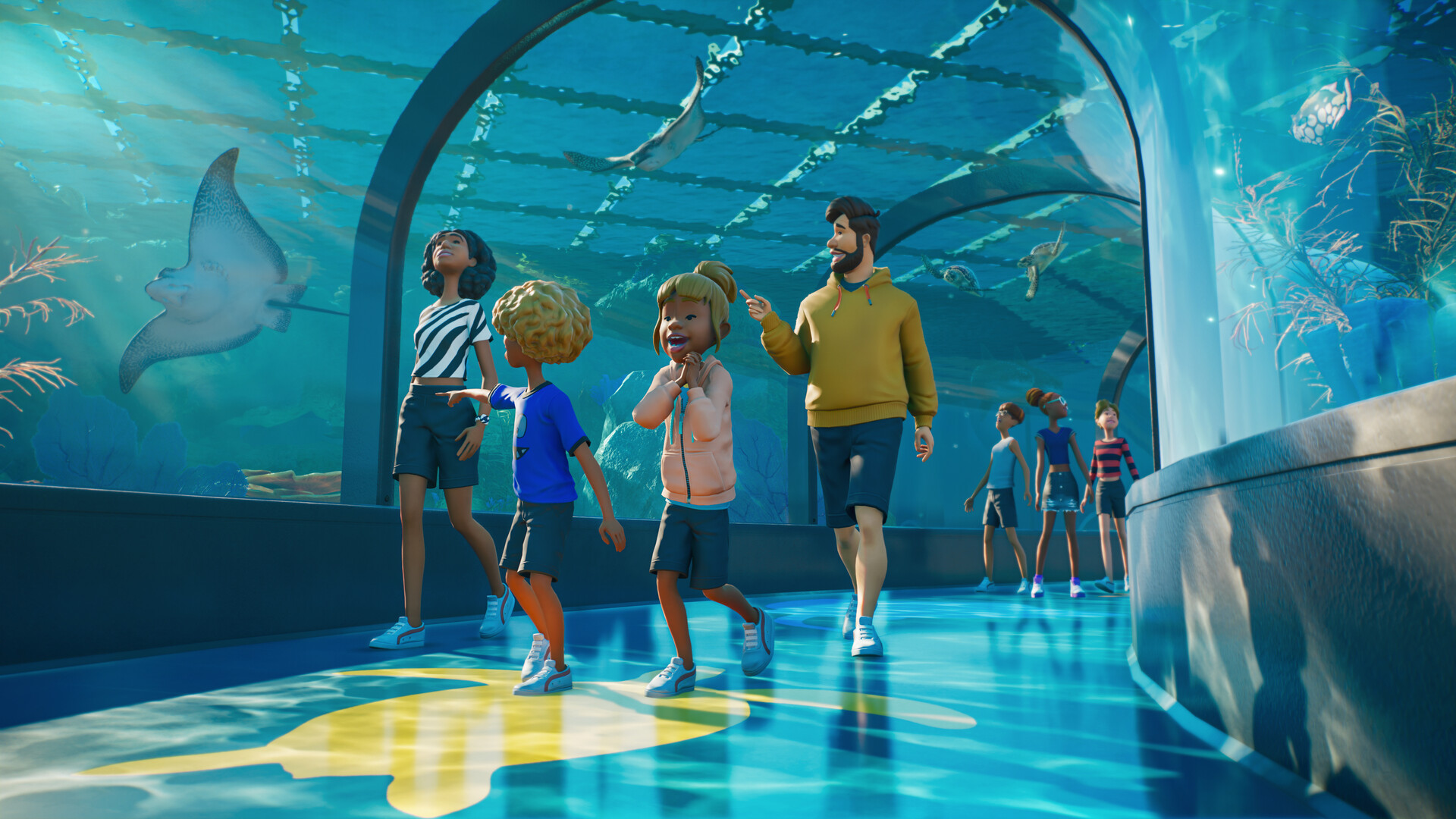
How aquariums work in Planet Zoo 2
Plan freshwater or saltwater aquariums, staff access, welfare checks and viewing areas using confirmed systems.
 Planet Zoo 2
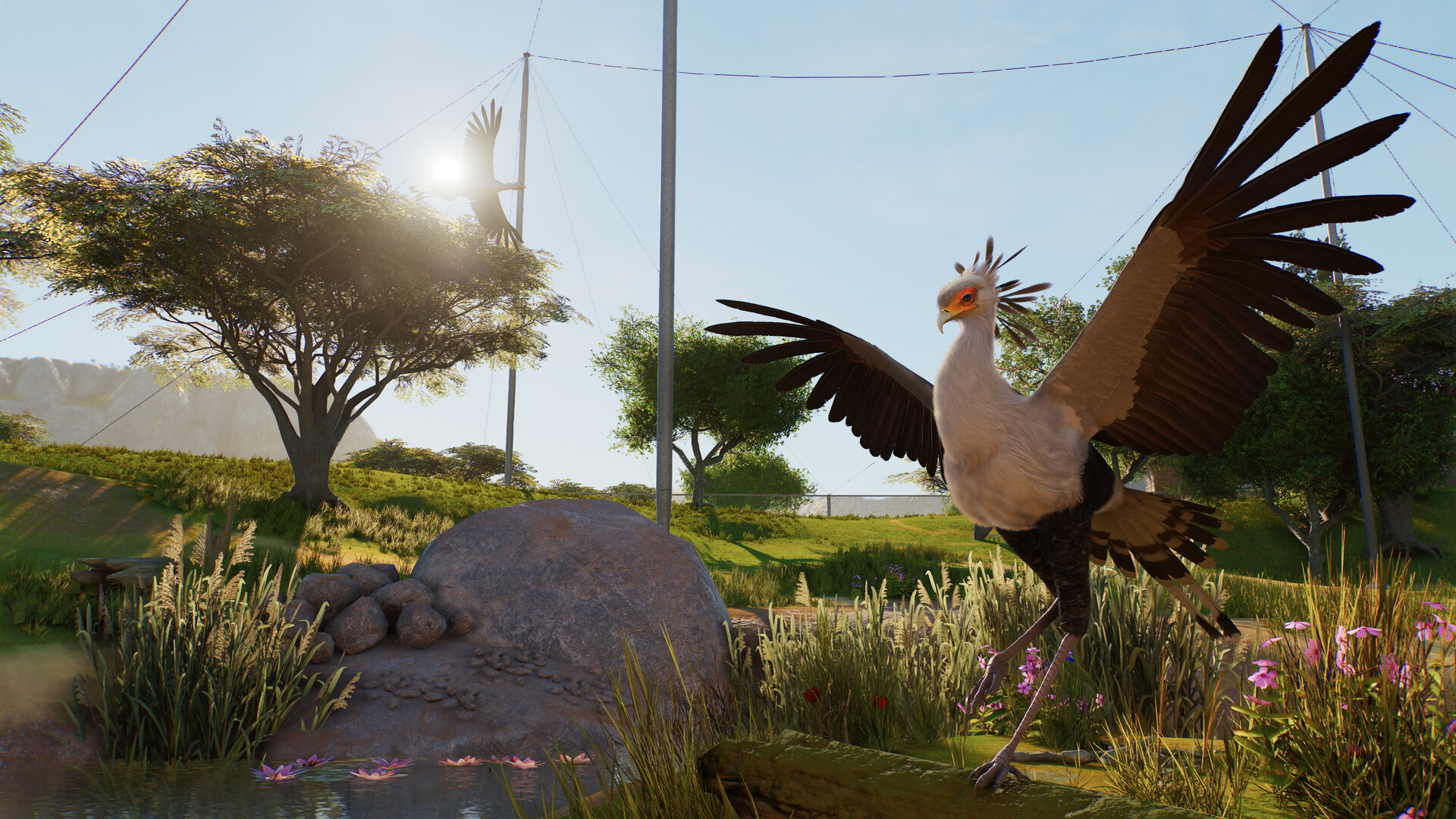
Planet Zoo 2 aviaries and flying animals explained
Understand aviary barriers, support poles, dynamic covers, flying space and the launch bird roster.
 Planet Zoo 2
Planet Zoo 2 Standard vs Deluxe Edition
Compare prices, the six Deluxe animals, decorative signs and the separate upgrade before buying.