
Dragon's Dogma 2 PC performance, FSR 3, and Frame Generation guide
Use the current native frame-generation options and diagnose CPU, GPU, VRAM and frame-pacing symptoms in the right order.
Applies to: PC Title Update 4.0 · no universal FPS promise or untested driver fix
Quick answer
Title Update 4.0 added native FSR 3 Frame Generation and DLSS 4.5 Dynamic Multi Frame Generation, so a frame-generation mod is no longer the default route. First compare a quiet outdoor area with a dense town, watch GPU utilization and VRAM, and test one setting group at a time. Low GPU use with town-only drops points toward CPU or simulation load; sustained high GPU use points toward resolution, ray tracing or image-quality load.
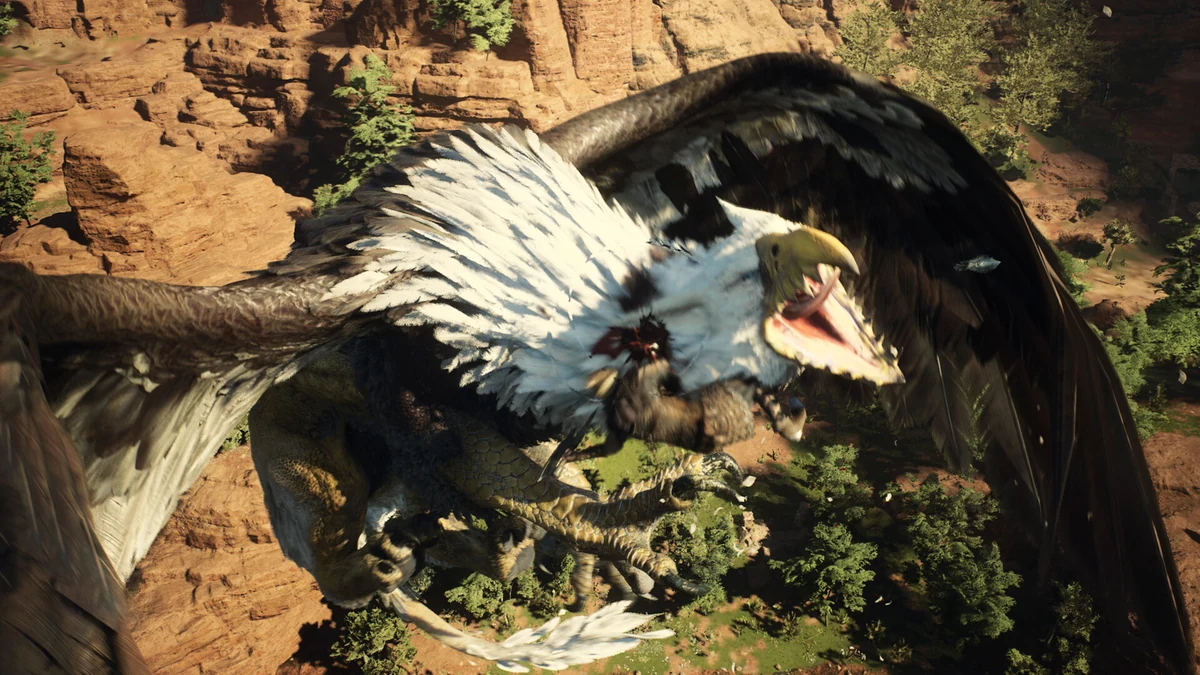
Current version: Title Update 4.0 added native FSR 3 Frame Generation and DLSS 4.5 Dynamic Multi Frame Generation. An old guide recommending an unofficial frame-generation mod is no longer the default answer. Availability still depends on compatible hardware, driver and the option exposed by the game.
Current native graphics options
Officially added in Title Update 4.0. Use the in-game option when available on the installed hardware.
Officially added in the same update. It is a distinct NVIDIA path and requires compatible hardware/software support.
Steam currently lists RTX 2080 Ti or RX 6800 as the requirement for ray tracing.
Capcom update history and Steam requirements · Checked October 15, 2026.
Official PC baseline
| Minimum | Recommended | |
|---|---|---|
| OS | Windows 11 64-bit | Windows 11 64-bit |
| CPU | Core i5-8500 / Ryzen 5 3500 | Core i7-10700 / Ryzen 5 3600X |
| Memory | 16 GB | 16 GB |
| GPU | GTX 1660 / RX 5500 XT 8 GB | RTX 2070 Super / RX 6600 XT |
| Target note | 1080p upscaled, 45–60 fps, Prioritize Performance | 1080p upscaled, 60 fps, Prioritize Performance |
Steam explicitly warns that frame rate can drop under high processing load and recommends an SSD. These are storefront targets, not a promise for every scene.
Diagnose before changing settings
Drops mostly in Vernworth or dense NPC areas, GPU use falls: likely CPU/simulation pressure. Lowering resolution alone may do little.
GPU remains near full use everywhere: test resolution/upscaling, ray tracing and image-quality settings.
VRAM usage is at the limit, with hitching: reduce texture/resource-heavy settings and close GPU-accelerated background apps.
Average FPS looks high but motion feels uneven: inspect frame pacing, refresh rate, VSync/VRR and the base FPS feeding Frame Generation.
These are diagnostic inferences, not hardware benchmarks.
A controlled settings sequence
- Update the game and use a stable vendor driver; remove obsolete graphics injectors before testing native options.
- Test the same saved location and camera path with Frame Generation off.
- Disable ray tracing, then test the appropriate upscaler quality mode.
- Change resolution scale or output resolution only after identifying GPU pressure.
- Enable native Frame Generation last and compare latency, artifacts and frame pacing as well as the counter.
What Frame Generation can and cannot fix
Generated frames can improve displayed motion when the base frame rate is already stable. They do not remove CPU simulation stalls, input latency from a weak base frame rate, VRAM exhaustion or shader/asset hitching. Multi-frame output should not be treated as equivalent to the same native-rendered FPS.
If it stutters or crashes
- Verify Steam files and retest without REFramework or graphics DLLs.
- Return GPU/CPU overclocks to known-stable settings for diagnosis.
- Check whether the issue began after a driver, mod or game update.
- Test with overlays and capture tools disabled one at a time.
- Record hardware, driver, resolution, exact symptom and location before comparing reports.
PCGamingWiki · Checked October 15, 2026 is a community technical reference for current options and fixes; mod-specific changes belong on the separate mod pages.
Sources
- Capcom official update history: Title Update 4.0 native frame-generation additions; Checked October 15, 2026.
- Official Steam store: current requirements, performance notes, ray-tracing GPU threshold and SSD recommendation; Checked October 15, 2026.
- PCGamingWiki: community-maintained PC option reference; Checked October 15, 2026.
Recheck after a title update, driver compatibility change or requirements revision.
Capcom’s update history establishes native FSR 3 and DLSS 4.5 Dynamic Multi Frame Generation. Steam supplies current requirements and load caveats; symptom diagnosis is editorial.
Not independently play-tested. This is not a claim that every platform or game version was tested. Source review: Oct 15, 2026.
More Dragon's Dogma 2 Guides
 Dragon's Dogma 2
Dragon's Dogma 2 save-file location, backup, and restore guide
Locate the Steam userdata folder for App ID 2054970, make a complete cold backup and restore it without racing Steam Cloud.
 Dragon's Dogma 2
How to turn off HDR in Dragon's Dogma 2
Disable the active HDR layer in the game, Windows 11 or the display and correct washed-out, dark or overexposed output.
 Dragon's Dogma 2
Dragon's Dogma 2: Dark Arisen guide — content, access, and current version
Choose the right edition, reach Norgan, understand Lost Rites and relic appraisal, and separate the paid expansion from Hard Mode and free updates.
 Dragon's Dogma 2
Dragon's Dogma 2 Prey for the Pack — find and save Rodge
Start Morris’s timed quest in Checkpoint Rest Town, follow the Moonglow clues, find Rodge inside Putrid Cave and bring him home for the successful reward.
 Dragon's Dogma 2
Dragon's Dogma 2 editions and Dark Arisen buying guide
Compare the base game, legacy Deluxe Edition, standalone Dark Arisen expansion and current bundle without paying twice for content.
 Dragon's Dogma 2
How to start Dragon's Dogma 2: Dark Arisen
Check the required story progress, Brant dialogue, nighttime location, recommended levels and Unmoored World limitation before starting.