
How to Find and Extract Meteorites in over the hill
Use the Meteorite Detector, connect the winch correctly, add direct co-op lines for larger rocks, and avoid relying on Demo-era fixed locations.
Applies to: Steam launch build and update 26.10.16_57fb763 · exact spawn locations excluded
Quick answer
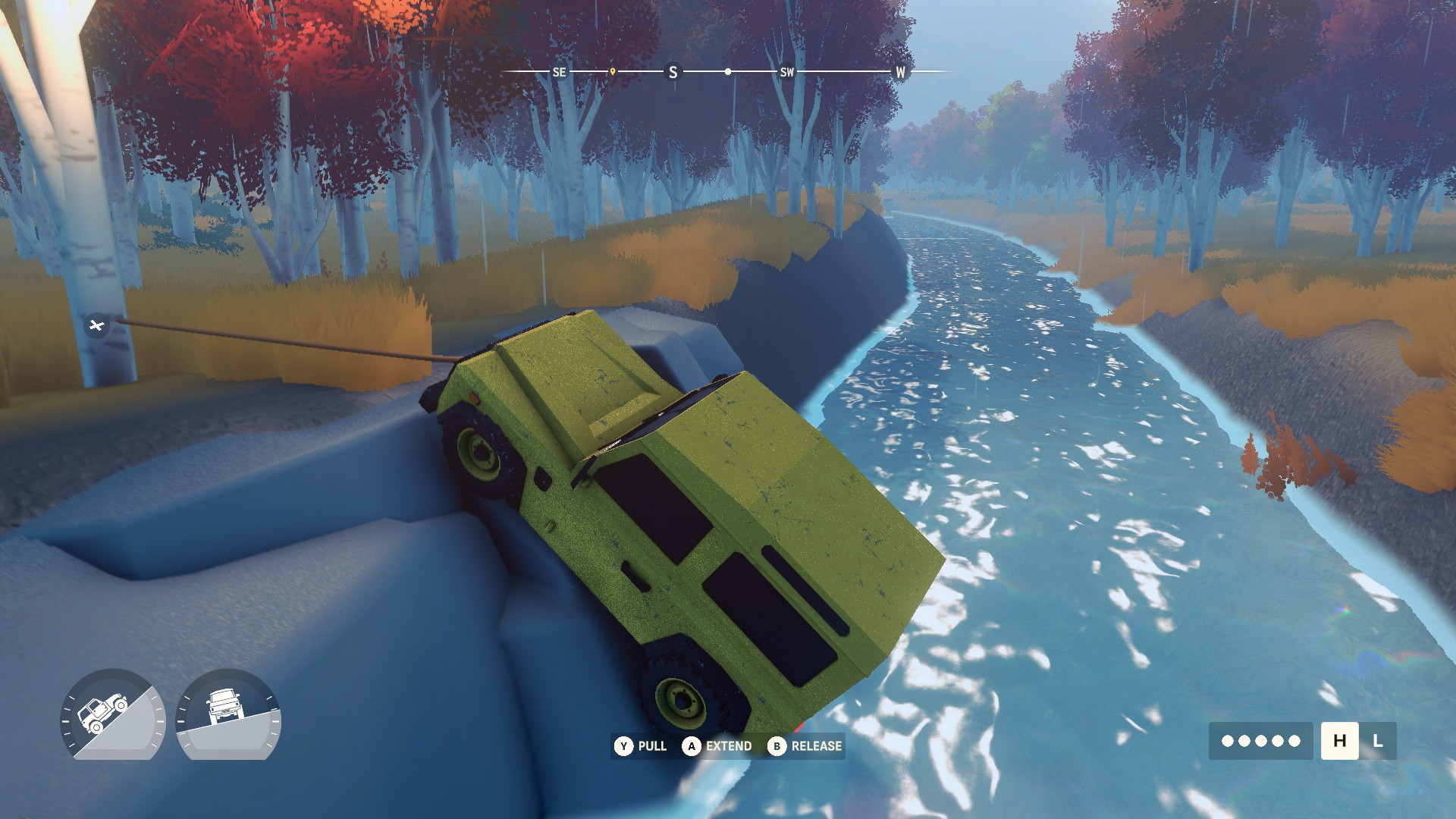
Equip the Meteorite Detector and follow its compass direction rather than returning to an old fixed spot. Park with room to pull, connect one end of the winch to the rear of your vehicle and the other directly to the meteorite, then hold the throttle while pulling the winch. In co-op, every helper must connect their own vehicle directly to the meteorite; larger rocks may require more than one vehicle.
Find a meteorite
Install or carry the Meteorite Detector before setting out. Launch-build player reports describe it as a directional aid: it points along the compass rather than placing an exact marker on the map. PC Gamer’s launch coverage independently describes meteorites as being located with installed gear before you choose an off-road route to reach them.
Do not treat a Demo screenshot or an old coordinate as a guaranteed live location. Players report that only some possible fall sites are active, while the developer’s first post-launch update says meteorite spawn points were adjusted across every area.
Prepare the pull
- Approach from the side with the clearest escape route. Leave enough open ground to drive away from the meteorite instead of pulling toward a tree, cliff or steep uphill wall.
- Put the vehicle in a stable position. If the tyres are already sliding sideways, reposition before adding cable tension.
- Use the rear connection point. The developer’s Demo reply specifically tells players to attach one winch end to the back of the vehicle.
- Attach the other end directly to the meteorite. Confirm the cable is connected to the rock, not another vehicle or a nearby anchor.
Extract it
With both ends connected, drive away while holding the throttle and pulling the winch. The developer said a correctly set up standard pull should free the meteorite within seconds, but that statement came from the June Demo. Terrain angle, traction, game updates and the rock selected by the current build can change the result.
| Action | Purpose |
|---|---|
| Rear vehicle connection | Keeps the developer-documented extraction setup. |
| Direct meteorite connection | Applies the winch line to the object the game expects you to extract. |
| Throttle plus winch | Combines vehicle movement with cable pull instead of relying on the winch alone. |
| Clear ground behind the vehicle | Gives the vehicle space to maintain the pull after the cable becomes taut. |
Add co-op help
Some multiplayer meteorites are larger. In the developer’s explanation, the required help scales with the meteorite and may involve another player or the whole group.
Every helper should connect directly to the meteorite. Do not daisy-chain one friend to another vehicle. If three vehicles are helping, use three separate lines from those vehicles to the rock, then coordinate the pull.
If the meteorite will not move
- Verify that the cable runs from the rear of your vehicle to the meteorite itself.
- Use throttle and winch together; do not wait for the winch to do all the work.
- Straighten the line and choose a route with better traction or less uphill resistance.
- In multiplayer, ask another vehicle to connect directly to the rock.
- If the setup is correct but the object behaves abnormally, use the in-game report shortcut shown for your current build and include the map location. The developer requested location evidence when investigating the Demo report.
Spawn and version limits
The October 16 update changed meteorite spawn points in all areas. That makes pre-patch maps useful for understanding possible terrain, but not sufficient proof that a meteorite will be active at a particular coordinate today.
Community launch-build observations also describe meteorites as repeatable rather than a finite collectible. The exact active-spawn limit, replacement timer and reward by size have not been published by Funselektor in the sources reviewed for this page, so they are deliberately omitted.
Sources and evidence scope
- Funselektor developer reply — Meteor Tugging Inconsistency — direct winch setup, throttle instruction and direct co-op connection rule; June 2026 Demo.
- Official Steam news — Update 26.10.16_57fb763 — confirms the October 16 adjustment to meteorite spawn points.
- PC Gamer launch-build impressions — installed detection gear and the find-route-winch loop.
- Launch-build player discussion — Meteorites missing? — detector direction, night glow and repeatable-spawn observations; treated as player reports, not official rules.
- Official game page — establishes meteorites as discoverable world features.
Checked October 19, 2026. The extraction steps are developer-supplied Demo guidance; the page does not claim they were independently replayed on update 26.10.16_57fb763.
The extraction sequence and multiplayer connection rule come from a Funselektor developer reply to a Demo report. The current detector and repeatable-fall behavior are supported by launch-build reporting and attributed player observations. The October 16 official changelog confirms that meteorite spawn points changed after launch. Exact spawn coordinates and a universal payout table are not claimed.
Not independently play-tested. This is not a claim that every platform or game version was tested. Source review: Oct 19, 2026.
More over the hill Guides
 over the hill
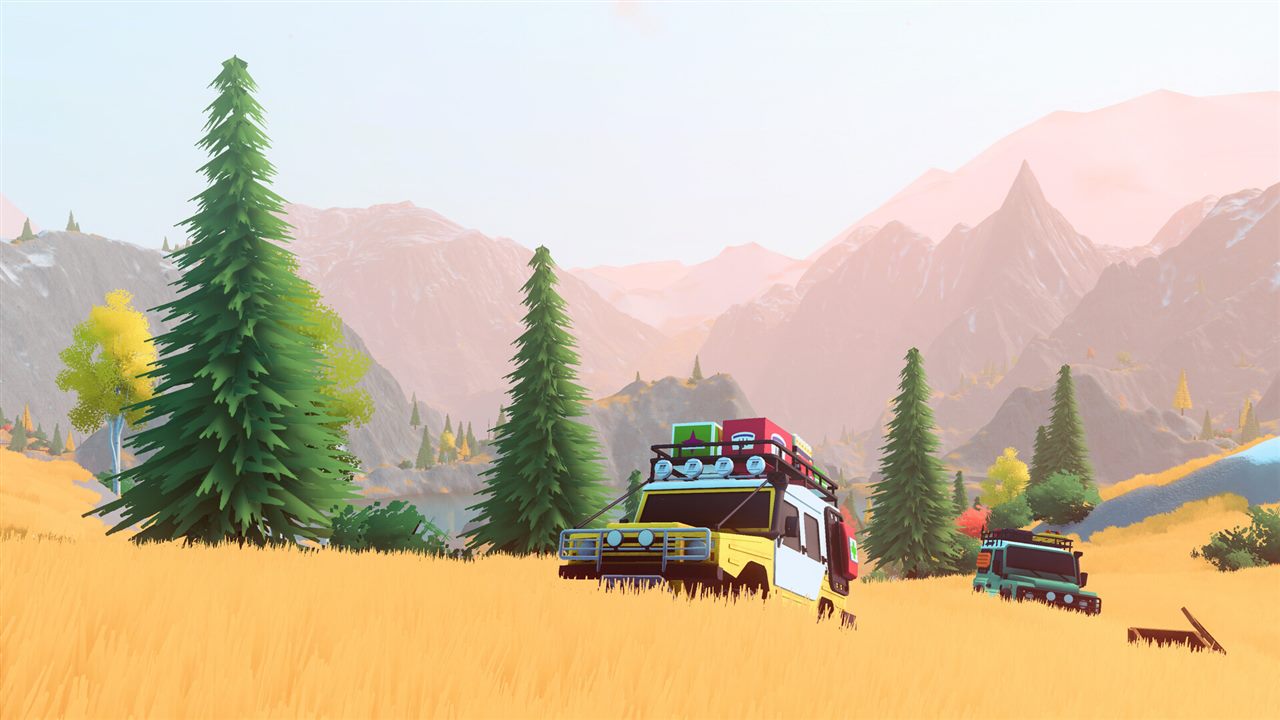
over the hill Platforms and Release Status
See what is available now on Steam, which console versions are planned for 2027, and what remains unconfirmed.
 over the hill
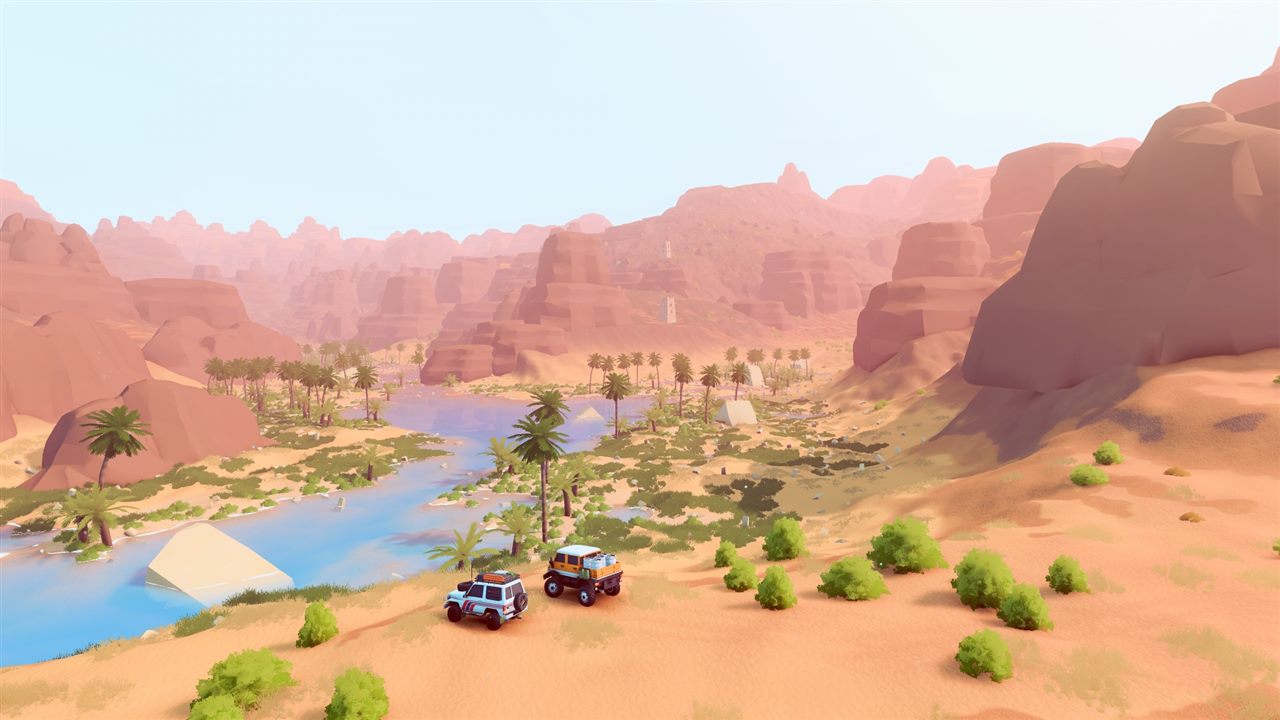
over the hill Multiplayer and Co-op Explained
Check the player limit, online and local co-op status, shared progression rules, and cross-play promise.
 over the hill
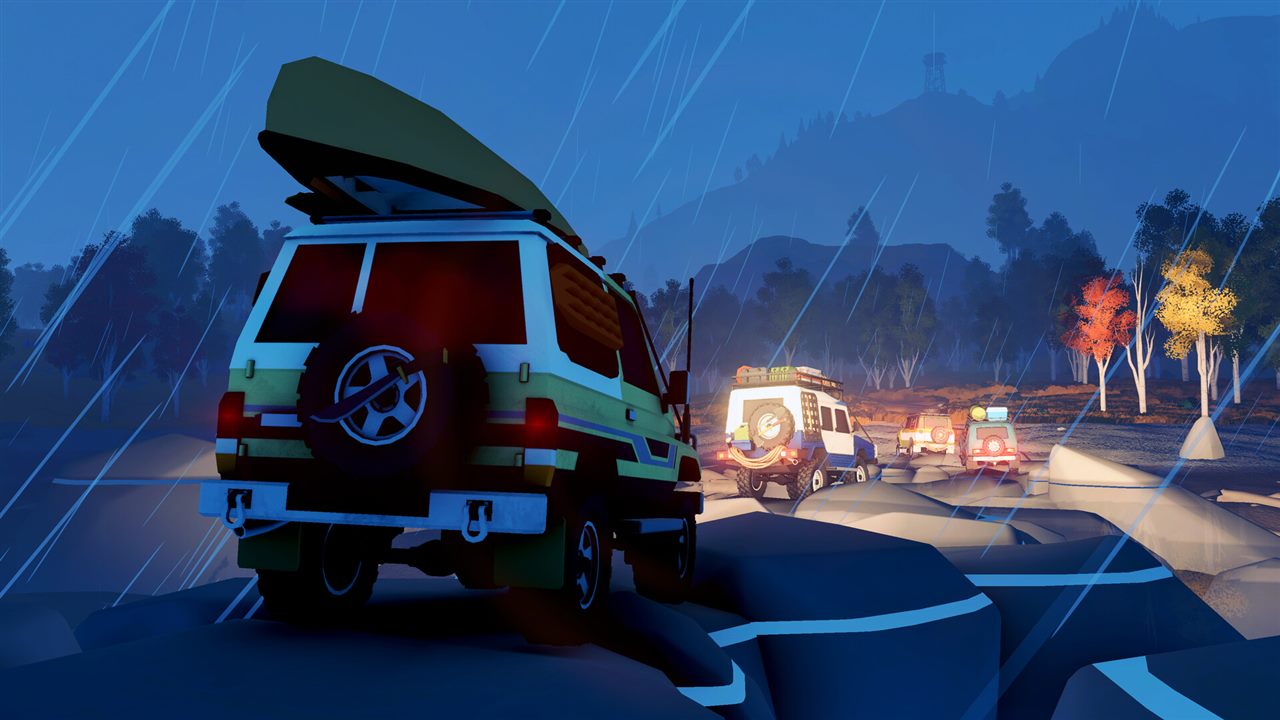
over the hill System Requirements and Steam Deck Status
Compare the published PC minimum with the current Steam Deck status and understand what has not been specified.
 over the hill
How Vehicle Unlocks Work in over the hill
Understand the confirmed unlock loop, upgrades, cosmetics, and why this page does not claim an unsupported complete vehicle list.
 over the hill
over the hill Maps and Regions: Canada and Algeria
Learn how the handcrafted area structure works, which regions are confirmed, and why old Demo maps are incomplete.
 over the hill
over the hill Custom Livery Mods: Install and Create
Use the official mod.io workflow, understand local testing folders, and avoid confusing livery packs with gameplay mods.