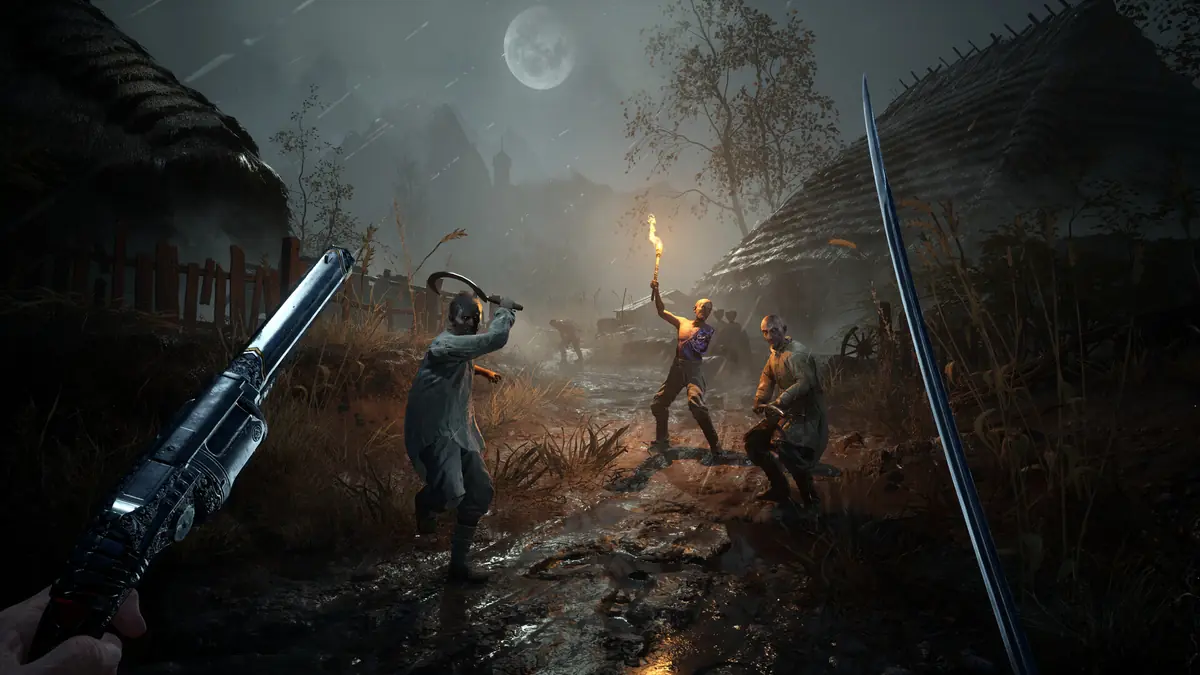
Valor Mortis Known Issues and Fix Status
Every problem in One More Level's own Known Issues post for Valor Mortis, the workarounds it lists, and the patch state as checked on October 14, 2026.
Applies to: The developer's official Known Issues post of October 13, 2026, and the current patch state, checked on October 14, 2026
Quick answer
One More Level published a Known Issues post on October 13, 2026, the day the game released, and as of October 14, 2026 no patch had shipped for Valor Mortis. The post covers four areas: AMD Radeon 7000-series instability, audio cut-outs, gameplay bugs with three named workarounds, and visual glitches. The most useful entry is the Caverns soft-lock: if the game does not return you to the Abandoned Church after that boss, the developer says to teleport manually from the Ancient Lair lantern. That list is the developer's, not ours, and this page quotes it rather than paraphrasing it into a fix.
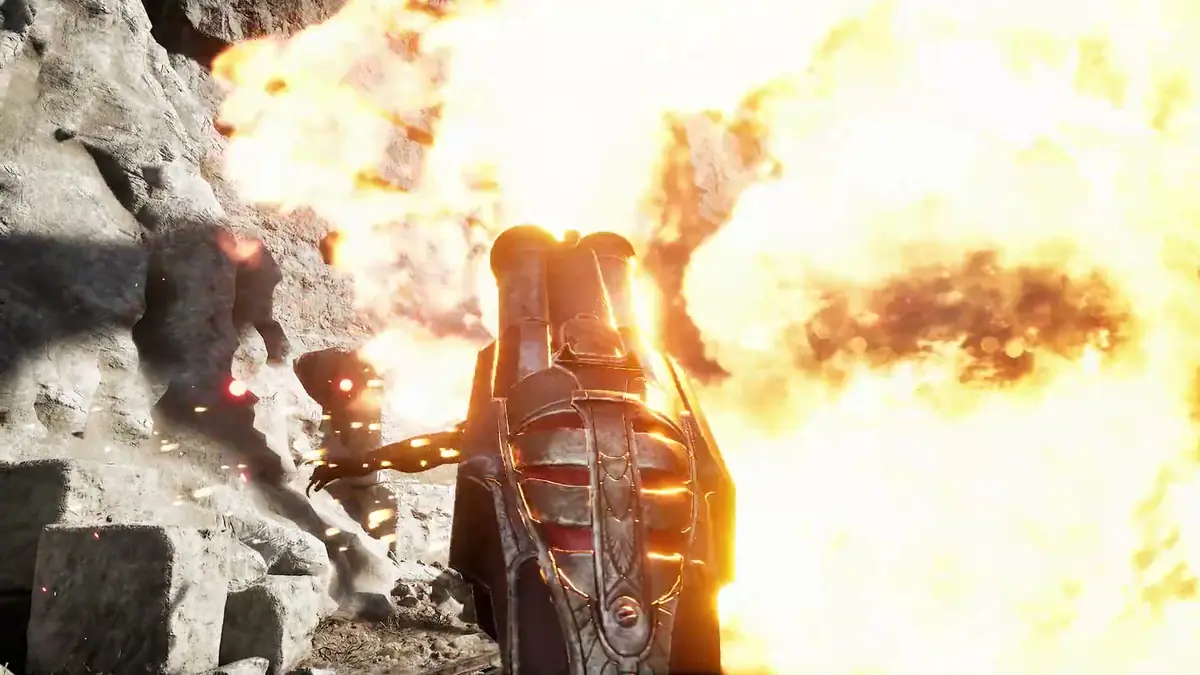
Status at a glance
Valor Mortis released on October 13, 2026. On the same day, the developer posted a Known Issues thread on Steam listing the problems it already knew about. As of October 14, 2026, no patch had been published for the game: the official Steam announcements feed carries no patch note, and no patch thread appears in the Steam Discussions.
| Area | Items listed | Workaround given? |
|---|---|---|
| AMD Radeon 7000-series | 2 named cards plus AMD Anti-Lag 2 | No — developer is working with AMD |
| Stability and audio | Audio cut-outs, performance issues and crashes | Partial — see below |
| Gameplay | 6 items including one soft-lock | Yes — 3 named workarounds |
| Visuals | 4 items | No |
AMD Radeon 7000-series
This is the most specific part of the developer's post, and it names the affected hardware rather than describing it vaguely. Quoted from the post:
- Radeon RX 7600 — "System shutdown can occur while playing".
- Radeon RX 7900 XT — "GPU crashes may occur during gameplay".
- AMD Anti-Lag 2 — "may not work properly".
The developer states it is "actively working with AMD to solve these issues". There is no workaround listed for any of the three, which is the honest reading: for these specific problems the developer's position is that it is still an open matter between it and AMD.
Audio, performance and crashes
Three items sit in this band, and only the first has anything resembling guidance attached.
| Issue | What the developer says |
|---|---|
| Audio cuts out | "Audio may cut out on occasion — This should resolve itself if you keep moving through the level" |
| Performance and crashes | "Performance issues and crashes may occur — Please submit your crash reports and tell us where the crash happened so we can track it down!" |
| Driver requirement | "Please update your graphics drivers to the latest version for both AMD and NVIDIA cards before launching the game!" |
The audio note is the only item in the whole post where the developer offers an in-game action rather than a software fix, and it is worth taking at face value: the suggested response is to keep moving, not to restart.
Gameplay issues and workarounds
This is where the post becomes genuinely useful, because three of the six items come with a stated workaround. These are reproduced exactly, including which one is a soft-lock.
| Issue | Workaround given by the developer |
|---|---|
| Caverns boss does not return you to the Abandoned Church | "Manually teleport from the Ancient Lair Lantern to the Abandoned Church, then go through the window to speak with James" |
| Camera locks after swinging on a pole and using Grapple together | "Exit to the Main Menu and re-enter the game" |
| Player stuck in a spot while traversing | "Try to jump out, or select 'Surrender' in the Pause Menu to return to the last Lantern" |
| Enemies blocked on assets or obstacles | None given |
| Elite enemies fall through the ground or fail to spawn adds | None given |
| Bosses stop attacking mid-fight | None given |
The Caverns entry is the one that blocks progress rather than merely annoying you, and it is the reason this page exists in the shape it does: the fix is navigation, not settings. Note the wording — the developer says the player "may not be automatically returned", so the manual teleport is the intended recovery rather than a misuse of the map.
Visual issues
Four cosmetic or display problems are listed. None of them blocks play, which is why they sit last in the developer's own post as well.
- UI text can overlap for some non-English characters. This affects the 13 non-English interface languages the store lists, not English.
- Skin previews in the Arsenal may appear in low resolution the first time you hover over them — described as a first-hover problem, so it resolves after the asset loads.
- Assets may visibly reload after changing graphics settings from the Pause Menu on some levels — the developer scopes this to "some levels".
- Screen artifacts may appear when using bayonet melee attacks with the musket — explicitly "on rare occasions".
How to confirm the patch state
There is no version number for this page to quote, because One More Level has not published one and the launch build has not been replaced. That makes the check simple rather than obscure.
- Open the game's page in your Steam library and look at its update history in the properties panel. A patch would appear there as a download.
- Read the Steam announcement feed for the game. A patch note would be posted there, and none has been as of October 14, 2026.
- Re-read the developer's Known Issues thread. If an item is fixed, the post is the place it would be acknowledged.
Until one of those three changes, the list above is still current and there is nothing to install. This page will be wrong the moment a patch lands, which is why it carries its check date.
Reporting a problem
The developer asks for two things specifically, and they are the two most useful pieces of information a report can carry: the crash report itself, and where in the game it happened. The studio's wording is that it wants to "track it down", which means a location is more valuable to it than a description of the symptom.
If your issue is not on the list above, it is still worth posting — a maintained Known Issues thread is evidence that the developer reads that forum. What is not worth doing is installing a third-party "fix". There is no official patch to replace, no official tool for modifying the game, and no patch notes to reverse-engineer. The performance troubleshooting page covers the checks you control, and stays inside them.
Sources and review scope
- Valor Mortis — Steam Discussions — source for the developer's pinned Known Issues (October 13, 2026 Release) post. Every quoted item on this page comes from that post.
- Valor Mortis — Steam announcements — used to confirm that no patch note had been published as of October 14, 2026.
- Steam store listing — used for the release date and the supported interface languages.
- Official Valor Mortis site — checked for any additional issue or patch statement.
The absence of a patch is stated as a fact about the announcement feed and discussion forum on October 14, 2026, not as a prediction. Known Issues posts are living documents: items are added and removed without notice, so re-read the thread before treating any line above as still open.
Checked on October 14, 2026 against the Steam store listing for Valor Mortis, the developer's own Steam announcements and Steam Discussions posts, the official Valor Mortis site, and the Steam Web API. Live details such as player counts, review totals and patch state change quickly and should be rechecked before you rely on them. Anything the developer has not confirmed is written as unconfirmed rather than guessed.
Not independently play-tested. This is not a claim that every platform or game version was tested. Source review: Oct 14, 2026.
More Valor Mortis Guides
 Valor Mortis
Valor Mortis Crashing, Stuttering and Low FPS
What you can do about Valor Mortis crashes, shader stutter, GPU shutdown and audio cut-outs — separated from what only the developer can fix.
 Valor Mortis
Valor Mortis Roadmap: New Game Plus, DLC and French Voice
What One More Level has confirmed for Valor Mortis after launch — New Game+, a story DLC and French voice-over — and what is only being considered.
 Valor Mortis
Valor Mortis Demo: Current Status and Official Record
The Valor Mortis demo ran in June 2026 and returned in July. Whether it is still on Steam, and exactly what the developer said about it.
 Valor Mortis
Valor Mortis Release Date, Platforms and Game Pass
Valor Mortis released on October 13, 2026 for PC, PS5 and Xbox Series X|S. Where it is sold, its Game Pass status, and what it does not run on.
 Valor Mortis
Valor Mortis Price and Editions: Is the Deluxe Upgrade Worth It?
Valor Mortis costs $39.99 on Steam. What the $20.00 Deluxe Edition Upgrade adds, what the bundles are, and what the story DLC will be.
 Valor Mortis
Valor Mortis System Requirements and the Upscaling Caveat
Official Valor Mortis PC requirements, what changed since the June demo, and why the listed frame rates depend on upscaling.