
Delta Force Codes: Official Redemption and Code Checks
Redeem a Global CDK safely and distinguish verified codes from expired or unconfirmed claims.
Applies to: Global Delta Force CDK redemption; not weapon-build import codes
Quick answer
Use the official Global CDK redemption center and enter the code with the correct account/UID. This page does not list a “working code” unless it can be verified through an official source; never treat weapon-build import strings as reward codes.
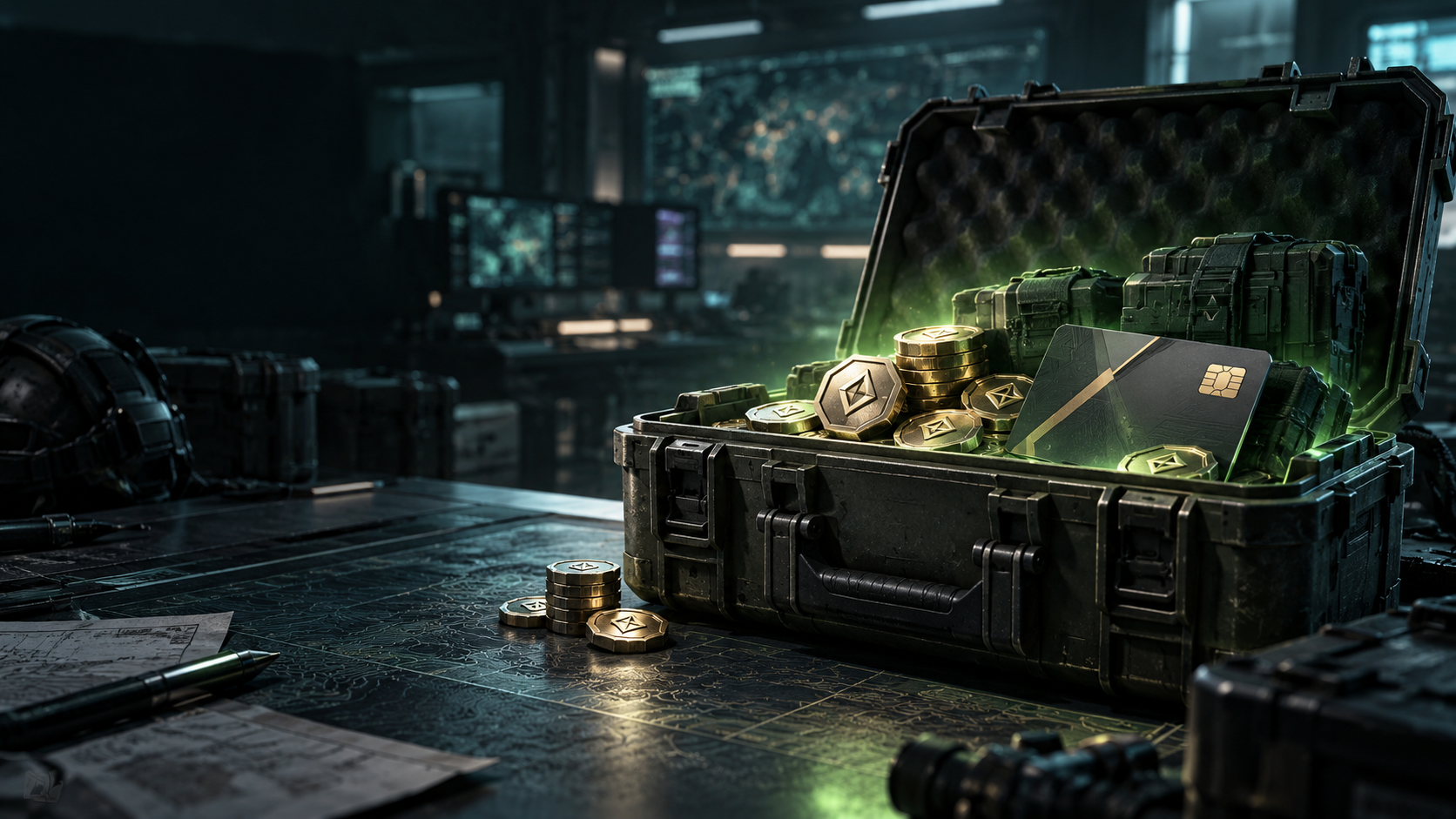
Redeem a Global code
- Open the official Global redemption center.
- Choose the sign-in or UID route offered. The page explains UID redemption is available when logged out.
- Confirm the intended Global account and accurate UID, enter the official CDK, and follow its confirmation flow.
Do not share your password or one-time login code with a third party claiming to redeem for you.
Check before redeeming
- Confirm the code is from an official channel and matches your region/version.
- Check expiry and account restrictions in the original announcement.
- Copy the in-game UID carefully.
- Distinguish reward CDKs from weapon-build import codes.
Why no unverified list appears
A code list is useful only when each entry has a traceable source and current validity window. This review did not verify an active reward code from an official announcement, so community reposts are not presented as working codes. Recheck official announcements when a promotion is published.
Sources and scope
- Official Global CDK Redemption Center — redemption routes, UID guidance, official-channel warning; checked October 21, 2026.
- Garena Delta Force — separate regional version context, not proof Global CDKs work there.
Not independently play-tested. Global reward CDKs only.
Based on linked official/store sources. Not independently play-tested.
Not independently play-tested. This is not a claim that every platform or game version was tested. Source review: Oct 21, 2026.
More Delta Force Guides
 Delta Force
Delta Force PC Download and System Requirements
Steam download entry point, current listed PC requirements, and what the specification does not promise.
 Delta Force
Delta Force: Black Hawk Down — Current DLC or the 2003 Game?
Identify the current Steam campaign DLC, its base-game requirement, and how it differs from the older franchise entry.
 Delta Force
Delta Force Platforms and Versions: Where to Play
Official store entry points for PC, console, and mobile, and the distinction between Global and Garena releases.
 Delta Force
Delta Force Crossplay: What the Official Console FAQ Says
The last directly verified official crossplay rule and what still needs a current confirmation.
 Delta Force
Delta Force Cross-Progression and Account Linking
Official Global PC-to-mobile account-linking steps, guest-account limits, and version boundaries.
 Delta Force
Delta Force Operators: Current Official Roster Evidence
What the official operator showcase and recent update establish—and why this is not yet a complete roster.