
Wildlife Photography in over the hill
Use the in-game camera to document animals, fill the wildlife compendium, and separate confirmed behavior from unverified spawn lists.
Applies to: Steam launch build · wildlife compendium
Quick answer
When you spot an animal, stop at a safe distance, switch to the in-game camera, keep the animal visible in the frame, and take the photograph so it can register in the wildlife compendium. Slow observation matters more than chasing. The game officially confirms native wildlife and the journal, but no complete official species-by-area spawn table was found for this page.
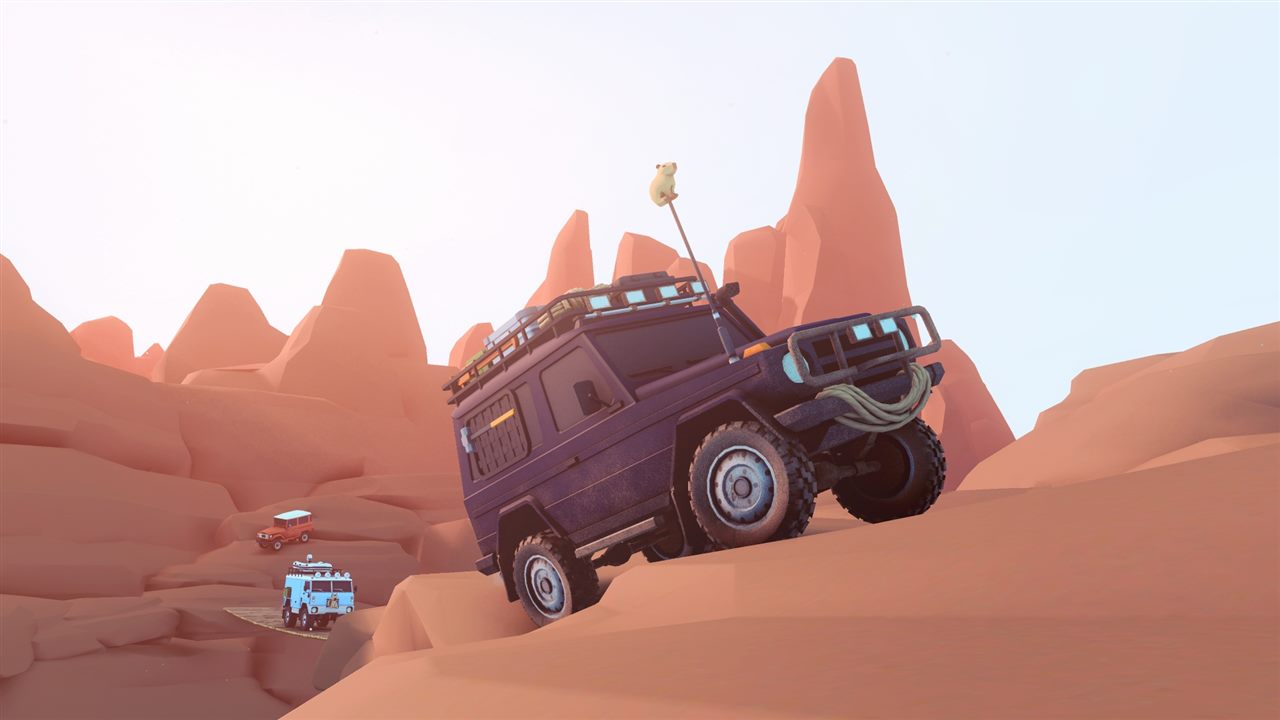
Take a wildlife photo
- Stop the vehicle before opening the camera so steering does not carry you past the sighting.
- Keep some distance and place the animal clearly inside the frame.
- Take the photo and check whether the wildlife compendium recorded it.
- If it did not register, reframe the animal rather than taking repeated shots through terrain or dense foliage.
Funselektor explicitly describes the activity as photographing native wildlife to fill the wildlife compendium. Landscape photos and sunsets are supported creative uses of the camera, but they are not substitutes for an identifiable animal when you are completing the journal.
Search without chasing
Launch coverage describes hearing an animal before seeing it. Stop and scan instead of accelerating toward the sound.
Check grass lines, clearings, shorelines, and the boundary between cover and open ground.
Conditions change, but no reviewed official source assigns every species a fixed schedule. Treat timing advice as observation, not a guaranteed rule.
Use the compendium as the checklist
The current game’s wildlife compendium is the best authority for what your save has documented. Work from its missing entries and any area hints shown in your build instead of using an old Demo list as a complete launch roster.
PC Gamer’s launch account confirms practical sightings including a raven and coyote, while the official feature only promises different native animals. Those examples prove that the activity exists; they do not establish an exhaustive species list.
If an animal seems to be missing
- Confirm that the compendium entry is actually incomplete.
- Move to another part of the relevant area rather than circling one spawn point indefinitely.
- Revisit under a different time or weather state, while treating the change as a troubleshooting step rather than a documented requirement.
- Check the current patch notes for spawn fixes before relying on a pre-release route.
- Report a reproducible absence with the area, build number, and screenshots if the journal cannot be completed.
Sources
- Official game site — native wildlife, camera use, and wildlife compendium.
- Steam store — launch description of photographing wildlife and filling the compendium.
- Official Steam news — Animal Photo Journal development feature and current update channel.
- PC Gamer launch coverage — launch-build camera use and example raven and coyote sightings.
Checked October 19, 2026. Species examples from launch coverage are not presented as a complete official roster.
The official game page and Steam listing confirm native wildlife, the in-game camera, and a wildlife compendium. Launch coverage confirms practical sightings and rewards. Exact species locations and spawn conditions are omitted without a verified primary list.
Not independently play-tested. This is not a claim that every platform or game version was tested. Source review: Oct 19, 2026.
More over the hill Guides
 over the hill
over the hill Maps and Regions: Canada and Algeria
Learn how the handcrafted area structure works, which regions are confirmed, and why old Demo maps are incomplete.
 over the hill
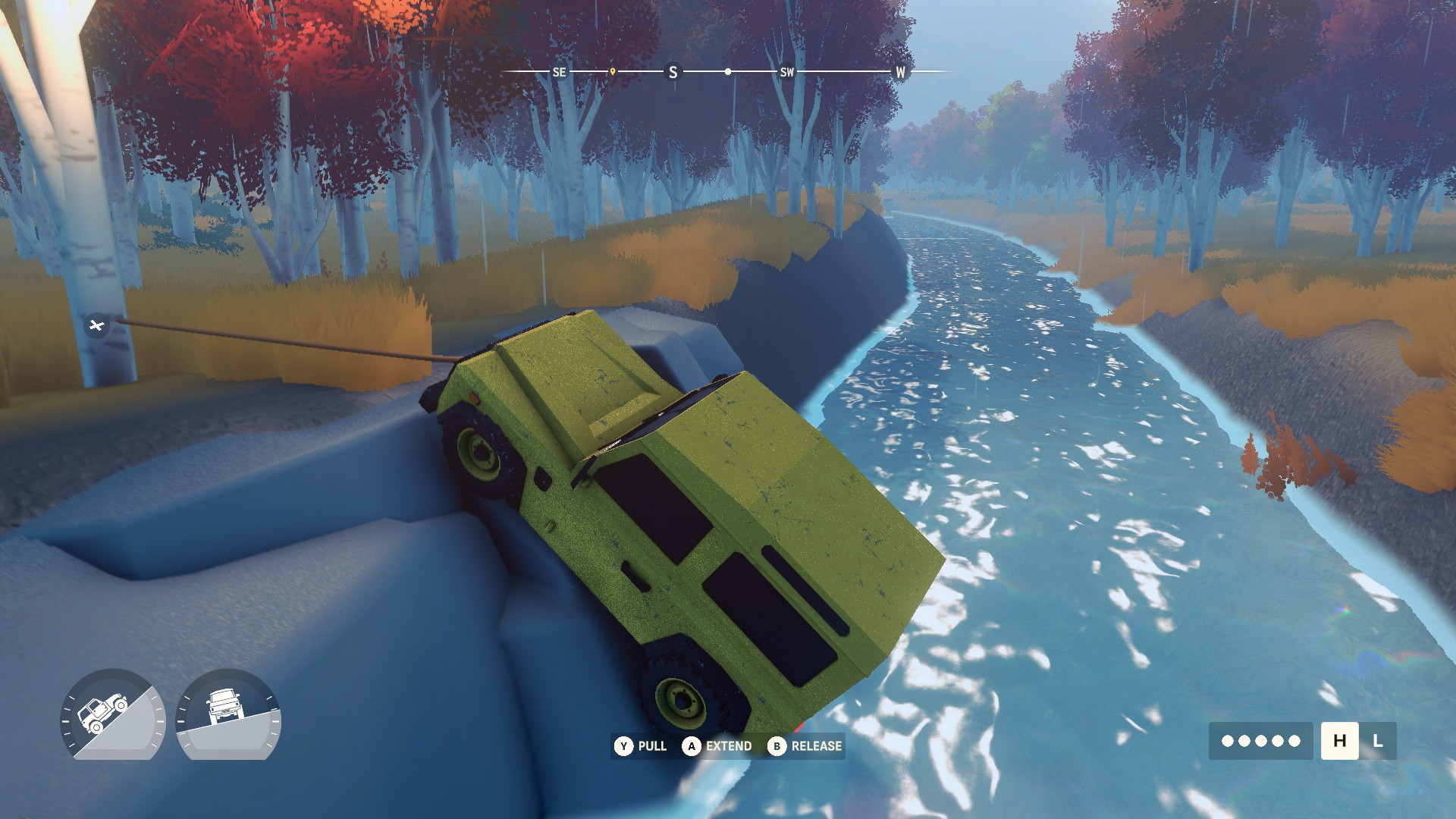
How to Find and Extract Meteorites in over the hill
Use the Meteorite Detector, connect the winch correctly, add direct co-op lines for larger rocks, and avoid relying on Demo-era fixed locations.
 over the hill
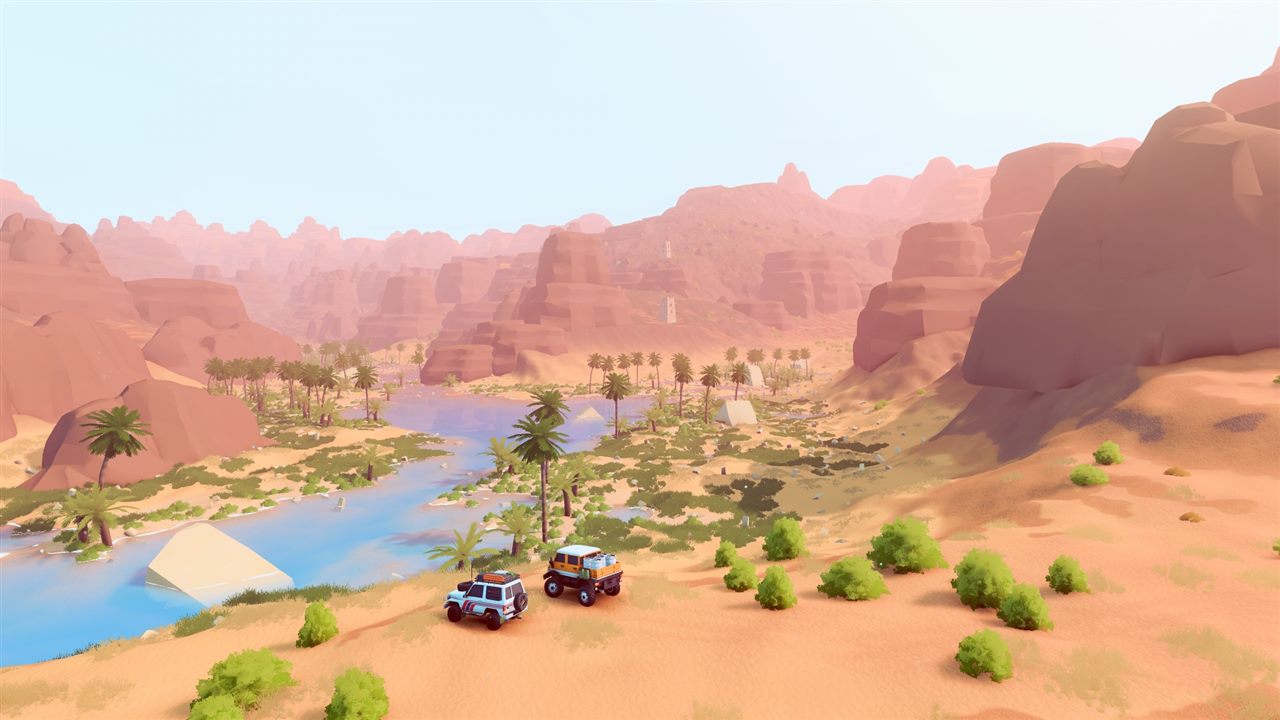
over the hill Platforms and Release Status
See what is available now on Steam, which console versions are planned for 2027, and what remains unconfirmed.
 over the hill
over the hill Multiplayer and Co-op Explained
Check the player limit, online and local co-op status, shared progression rules, and cross-play promise.
 over the hill
over the hill System Requirements and Steam Deck Status
Compare the published PC minimum with the current Steam Deck status and understand what has not been specified.
 over the hill
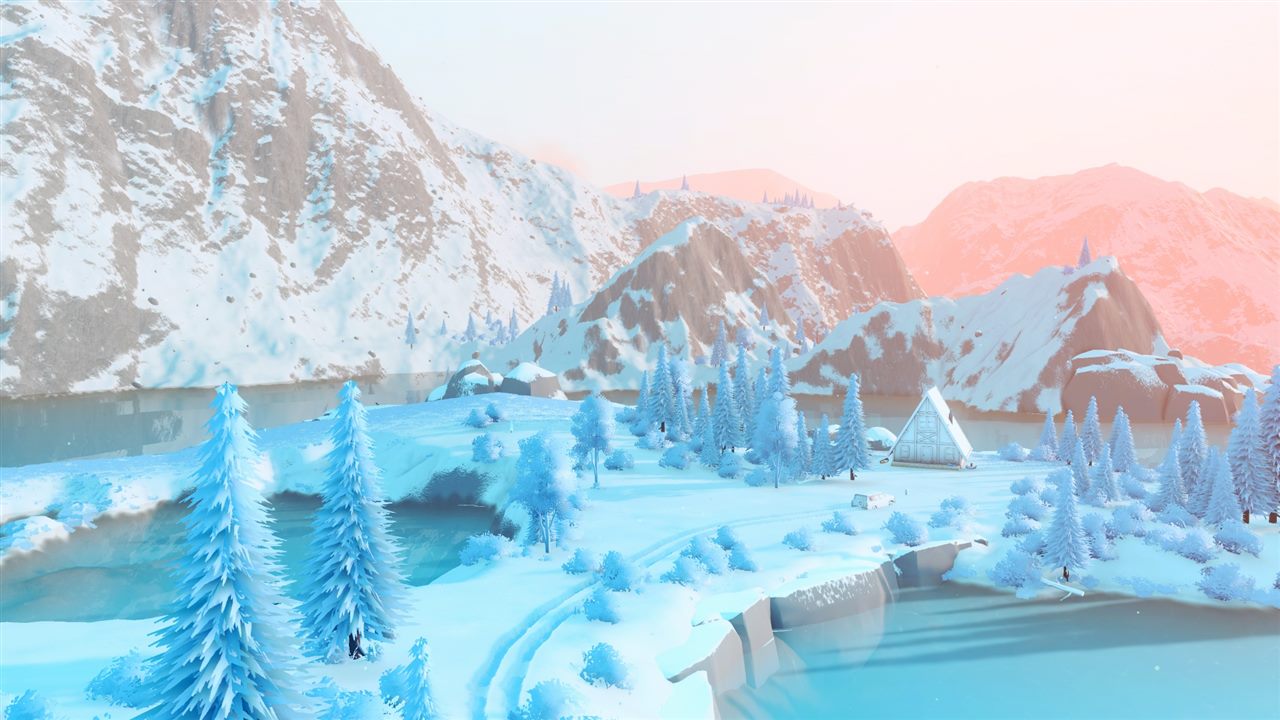
How Vehicle Unlocks Work in over the hill
Understand the confirmed unlock loop, upgrades, cosmetics, and why this page does not claim an unsupported complete vehicle list.