
Mortal Kombat on PC: crashes, dll and frame rate
Common PC problems across the recent Mortal Kombat games on Steam, and the steps that resolve most of them.
Applies to: Steam releases as of October 2026
Quick answer
The PC complaints split by game. Mortal Kombat X reports missing dll files at startup, Mortal Kombat 11 questions centre on its frame rate cap and a very large install size, and Legacy Kollection's PC issue is the arcade input latency covered on this site's other page. For any of them the first two steps are the same: verify the game files through Steam, then check that Windows is not blocking the executable. Some of the older titles also need a compatibility setting to launch on a modern Windows build.
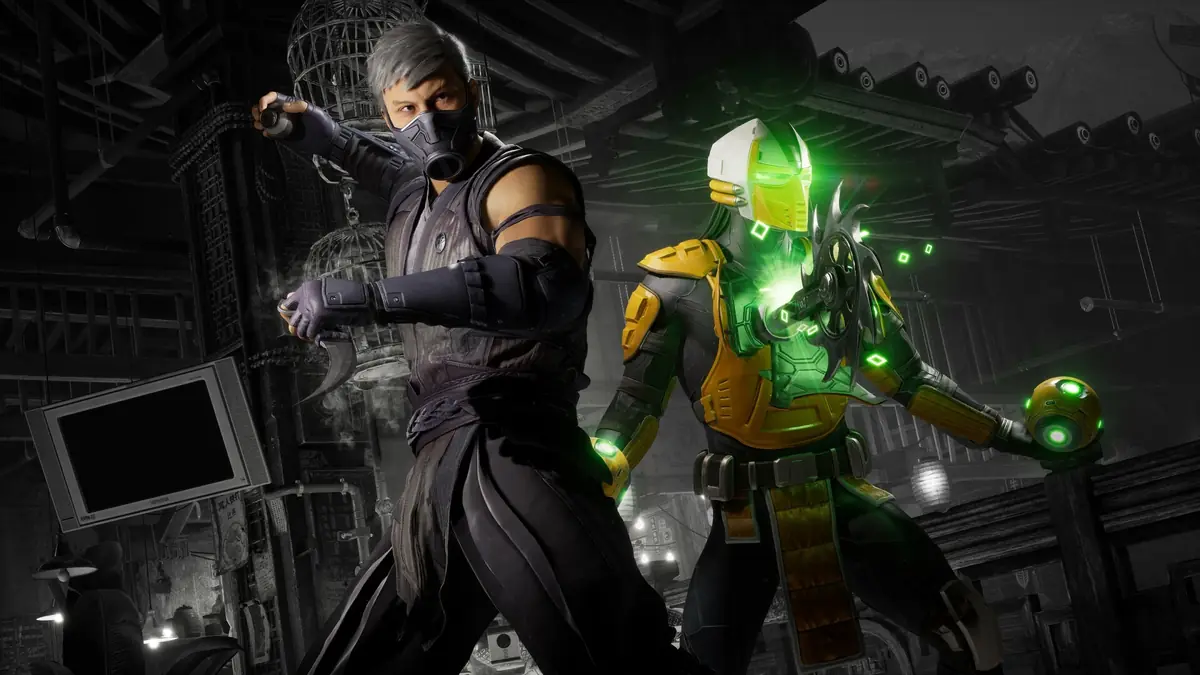
Identify the game first
The Mortal Kombat games on Steam span more than a decade and were built on different technology, so the same symptom points to a different cause depending on which one you are running. Starting with the right diagnosis saves most of the time.
| Game | The problem people report most |
|---|---|
| Mortal Kombat X | A missing dll error at startup, which stops the game before it reaches a menu. |
| Mortal Kombat 11 | Questions about the frame rate limit and about the size of the install. |
| Mortal Kombat 1 | General performance and shader compilation on lower-end hardware. |
| Legacy Kollection | Input latency in the emulated arcade games, which is a display setting rather than a fault. |
The last row is not a bug and is not fixed by reinstalling anything. That case is covered on the input lag page, and the PC build’s own requirements are on the PC guide.
It will not launch
For a game that closes immediately or never opens a window, the same three checks resolve the majority of cases, and they are worth running in this order because they cost nothing.
- Verify the game files in Steam. Open the game’s properties, go to Installed Files and verify integrity. A partial or corrupted download is the most common cause of a title that will not start.
- Check the antivirus and SmartScreen. Add the game folder as an exception and confirm Windows is not holding the executable. Security software quarantining a game file produces exactly the symptoms of a broken install.
- Update the graphics driver. A driver older than the game is a frequent cause of a black screen on launch, particularly for the newer titles.
If the game launches and then crashes when you alt-tab, switching from full-screen to windowed or borderless mode is the usual fix. That behaviour appears across several of the games in this series and is not specific to one title.
Missing dll errors
The missing-dll error is most associated with Mortal Kombat X, and it has a specific cause worth understanding before you act on it.
- A dll error usually means a dependency is missing rather than a file being deleted from the game. The common culprits are the Microsoft Visual C++ redistributables and the DirectX runtime.
- The correct fix is to install the official redistributables from Microsoft. Steam will often install them on first launch, but an interrupted first run can leave the step unfinished.
- Verifying the game files in Steam also restores any file inside the game folder itself that has gone missing.
If the error persists after the redistributables and a file verification, run the game once as administrator and check that the installation path does not contain unusual characters, which some older titles handle badly.
Frame rate and size
Two of the most-searched questions about Mortal Kombat 11 are about its frame rate and the size of its install.
| Question | What is going on |
|---|---|
| Why is the frame rate capped? | The fighting system for this generation of the series is tied to its frame rate, which is a common design in the genre. Changing it with external tools can break the game rather than improve it. |
| Why is the install so large? | The install carries high-resolution assets and, for the later releases, a substantial amount of post-launch content. Freeing space is usually a matter of removing other titles rather than trimming this one. |
For a laptop or a low-end desktop, the settings that reliably help in this series are lowering the resolution before lowering the detail settings, and turning off options that render the game twice. Shader compilation stutter on first launch is also normal for the newer titles and usually settles after a few matches.
Language and files
Players occasionally look for a way to change the language by editing game files. That is usually unnecessary, and it is the kind of change worth avoiding when a supported route exists.
- Steam exposes language selection through the game’s properties, which is the supported way to change it and the one that survives updates.
- Mortal Kombat 1 supports thirteen languages, including Simplified and Traditional Chinese, so the language is normally available without file edits.
- Hand-editing configuration or language files can break file verification and cause an update to fail, which turns a cosmetic problem into a launch problem.
For older titles released before language options were standardised, the same rule applies: check the in-game settings and the storefront first, and treat file edits as a last resort.
Sources and review scope
- Steam — Mortal Kombat 1 listing — used for the supported languages and the platform details.
- Steam — Legacy Kollection listing — used for the PC requirements referenced on the PC guide.
- Digital Eclipse — a Mortal Kombat gamer’s guide to VRR — used for the display-side explanation linked from this page.
This page is a troubleshooting summary rather than a developer-published technical document. The symptom-to-game mapping is based on which questions the games attract most, and the fix steps are standard PC procedure presented as such. Nothing here is based on personal testing of the games, and no third-party download is recommended.
Checked against linked Digital Eclipse updates, Atari and Steam store listings, and the in-game achievement list on October 13, 2026. Dynamic details such as player counts and patch state should be rechecked before publication.
Not independently play-tested. This is not a claim that every platform or game version was tested. Source review: Oct 13, 2026.
More Mortal Kombat Guides
 Mortal Kombat
Where to start with Mortal Kombat: a series order
The two eras of the series, where Legacy Kollection fits, and how to buy the older games today.
 Mortal Kombat
Mortal Kombat 1: how character unlocks work
What the MK1 roster, its DLC fighters and the Definitive Edition actually include, and where support now stands.
 Mortal Kombat
Mortal Kombat: Legacy Kollection — is it fixed now?
What went wrong at launch, which fixes have shipped since, and what the game is like to play today.
 Mortal Kombat
Legacy Kollection: every game and version included
The full list of games and versions in Mortal Kombat: Legacy Kollection, and which build of each is worth playing.
 Mortal Kombat
Legacy Kollection editions compared: which to buy
Standard, Deluxe and Kollector's Edition side by side, plus the Switch 2 pricing and platform details that change the answer.
 Mortal Kombat
Legacy Kollection online play and crossplay
How to switch on Krossplay, how rooms and Online Arcade work, and which of the included games support online matches.