Dressmaker: Why the Finish Button Won't Appear on a Commission
A commission that will not submit is usually an unfinished step, not a bug. The five things to check in order, what Build 443 changed about the red pins, and which parts of this the developer has never explained.
Applies to: Commission submission in Dressmaker as of Build 443, checked against the official patch notes for Builds 403, 410 and 443, the interface states shown on the official Steam store screenshots, and public player reports from the Steam discussions on October 19, 2026
Quick answer
In almost every case reported on the Steam discussions, the commission has not actually failed — one step is still outstanding. Check these in order: whether every panel piece has been taken from the cutting room (Build 443 added a button that grabs all of them at once), whether any stitching is still unsewn (the usual hiding places are the back of the collar, the underarm and the shoulder, which you have to rotate the mannequin to see), whether the interface is sitting on the accessories tab so the sewing prompt is hidden, whether the sketchbook has been paged away from this commission, and whether a style requirement is still short. Build 443 also changed how the red pins behave: selecting one accessory now hides the pins on all the others.
At a glance
A commission that refuses to submit is usually a step you have not finished, not a broken game. In the threads reviewed for this page, the pattern is the same each time: something is still undone, and the game is waiting for it.
Two different buttons get called "the finish button"
The workflow has two stages, and the store screenshots show the interface for both. Confusing them is the reason a lot of searches for this end up unanswered.
| Stage | What the screen says | What the button does |
|---|---|---|
| Sewing | "SEWING COMPLETE — You may add accessories, or click 'Finish Dress'" | Finish Dress ends the sewing stage. It does not submit the commission, and the panel explicitly invites you to add accessories first. |
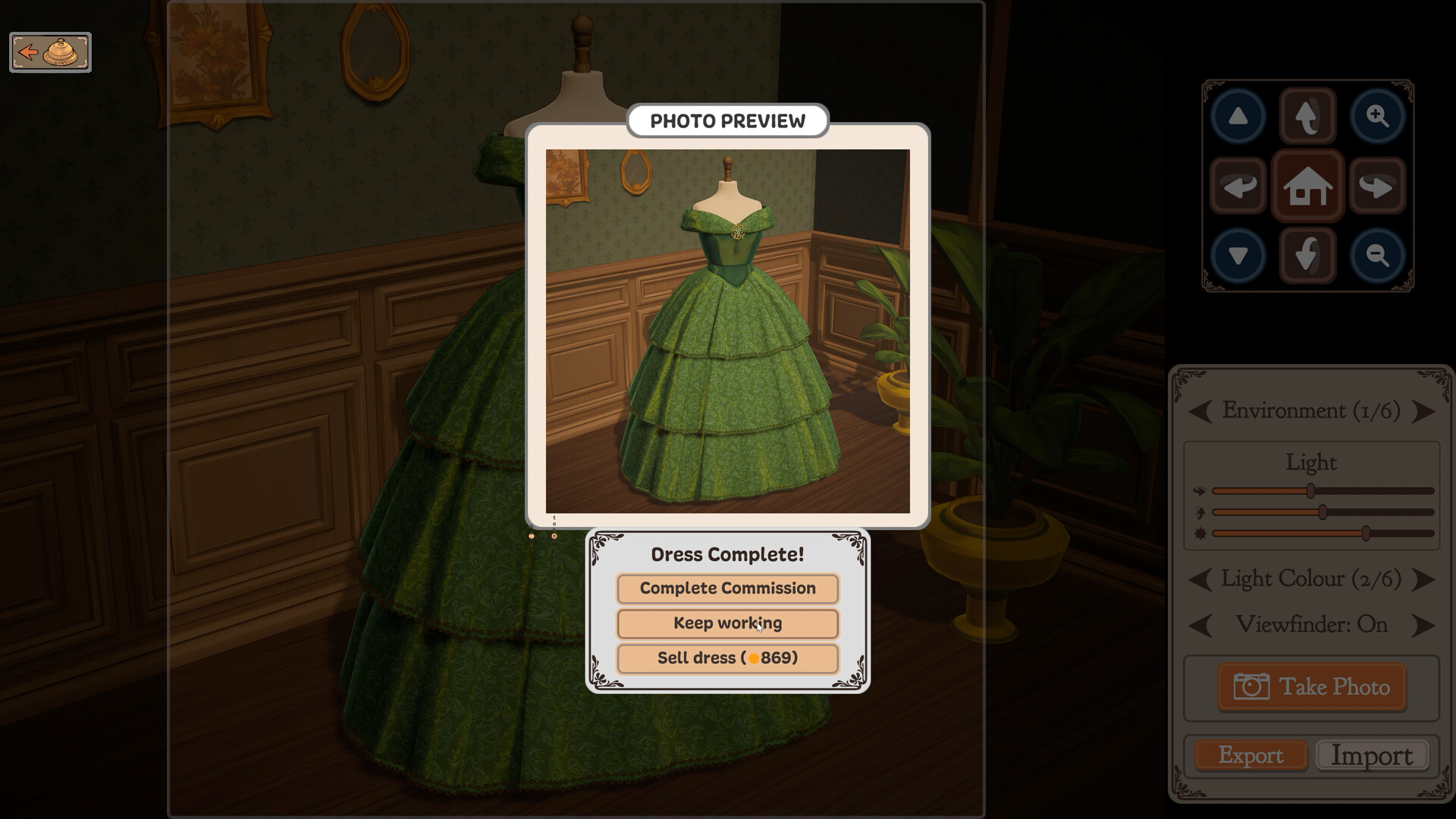
| Photo preview | "Dress Complete!" with three choices | Complete Commission, Keep working or Sell dress. This is the step that actually closes the order. |
So there are two places to look, not one. If Finish Dress is missing, the sewing stage has not been closed — a seam is unsewn or fabric is still in the cutting room. If Complete Commission is missing, the dress is sewn but something in the requirements is short. The checks below are ordered to match that sequence.
| Check | What it catches | Basis |
|---|---|---|
| 1. Every panel piece taken | A cut panel still sitting in the cutting room | Official — Build 443 added a button to grab them all |
| 2. No unsewn stitching | A seam hidden on the back of the collar, underarm or shoulder | Player reports, Steam discussions |
| 3. Not stuck on the accessories tab | A hidden sewing prompt | Official — Build 443 changed how pins display |
| 4. Sketchbook on this commission | Looking at a different order entirely | Official — the tutorial now points this out |
| 5. Scissors not in a broken state | A tool glitch fixed in Build 443 | Official — fixed in the October patch |
| 6. A style requirement not met | A tag score that will not rise | Official — the scoring rule is described in the patch notes |
The five checks, in order
Work down this list rather than jumping around it. The order is deliberate: it starts with the most common cause and ends with the ones that are actually a bug.
1. Has every panel piece been taken from the cutting room
This is the single most likely cause, and it is also the one the developer has specifically built a fix for. Build 443 added a button whose entire purpose is to catch this mistake:
Before that button existed, panels had to be collected individually, and a panel left behind produced a dress that could not be completed — with nothing on screen explaining why. If you have not used the new button, use it. Players describe the same function under an older name, referring to a "return all patterns" control; the current build calls it grabbing all panel pieces.
2. Is there stitching you have not sewn
A seam that has not been sewn is invisible from the front, which is what makes it the most frustrating cause on this list. Player reports converge on the same three hiding places: the back of the collar, the underarm, and the shoulder. All three are on the far side of the garment as the mannequin faces you.
The practical method players describe is to rotate the mannequin through a full turn at a zoom level close enough to see individual stitches, rather than checking only the side that faces you. This is a player report, not a developer statement, and the developer has written nothing that defines which seams count as required. What the developer has acknowledged is that the placement interactions were confusing enough to warrant a patch aimed at them, and that "placing trim around the cuffs of sleeves can be especially frustrating" — so a seam that is hard to see is consistent with how the developer describes its own game.
3. Is the interface stopped on the accessories tab
The mannequin scene has tabs, and the sewing prompt is tied to the state of that panel. Build 443 changed how the pins behave when you select something, and the change matters here:
The practical consequence is that the number of visible pins is no longer a reliable count of what is outstanding. Select an accessory and the other pins disappear — not because the work is done, but because the interface is showing you one item at a time. Players who read the disappearance as completion then cannot work out why the dress will not submit. If you want to see everything outstanding, deselect first.
4. Is the sketchbook showing a different commission
The sketchbook holds more than one open commission, and it pages. This is common enough that the developer folded it into the tutorial fixes in the October patch:
Read that as the developer confirming a real misunderstanding: players did not know the book pages. If the commission you are trying to submit is not the one on screen, no amount of sewing will change what you are looking at.
5. Have the scissors ended up in a broken state
An interaction bug rather than a missed step, but it produces exactly the same symptom — a dress you cannot finish. It is fixed, and the fix is specific about the cause:
If you are on a build older than 443, the workaround is to let the scissor animation finish before leaving the cutting room. On 443 or later, a genuinely unresponsive tool is a new report rather than this known bug.
Red pins: what Build 443 changed
Search interest in making the red pins go away is high enough that it deserves its own section, but the honest answer is narrower than the question implies. The developer has never published what the red pins represent. What the developer has published is a change to when they are shown.
| Question | Status |
|---|---|
| What do they mark? | Not defined in any developer source reviewed for this page |
| Why do most of them vanish when I select something? | Documented: selecting an accessory hides the pins for all other accessories |
| Does no pins mean the dress is done? | No — the display is filtered by your selection, so absence is not completion |
| Can the display be switched off entirely? | The patch notes offer an option to disable the red outline, which is a related but separate overlay |
Two separate overlays are being confused in most discussions of this. The October patch added "Option to disable the red outline", which is an outline drawn around the selected item, and it also changed pin visibility behaviour. Turning off the outline will not remove pins, and hiding pins by selecting an accessory is not a setting you can keep — it follows your current selection. The trim and accessory page covers the placement changes that produced this behaviour.
Why the commission looks like it has disappeared
Commissions do not vanish. In the threads reviewed here, what players describe as a lost order is almost always one of two interface states: the sketchbook has been paged to another commission, or the client has left and the next one has not been summoned.
Build 410 added a fix that is worth knowing about because it describes a genuine trap in the opening minutes of the game:
That is a softlock, not a lost commission — the tutorial stopped advancing because the sketchbook was opened before the bell was rung. If your very first commission never arrives and nothing you click helps, this is the documented cause and the fix is to ring the bell first. On current builds the softlock itself is gone.
The bell, and why no new client appears
This is a different question from "why will my dress not submit", and it trips people up because the two get asked together. Build 403 changed how the next customer is triggered:
So an empty shop after finishing a commission is expected behaviour, not a bug: the game is waiting for you to ring. If you are coming back to the game after a break and remember clients arriving on their own, you are remembering a build from before September 22.
The same patch also fixed payment on commissions that go wrong:
Two things are worth pulling out of that sentence. The first is that failed commissions are a real outcome the game models — not simply a player mistake. The second is the condition in brackets: payment follows the character accepting the commission, which implies acceptance is a step that can go the other way. The developer has not published what makes a character accept or reject, and this page does not guess at it.
Reading the requirements panel
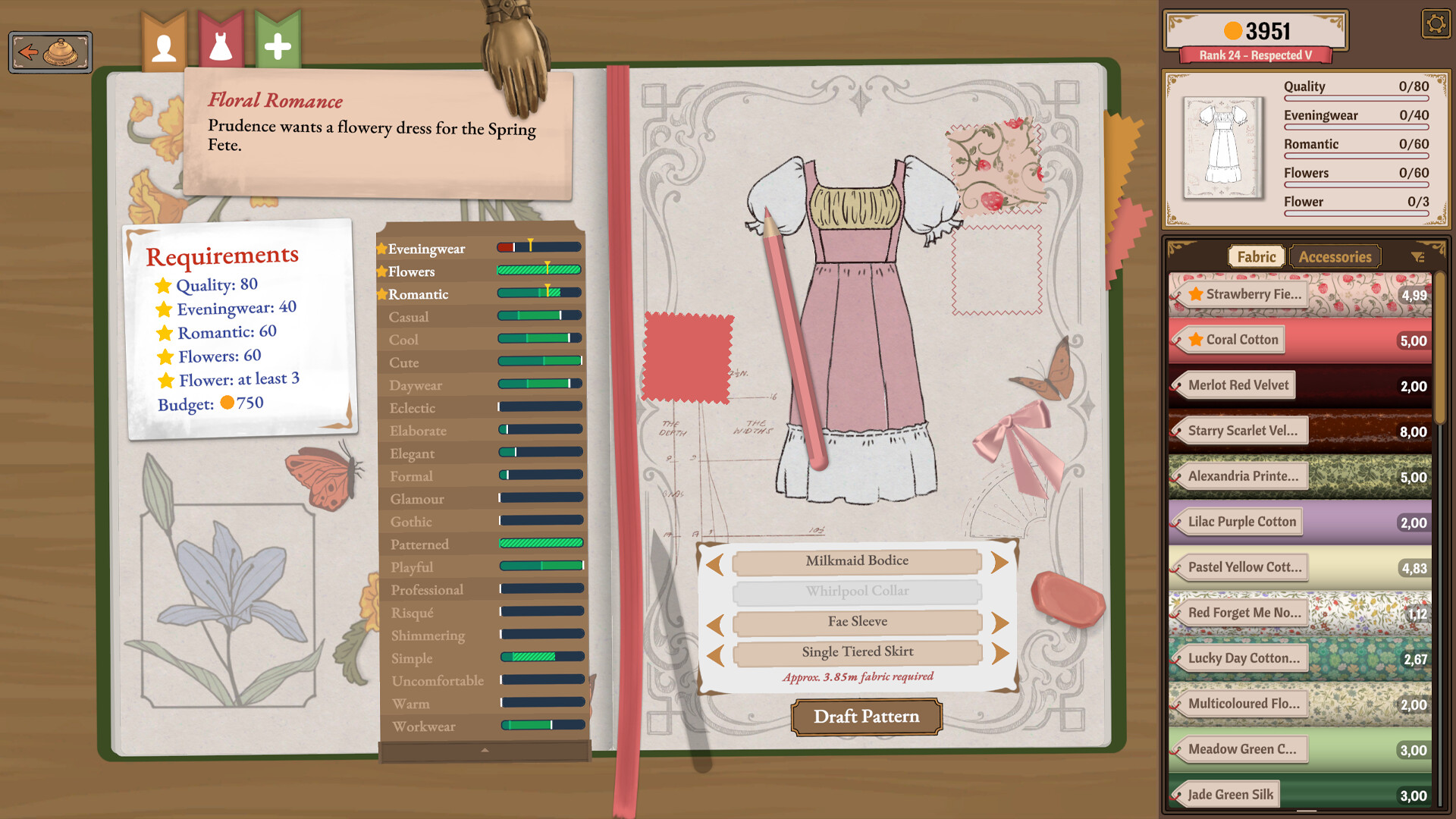
The official store screenshot of a commission shows the panel in enough detail to answer several of the questions people ask about it. The commission shown is for a character named Prudence, and the requirements read Quality 80, Eveningwear 40, Romantic 60, Flowers 60, Flower at least 3, with a Budget of 750. Down the right side the same screenshot shows live counters at 0/80, 0/40, 0/60, 0/60 and 0/3.
Three observations follow, and they are observations from the screenshot rather than developer statements:
- Requirements are written as single values, not as ranges. There is no "min" or "max" label anywhere in the panel. Sites that describe a "Quality 80 Min" field are describing the same thing in different words; sites that describe a maximum requirement are describing something this screenshot does not contain.
- Two requirements are about flowers and they mean different things. "Flowers 60" sits in the same list as the style words, while "Flower at least 3" is phrased as a count with an explicit floor. Treating them as one requirement explains a lot of confusion about why one bar rises and the other does not.
- The counters are per requirement. Each line carries its own fraction, so you can tell which requirement is short rather than only that the commission is not ready.
Why a style bar will not rise even when you use the right fabric
This is the part of the puzzle the developer has actually explained, in the October patch notes. Style requirements are scored by how much of the dress carries the attribute, and the way that is measured changed:
Two consequences, both useful. First, a small part of the dress can now move a requirement — using a floral fabric on a collar counts for more than it did before October 14. Second, the last sentence matters for anyone working on an older dress: tags already worked this way, but colour and fabric type did not, so a dress built before the patch may score differently now for reasons that have nothing to do with what you changed.
Note the scope of the entry, though. It is filed under colour and fabric type requirements specifically, and it says tags were already calculated that way. It is not a general description of how every requirement is scored, and it does not state what a passing score is.
The quality requirement is the one people ask about most, and it is also the most overloaded word in the game. The quality and grain page separates the target printed on a brief from the per-panel figure shown while cutting and the tag values printed on the bolt — three numbers that are routinely read as one — and explains why the 100% achievement has already been reached by 78.1% of players.
Failed commissions, and whether you get paid
Since Build 403 the rule has been that a character accepting the commission means you get paid, including when the commission does not go well. The patch note that states it is quoted in full above. What is not stated is what makes a commission fail, whether failure is permanent, or whether a failed commission can be retried.
What the evidence does support is a narrower point: the game has a concept of a commission that does not succeed, and it had a bug where money was withheld in that case. If you are on a build from before September 22 and were paid nothing for a dress you thought you had completed, that bug is the likely explanation rather than your work being rejected.
Can you undo a finished dress?
There is real search demand for this, and the honest answer is that no developer source addresses it. The patch notes have never mentioned reversing a completed dress, an undo, or a way to reopen a submitted commission.
What the developer has provided is an exit that is not an undo. In the October patch, one button was renamed to remove an ambiguity:
That rename tells you something about the two outcomes the game recognises: delivering a commission, and selling a dress off the rack. A dress that cannot be submitted as a commission can still go through the off-rack route, which recovers value rather than the commission itself. What the price is, and how it is calculated, is a question with no official answer — it is covered separately rather than guessed at here.
If the game itself is crashing
Kept short on purpose, because crashes are a different problem from the one this page is about, and padding the page with generic PC advice would only bury the parts that are specific to this game. Three things are documented:
- One named cause has a workaround. The October notes state: "For many, uninstalling 'OMEN gaming hub' has solved the issue." That is a specific, named piece of software, not generic advice.
- The developer acknowledges the problem is not fully solved. The same notes say: "We are aware that some people are still experiencing crashes and/or performance issues, we are trying our best to find the cause." A crash is therefore a known open issue rather than a surprise.
- Some of it was addressed. The patch lists "Some performance improvements that seem to help crashes or stutters on certain system configurations", which is deliberately scoped to certain configurations rather than all.
If a crash is what stops you finishing a commission, note whether it happens at the same point each time before reporting it — a repeatable crash is far more useful to a small team than a general report.
Reporting something that is genuinely broken
Once you have worked through the checks above, the published route is the support address rather than a forum thread:
- [email protected] — the support address in the game's own support field on Steam.
- Steam Discussions — Dressmaker — where players compare notes. Good for checking whether your problem is shared; not a route to an official answer.
Expect a wait, and the reason is published rather than assumed. In an announcement on October 1, 2026, the developer described the team's position directly:
The same announcement says work is underway to lighten the load and improve how bug reports are handled. That context is the reason a fix for a small blocker can take weeks rather than days, and it is worth knowing before you conclude a report has been ignored.
Sources and review scope
- Cozy Lives — October Patch Notes, Build 443, published October 14, 2026 — source for the grab-all-panels button, the pin visibility change, the sketchbook paging tutorial fix, the broken-scissors fix, the red outline option, the style scoring paragraph, the "Sell as off-rack" rename, and the OMEN Gaming Hub and crash statements.
- Cozy Lives — Build 410 announcement, September 24, 2026 — source for the tutorial softlock fix when opening the sketchbook before the bell.
- Cozy Lives — Build 403 announcement, September 22, 2026 — source for the bell requirement and for payment on failed commissions.
- Cozy Lives — "Everything, Everywhere, All At Once", October 1, 2026 — source for the team-size statement about having "only about 1.5 programmers" and for how bug reports are being handled.
- Steam store listing — Dressmaker — source of the commission screenshot whose requirements and counters are described above, read October 19, 2026. The screenshot is the developer's own store asset, not a capture by this site.
- Steam store API — app details — used to confirm the support address and the build-independent store text.
- Steam Discussions — Dressmaker — source for player reports about hidden stitching at the collar back, underarm and shoulder, and about the older name for the grab-all-panels control. Labeled as player reports wherever they appear.
This page does not claim that the developer has documented the conditions for submitting a commission, because it has not. The list above is a stitched-together diagnostic, built from fixes the developer chose to ship and from what players report, and it is labelled that way throughout. Three things are left open rather than answered: what the red pins formally mean, what causes a commission to fail, and whether a completed dress can be reopened. Each is stated as unknown in the text. No build of the game was played to produce this page, and no step above was tested by performing it.
Checked on October 19, 2026 against the Steam store listing and the Steam Web API for app 4019220, the developer's own Steam announcements, the official press kit at freelives.net and the itch.io prototype page. Patch notes are quoted verbatim rather than summarised, and each quotation carries the build number and the date it was published. Player reports come from public Steam discussion threads and are labelled as player reports wherever they appear; they are never presented as developer statements, and they are never used to fill a gap the developer left open. Where a detail has not been published, the page says so instead of estimating it. No part of this game was played to produce this page.
Not independently play-tested. This is not a claim that every platform or game version was tested. Source review: Oct 19, 2026.
More Dressmaker Guides
 Dressmaker
Dressmaker Controls After Build 443: Zoom, Pan and Orbit, Mapped
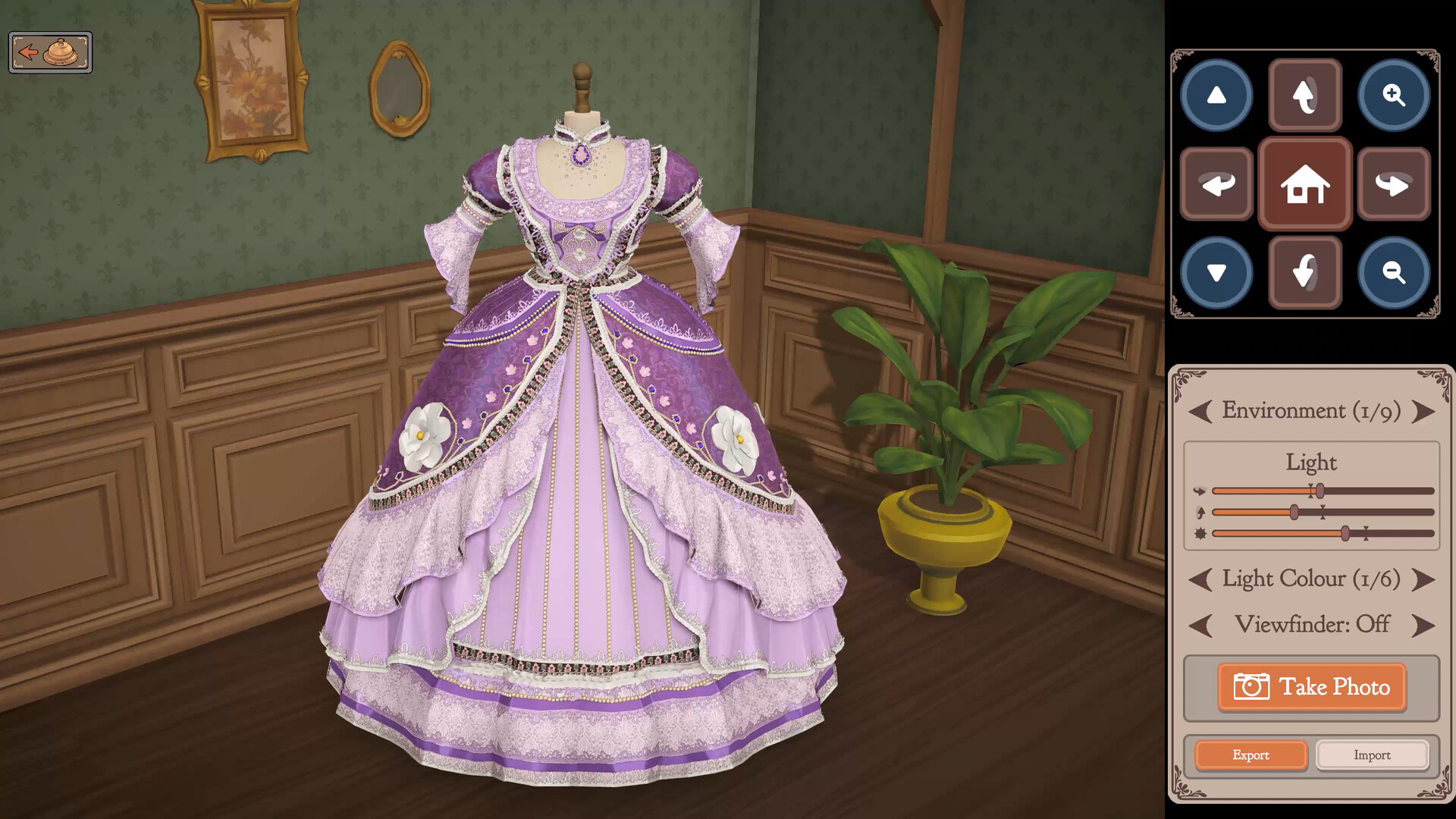
The camera was rebuilt in the October patch and most guides still describe the old one. Here are the current bindings for every scene, the exact wording of what changed, and why gamepad and trackpad users are still waiting.
 Dressmaker
Dressmaker Off-the-Rack Dresses: Unlock, Sizing and Gifting
Off-rack dresses have no client attached, and the developer has documented almost none of it. The five official lines, what measurements change, and what nobody has answered.
 Dressmaker
Dressmaker Quality and Grain: Three Scores, One Published Sentence
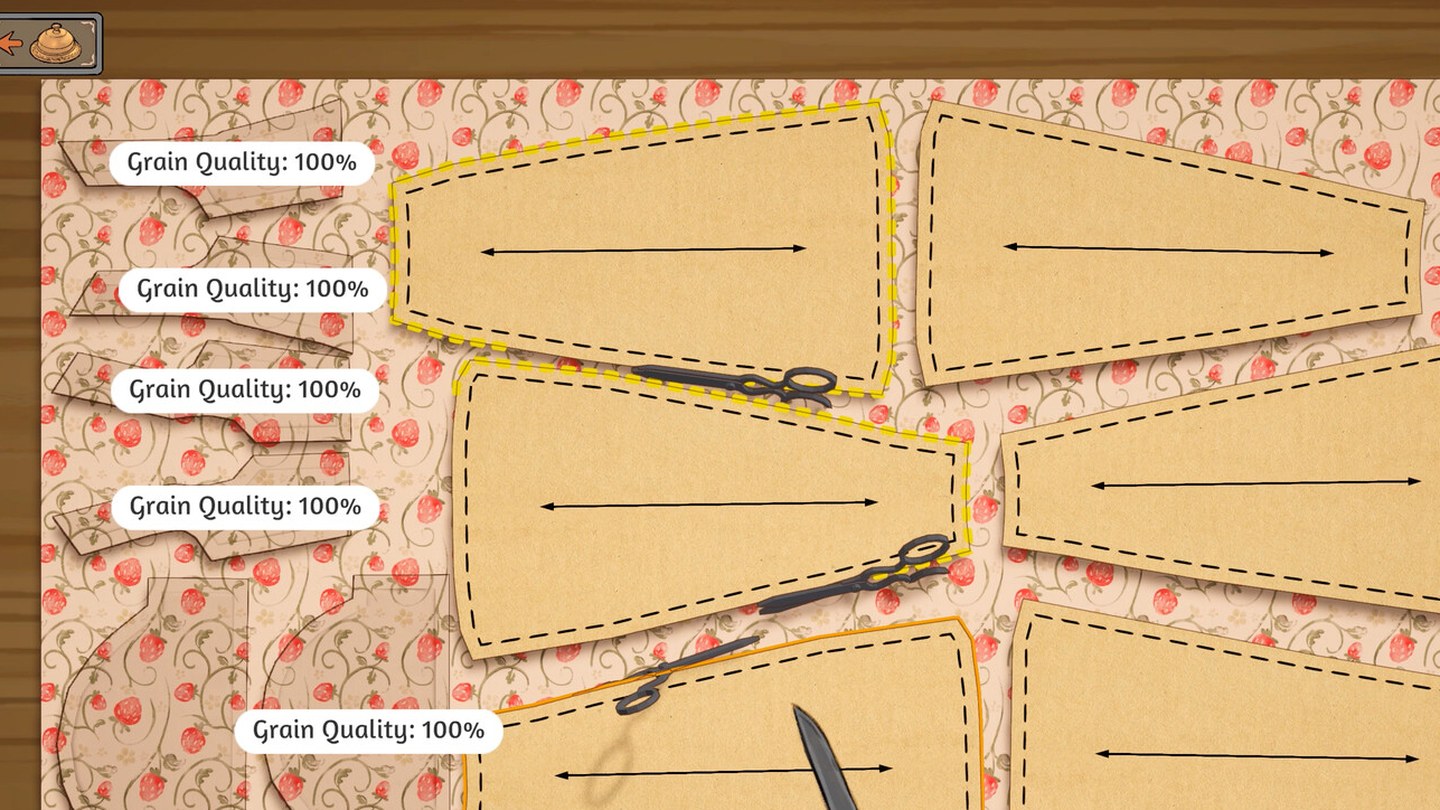
Grain direction, the Quality target and fabric tags are three separate scores. Only one is explained officially, and the ceiling turns out to be routine rather than rare.
 Dressmaker
Placing Trim and Accessories in Dressmaker: What Build 443 Changed
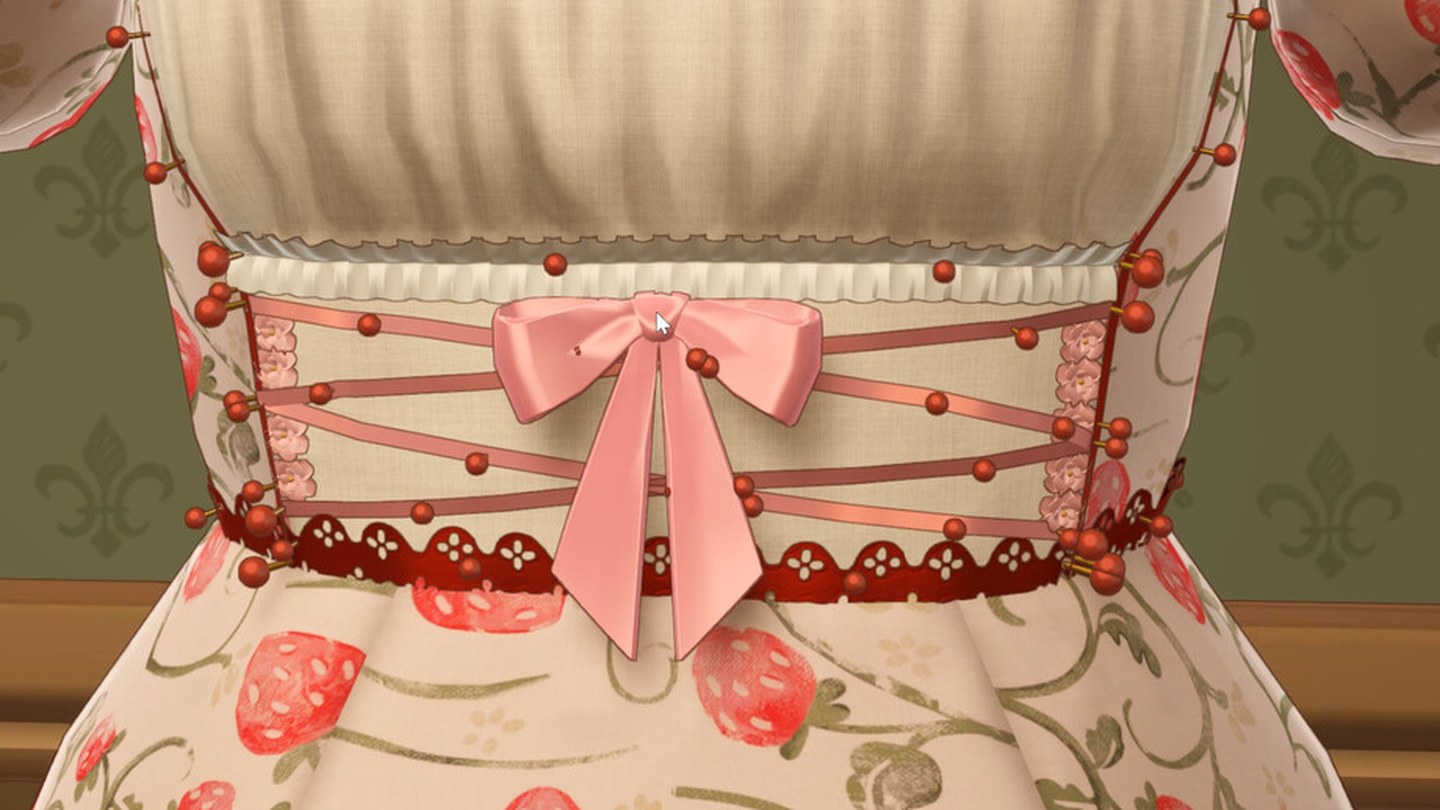
Nine trim fixes in Build 443: fast placement, rotating the mannequin mid-placement, negative heights, end-node selection and a duplicate button. Cuffs are still hard, and the developer says so.
 Dressmaker
Dressmaker Platforms: Windows and macOS Now, Switch and Mobile Only Planned
Dressmaker ships on Windows and macOS. Switch and mobile are planned in the developer's own words but carry no date, PS5 and Xbox have never been announced, and Deck is Playable rather than Verified.
 Dressmaker
Dressmaker Price and Demo: $14.99, No Demo, and What the itch Build Is
Dressmaker costs $14.99 with regional pricing and has no demo. The free build on itch.io is a prototype the developer hosts separately from the game on sale, not a trial of it.