Gears of War: E-Day PC stutter and crash checks
A source-based checklist for checking requirements, updates and support before trying risky fixes.
Applies to: Windows PC launch version · not independently tested on every configuration
Quick answer
First compare your PC with the final requirements, install the latest game update, record where the issue happens, and consult official support. The October 5 patch includes stability improvements but does not guarantee every issue is fixed.
Start with the version and hardware
Check that the installed game is updated and compare your CPU, GPU, RAM, Windows version and free SSD space with the final official PC chart. The October 5 official patch says it made stability, performance and hardware-compatibility improvements. That patch is a baseline to check, not a promise that your particular stutter is fixed.
Describe the problem before changing settings
- Write down the platform (Steam or Xbox on PC), game version, Windows version, GPU and driver version.
- Note whether it happens at launch, in campaign, in Horde Siege or only during an online session. A network disconnect, low frame rate and a full crash require different investigation.
- If you can reproduce it, record the approximate mission or map, settings and any on-screen error code. Check whether the issue began after a game or driver update.
These steps collect evidence; they are not a tested performance preset. Do not delete saves, disable security software or install unverified patches based on a single forum comment.
If you play on Steam, verify the installed files
Steam's official support guide recommends verifying game files when files may be missing or damaged. In your Steam Library, right-click the game, open Properties → Installed Files → Verify integrity of game files, and let the check finish before testing the same scene again. This can repair a damaged installation; it does not diagnose every crash or guarantee a frame-rate improvement. This Steam step does not apply to the Xbox PC app version.
When should you contact support?
If the problem persists after checking the official requirements and current patch, use the Gears support form with the details above. Steam community threads document that other PC players have reported stutter and crashes, but they do not establish a universal cause or fix. Check the official news feed for subsequent patches.
Sources
Official Xbox, Xbox Wire, Steam and The Coalition material is linked below. Media opinions and player reports are explicitly attributed.
Not independently play-tested. This is not a claim that every platform or game version was tested. Source review: Oct 12, 2026.
More Gears of War: E-Day Guides
 Gears of War: E-Day
Gears of War: E-Day PC requirements and storage
Compare the official minimum and recommended CPU, GPU, RAM and SSD requirements.
 Gears of War: E-Day
Is Gears of War: E-Day on PS5? Current platforms explained
Check the official Xbox and PC platform list and what it does—and does not—say about a PS5 version.
 Gears of War: E-Day
Gears of War: E-Day release date and unlock time
Confirm the October 2026 launch date, worldwide unlock time, pre-load timing and historical Premium early access.
 Gears of War: E-Day
Gears of War: E-Day on Game Pass and Xbox Play Anywhere
See which Game Pass plans list E-Day and how Xbox Play Anywhere affects Xbox and PC purchases, saves and achievements.
 Gears of War: E-Day
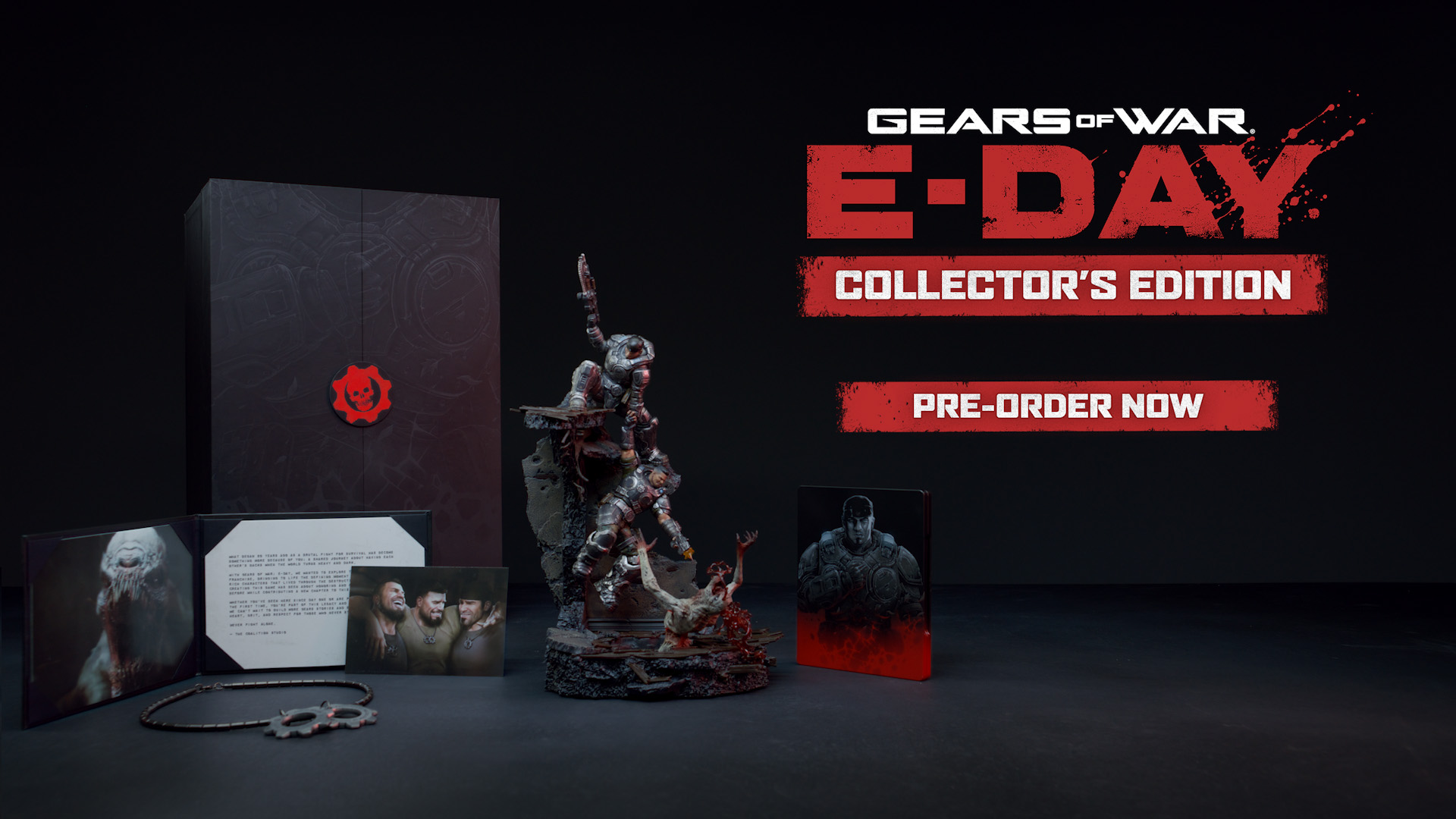
Gears of War: E-Day editions and Collector’s Edition
Compare Standard, Premium, the Premium upgrade and the physical Collector’s Edition without treating launch benefits as current.
 Gears of War: E-Day
Gears of War: E-Day review roundup
Compare attributed media reactions and understand why review scores and platform impressions may differ.