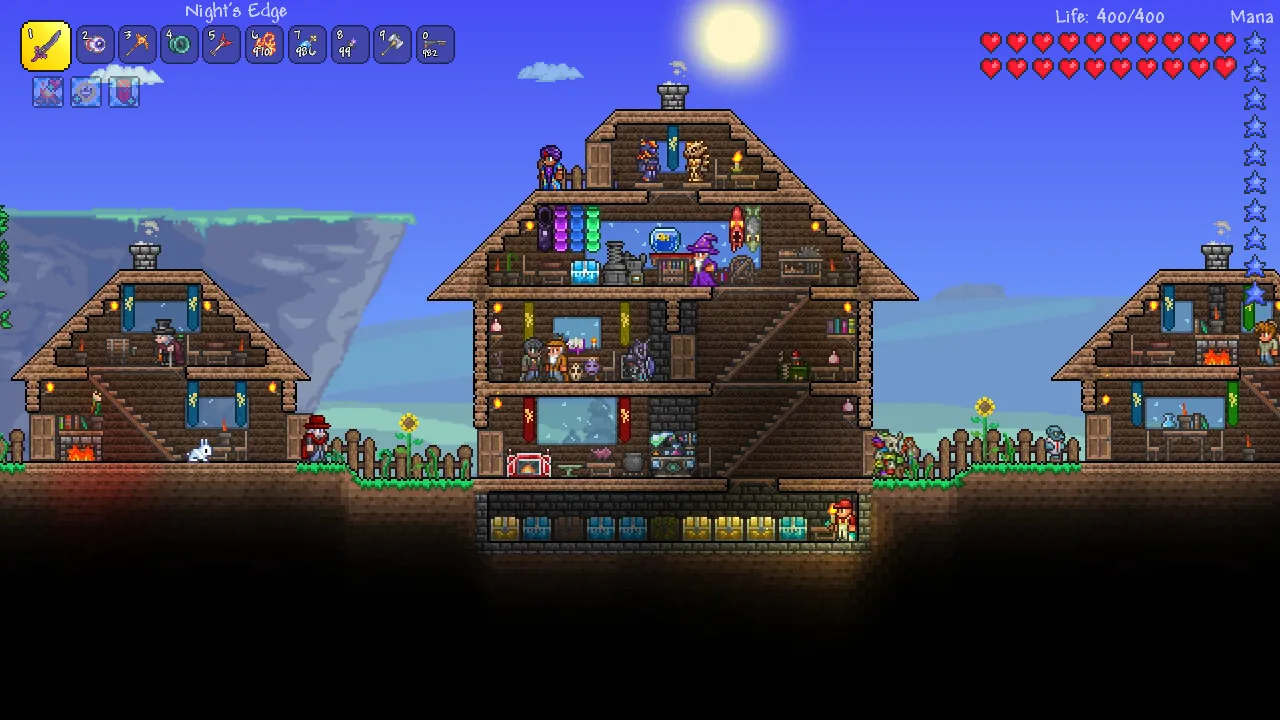
Terraria save file location and how to recover lost characters
Find the exact save folder on Windows, macOS and Linux, and restore a character or world from a backup.
Applies to: PC saves on 1.4.5.8
Quick answer
On Windows, characters are stored in %USERPROFILE%\Documents\My Games\Terraria\Players as .plr files, and worlds in the Worlds folder as .wld files. If characters vanished but the files are still on disk, the usual cause is that the Documents folder was redirected into OneDrive and the game now reads a different path. Copy the files back to the local Documents path, or stop OneDrive syncing that folder, then relaunch.
Where saves are stored
Terraria keeps characters and worlds in separate folders, and knowing which one is missing tells you what to look for.
| Platform | Characters | Worlds |
|---|---|---|
| Windows | %USERPROFILE%\Documents\My Games\Terraria\Players — .plr files | %USERPROFILE%\Documents\My Games\Terraria\Worlds — .wld files |
| macOS | ~/Library/Application Support/Terraria/Players | ~/Library/Application Support/Terraria/Worlds |
| Linux | ~/.local/share/Terraria/Players | ~/.local/share/Terraria/Worlds |
On Windows, paste the path into the address bar of File Explorer rather than navigating to it by hand. %USERPROFILE% expands to your user folder, which is faster and less error-prone than clicking through to it.
A character and a world are two different files. Losing a character does not delete the world, and deleting a world does not damage the character — which is what makes recovery possible in most of these cases.
Characters gone but files present
The most common report is that every character or world has vanished, while the files are still sitting in the folder. If the files are there, this is almost never data loss. It is the game looking in a different place.
- Open the folder from the table above and confirm the
.plror.wldfiles exist. - Check the file dates. Recent timestamps mean the game was writing there until recently.
- Check whether there is a second My Games folder somewhere else on the drive — that is the usual sign of a redirected Documents folder.
- Whichever folder the game is actually reading is the one your saves need to be in.
OneDrive conflicts
On Windows, the Documents folder is frequently redirected into OneDrive by Windows backup. When that happens, %USERPROFILE%\Documents can point at OneDrive, and the game may read a path that no longer holds your files — or that holds an older copy.
This produces the classic symptom: the files are visible in one window and the game insists there is nothing there.
- Find out which folder
Documentsactually resolves to right now. - If OneDrive has taken it over, either move your Terraria folder back to the local Documents path, or stop OneDrive from syncing the
My Gamesfolder. - Give the sync client a moment to settle before launching the game, so it is not writing files while you work.
- Launch Terraria and check the character list again.
Doing this while OneDrive is mid-sync risks a partial file. Pause syncing first if the client offers it.
Restoring a backup
Terraria writes backup copies alongside your saves, using a .bak extension on the same name. If a character or world will not load, one of those backups is the usual recovery route.
- Close Terraria completely. Do this before touching save files.
- Copy the whole Players or Worlds folder somewhere safe as a snapshot. This is the step people skip and then regret.
- Find the backup for the affected file — a
.bakfile with a matching name. - Put the backup in place of the broken file, keeping the original extension the game expects.
- Relaunch and load. If the game does not see it, check the extension before assuming the backup is bad — a renamed
.bakis a common cause.
Backups are copies from an earlier point, so expect to lose whatever progress happened after they were written.
Steam Cloud
On Steam, Terraria saves are also synced to Steam Cloud. That helps when you move between machines and hurts when two machines disagree, because the client may offer to overwrite one set with the other.
- If you have played on two PCs and saves differ, read the conflict prompt carefully before choosing a side.
- A cloud copy can also restore a file you have lost locally, if the sync had a chance to upload it.
- Turning cloud sync off for Terraria is a reasonable temporary move while you are repairing a save, so the client does not overwrite your fix.
Console and mobile
Console and mobile saves live inside each platform’s own storage, and you cannot browse them the way you can on PC. Recovery there depends on the platform’s backup features — cloud saves on the console service, or an iCloud or Google backup on mobile. If those were not enabled before the problem, local recovery options are limited.
If the game is failing to save rather than failing to load, treat it as a different problem and start with the crash and startup page.
Sources and review scope
- Official Terraria wiki — Game files — used for the save file locations and extensions.
- Official Terraria wiki — Player — used to cross-check the character file paths and cloud behaviour.
- Steam store listing — used to confirm the Steam release and cloud support context.
The wiki is community-maintained rather than an official Re-Logic publication. Recovery steps here describe the standard file-level approach and deliberately avoid promising that any specific backup will be present, because which backups exist depends on your install and how the game last exited.
Checked against linked Re-Logic announcements, the official Terraria wiki and store listings on October 12, 2026. Dynamic details should be rechecked before publication.
Not independently play-tested. This is not a claim that every platform or game version was tested. Source review: Oct 12, 2026.
More Terraria Guides
 Terraria
Terraria multiplayer not working: how to host and join
Set up Host & Play or a dedicated server, use the default port, and work through the common join failures.
 Terraria
Terraria crashing, stuttering or not launching: what to try
Work through startup failures, crashes, low frame rate and Alt-Tab problems reported around 1.4.5.
 Terraria
Terraria version status: current releases and the next update
See the current version on every platform, what 1.4.5 changed, and where the crossplay update officially stands.
 Terraria
Terraria crossplay: what works now and what is coming
Check which platforms can play together today, how joining works, and the official two-phase crossplay plan.
 Terraria
Terraria price and where to buy it in 2026
Compare the official price on each platform, confirm there is no free version, and avoid unverified APK downloads.
 Terraria
Terraria NPC happiness and housing explained
Learn the happiness multipliers, what makes a house valid, and the 1.4.5 changes to how villagers arrive.