Rust Clan Table: What It Does and How Clans Differ from Teams
Understand Rust’s Clan Table, clan roles, chat and map features, and the limits Facepunch has officially confirmed.
Applies to: PC Rust · Common Ground update · July 2026
Quick answer
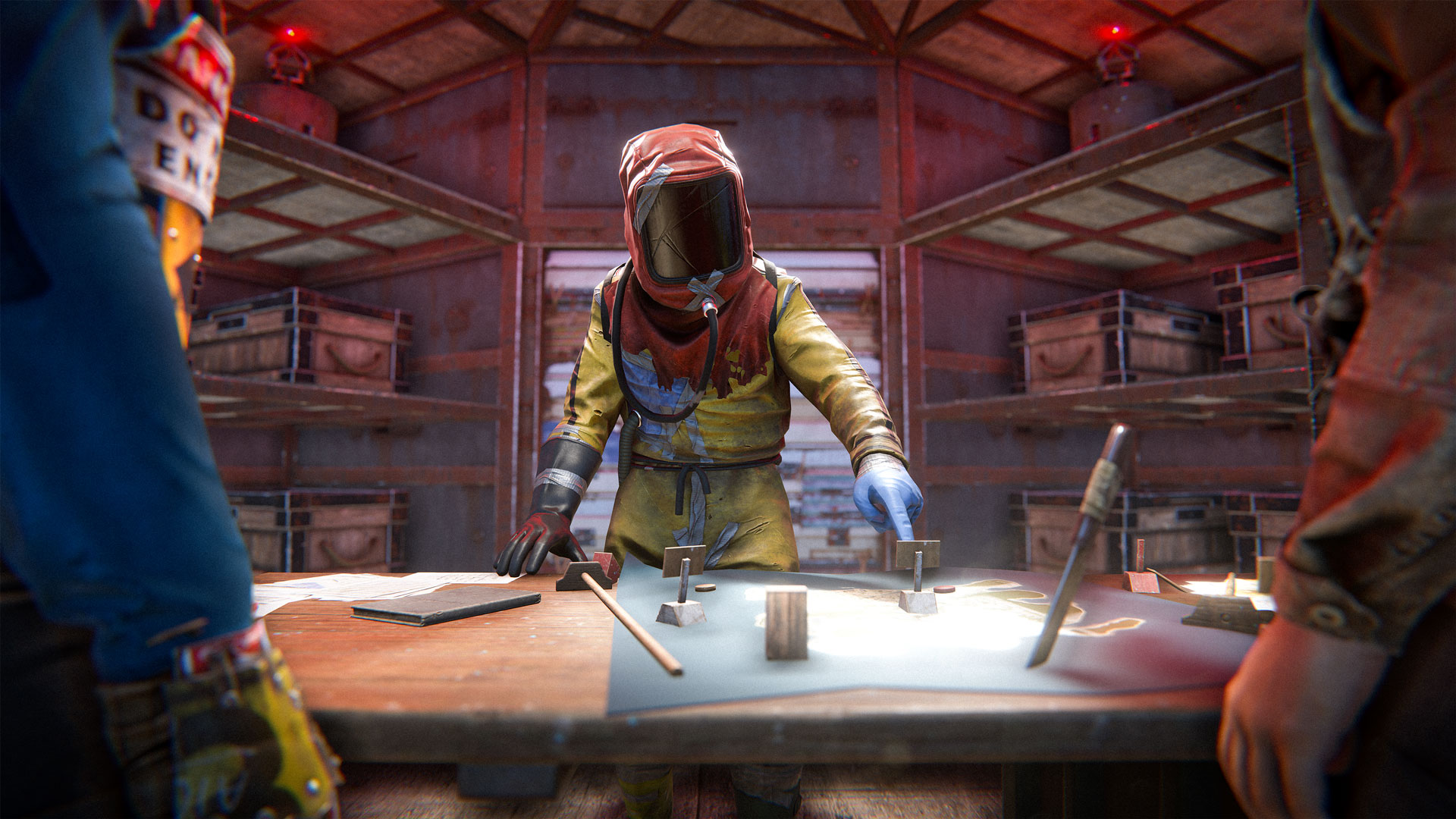
The Clan Table is where PC Rust players create and manage clans. Facepunch describes clans as a more advanced form of teams: they support more members, roles and permissions, a separate clan chat, an announcement or message-of-the-day field, clan names on player nameplates, and nearby clan-member locations on the map. The clan system is disabled in Hardcore mode.
Confirmed Clan features
Facepunch introduced the PC Rust clan system in the July 2026 Common Ground update. The announcement describes clans as a more advanced form of the existing team system.
| Feature | What Facepunch confirms |
|---|---|
| Clan Table | Used to create and manage a clan |
| Members | Supports more members than a normal team |
| Roles | Different roles and permissions are available |
| Communication | Separate clan chat plus announcement or message-of-the-day text |
| Nameplates | Clan names can appear on player nameplates |
| Map | Nearby clan members can appear on the map |
| Hardcore mode | The clan system is disabled |
Create and manage a Clan
- Go to a Clan Table on a server where the clan system is enabled.
- Interact with the table and follow the current in-game clan-management interface.
- Create the clan identity, then use the available role and permission controls when adding members.
- Use clan chat and the announcement field for information intended for the whole group.
The release announcement does not publish a complete permission matrix, crafting recipe, upkeep requirement, or every invitation rule. Those details should be read from the current in-game interface rather than copied from staging-branch videos or older community-server plugins.
Team vs Clan
| Question | Regular Team | Clan |
|---|---|---|
| Primary purpose | Small-group coordination | Larger-group organization |
| Management object | Team interface | Clan Table and clan interface |
| Roles and permissions | Not presented as the clan role system | Officially supported |
| Dedicated chat and announcement | Basic team communication | Separate clan chat and announcement/MoTD |
| Hardcore mode | Depends on the mode’s team rules | Clan system disabled |
A clan is not proof that every member shares a base, Tool Cupboard authorization, doors, inventories, blueprints, or loot. Those are separate game systems unless the current interface explicitly connects them.
Limits and unknowns
- The launch post does not state a universal member cap in its feature description.
- Server owners and later balance changes may affect availability or limits.
- Staging footage and community plugin behavior are not reliable proof of the live vanilla feature.
- The official announcement confirms nearby map visibility, not unlimited global tracking of every clan member.
Official source
Reviewed October 22, 2026. Recheck after clan membership, permissions, Hardcore-mode, or server-configuration changes.
Checked against the official sources linked on each page. Campaign availability and game mechanics may change; no hands-on testing is claimed.
Not independently play-tested. This is not a claim that every platform or game version was tested. Source review: Oct 22, 2026.
More Rust Guides
 Rust
RustRust Twitch Drops Not Showing? How to Claim and Check Missing Drops
Claim an active Rust Twitch Drop, verify the linked accounts, and follow Facepunch’s checks when an item does not arrive.
 Rust
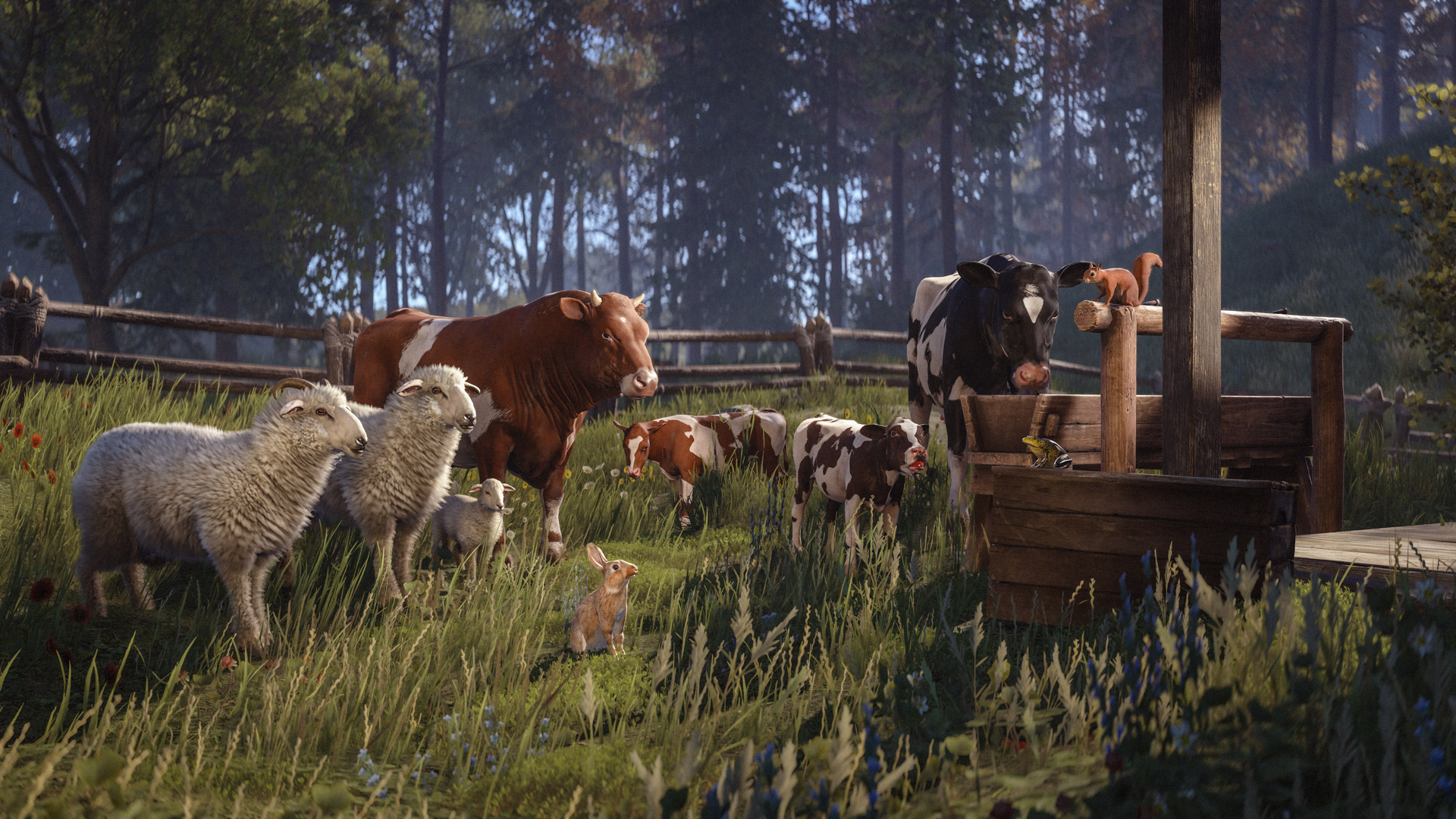
RustRust Livestock Explained: Cows, Sheep, Breeding, Milk, Cream, and Wool
What the October 2026 livestock update confirms about capturing, breeding, trading, and processing cows and sheep—and what it leaves unspecified.
 Rust
RustRust System Requirements: Can Your PC or Mac Run It?
Compare your Windows PC or Mac with Rust’s current Steam requirements, storage guidance, and platform limitations before buying or installing.
 Rust
RustRust Skins and the Steam Market: Where to Buy or Sell
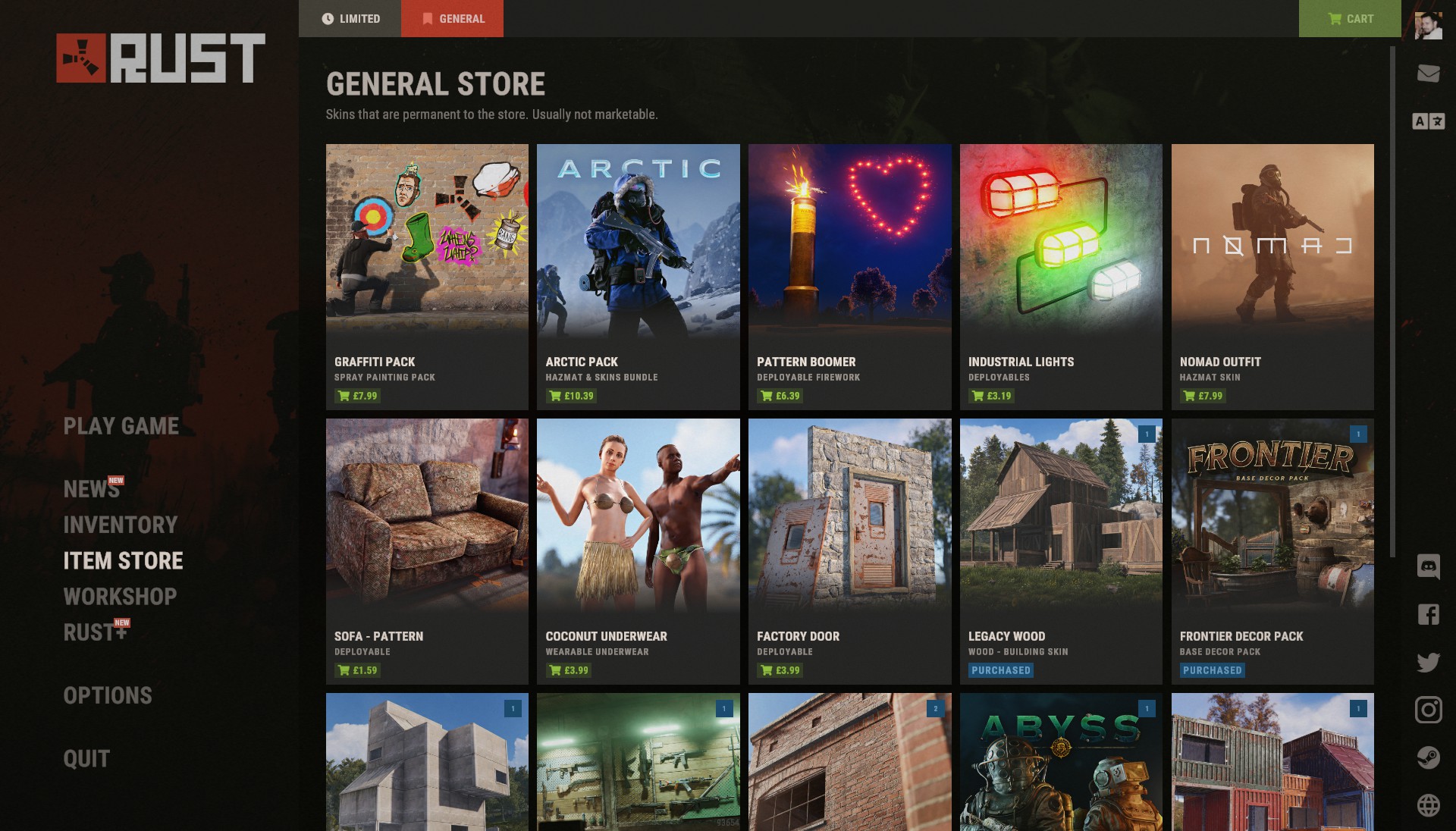
Compare Rust’s in-game item store with the Steam Community Market, and check whether a skin is actually tradable before buying.
 Rust
RustRust Crossplay: PC, Console, Xbox, PlayStation, and Mobile
Understand which Rust editions share servers, what console crossplay means, and how to verify Rust Mobile availability in your region.
 Rust
RustHow to Get Metal Fragments in Rust: Ore, Smelting, and Recycling
A practical early-game route to metal fragments, with the confirmed ore yield, furnace timing, and when recycling is useful.