
WARDOGS Launch Errors: WD-L020 and the Official Fix Record
WD-L020 is a Windows 11 crash error the developer patched in update 0.1.2. WD-L014 has never been defined by the developer — here is what that means and what is actually confirmed.
Applies to: The two launch error codes most often searched for alongside WARDOGS, checked against 81 official Steam announcements, four wardogs.com policy pages and the published hotfix history on October 19, 2026
Quick answer
WD-L020 is documented by the developer: the update 0.1.2 notes of September 30, 2026 carry a heading reading "Windows 11 WD-L020 Crash Error Fix", which makes it a Windows 11 crash that was patched rather than an open problem. If you are still seeing it, confirm your build is current first. WD-L014 is different — the code appears nowhere in the 81 announcements or the four policy pages reviewed here, so its trigger and its official remedy are unknown. Community write-ups of WD-L014 circulate widely and agree with each other, but they trace back to the same handful of sources and none is from the developer, so this page does not present them as a fix.
At a glance
Two error codes dominate searches around WARDOGS, and they are in completely different states. One has a named cause and a shipped fix. The other has no official definition at all.
| Code | Official status | What that means for you |
|---|---|---|
| WD-L020 | Named, diagnosed and fixed in update 0.1.2 | Caused by Windows 11 update KB5124010; update your game build |
| WD-L014 | Never mentioned in any official source | Cause and official remedy unknown — no confirmed fix exists |
WD-L020: what is confirmed
WD-L020 is documented in the patch notes for update 0.1.2, published September 30, 2026. The announcement opens with a maintenance window notice and then states what the update is for:
The specific entry is more useful than the summary, because it names the cause:
That single line answers the question most other pages leave open. WD-L020 is not a generic "the game crashed" code, a corrupted install or a hardware problem. It is a crash triggered by a specific Windows 11 update, and BULKHEAD's fix shipped alongside it. Which means the practical question is not "how do I repair the game" but "is my build new enough to contain the fix".
| Question | Answer | Basis |
|---|---|---|
| What is it? | A crash occurring on Windows 11 | Patch notes heading: "Windows 11 'WD-L020' Crash Error Fix" |
| What causes it? | Windows 11 update KB5124010 | Patch notes: "Fixed the issue caused by the latest Windows 11 update, KB5124010" |
| Is it fixed? | Yes, in update 0.1.2 | Patch notes, September 30, 2026 |
| Does the fix require a Windows rollback? | Not stated | No official source mentions one |
Note what the notes do not say. They do not tell you to uninstall KB5124010, roll back Windows, disable a service or change a driver setting. The remedy offered is a game update. If a site tells you WD-L020 requires uninstalling a Windows update, that advice is not from the developer — and given the patch notes attribute the fix to the game build, rolling back Windows is a heavier intervention than the published answer requires.
Check your build before anything else
Because WD-L020 was fixed in 0.1.2 and the game has since moved to 0.2.0, a current install should already contain the fix. The first step for anyone seeing the code is therefore to confirm which build is actually running, not to start repairing files.
- Check the build number. The developer's own launch announcement for Season 2 reads: "We have now released Update 0.2.0. Servers are back online." Anything at or above 0.2.0 post-dates the WD-L020 fix.
- Force Steam to verify. In your Steam library, open the game's properties, go to the installed files tab, and verify the integrity of the game files. This catches an install that did not receive the update cleanly.
- Look at the update history, not the version label alone. A build number can be current while a file is stale, which is what a file verification is for.
- If the code still appears on 0.2.0 or later, the patch notes give you no further path. That is a genuinely new report rather than a known issue with a published fix, and the only honest next step is the support channel listed at the bottom of this page.
The reason for doing this in this order is simple: every hour spent on driver reinstallation before confirming the build number is an hour spent outside what the developer has documented.
WD-L014: what is not confirmed
WD-L014 does not appear in any of the 81 Steam announcements reviewed for this page, and it does not appear in the four policy pages published on wardogs.com. Unlike WD-L020, there is no patch note heading, no cause, and no stated remedy.
There is, however, a widely circulated five-step procedure attributed to it. It appears on Chinese-language gaming portal articles, on download-site support pages and on general software-help sites, and the steps are consistently:
- Verify the integrity of the game files through Steam.
- Deal with the anti-cheat component — usually by reinstalling or repairing it.
- Disable Windows Memory Integrity (core isolation).
- Remove an older playtest installation of the game if one is present.
- Run the game as administrator.
There is one more reason for caution that is specific to this game. The wardogs.com terms state that anti-cheat software runs as part of the game and that tampering with it is treated as a serious breach. A procedure that involves modifying, disabling or reinstalling security components of a game with kernel-adjacent anti-cheat carries a risk that has nothing to do with whether it fixes the crash. If you choose to try those steps anyway, understand that the risk is yours and that no official source endorses them.
What can be said about WD-L014 without speculation: it is an error code players are seeing, it is not in the developer's published documentation, and a code that is not documented cannot have a documented fix. Codes in this state usually resolve in one of three ways — the developer publishes a note, an update removes the condition, or the reports stop. None has happened as of October 19, 2026.
The published hotfix record
If you are trying to work out whether your problem has already been addressed, the record is short. These are the update announcements the developer has published since launch, with what each one says it fixed.
| Date | Update | Stated focus |
|---|---|---|
| September 10, 2026 | Launch Stability Hotfix #1 | Players unable to join servers, unexpected kicks during play, extended login queue times |
| September 12, 2026 | Scheduled Maintenance & Patch 0.11 | Cash exploits fixed, additional GPU crashes addressed, AFK kicking during seeding disabled, team switching controls, increased Asian server capacity |
| September 30, 2026 | Update 0.1.2 | Windows 11 WD-L020 crash fixed, cash and XP exploits closed, server browser "Deploy" flow added |
| October 2, 2026 | Security & Stability Hotfix | Security and stability |
| October 2, 2026 | IR Goggles & CIWS Balance Hotfix | IR goggles and CIWS balance |
| October 15, 2026 | Update 0.2.0 — Season 2 | Season 2 content, balance and progression overhaul |
Two patterns in that table are worth knowing. The first is that crash fixes appear repeatedly rather than once — "additional GPU crashes" in 0.11 and "more GPU crashes addressed" alongside other work in the same period — which is normal for an Early Access launch and means that a crash you saw in week one may have been fixed without a dedicated announcement. The second is that the developer used the 0.1.2 notes to state its position on exploitation: "anyone who has been caught abusing Cash & XP exploits, or worse Real Money Trading, has had their cash and progression reset and risks being permanently banned."
If it still will not start
Once you have confirmed your build is current and verified the files, the remaining variables are your machine and your connection, and the developer's own documented requirements are the first thing to check against — Windows 10 or 11 for the minimum tier, Windows 11 for recommended, 16 GB of RAM, and a broadband internet connection listed in both tiers.
For anything beyond that, nothing in the developer's own Steam announcements is an error-code reference: across all 81 announcements reviewed for this page, exactly one code is named — WD-L020 — and it appears four times, all in the same incident. There is no published index of codes and no developer-authored troubleshooting guide in that channel. The support route that does exist is Team17's support portal, which is the address Steam lists in the game's own support field:
- team17.com/support — the publisher's support portal, listed as the game's support URL on its Steam store entry.
- Steam Discussions — WARDOGS — where players post the codes they are seeing. Useful for finding out whether others have the same problem; not a source of official fixes.
Sources and review scope
- BULKHEAD — Update 0.1.2 (Minor Patch), September 30, 2026 — source for the WD-L020 cause (Windows 11 update KB5124010), the fix, the exploit enforcement statement and the server browser changes.
- BULKHEAD — "WARDOGS Season 02 is now LIVE", October 15, 2026 — source for the current build number, "Update 0.2.0".
- BULKHEAD — Launch Stability Hotfix #1, September 10, 2026
- BULKHEAD — Scheduled Maintenance & Patch 0.11, September 12, 2026
- BULKHEAD — Security & Stability Hotfix and IR Goggles & CIWS Balance Hotfix, October 2, 2026
- Steam store API — app details — source for the system requirement floor and the support URL (team17.com/support) listed in the game's support field.
- wardogs.com — End User Licence Terms — source for the statement that anti-cheat software runs as part of the game and that tampering with enforcement is a serious breach.
- Steam store API and the four wardogs.com policy pages — searched for "WD-L014". No result in any of them.
The five-step WD-L014 procedure is described but not reproduced as a recommendation. It was traced across at least five sites whose wording is near-identical, and is therefore counted as a single unverified source rather than five corroborating ones. This site did not test it and does not recommend it. No troubleshooting step appears above unless a developer document states it.
Checked on October 19, 2026 against the Steam store listing and the Steam Web API for app 1867240, the developer's own Steam announcements including the Season 2 patch notes dated October 14, 2026, the current-player and achievement endpoints, the public review endpoint, and the four policy pages published on wardogs.com. Figures are quoted from those sources rather than paraphrased, and each one carries the date it was read. Where a detail comes from a press report, a third-party site or a player post rather than from BULKHEAD or Team17, it is labelled as exactly that. Anything the developer has not stated is written as unconfirmed rather than guessed.
Not independently play-tested. This is not a claim that every platform or game version was tested. Source review: Oct 19, 2026.
More WARDOGS Guides
 WARDOGS
WARDOGS Price and Editions: Standard, Supporter Edition and What Each Contains
The two packages on Steam, what the Supporter Pack adds, what the game does not sell, and the developer statement about monetisation during Early Access.
 WARDOGS
WARDOGS Platforms: Windows Now, Consoles in 2028, Linux Not Supported
The confirmed platform list, the 2028 console window stated by the developer, the Linux and Proton position, and the 14 supported languages.
 WARDOGS
WARDOGS System Requirements and Engine: Full Official Specs
The complete minimum and recommended specs from Steam, including the Windows 10 floor, the 50 GB figure and the upscaling assumption, plus the engine the developer actually uses.
 WARDOGS
WARDOGS Anti-Cheat and Bans: What the Developer Actually Says
Anybrain is named in the privacy policy, Easy Anti-Cheat is explicitly excluded by the EULA, Elytra has no official source, and the appeal process in full.
 WARDOGS
How WARDOGS Works: Control Zones, Scoring and Match Length
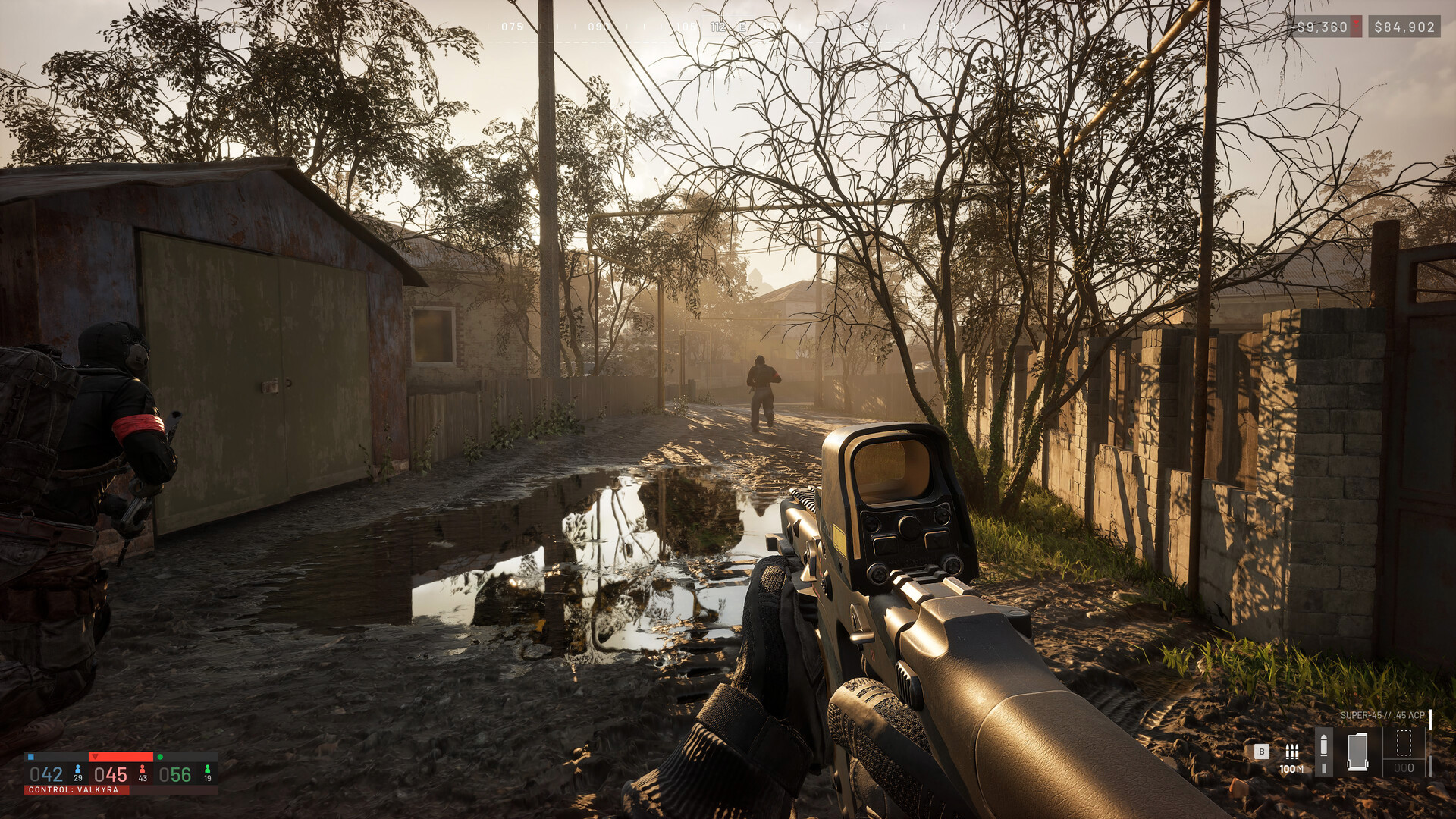
The three teams, the 2x2km Control Zone, how points are actually earned, what the Hot Zone doubles, and why the developer has never published an average match length.
 WARDOGS
WARDOGS Player Count and Sales: The Official Milestones
The live concurrent player figure read from Steam, the three sales milestones BULKHEAD announced, and why the review count and the sales figure measure different things.