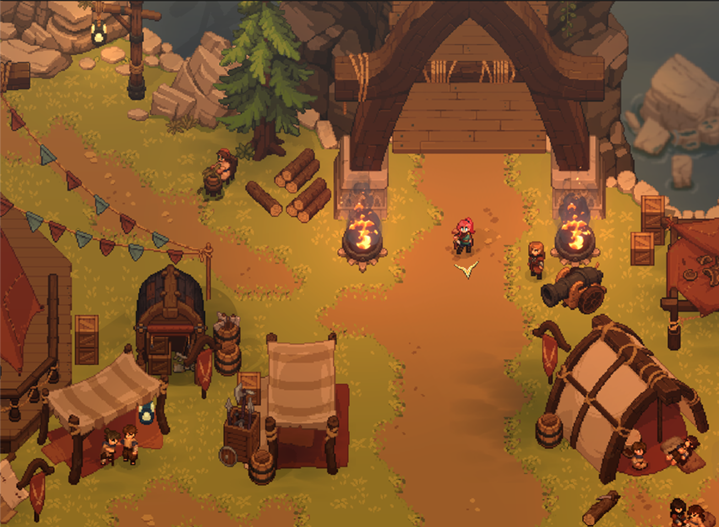
Dimraeth difficulty settings: what Early Access confirms
Know what Mudtek has confirmed about difficulty levels without inventing presets, scaling rules or hidden modifiers.
Applies to: Early Access content update
Quick answer
Mudtek’s Early Access content update confirms that difficulty levels were added. It does not provide a complete public table of presets or scaling values, so use the current in-game settings menu and patch notes for exact choices.
What is confirmed
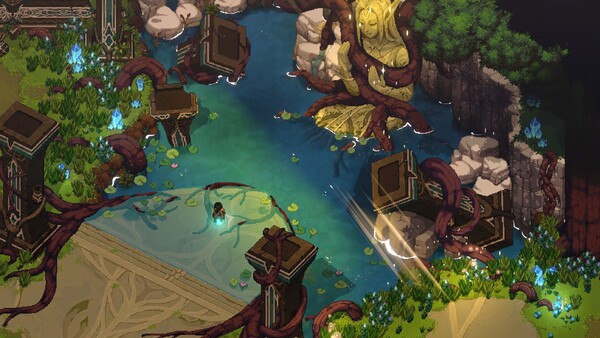
Mudtek’s Early Access content announcement lists difficulty levels among the features added for the Early Access build. That confirms the current version family has a difficulty system, but the announcement is not a full settings manual.
| Question | Reliable answer |
|---|---|
| Does the game have difficulty levels? | Yes, according to the official Early Access content announcement. |
| What are the current preset names? | Read them in the installed build; the announcement does not list them. |
| Do settings change enemy health or damage? | Use the current option descriptions or dated patch notes for exact effects. |
| Do rewards or achievements change? | Do not assume a modifier without current game or developer confirmation. |
| Which option is “best”? | There is no official universal recommendation; choose for the experience you want. |
Choose without relying on invented values
Start with the description shown by your version and adjust only after you understand the core combat loop. Dimraeth expects players to manage stamina, read enemy telegraphs and choose between striking, dodging, blocking and parrying. A setting that leaves room to learn those signals can be more useful than copying a label from an older guide.
For co-op, the group should agree on the host world and the intended experience before a long session. The official sources reviewed do not establish a separate scaling formula for every party size, so this page does not claim one.
Check the current build
- Open the current settings and read each difficulty description.
- Note the installed game version before comparing advice online.
- Test the setting in a familiar encounter rather than judging from a preset name alone.
- Check Mudtek’s dated patch notes when behavior changes after an update.
Exact preset names, numerical modifiers and whether a setting can be changed at every stage should be documented only from the live build or a current official note.
Sources
Based on Mudtek’s official Early Access content announcement. Exact settings and values should be checked in the current in-game menu or a dated patch note.
Not independently play-tested. This is not a claim that every platform or game version was tested. Source review: Oct 8, 2026.
More Dimraeth Guides
 Dimraeth
Dimraeth controls: keyboard, mouse, controller and hybrid input
Understand the official input methods and what the FAQ does—and does not—confirm about exact keybinds.
 Dimraeth
Can you play Dimraeth solo or in co-op?
What Mudtek confirms about solo play, online co-op, the player limit and choosing a session style.
 Dimraeth
Dimraeth P2P co-op and dedicated servers
Understand the official peer-to-peer hosting model and the current lack of dedicated or private servers.
 Dimraeth
Does Dimraeth have split-screen or local multiplayer?
A direct answer from the official FAQ, plus how to avoid confusing online co-op with couch co-op.
DimraethDimraeth co-op progression and saves: what travels between worlds
Understand the official distinction between your hero’s personal progress and the world-based progress of a co-op session.
DimraethHow to report a Dimraeth bug or technical issue
Use Mudtek’s stated reporting route and include the information that helps a small development team reproduce an issue.