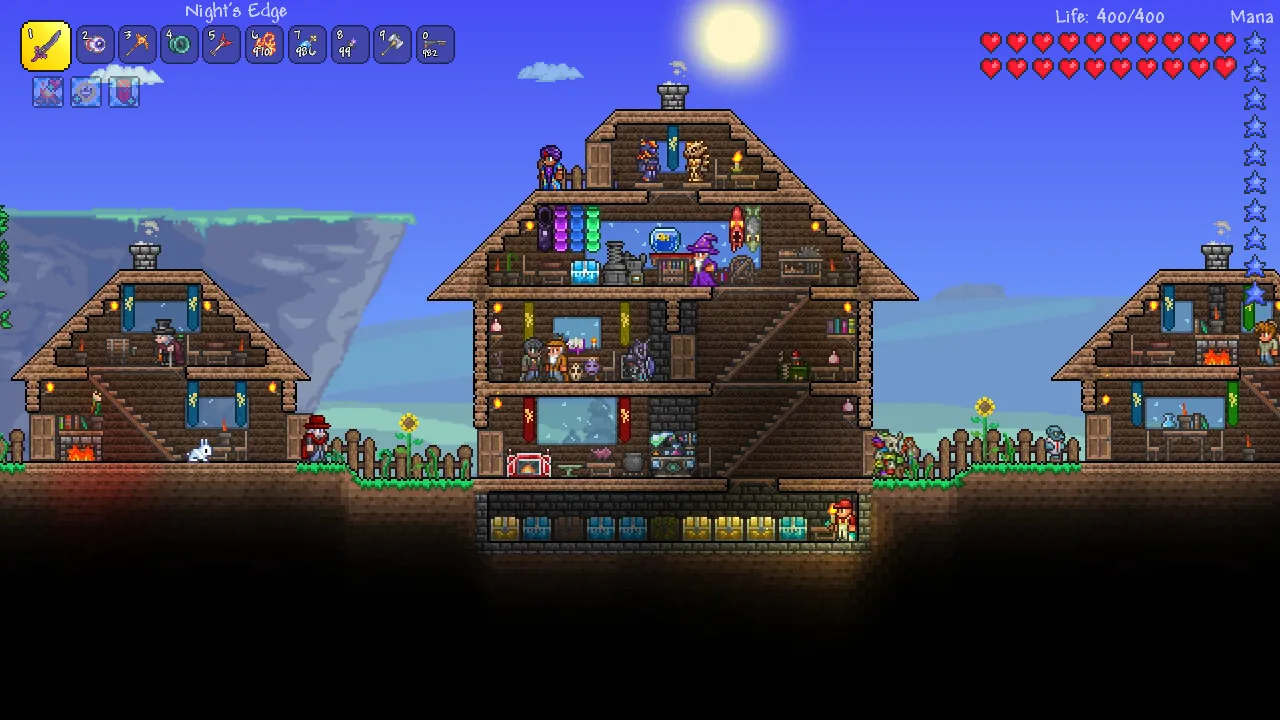
Terraria multiplayer not working: how to host and join
Set up Host & Play or a dedicated server, use the default port, and work through the common join failures.
Applies to: PC multiplayer on 1.4.5.8
Quick answer
For a quick session use Host & Play: the host opens Multiplayer, picks the world and starts the server. For a persistent world, download the official dedicated server from terraria.org and run TerrariaServer.exe, which listens on port 7777 by default. Most join failures trace back to the host port not being forwarded, a firewall prompt being dismissed, or a VPN splitting the connection.
Host & Play
For a session with friends, Host & Play is the fastest option and needs no extra files.
- Open Multiplayer → Host & Play from the main menu.
- Select the character and world you want to host.
- Set the world to a mode your friends can reach: LAN if you are on the same network, otherwise the internet option.
- Start the server and share the address shown with your friends.
Host & Play stops the moment you quit. Nobody can join while you are offline, and your machine is doing the simulation, so a bad connection for you is a bad connection for everyone.
Dedicated server
A dedicated server keeps a world online without you playing. The official server is a free separate download from terraria.org — it is a server component, not a copy of the game, so everyone still needs their own Terraria licence.
- It runs as a console application rather than a window with graphics.
- Its settings live in a plain text configuration file, which is where you set the world file, password and player limit.
- Because it has no graphics, it is the usual choice for a world that stays up between sessions.
Ports and forwarding
The dedicated server listens on TCP port 7777 by default. This single number explains most join failures.
| Situation | What has to be true |
|---|---|
| Same LAN | Nothing extra, as long as the host firewall allows the connection. |
| Over the internet | The router has to forward TCP 7777 to the host machine, and the host firewall has to allow Terraria. |
| Different port in use | Only works if the host tells you which port, and forwards that one instead. |
If you change the port, everyone joining needs the new number. A friend who assumes 7777 will fail against a server running elsewhere.
Common join failures
Work through these in order rather than trying them at random — each one rules out a layer.
- “Connecting” forever, then a timeout. The port is almost certainly not forwarded, or the host firewall blocked the first prompt. Terraria asks for firewall permission once; if that prompt was dismissed, the rule may never have been created.
- Works on LAN but not over the internet. Forwarding is the missing piece, not the game.
- Joins, then desynchronises or disconnects. Usually an unstable connection or a VPN. A VPN can split traffic so the game reaches the server by a different path than the one the host opened.
- Friend connects to the wrong machine. If the host has more than one device, the forward has to point at the machine actually running the server.
- Version mismatch refused. Both ends need the same game build. Check the version shown in the main menu against the version status page.
Console and mobile
Console and mobile do not use the PC server files, and they cannot join PC servers. Consoles rely on the platform’s own online service, which means a subscription where the platform requires one, and mobile players join other mobile players. The wider picture is on the crossplay page.
Sources and review scope
- terraria.org — Re-Logic’s official site, used to confirm the dedicated server is an official free download.
- Official Terraria wiki — Guide: Setting up a Terraria server — used for the default port and the outline of the dedicated server. This page is community-maintained and carries its own “may be heavily outdated” notice, so it is used for structure rather than for exact flags.
- Official Terraria wiki — Multiplayer — used for Host & Play behaviour and the console and mobile differences.
This page keeps to what is verifiable from official or clearly-labelled community documentation. It does not reproduce a command-line flag list, because that list is version-dependent and the source carrying it is flagged as potentially out of date.
Checked against linked Re-Logic announcements, the official Terraria wiki and store listings on October 12, 2026. Dynamic details should be rechecked before publication.
Not independently play-tested. This is not a claim that every platform or game version was tested. Source review: Oct 12, 2026.
More Terraria Guides
 Terraria
Terraria save file location and how to recover lost characters
Find the exact save folder on Windows, macOS and Linux, and restore a character or world from a backup.
 Terraria
Terraria crashing, stuttering or not launching: what to try
Work through startup failures, crashes, low frame rate and Alt-Tab problems reported around 1.4.5.
 Terraria
Terraria version status: current releases and the next update
See the current version on every platform, what 1.4.5 changed, and where the crossplay update officially stands.
 Terraria
Terraria crossplay: what works now and what is coming
Check which platforms can play together today, how joining works, and the official two-phase crossplay plan.
 Terraria
Terraria price and where to buy it in 2026
Compare the official price on each platform, confirm there is no free version, and avoid unverified APK downloads.
 Terraria
Terraria NPC happiness and housing explained
Learn the happiness multipliers, what makes a house valid, and the 1.4.5 changes to how villagers arrive.