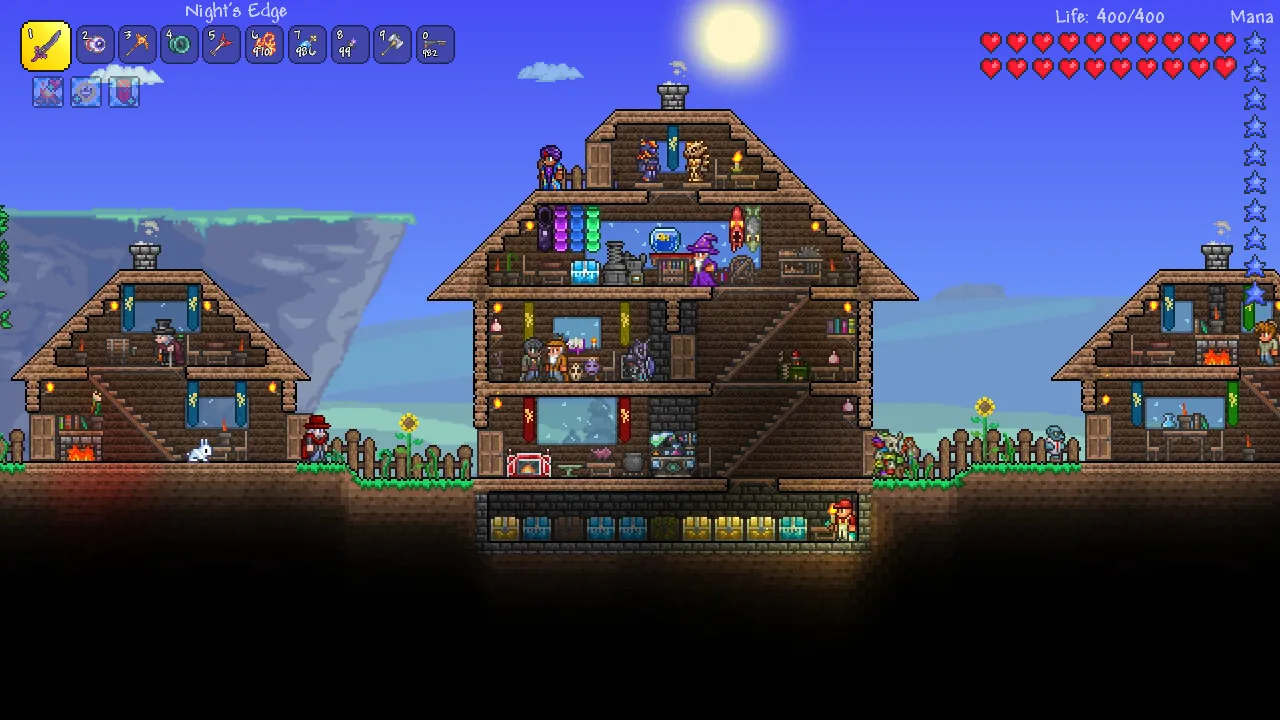
Terraria mods: how to install tModLoader and get started
Install tModLoader, understand which game version mods target, and start with low-risk quality-of-life mods.
Applies to: tModLoader on the 1.4.4 and 1.4.5 branches
Quick answer
Mods are unofficial and are not supported by Re-Logic. You install tModLoader as a free separate app from Steam, then subscribe to mods through its built-in Workshop browser. Re-Logic has said the tModLoader 1.4.4 branch is updated monthly while the 1.4.5 branch still needs many months of work, so mods currently target the older game version. Magic Storage is a widely used quality-of-life example.
What tModLoader is
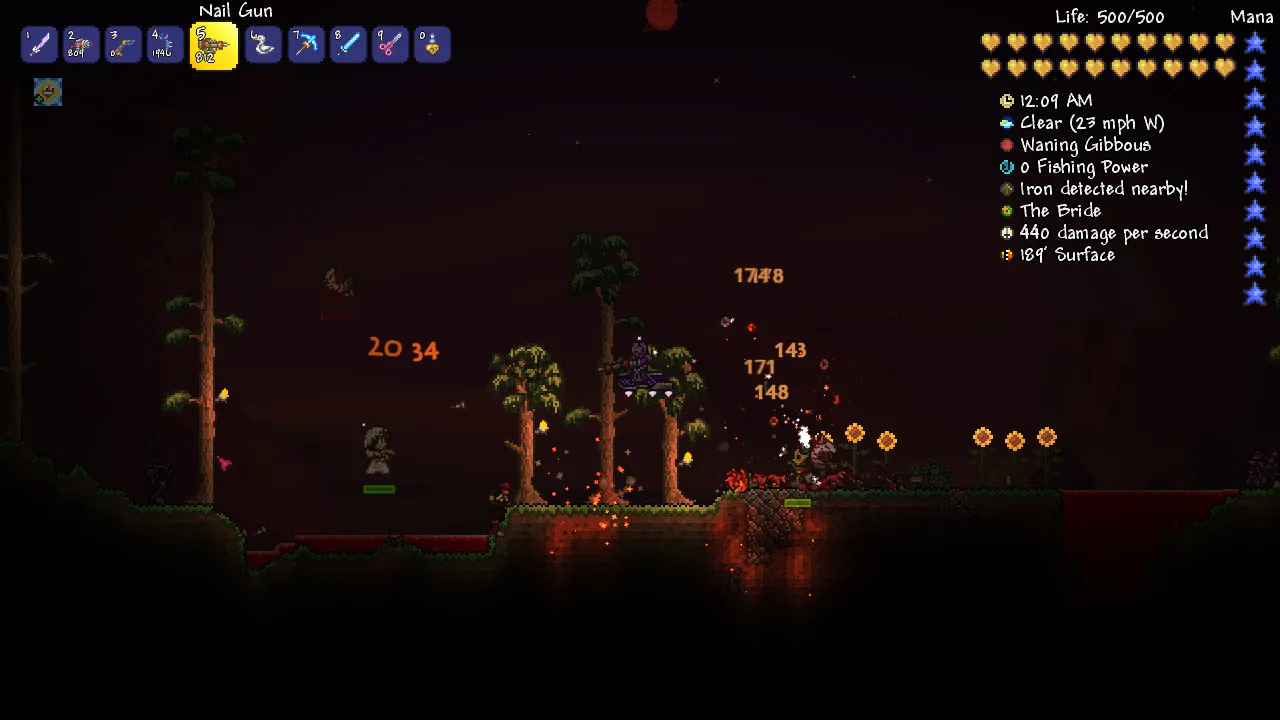
tModLoader is the mod loader for Terraria. It is not a mod itself — it is the separate application that loads mods, and it has its own Steam entry.
| Item | Detail |
|---|---|
| What it is | A standalone mod loader, listed separately from Terraria. |
| Cost | Free. |
| Who maintains it | The TML Team, with Re-Logic also listed as a publisher on its Steam page. |
| Where mods come from | A built-in browser inside tModLoader, which pulls mods from Steam Workshop. |
| Does it change Terraria? | No. It runs alongside the game as its own application. |
The important structural point is that tModLoader is its own thing. You do not patch Terraria, and you do not lose your vanilla install by adding it.
Installing it
- Install tModLoader from Steam. It appears in your library as a separate entry from Terraria.
- Launch tModLoader instead of Terraria. Mods do not load when you launch the base game.
- Open the mod browser from the tModLoader menu. This is where you browse and subscribe to mods, and it is built into the app rather than being a website you visit.
- Subscribe and enable. Subscribing downloads a mod; you still have to enable it for the current session.
- Reload when prompted. Most mods need the game to reload before they take effect.
Keep your vanilla worlds and modded worlds separate. Introducing mods into a long-running vanilla world is the fastest way to make it unloadable without the mods present.
Which version mods target
This is the part most mod guides get wrong, because the mod loader and the game are on different versions.
| Branch | Status |
|---|---|
| 1.4.4 branch | Updated on a monthly cadence. |
| 1.4.5 branch | Still needs many months of work, in Re-Logic’s own words. |
The consequence is a version gap you have to plan around. Terraria itself is on 1.4.5.8 on PC, but the mod ecosystem is still built on the older branch. A guide written for 1.4.5 features may describe things that mods cannot yet touch, and vice versa.
Before installing anything, check which game version the mod states it needs. That single check explains most “the mod does not appear” problems.
Starting mods
For a first install, the low-risk category is quality-of-life mods — mods that add convenience without changing the game’s balance or content. These are the ones that are least likely to conflict with each other or to make a world dependent on them.
- Magic Storage is the widely used example: a storage system that replaces rows of chests with a searchable interface. It is a convenience mod rather than a content overhaul.
- Interface and information mods generally sit in the same low-risk category.
- Content mods — new bosses, biomes and progression — change the game substantially and are better attempted after you are comfortable with how the loader behaves.
Start with one mod, confirm the game still runs, then add the next. Installing a large batch at once makes it impossible to tell which one broke something.
Cautions
- Mods are unofficial and unsupported. If a modded install misbehaves, that is a mod issue, not a Terraria bug to report to Re-Logic.
- Back up worlds before adding mods. The save recovery page shows where the files live.
- Do not report modded crashes to Re-Logic. Reproduce the problem without mods first, then decide where it belongs.
- This site does not cover large content mods. It focuses on the official game and on mods that are only convenience tools.
- Do not move modded worlds between branches casually. A world created under one mod set may not load under another.
If a modded install starts crashing after an update, the most likely cause is the loader or a mod not yet updated for the new branch — not the game. Check the tModLoader branch status above before troubleshooting Terraria itself.
Sources and review scope
- Steam — tModLoader — used to confirm it is a free, separate application and to check who maintains it.
- Official Terraria wiki — Mods — used for the general structure of how modding works.
- Official Terraria forum — “Terraria 1.4.5.8 Out Now” — used for the platform state of 1.4.5 referenced against the mod branch status.
The tModLoader branch status — monthly updates on 1.4.4, “many months” for 1.4.5 — comes from Re-Logic’s own state-of-the-game post. The wiki is community-maintained rather than an official Re-Logic publication. Mod recommendations here are limited to convenience tools, and this page does not endorse, review or link to any specific third-party mod download outside Steam Workshop.
Checked against linked Re-Logic announcements, the official Terraria wiki and store listings on October 12, 2026. Dynamic details should be rechecked before publication.
Not independently play-tested. This is not a claim that every platform or game version was tested. Source review: Oct 12, 2026.
More Terraria Guides
 Terraria
Terraria 1.4.5 crossover content: Palworld and Dead Cells
What the Palworld and Dead Cells crossovers added to Terraria, and where the confirmed details stop.
 Terraria
Terraria version status: current releases and the next update
See the current version on every platform, what 1.4.5 changed, and where the crossplay update officially stands.
 Terraria
Terraria crossplay: what works now and what is coming
Check which platforms can play together today, how joining works, and the official two-phase crossplay plan.
 Terraria
Terraria price and where to buy it in 2026
Compare the official price on each platform, confirm there is no free version, and avoid unverified APK downloads.
 Terraria
Terraria multiplayer not working: how to host and join
Set up Host & Play or a dedicated server, use the default port, and work through the common join failures.
 Terraria
Terraria NPC happiness and housing explained
Learn the happiness multipliers, what makes a house valid, and the 1.4.5 changes to how villagers arrive.