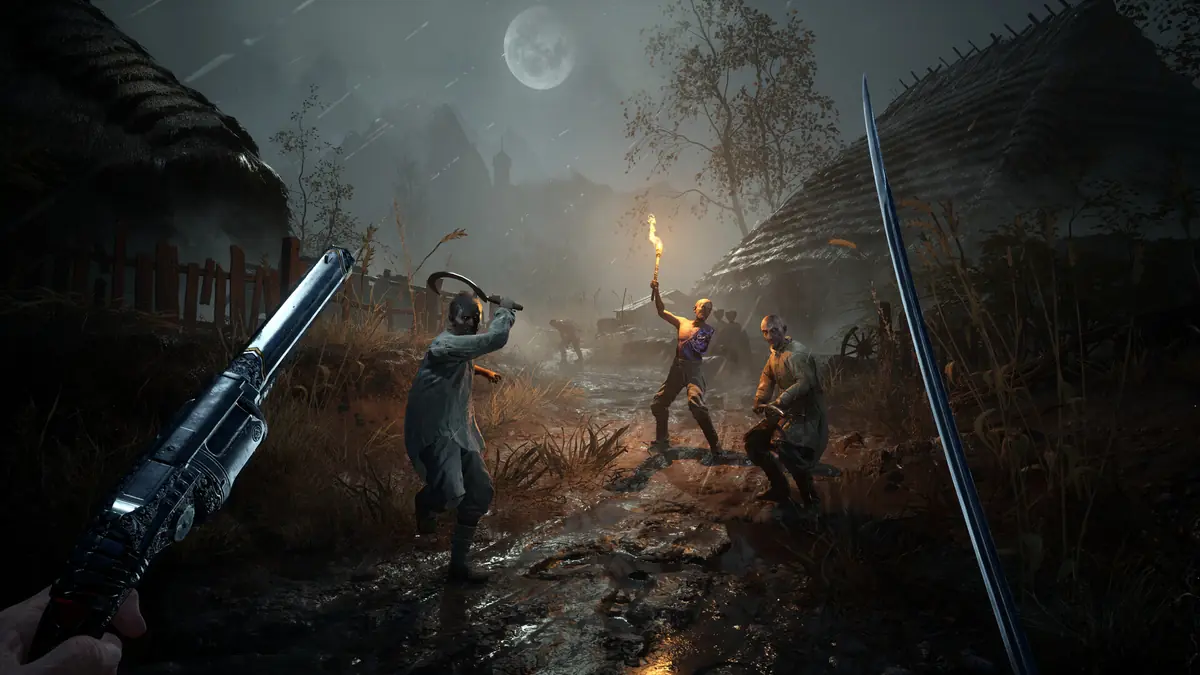
Valor Mortis Crashing, Stuttering and Low FPS
What you can do about Valor Mortis crashes, shader stutter, GPU shutdown and audio cut-outs — separated from what only the developer can fix.
Applies to: Performance problems reported by Valor Mortis players on PC, and the developer's own guidance, checked on October 14, 2026
Quick answer
Start with the two things the developer actually asks for: update your graphics driver before launching, and if the game crashes, submit the crash report and say where it happened so it can be tracked. One More Level's Known Issues post confirms that Radeon RX 7600 owners can see a system shutdown and RX 7900 XT owners can see GPU crashes, that AMD Anti-Lag 2 may not work properly, and that audio can cut out — the developer says sound usually returns if you keep moving through the level. No patch exists yet, so nothing on this page claims to fix a known defect. It separates what the developer has already acknowledged from the checks you control.
Before you start
Two facts shape everything on this page. First, no patch has been released for Valor Mortis as of October 14, 2026, so there is no fixed build to update to and nothing here can be a fix for a defect the developer already knows about. Second, several of the problems players are hitting are already acknowledged by One More Level — which means they are not your fault and not yours to solve.
That leaves a narrow but real band of things you control. This page stays inside it.
What the developer asks you to do
One More Level's guidance is short, and it is worth following exactly rather than adding to. It asks for two things.
- Update your graphics driver before launching the game. The developer names both AMD and NVIDIA cards and calls this out before anything else in its post.
- If the game crashes, submit the crash report and say where it happened. The stated purpose is tracking, not individual support — which means the location matters more than a detailed description of the symptom.
Neither of these is a performance tip. The first is a compatibility requirement, and the second is how a fix gets prioritised in the first place.
AMD Radeon 7000-series
If you are on an AMD Radeon 7000-series card, check the developer's list before you spend time on your own settings. Two cards are named, with no workaround offered.
| Hardware | What the developer reports |
|---|---|
| Radeon RX 7600 | "System shutdown can occur while playing" |
| Radeon RX 7900 XT | "GPU crashes may occur during gameplay" |
| AMD Anti-Lag 2 | "may not work properly" |
The developer states it is "actively working with AMD to solve these issues". A graphics driver update is still the sensible first step, since that is what the developer asks for generally — but for these three items the post describes an open problem between the studio and the hardware vendor rather than a user-side misconfiguration.
Shader compilation stutter
A thread in the Steam discussions titled "Compiling shaders overheating the pc" has drawn 38 replies. It was opened on July 29, 2026 — during the open playtest, weeks before release — and was still collecting replies on October 13, release day, so the report predates the launch build rather than being a launch-week artefact. It describes the symptom most commonly reported for this class of problem: heavy load and heat while the game builds its shader cache, usually concentrated in the first sessions.
Two things are worth separating here. The described behaviour is a player report, not a developer statement — One More Level's Known Issues post does not mention shader compilation at all. And the pattern itself is characteristic of games that compile shaders on first run rather than shipping them pre-compiled, where the cost is front-loaded and then stops. That is an explanation of the shape of the report, not a claim about what is happening in this specific build.
Audio cutting out
This is the one problem on the list with a stated response, and the response is unusual enough to quote exactly:
"Audio may cut out on occasion — This should resolve itself if you keep moving through the level"
The suggested action is to keep playing, not to restart the game or change audio settings. If you have already tried resetting your playback device, that is a reasonable instinct that happens to point in the opposite direction from what the developer describes.
Checks you control
These are the steps that are safe, reversible and standard on Steam. None is presented as a confirmed fix for Valor Mortis, because the developer has published no such list.
| Check | Why it is worth doing |
|---|---|
| Update the graphics driver | The developer explicitly asks for this for both AMD and NVIDIA cards before launching. |
| Confirm the game and the OS are on the same drive expectations | The Steam listing requires 60 GB on an SSD, with the requirement marked for both minimum and recommended. A mechanical drive is outside the published specification. |
| Verify the installed files | A standard Steam check that rules out a damaged download. It changes nothing about the game's design. |
| Close background overlays and capture tools | Generic, harmless, and reversible — but not something the developer has linked to this game. |
| Re-read your frame target against the requirements page | The published targets of 30 FPS at 1080p and 60 FPS at 1440p both assume upscaling. See the system requirements page for the exact wording. |
What not to try
This is the part most pages leave out, and it matters more here than usual because the game is a day old and there is no patch to reason from.
- Do not install a third-party "fix", trainer or performance patch. There is no official mod support and no official tool for changing the game. Anything claiming to fix it is unauthorised, and this site does not host or link such tools.
- Do not assume a crash is your hardware. Several failure modes are on the developer's own list, including a system shutdown on one named AMD card.
- Do not treat a community "performance config" as safe. File edits made against a build that has not yet received a single patch are written blind, and the first official update will invalidate them.
Reporting a crash
The developer's request is specific and easy to satisfy: send the crash report, and say where in the game the crash happened. If you can, add the hardware you are on, since the only hardware-specific items in the official list are AMD cards — being explicit about your GPU is what lets the studio match your report to a known pattern.
For a fast read on whether your problem is official or unofficial, the Known Issues page reproduces the developer's list in full, including which items are still open.
Sources and review scope
- Valor Mortis — Steam Discussions — source for the developer's pinned Known Issues post (driver requirement, AMD card entries, audio note, crash-reporting request) and for the player thread on shader compilation heat.
- Valor Mortis — Steam announcements — used to confirm that no patch had been published as of October 14, 2026.
- Steam store listing — used for the published system requirements, including the SSD and upscaling qualifiers.
Nothing on this page was tested on the machine that wrote it, and no step is presented as a verified fix. The driver requirement and the crash-reporting request are the developer's; the checks in the "safe checks" table are standard Steam operations labelled as such; the shader thread is a player report and is marked as one.
Checked on October 14, 2026 against the Steam store listing for Valor Mortis, the developer's own Steam announcements and Steam Discussions posts, the official Valor Mortis site, and the Steam Web API. Live details such as player counts, review totals and patch state change quickly and should be rechecked before you rely on them. Anything the developer has not confirmed is written as unconfirmed rather than guessed.
Not independently play-tested. This is not a claim that every platform or game version was tested. Source review: Oct 14, 2026.
More Valor Mortis Guides
 Valor Mortis
Valor Mortis Known Issues and Fix Status
Every problem in One More Level's own Known Issues post for Valor Mortis, the workarounds it lists, and the patch state as checked on October 14, 2026.
 Valor Mortis
Valor Mortis Roadmap: New Game Plus, DLC and French Voice
What One More Level has confirmed for Valor Mortis after launch — New Game+, a story DLC and French voice-over — and what is only being considered.
 Valor Mortis
Valor Mortis Demo: Current Status and Official Record
The Valor Mortis demo ran in June 2026 and returned in July. Whether it is still on Steam, and exactly what the developer said about it.
 Valor Mortis
Valor Mortis Release Date, Platforms and Game Pass
Valor Mortis released on October 13, 2026 for PC, PS5 and Xbox Series X|S. Where it is sold, its Game Pass status, and what it does not run on.
 Valor Mortis
Valor Mortis Price and Editions: Is the Deluxe Upgrade Worth It?
Valor Mortis costs $39.99 on Steam. What the $20.00 Deluxe Edition Upgrade adds, what the bundles are, and what the story DLC will be.
 Valor Mortis
Valor Mortis System Requirements and the Upscaling Caveat
Official Valor Mortis PC requirements, what changed since the June demo, and why the listed frame rates depend on upscaling.