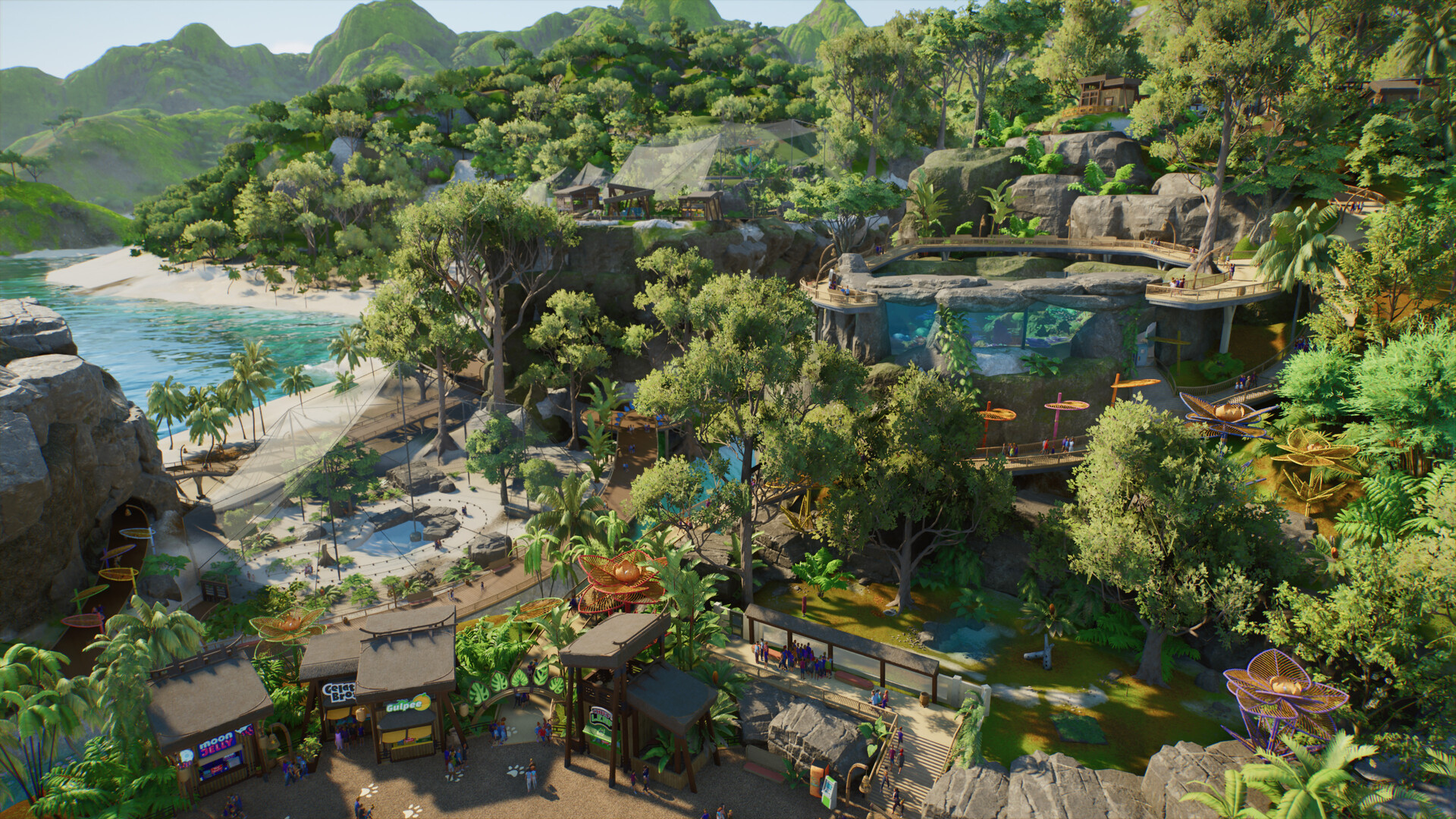
Planet Zoo 2 terrain painter and biome brushes
Separate terrain sculpting, terrain materials and the nature brush without importing original-game limits as sequel facts.
Applies to: Launch terrain and nature tools · exact palettes vary by context
Quick answer
Planet Zoo 2 officially includes new terrain and foliage brushes, but the sources reviewed do not prove that every biome texture is available on every map. Use the live tool palette as the source of truth until Frontier documents the rule.
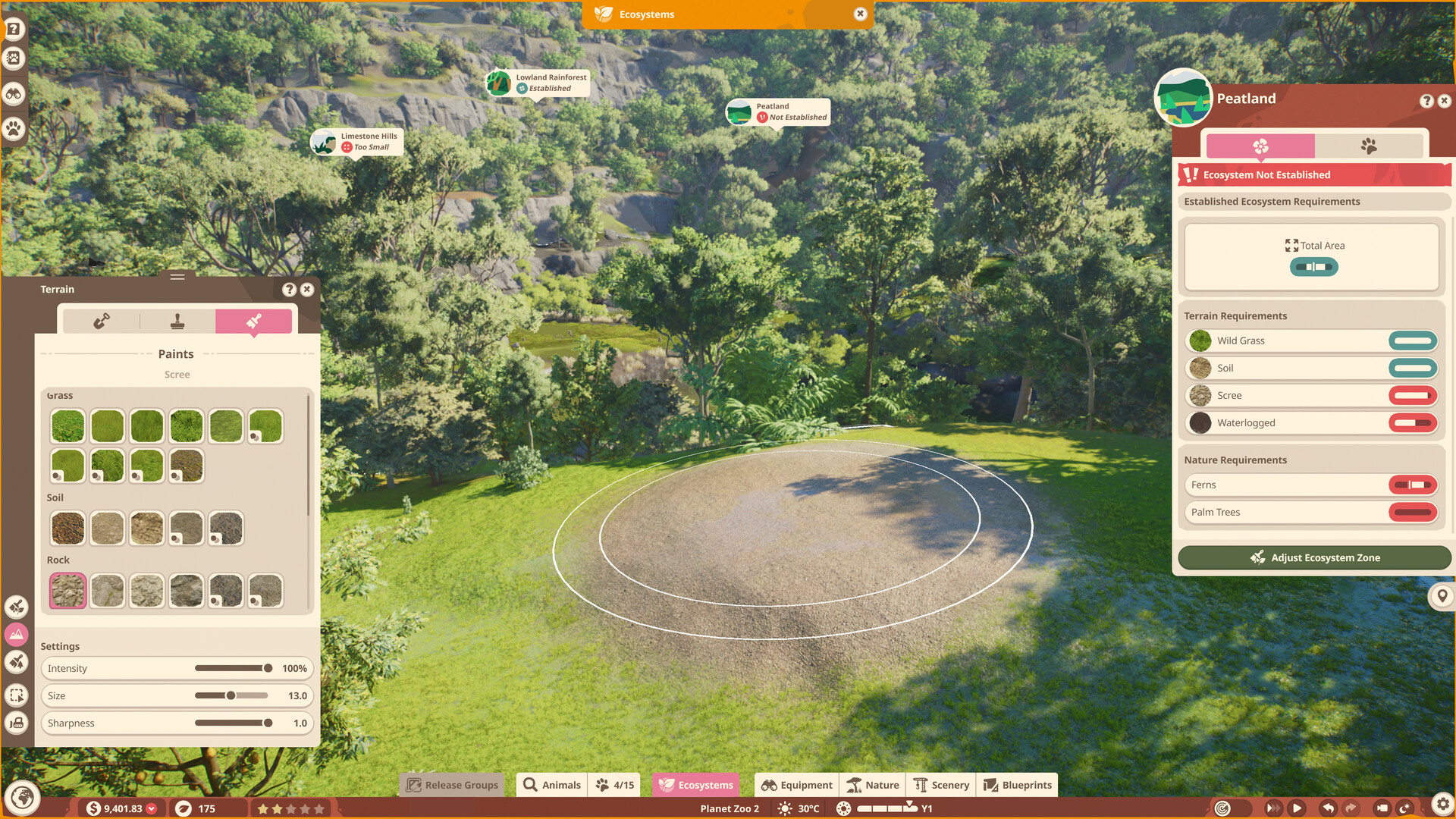
Separate the tools
Terrain sculpting changes height and shape, terrain painting changes the ground surface, and the nature or foliage brush places vegetation. Frontier confirms new terrain and foliage brushes; using the correct tool matters when a visual tutorial appears to show a texture that is actually placed foliage.
All-biome question
The sources checked do not prove that every biome texture is available on every map. Open the terrain palette in the current zoo and treat the visible choices as authoritative for that map and mode. Do not apply Planet Zoo 1 texture-slot limits to the sequel without verification.
Animal welfare
A biome-looking surface does not automatically satisfy an animal. Use the welfare panel to check the species' terrain and environment response after painting, then adjust only the flagged categories. Decorative consistency and welfare are related design goals, not the same measurement.
Terrain workflow
- Sculpt the main landform and water boundary.
- Confirm that animals and staff can traverse the intended space.
- Paint the available terrain materials in broad zones.
- Add foliage with the nature brush in controlled amounts.
- Read the welfare panel and correct terrain or coverage warnings.
- Finish small decorative areas after the habitat works.
Which tool solves which problem?
| Tool | Changes | Does not prove |
|---|---|---|
| Sculpting | Height, slope and shape | Correct biome or welfare |
| Terrain painter | Ground material | Animal traversability |
| Nature brush | Placed foliage | Required terrain percentage |
Map and mode limits
If a texture shown in a video is absent, compare the map, biome, game mode, platform and build. This page will not promise an “all textures” option until the current interface or Frontier documentation confirms it.
Common mistakes
- Painting before confirming slopes leaves inaccessible land.
- Dense foliage lowers usable space or exceeds an animal's coverage preference.
- Original-game texture limits are repeated as sequel facts.
- A visual biome theme is treated as proof of mixed-species compatibility.
Sources
Official Frontier, Steam, PlayStation, Xbox and support pages anchor release, platform and feature facts. Zoopedia-derived figures are identified and dated; community posts are used for questions and current incident context, not as proof of game mechanics.
Not independently play-tested. This is not a claim that every platform or game version was tested. Source review: Oct 14, 2026.
More Planet Zoo 2 Guides
 Planet Zoo 2
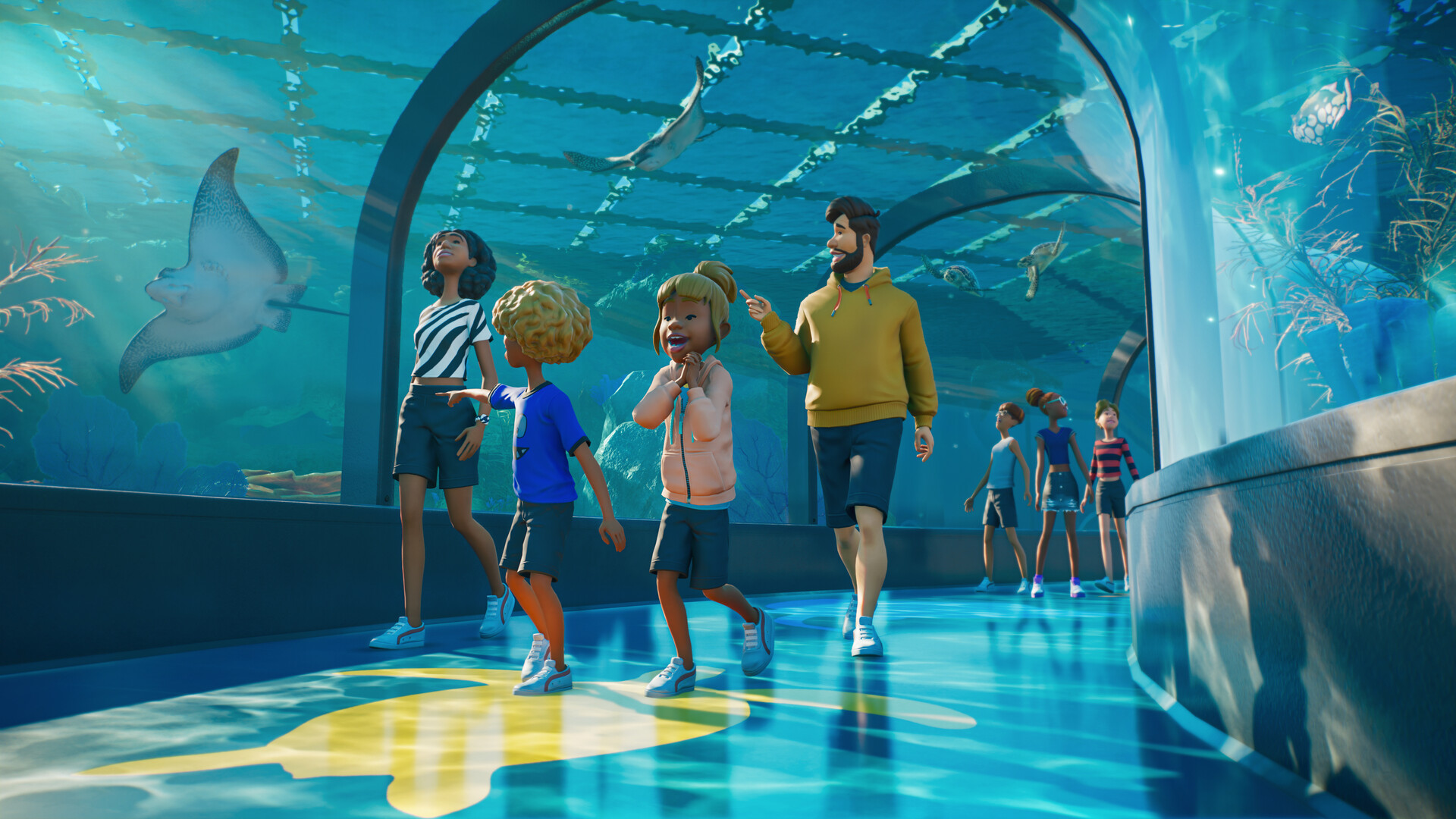
How aquariums work in Planet Zoo 2
Plan freshwater or saltwater aquariums, staff access, welfare checks and viewing areas using confirmed systems.
 Planet Zoo 2
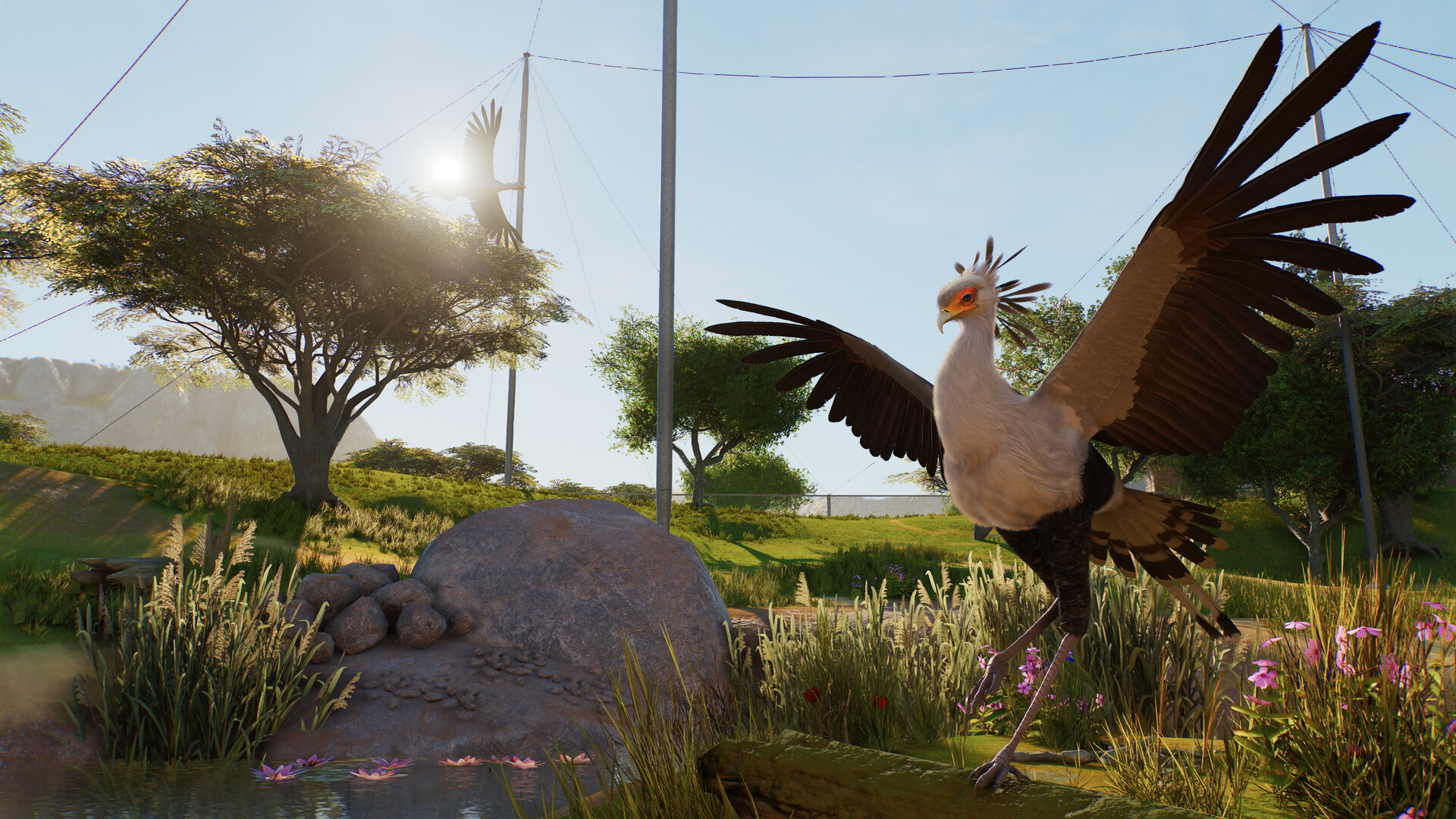
Planet Zoo 2 aviaries and flying animals explained
Understand aviary barriers, support poles, dynamic covers, flying space and the launch bird roster.
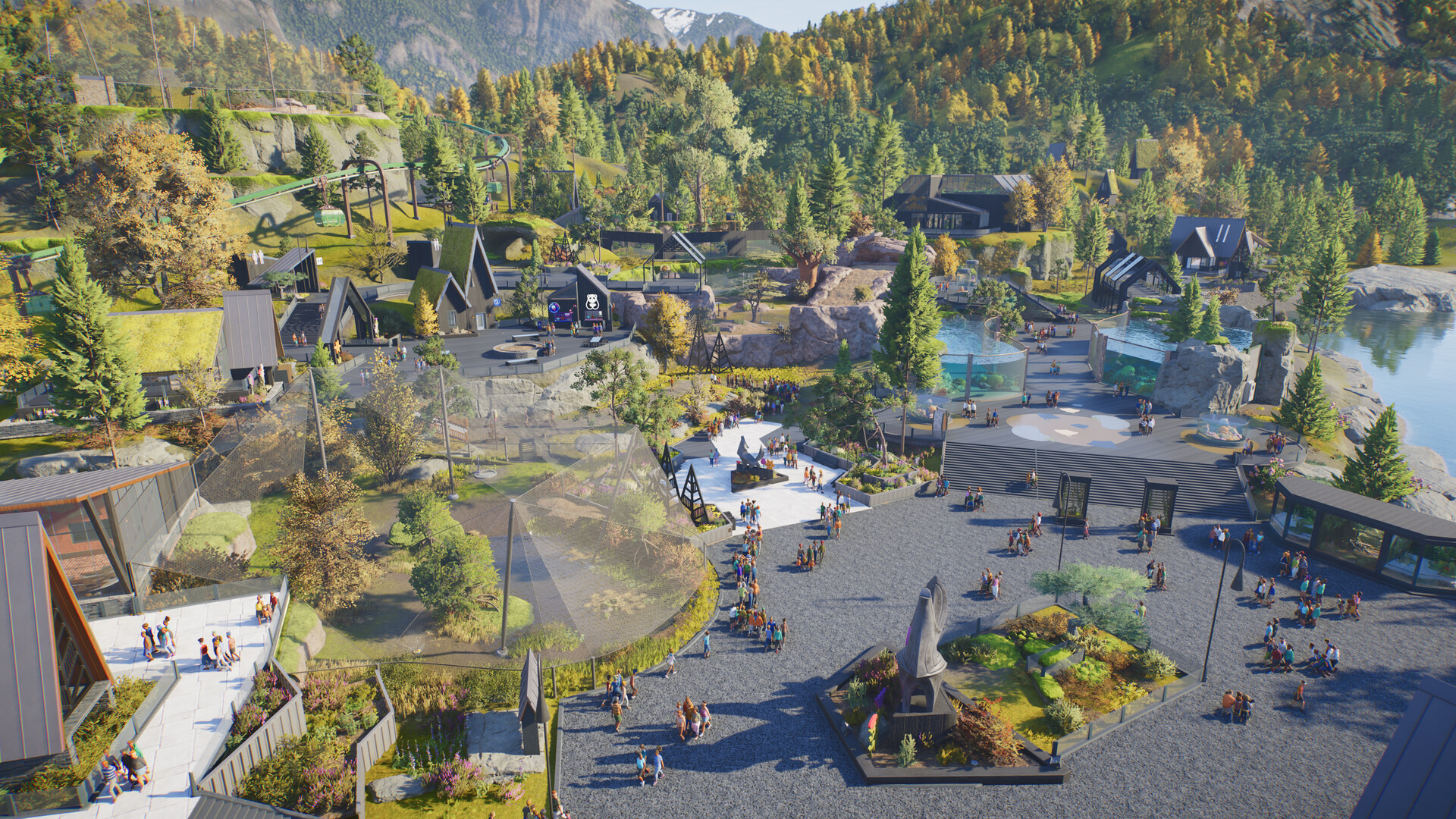 Planet Zoo 2
Planet Zoo 2 path collision and obstructed-path fixes
Use the new path tools carefully and understand what can be confirmed about collision settings and workarounds.
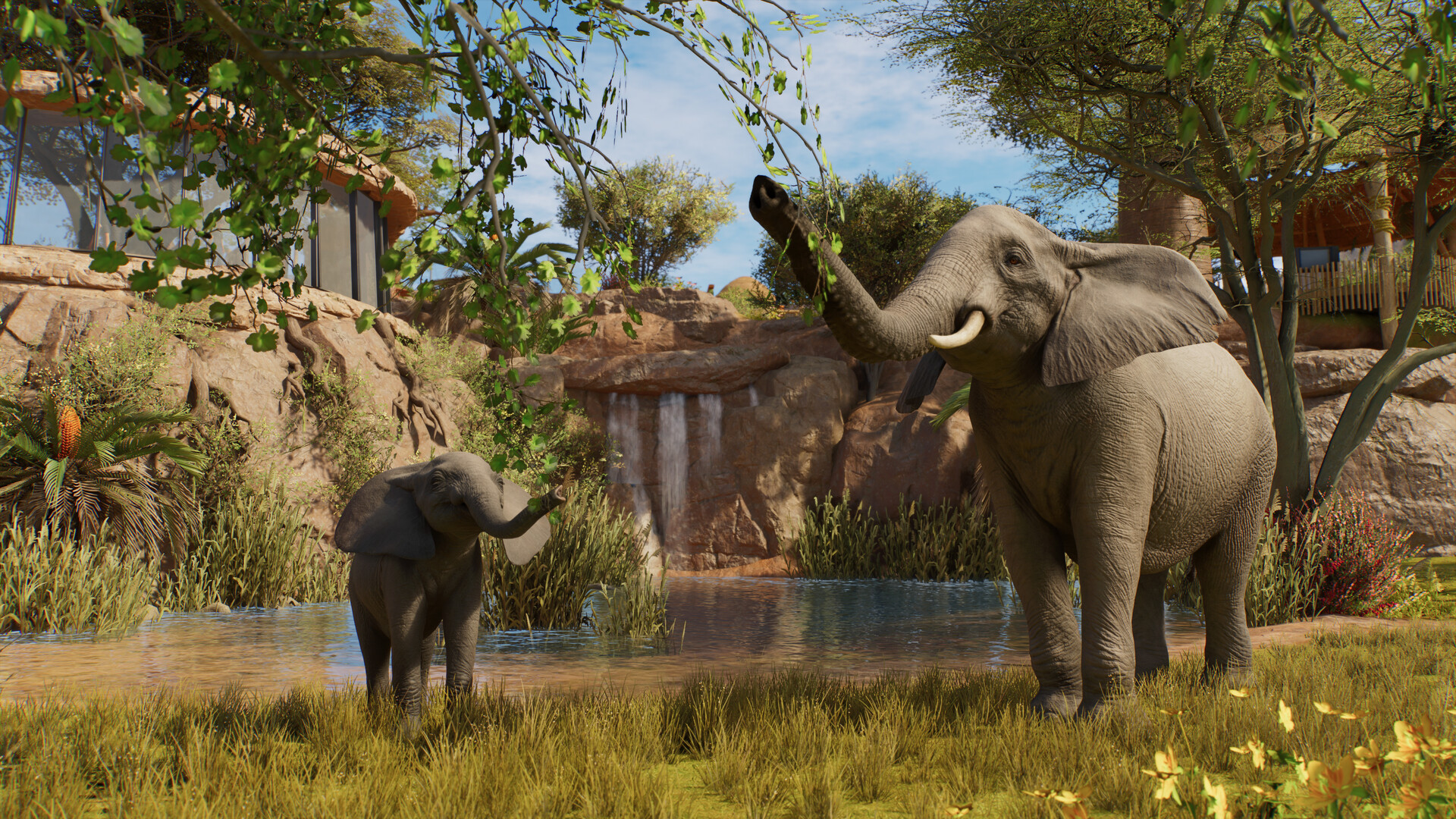 Planet Zoo 2
Planet Zoo 2 animal list: all 136 Zoopedia species
Search the complete launch animal list by enclosure type and edition without mixing base-game and Deluxe species.
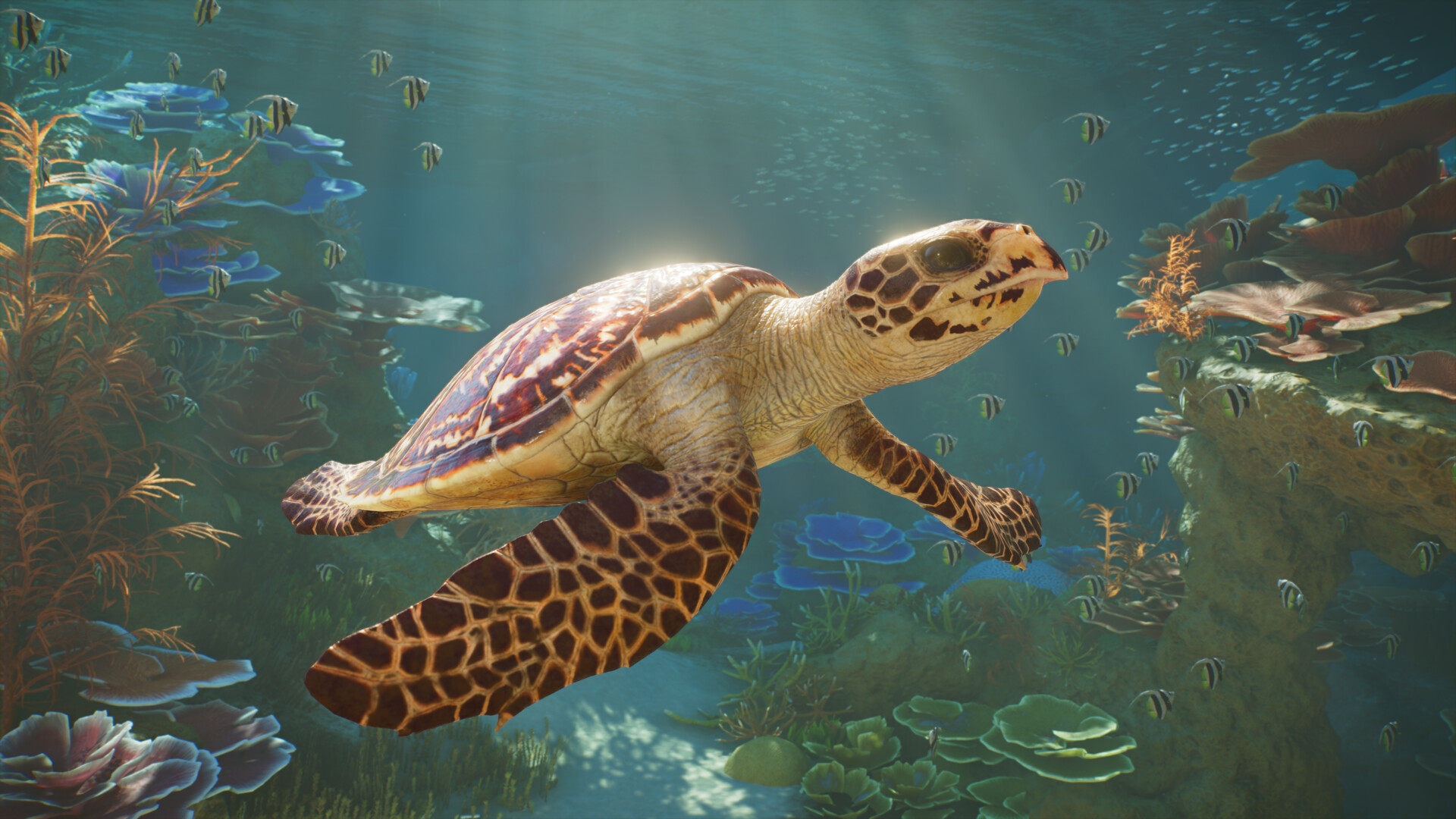 Planet Zoo 2
Planet Zoo 2 aquatic animals: all 37 aquarium species
Browse all 37 aquarium-capable animals, see which species also support exhibits, and identify the Deluxe entries.
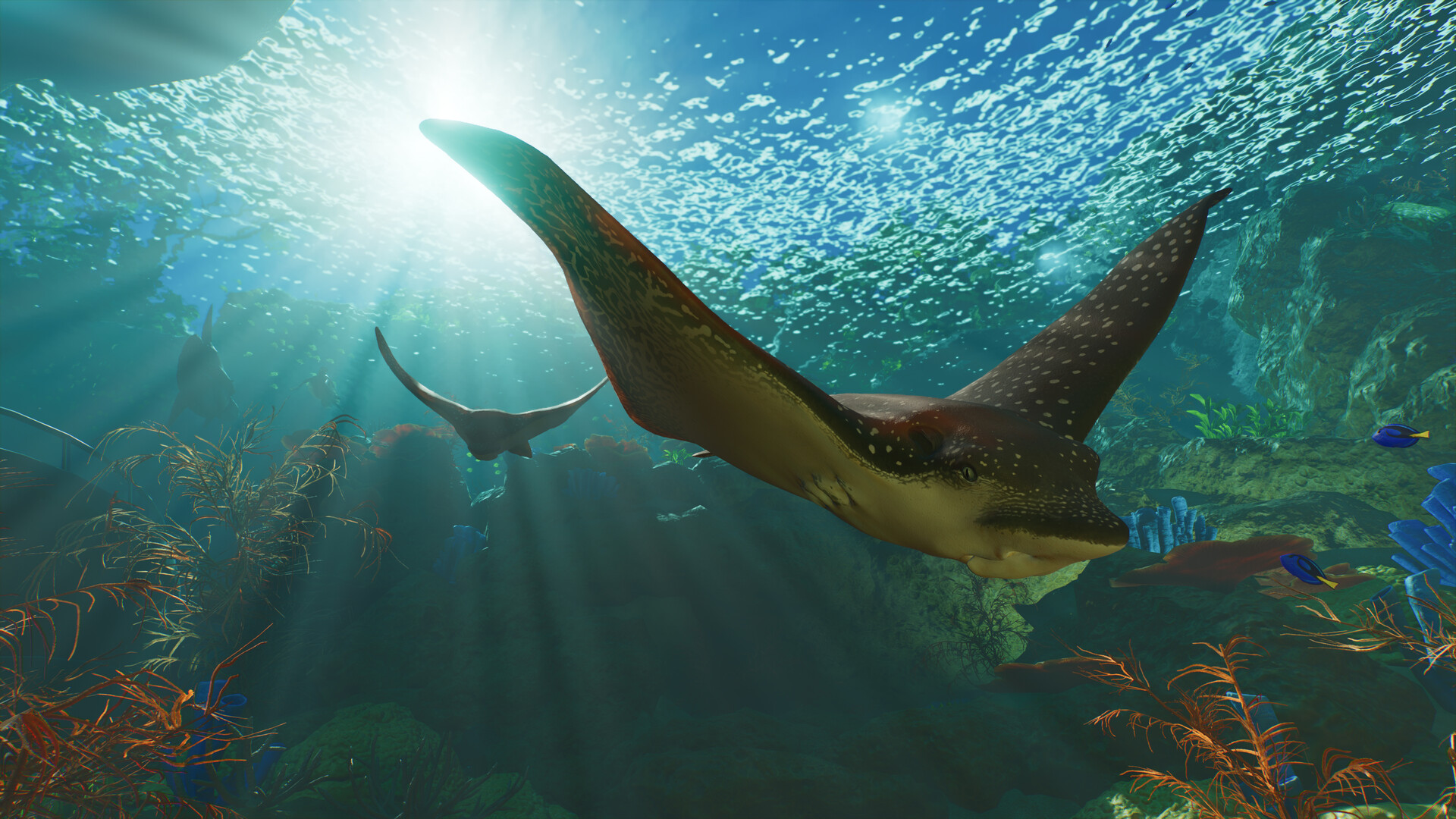 Planet Zoo 2
Planet Zoo 2 Standard vs Deluxe Edition
Compare prices, the six Deluxe animals, decorative signs and the separate upgrade before buying.