Wallpaper Engine Performance Settings: Reduce Load While Gaming
Use the Performance tab and application rules to control wallpaper behavior while games or full-screen apps run.
Applies to: Official Performance tab behavior and application rules · checked October 21, 2026
Quick answer
Wallpaper Engine is designed to pause wallpaper playback in games by default. If a specific app needs different behavior, create an application rule and choose a documented action.
Default behavior
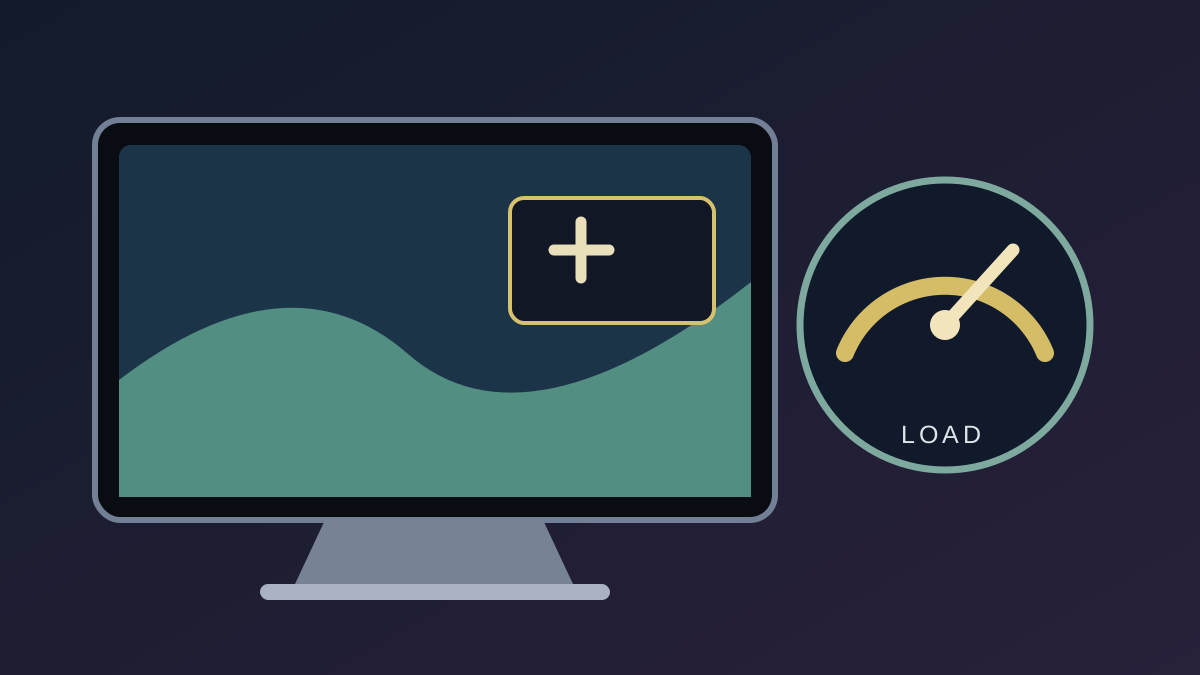
The official performance guide says wallpapers pause while a game is running by default to reduce resource use. Observed behavior can depend on display mode and Performance settings.
Create an application rule
- Open Settings and choose Performance.
- Open Edit Application Rules and create a rule for the app.
- Choose the desired action. The official guide describes Stop as stopping wallpaper playback to free memory.
Choose the least disruptive behavior that solves the issue, then retest that app.
What this does not promise
These settings do not establish a fixed memory or battery saving amount. Results depend on the wallpaper, hardware and display setup. Observe your own system rather than relying on a universal number.
Official sources
Checked October 21, 2026.
Based on the linked official performance guide; no fixed benchmark is claimed.
Not independently installed or tested. Every Windows build and Android device has not been assessed. Source review: Oct 21, 2026.
More Wallpaper Engine Guides
 Wallpaper Engine
Is Wallpaper Engine Free? Windows Price, Android App & Wallpapers
The Windows desktop app is a one-time Steam purchase; Workshop wallpapers and the Android companion app are free. Check Steam for your region’s current price.
 Wallpaper Engine
Steam Workshop Wallpapers: Find, Subscribe & Back Up
Find and subscribe to Wallpaper Engine items through Steam Workshop, then understand what happens to local files when an item is removed.
 Wallpaper Engine
How to Start, Pause and Stop Wallpaper Engine on Windows
Set Wallpaper Engine to start with Windows and use its documented pause and stop controls.
 Wallpaper Engine
Wallpaper Engine on Multiple Monitors: Support & Mixed Resolutions
What official sources confirm about multi-monitor support, spanning displays, and mixed resolutions.
 Wallpaper Engine
Is Wallpaper Engine Available on Mac, Linux or iPhone?
Check current official platform support for Windows, Android, macOS, Linux and iOS.
 Wallpaper Engine
How to Transfer Wallpaper Engine Wallpapers to Android
Pair the Android companion app with the Windows app over a local network, then transfer selected wallpapers.