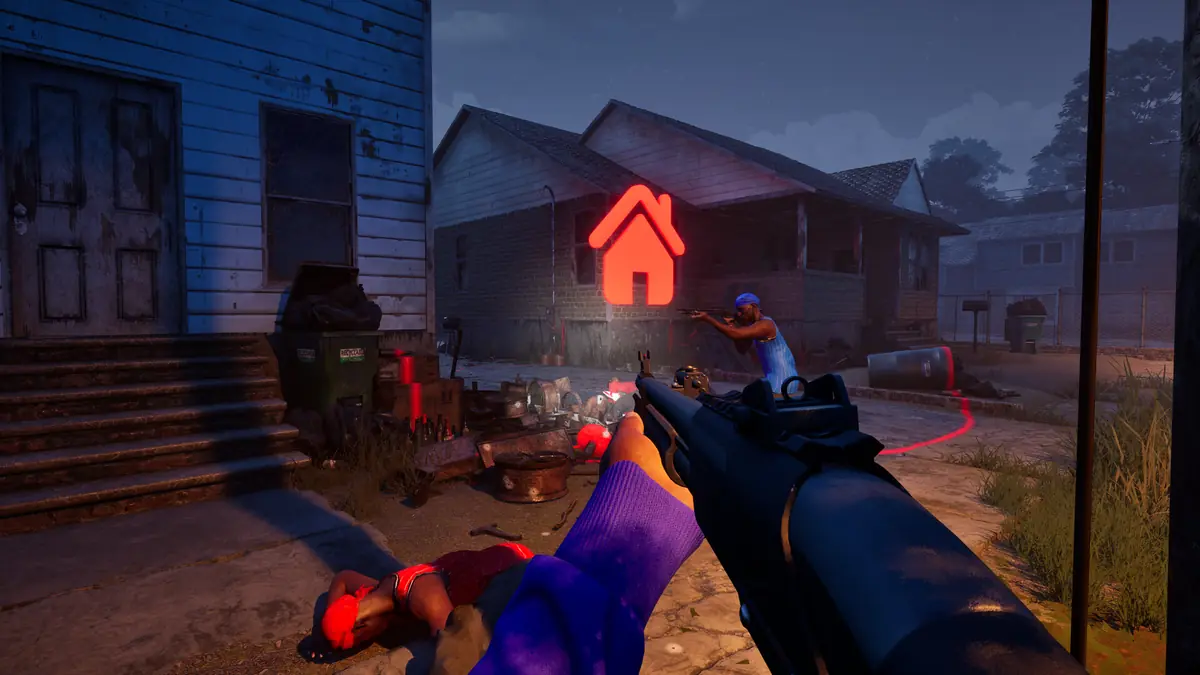
How to Play Hood Warfare 2: Getting Started
New to Hood Warfare 2? How to get into your first match, what the six modes are, and the systems you meet — plus the one caveat about weapon stats.
Applies to: Getting started with Hood Warfare 2 on PC, checked on October 14, 2026
Quick answer
Buy the game on Steam, launch it, then choose Quick Play or Create/Join Game and pick a mode. Nothing has to be unlocked before you can play. Matches are short, spawns are fast and bots can fill empty team slots. Six modes are available, voice chat defaults to push-to-talk on the T key, and spawn protection was added in the October 12 patch.

Three steps to a first match
There is no tutorial gate, no unlock requirement and no account to set up beyond Steam itself. Getting into a game takes three steps.
- Buy and install from the Steam store page. The download is about 25 GB at minimum.
- Launch the game and choose a way in — Quick Play drops you into a standard match, while Create/Join Game lets you set the map, mode and match settings yourself.
- Pick a mode and play. All six modes are available from the start. Nothing has to be earned before you can queue for any of them.
If you want to practise before playing against people, the game supports matches against bots and lets you add bots to fill out the teams — see the solo and bots page.
The six modes, one line each
Hood Warfare 2 ships with six modes. These one-line summaries are compressed from the developer's own definitions; the game modes page quotes them in full.
| Mode | In one line |
|---|---|
| Turf War | Hold territory and score for the ground your gang controls. |
| GangBang | Team deathmatch — most kills wins. |
| Chaos | Free-for-all with no teams at all. |
| Hit A Lick | Take the enemy's bag back to your own turf, while protecting yours. |
| Destroy The Block | Plant or defuse a bomb, with one life per round. |
| Chain Snatch | Collect the chains dropped by killed players to score. |
Systems you will meet
Four systems sit around the shooting itself. None of them needs to be understood before your first match, but knowing they exist saves confusion later.
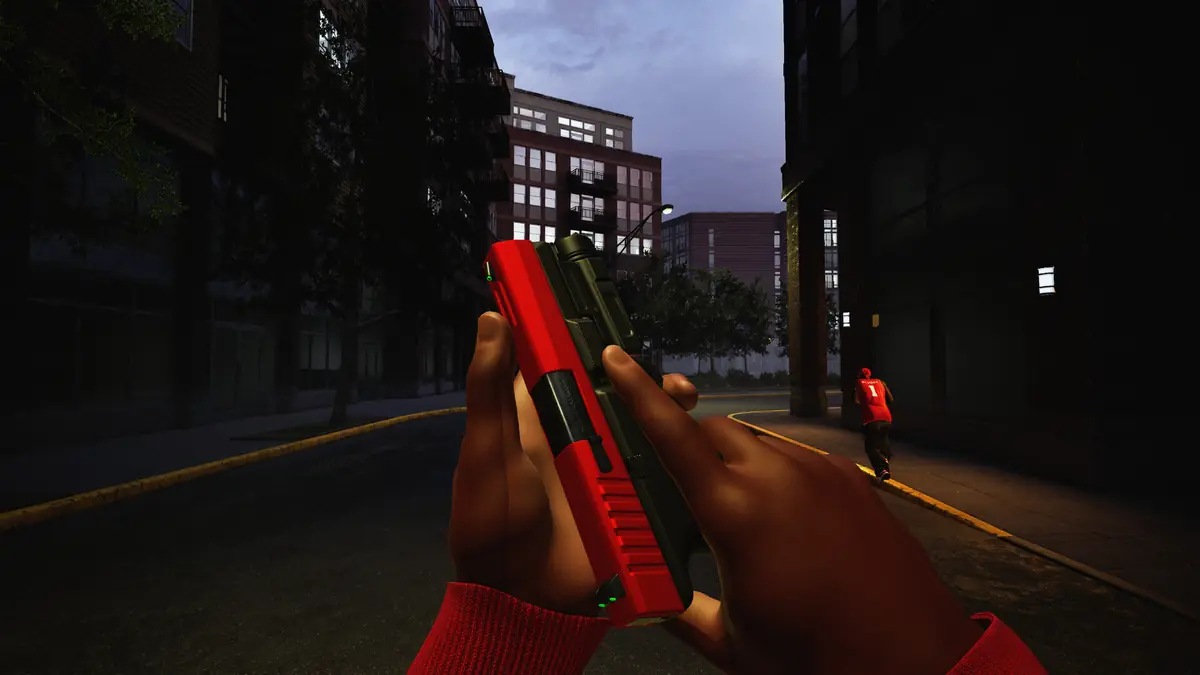
- Weapon customisation. You can change sights, magazines, grips, suppressors and other attachments on your weapon. The developer names these categories but publishes no weapon statistics.
- Perks and equipment. Alongside the weapon, a loadout includes perks and equipment chosen before a match.
- Reputation and unlocking. Playing matches earns reputation, which levels you up and unlocks more weapons and equipment. Attachments come from weapon challenges, and kills with a gun unlock skins.
- Voice chat. Added in the October 12 patch. Push-to-talk is on by default on the T key, and settings let you switch to an open microphone or restrict chat to your team.
The loadouts page and the progression page go into each in more depth.
Tips for new players
These are drawn from the developer's patch notes and from what players report, not from hands-on testing by this site.
- Update before you judge the game. If you are on a build older than 1.0.1.4, you are missing spawn protection, voice chat and the fix for false anti-cheat kicks. Exit Steam fully if the update does not appear.
- Spawn protection is in. The October 12 patch adjusted spawns and added spawn protection specifically because players were dying instantly on respawn. The developer notes that some maps are inherently small, so time-to-kill stays short on maps such as Supermarket.
- Voice is push-to-talk on T. If you hear nothing, the audio output device may need selecting in settings — that fix arrived in the October 14 patch.
- Expect tight ammo. Players report running short of ammunition mid-match and treating shots as a resource rather than firing freely. This is a player observation, not an official design note.
- Use bots to learn the maps. With no campaign and no tutorial, a bot match is the closest thing to a practice range.
Can you play solo?
Yes, at least against bots. The developer states that you can set up a match against bots, and the store listing includes the Single-player category. What has not been confirmed is whether a bot match works entirely offline. The full picture is on the solo and bots page.
About weapon tier lists
This section exists because it is the one thing people expect from a shooter guide and will not find here.
What this site does cover is how the systems work: which attachment categories exist, how they are unlocked, and how a loadout is assembled. That information comes from the developer's own description and can be checked.
Common misconceptions
Because the game's title and setting invite assumptions, a few things are worth stating plainly.
| Assumption | Reality |
|---|---|
| It has a story campaign | It does not. Hood Warfare 2 is multiplayer only, with six modes. |
| It has named characters with abilities | It does not. There is no hero roster; you customise a loadout instead. |
| It is the same game as Hood: Outlaws & Legends | It is not. That is an unrelated medieval-heist game with a similar-sounding title. |
| It is the Roblox game with a similar name | It is not. This is a standalone PC title from Trapstar Games. |
| It is free to play | It is not. It costs $5.99, with no in-game purchases. |
| It is out on consoles | It is not. It is PC only — see the platform page. |
Sources and review scope
- Steam store listing — used for the six mode descriptions, the attachment categories, perks and equipment, the reputation and unlock loop, the bot-match wording, the Single-player category, the storage requirement and the language list.
- Steam — Hood Warfare 2 announcements — used for voice chat and the T key, spawn protection, and the audio-output fix.
- Steam community discussions — used for the ammunition observation, which is attributed to players.
All system descriptions come from the developer's own store page wording. There is no hands-on testing behind this page, and no menu path is described that the developer has not published. The weapon-stats notice is a statement of this site's scope, not a claim about the game.
Checked on October 14, 2026 against the Steam store listing for Hood Warfare 2, the developer's own Steam announcements, and the Steam Web API. Live figures such as player counts, review totals and patch state change quickly and should be rechecked before you rely on them.
Not independently play-tested. This is not a claim that every platform or game version was tested. Source review: Oct 14, 2026.
More Hood Warfare 2 Guides
 Hood Warfare 2
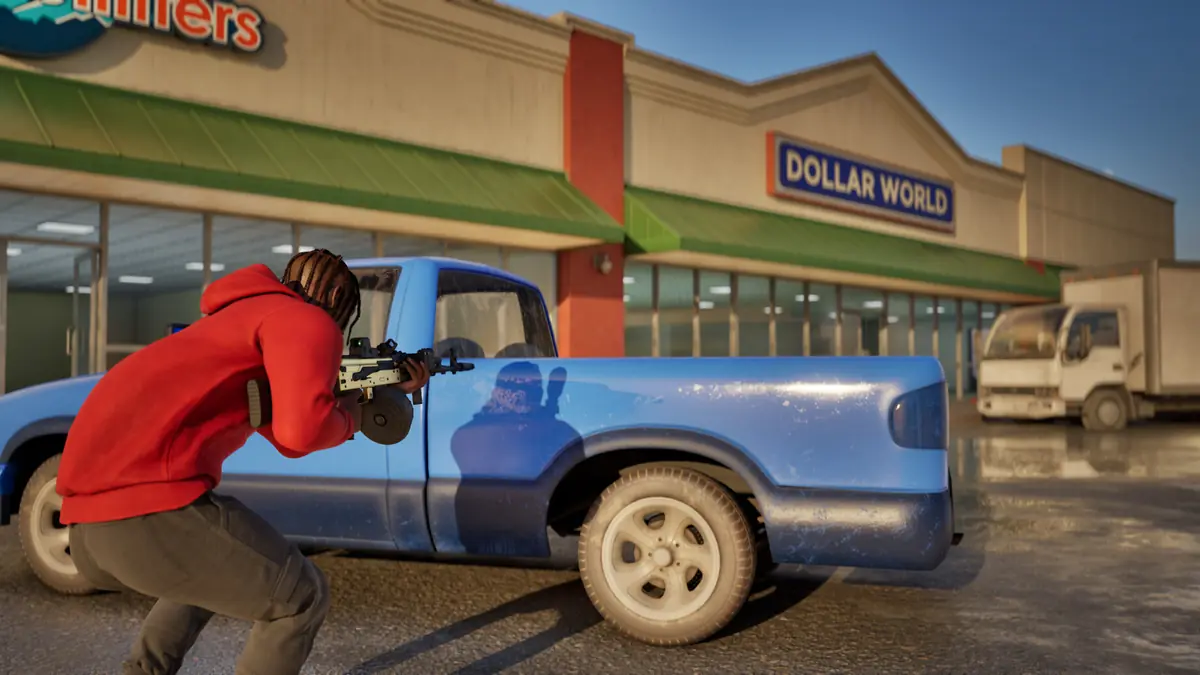
Hood Warfare 2 Game Modes Explained
All six Hood Warfare 2 modes explained in the developer's own words: Turf War, GangBang, Chaos, Hit A Lick, Destroy The Block and Chain Snatch.
 Hood Warfare 2
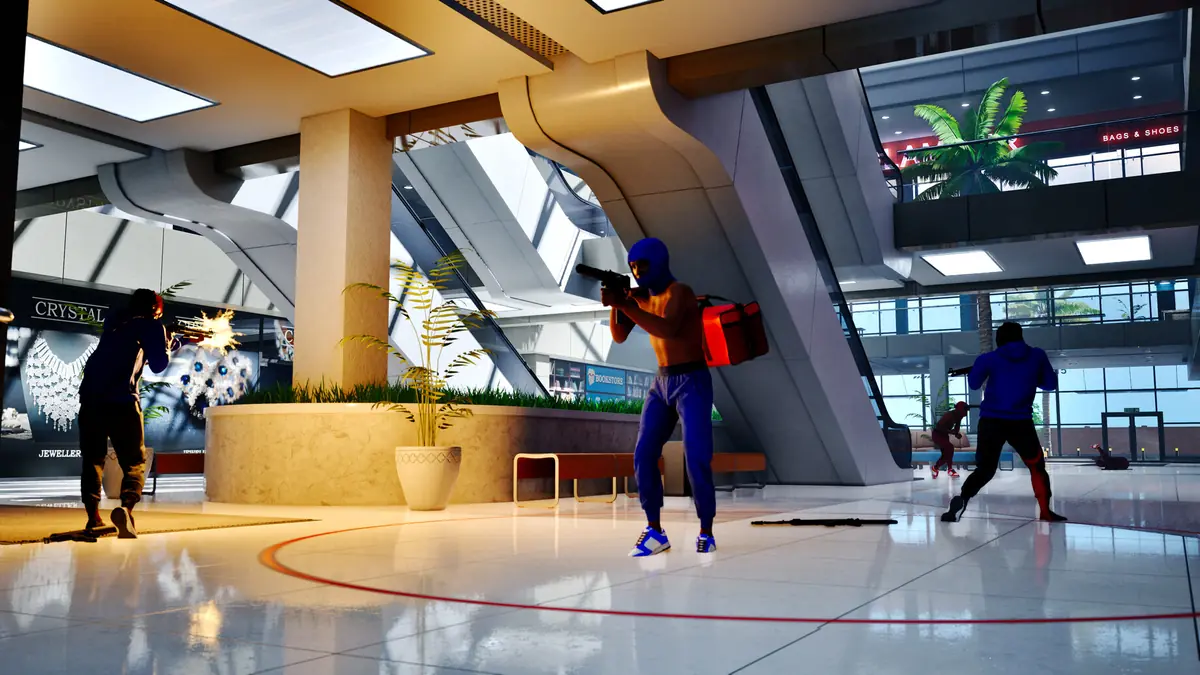
Hood Warfare 2 Maps List
Every confirmed Hood Warfare 2 map — Downtown, Suburbs, The Trenches, Chicago Mall and Supermarket — with the official source for each name.
 Hood Warfare 2
Hood Warfare 2 Player Count and Steam Charts
Live Hood Warfare 2 player numbers from the official Steam API, and why SteamDB, Steam Charts and other trackers show different totals.
 Hood Warfare 2
Is Hood Warfare 2 on PS5 or Xbox?
Hood Warfare 2 is PC-only. No PS5, PS4, Xbox, Switch or mobile version exists, and no console port has been announced — official platform data, checked October 14, 2026.
 Hood Warfare 2
Hood Warfare 2 Patch Notes and Current Status
Every Hood Warfare 2 patch since launch — 1.0.10 on October 12 and 1.0.1.4 on October 14, 2026 — and which reported launch problems are now fixed.
 Hood Warfare 2
Hood Warfare 2 Troubleshooting: Crashes and Kicks
Fix Hood Warfare 2 crashes, connection failures and anti-cheat false kicks, symptom by symptom — and see what the October 14 patch already resolved.