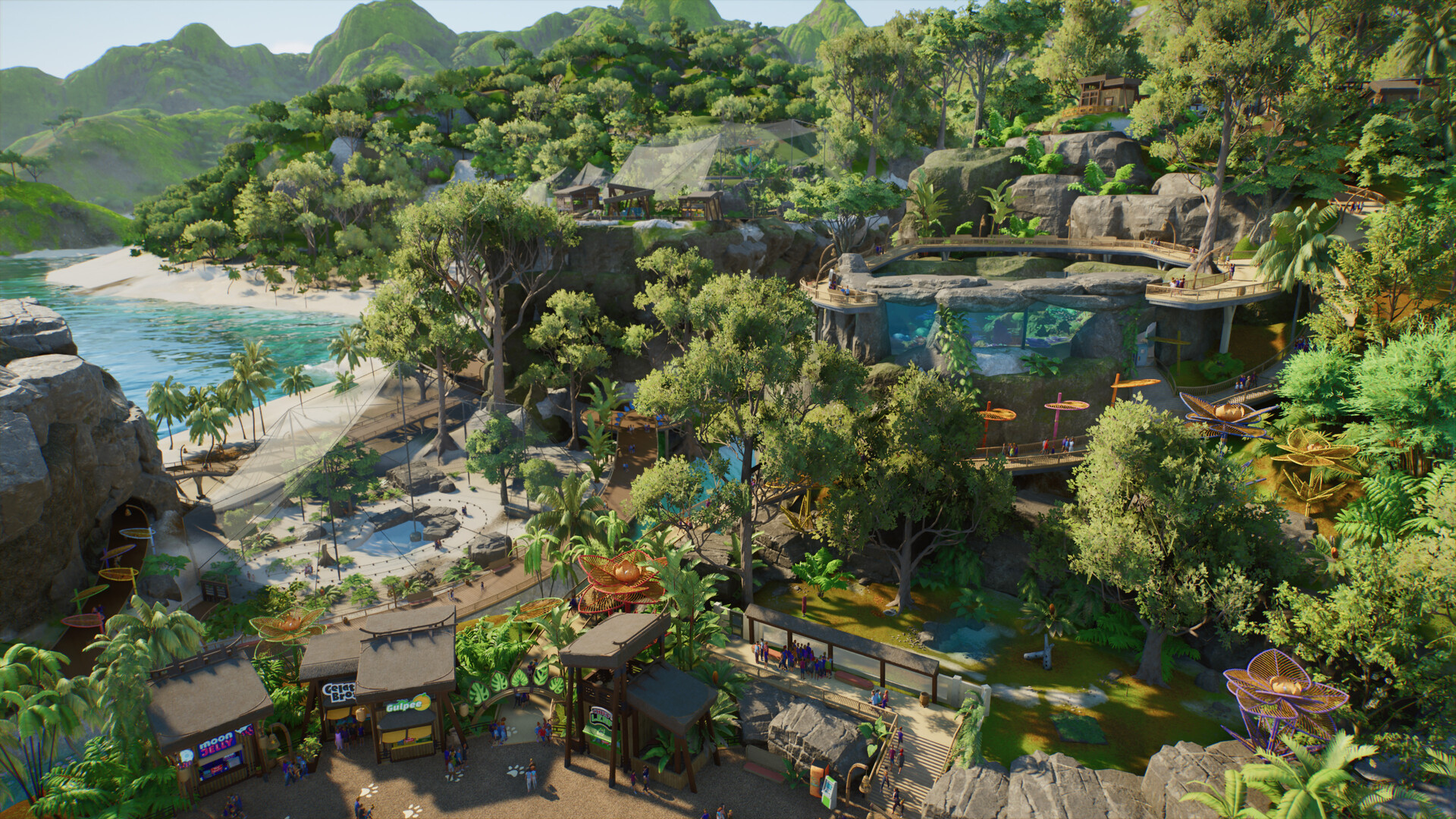
Planet Zoo 2 path collision and obstructed-path fixes
Use the new path tools carefully and understand what can be confirmed about collision settings and workarounds.
Applies to: Launch pathing tools · PC and console labels may differ
Quick answer
The public official material confirms revised, easier-to-use pathing, but it does not document a universal disable-collision switch. This draft therefore covers safe layout checks and does not claim an unverified toggle exists.
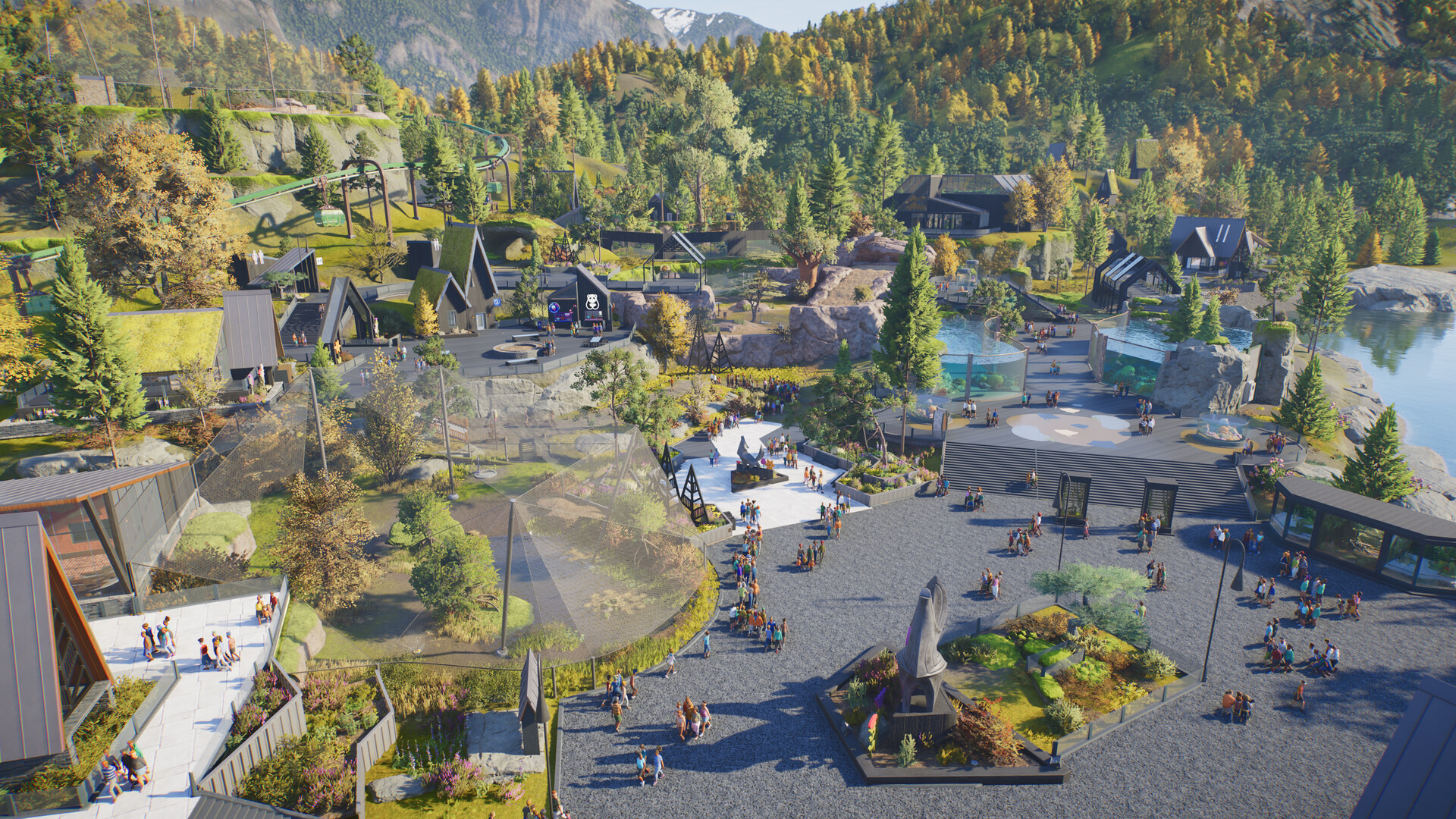
Confirmed path tools
Frontier says Planet Zoo 2 has revised, easier-to-use pathing. The reviewed public material does not document a universal “disable collision” setting, so this page does not invent a switch or copy a Planet Zoo 1 keyboard shortcut into the sequel.
Check an obstruction
- Remove or move the newest nearby scenery and retest the same path segment.
- Check the slope, width and connection at both ends, especially around entrances and staff facilities.
- Build a short plain segment on open terrain. If that works, restore detail in small groups to find the obstruction.
Platform control labels may differ; use the on-screen tooltips for the active input method.
Collision setting status
No official source reviewed for this draft proves an all-purpose collision-off toggle. If Frontier documents one, this page should add its exact menu path and version. Until then, claims from videos or old-game forums remain unverified.
Read the path symptom
| Symptom | Likely area to inspect |
|---|---|
| Segment will not place | Slope, width, scenery overlap or endpoint |
| Guests stop at a junction | Connection continuity and usable width |
| Staff cannot reach a facility | Staff path, gate and facility orientation |
| Path breaks after scenery | Newest object or terrain change |
| Old tutorial control fails | Planet Zoo 1 or platform-specific instruction |
Build a minimal test
Move to flat open ground and place two short segments with no scenery. Add one bend, one slope and one object at a time. The first step that fails identifies the relevant variable more reliably than repeatedly changing all path settings.
Use current platform controls
Keyboard, controller and console interfaces can label placement options differently. Follow the live on-screen prompts and Frontier's current controls page; do not copy a PC hotkey into a PS5 or Xbox instruction.
What would justify a collision-toggle instruction
The guide will add an exact switch only when it can cite a current menu path, platform and game version. A creator mentioning “collision off” without showing the active sequel interface is not enough.
Sources
Official Frontier, Steam, PlayStation, Xbox and support pages anchor release, platform and feature facts. Zoopedia-derived figures are identified and dated; community posts are used for questions and current incident context, not as proof of game mechanics.
Not independently play-tested. This is not a claim that every platform or game version was tested. Source review: Oct 14, 2026.
More Planet Zoo 2 Guides
 Planet Zoo 2
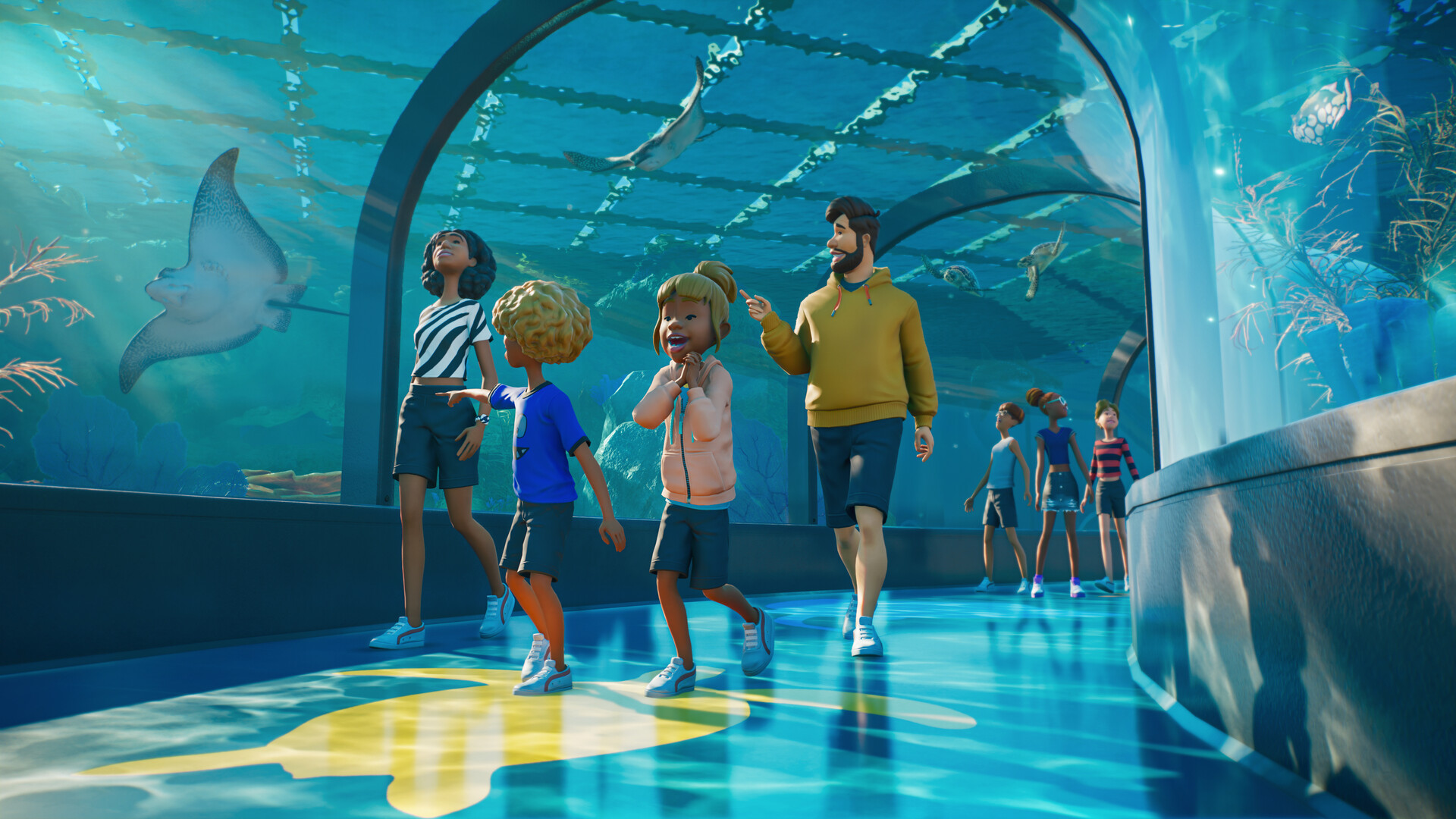
How aquariums work in Planet Zoo 2
Plan freshwater or saltwater aquariums, staff access, welfare checks and viewing areas using confirmed systems.
 Planet Zoo 2
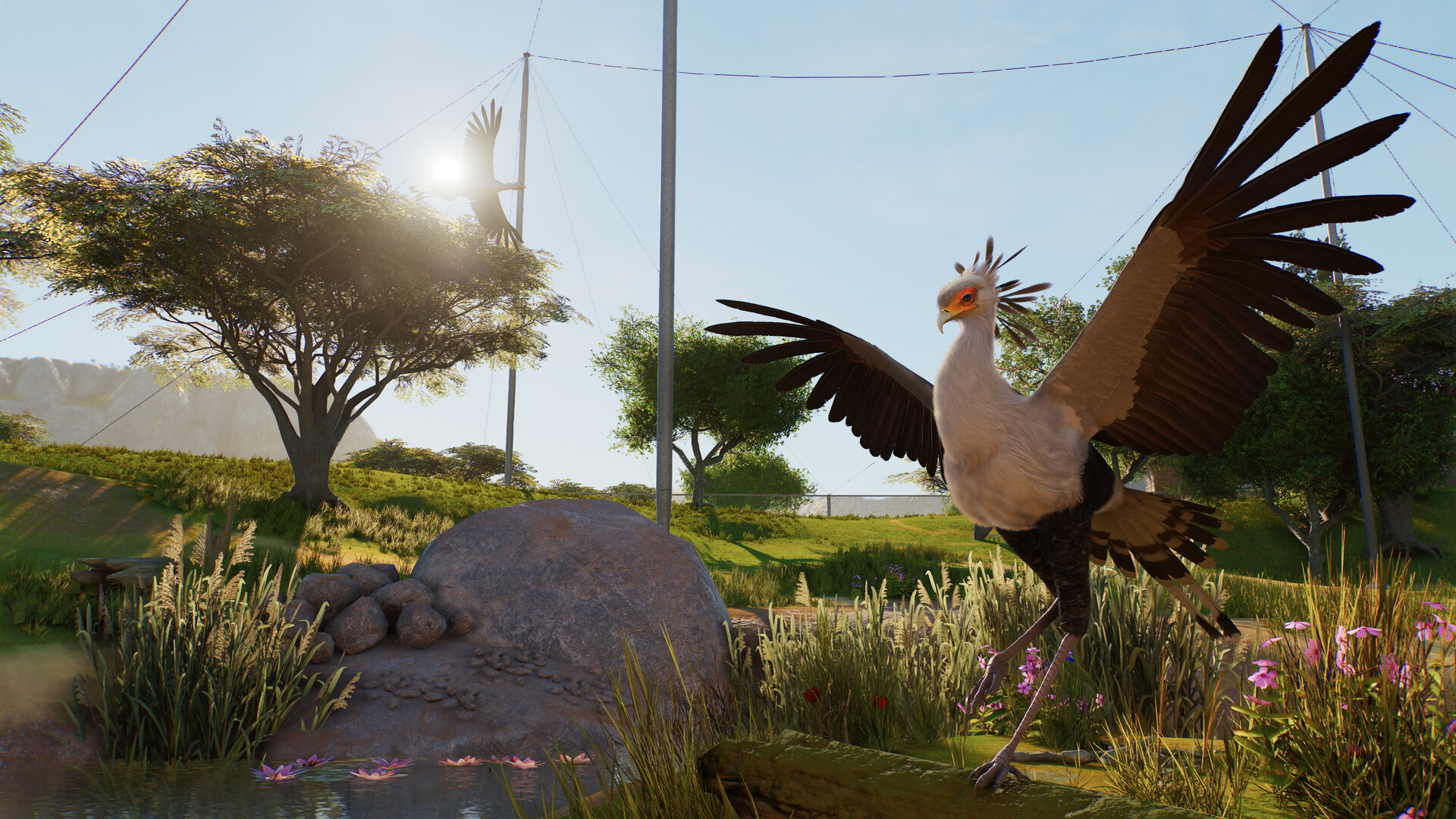
Planet Zoo 2 aviaries and flying animals explained
Understand aviary barriers, support poles, dynamic covers, flying space and the launch bird roster.
 Planet Zoo 2
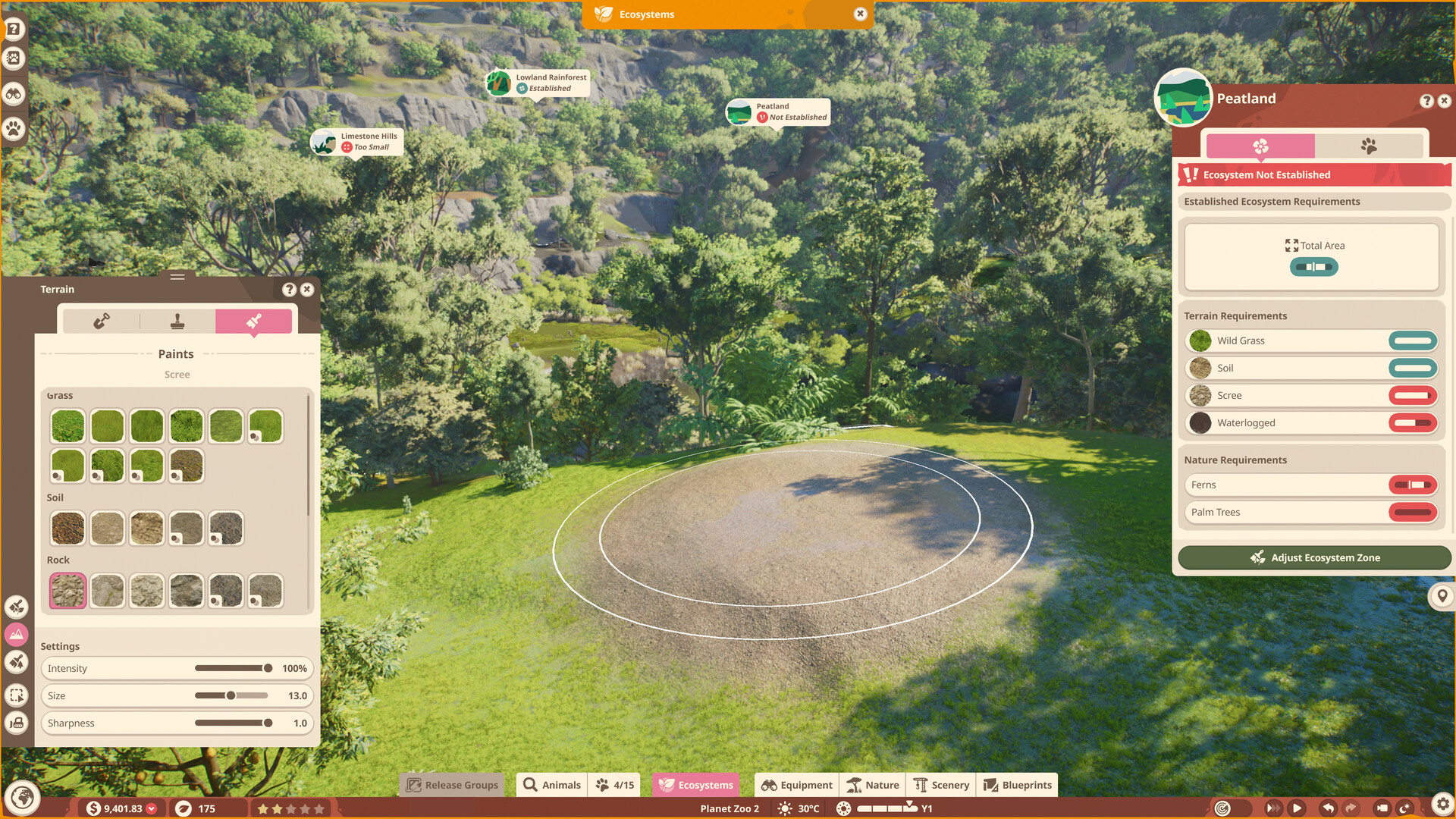
Planet Zoo 2 terrain painter and biome brushes
Separate terrain sculpting, terrain materials and the nature brush without importing original-game limits as sequel facts.
 Planet Zoo 2
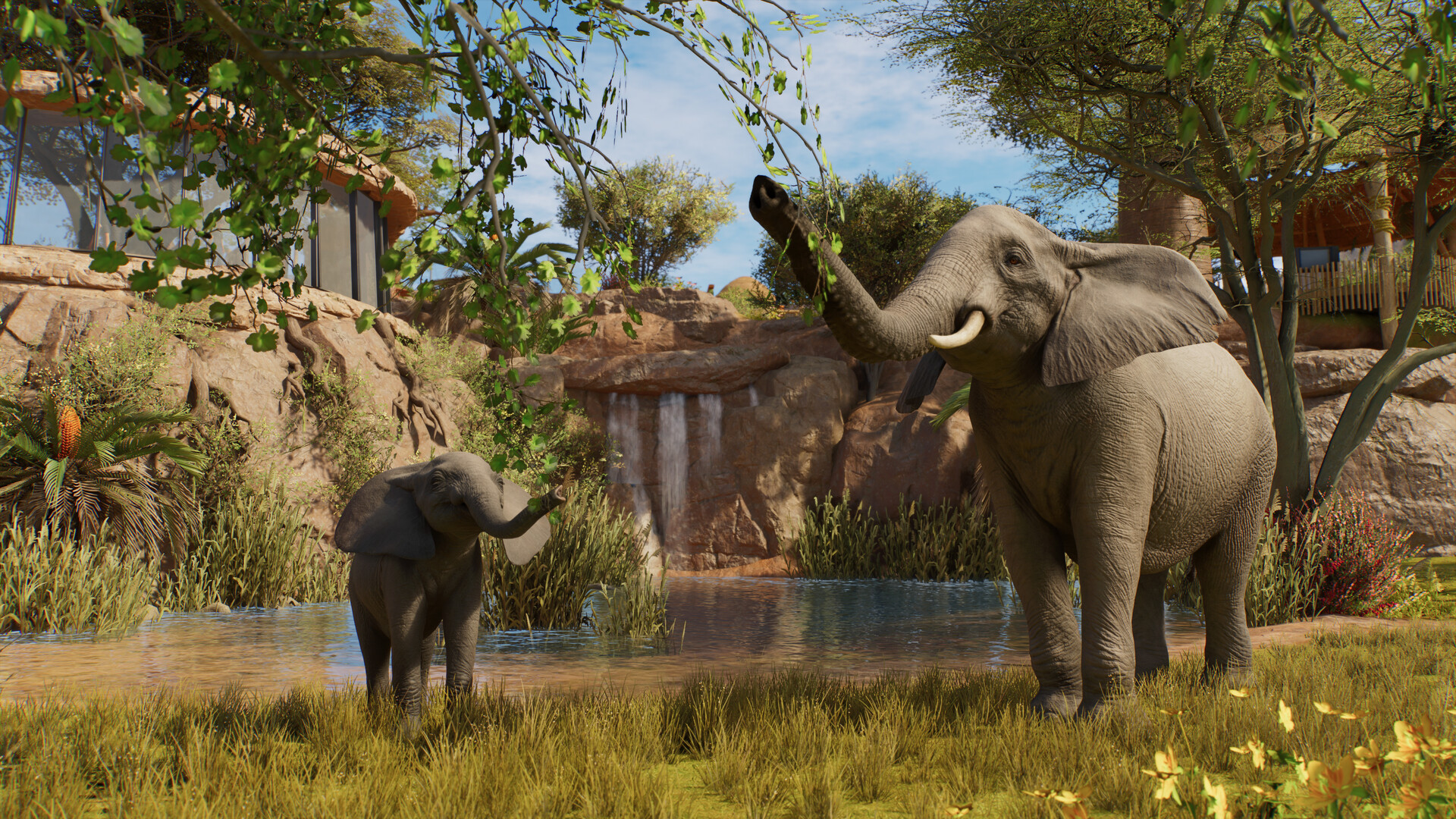
Planet Zoo 2 animal list: all 136 Zoopedia species
Search the complete launch animal list by enclosure type and edition without mixing base-game and Deluxe species.
 Planet Zoo 2
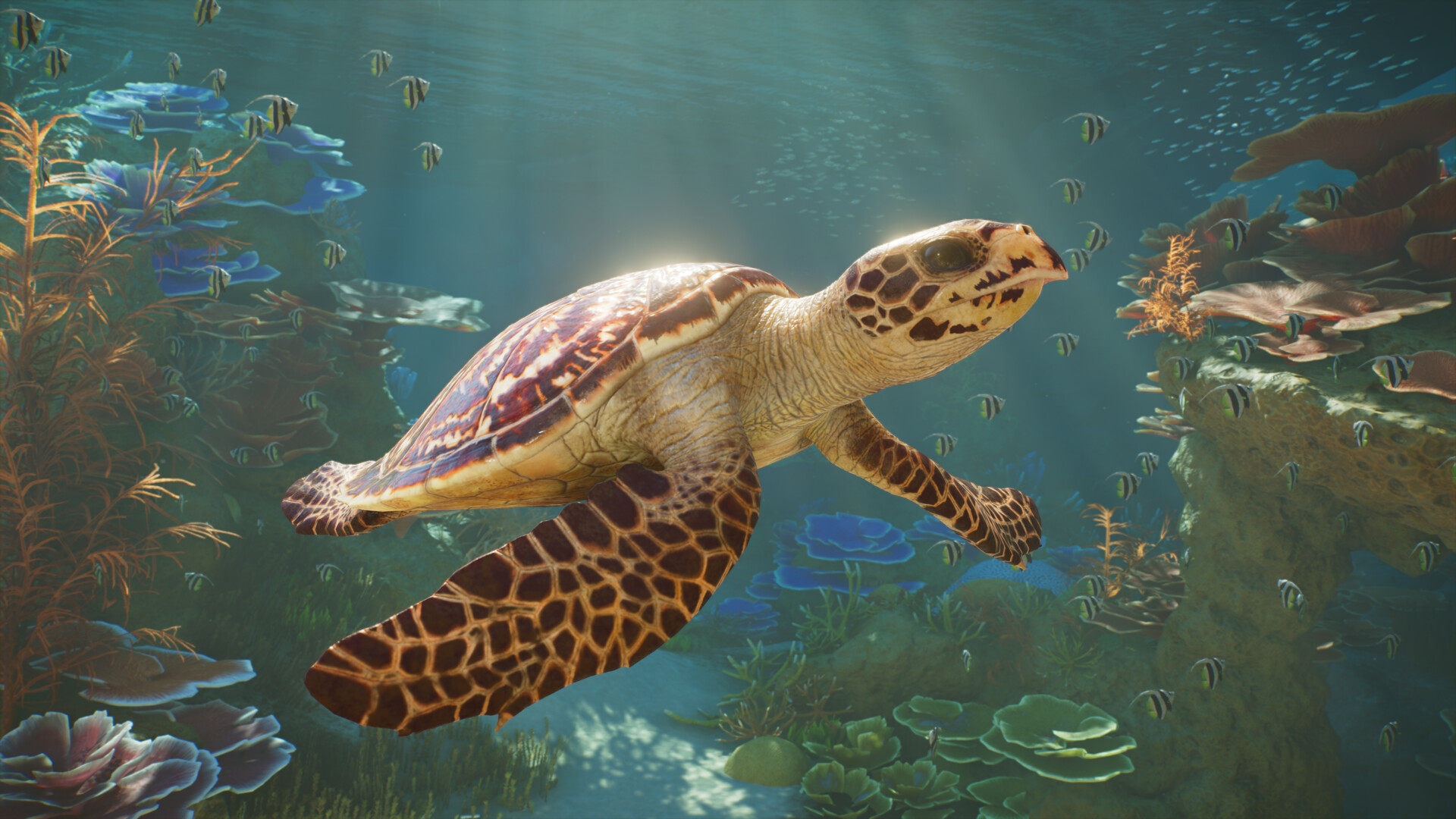
Planet Zoo 2 aquatic animals: all 37 aquarium species
Browse all 37 aquarium-capable animals, see which species also support exhibits, and identify the Deluxe entries.
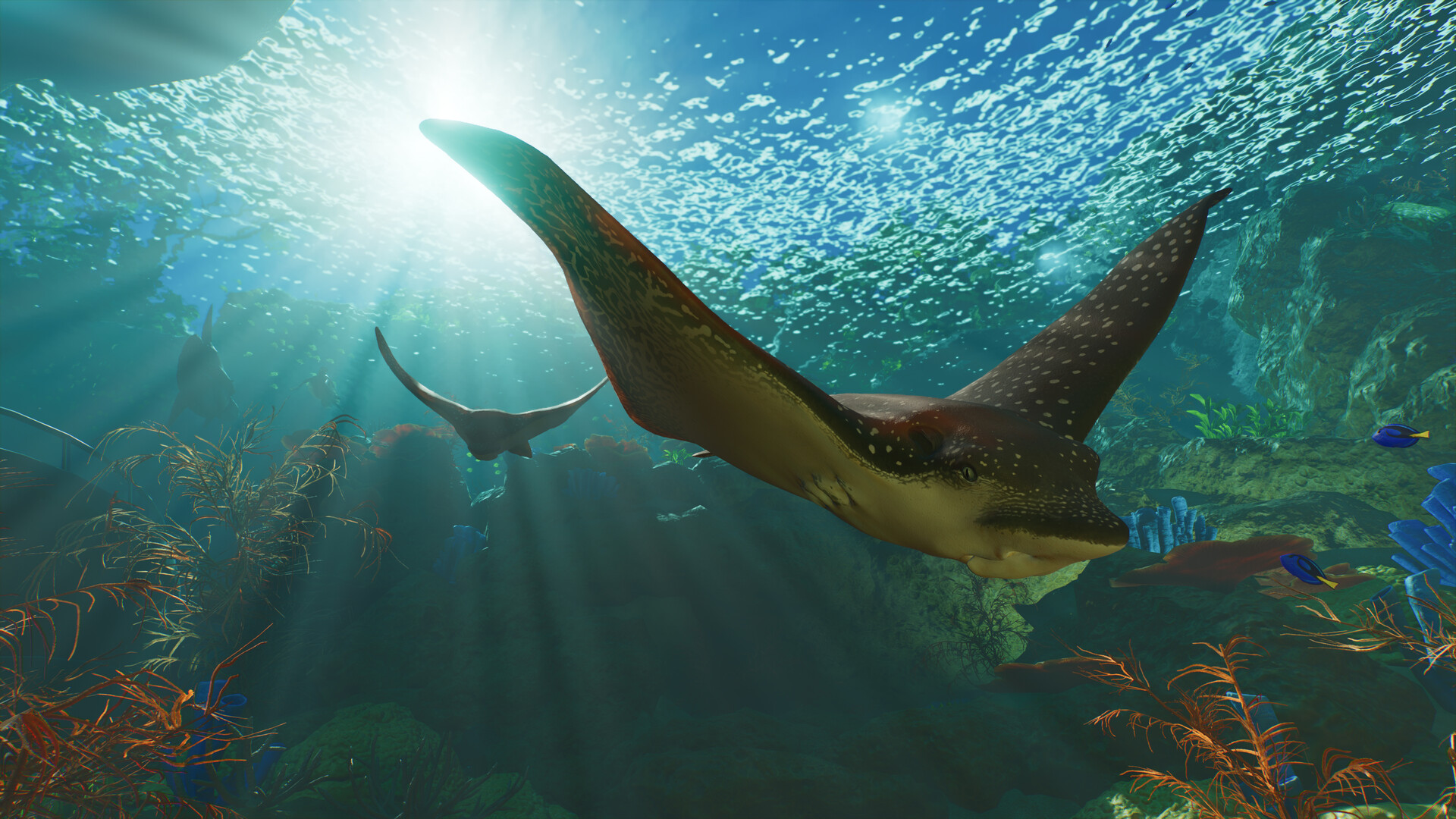 Planet Zoo 2
Planet Zoo 2 Standard vs Deluxe Edition
Compare prices, the six Deluxe animals, decorative signs and the separate upgrade before buying.