Dragon's Dogma 2 REFramework — install, update, troubleshoot, and uninstall
Install praydog’s upstream loader beside DD2.exe, verify it alone, update without mixing builds and remove its exact files.
Applies to: Upstream REFramework for Dragon’s Dogma 2 · current compatibility must be rechecked after patches
Quick answer
Download REFramework from praydog’s GitHub Releases or author Nexus page. For a normal non-VR Windows install, the upstream README says to extract only dinput8.dll beside DD2.exe. Launch and verify the overlay before adding scripts or plugins. To uninstall, close the game and remove that DLL; remove the reframework folder only if you also intend to delete its scripts, plugins, configuration, logs and data.
Use the upstream build: REFramework is praydog’s open-source RE Engine mod loader and scripting platform. The repository currently lists Dragon’s Dogma 2 as supported, but a future DD2 update can still break injection or dependent scripts. Prefer the latest stable release that explicitly addresses the installed game build; use a nightly only when its notes solve the exact problem.
Pick the correct source and archive
- GitHub Releases: upstream stable releases and changelogs.
- Nexus page: praydog’s DD2-specific distribution and community reports.
- Avoid repacks: do not download an unnamed DLL from a video description or file mirror.
The GitHub and Nexus version labels do not use the same visible numbering format, so compare source, upload date and changelog instead of assuming the numbers map one-to-one.
Install on Windows
- Exit Dragon’s Dogma 2.
- Open Steam → Library → Dragon’s Dogma 2 → Manage → Browse local files.
- Open the downloaded archive and extract only
dinput8.dllfor a normal non-VR install, following the upstream README. - Place
dinput8.dllbesideDD2.exe, not inside a subfolder. - Launch the game. The REFramework overlay should appear; the default overlay key used by many builds is Insert.
The repository warns non-VR users not to extract the other VR files. Follow the README bundled with the exact release if its file set changes.
Verify before adding scripts
Overlay appears: the loader initialized. Close the game before adding a dependent mod.
No overlay: confirm the DLL is next to DD2.exe, check security-software quarantine and retest without other proxy DLLs.
Game crashes: remove REFramework and confirm vanilla launch, then test the framework alone before restoring plugins.
Script is missing: verify its exact reframework/autorun or plugin path and every named dependency.
Update without mixing builds
- Close the game and copy the existing
reframeworkfolder plus DLL to a dated rollback folder. - Read the stable release notes for DD2 fixes and breaking changes.
- Replace only the files supplied by that release.
- Test the framework alone, then scripts/plugins in small groups.
Proton / Linux
The upstream README instructs Proton users to extract the files, then add WINEDLLOVERRIDES="dinput8.dll=n,b" %command% to the game’s Steam launch options. This is upstream REFramework guidance, not a Capcom-supported configuration.
Clean uninstall inventory
Close the game, then remove dinput8.dll from the folder containing DD2.exe. Remove the reframework folder only if you also want to delete its scripts, plugins, configuration, logs and data. Do not delete other DLLs by resemblance: ReShade and unrelated tools have their own files. Verify the game in Steam only after preserving any manual mod inventory you still need.
Sources
- praydog/REFramework README: supported games, non-VR installation and Proton launch option; Checked October 15, 2026.
- Upstream releases: stable versions and DD2-specific fixes; Checked October 15, 2026.
- REFramework on Nexus Mods: DD2 distribution, current metadata and community reports; Checked October 15, 2026.
Recheck after a DD2 update, REFramework release or dependent-script update.
The praydog GitHub README is the primary source for supported games, non-VR installation and Proton. Releases and the author’s Nexus page supply DD2-specific update context.
Not independently play-tested. This is not a claim that every platform or game version was tested. Source review: Oct 15, 2026.
More Dragon's Dogma 2 Guides
 Dragon's Dogma 2
Dragon's Dogma 2 mods — installation, compatibility, and safe removal
Choose the correct PAK, REFramework or manual workflow, verify dependencies against the current build and remove files without guessing.
 Dragon's Dogma 2
Dragon's Dogma 2: Dark Arisen guide — content, access, and current version
Choose the right edition, reach Norgan, understand Lost Rites and relic appraisal, and separate the paid expansion from Hard Mode and free updates.
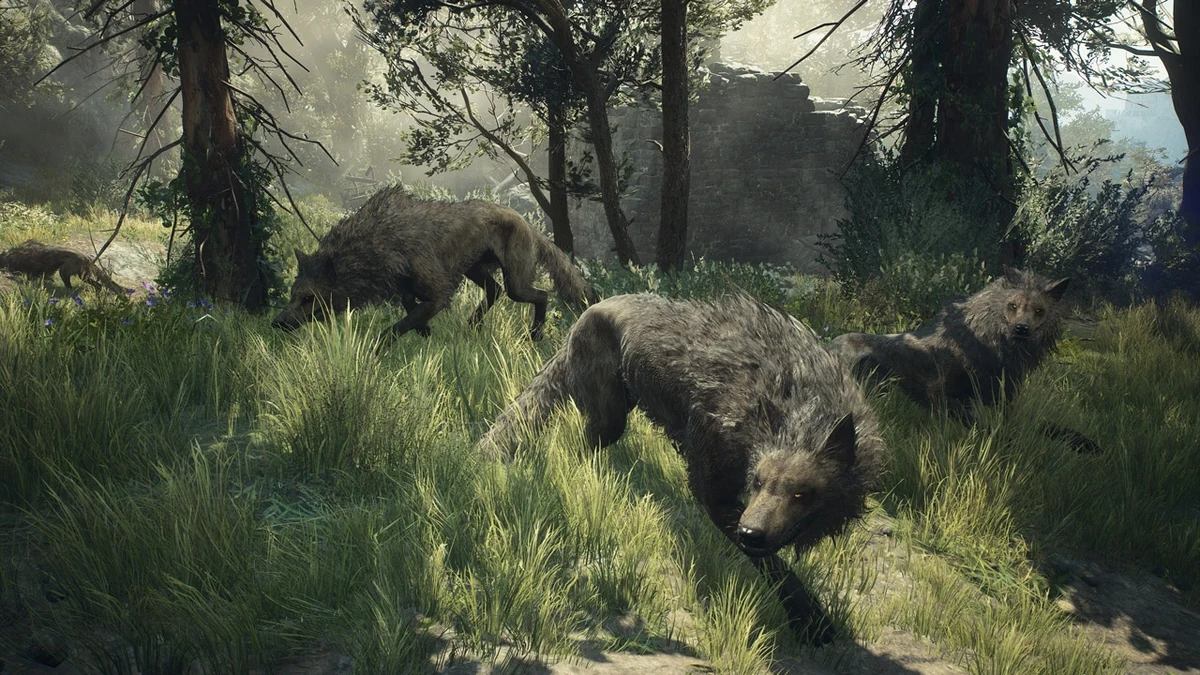 Dragon's Dogma 2
Dragon's Dogma 2 Prey for the Pack — find and save Rodge
Start Morris’s timed quest in Checkpoint Rest Town, follow the Moonglow clues, find Rodge inside Putrid Cave and bring him home for the successful reward.
 Dragon's Dogma 2
Dragon's Dogma 2 editions and Dark Arisen buying guide
Compare the base game, legacy Deluxe Edition, standalone Dark Arisen expansion and current bundle without paying twice for content.
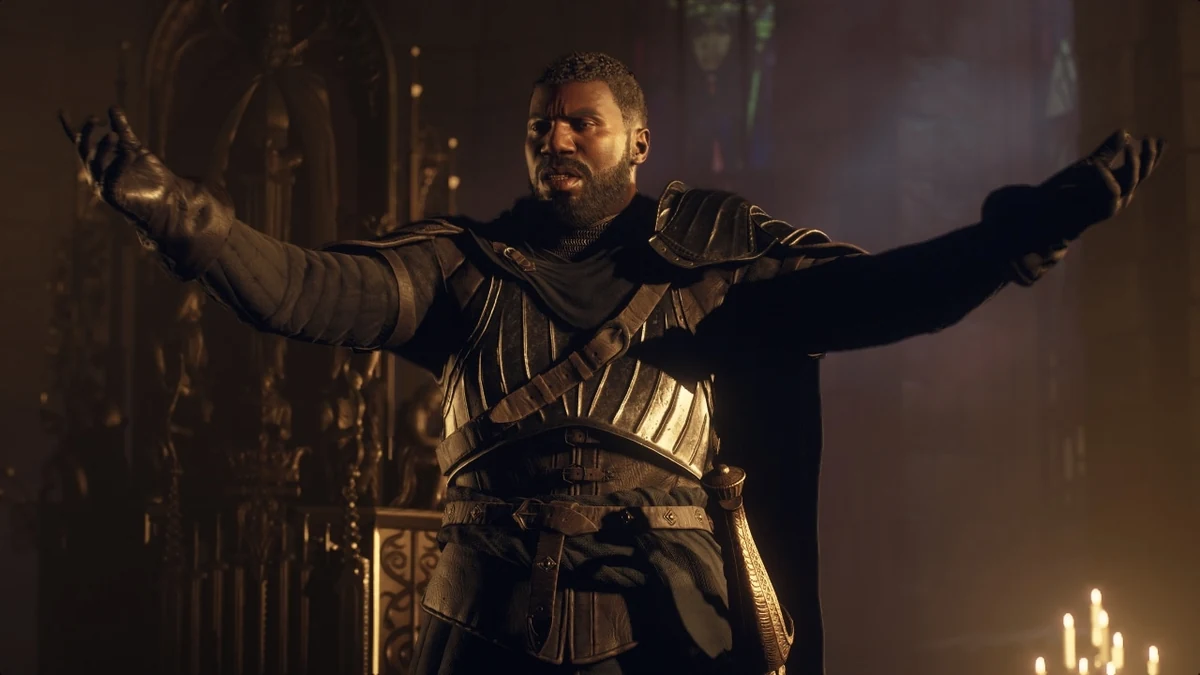 Dragon's Dogma 2
How to start Dragon's Dogma 2: Dark Arisen
Check the required story progress, Brant dialogue, nighttime location, recommended levels and Unmoored World limitation before starting.
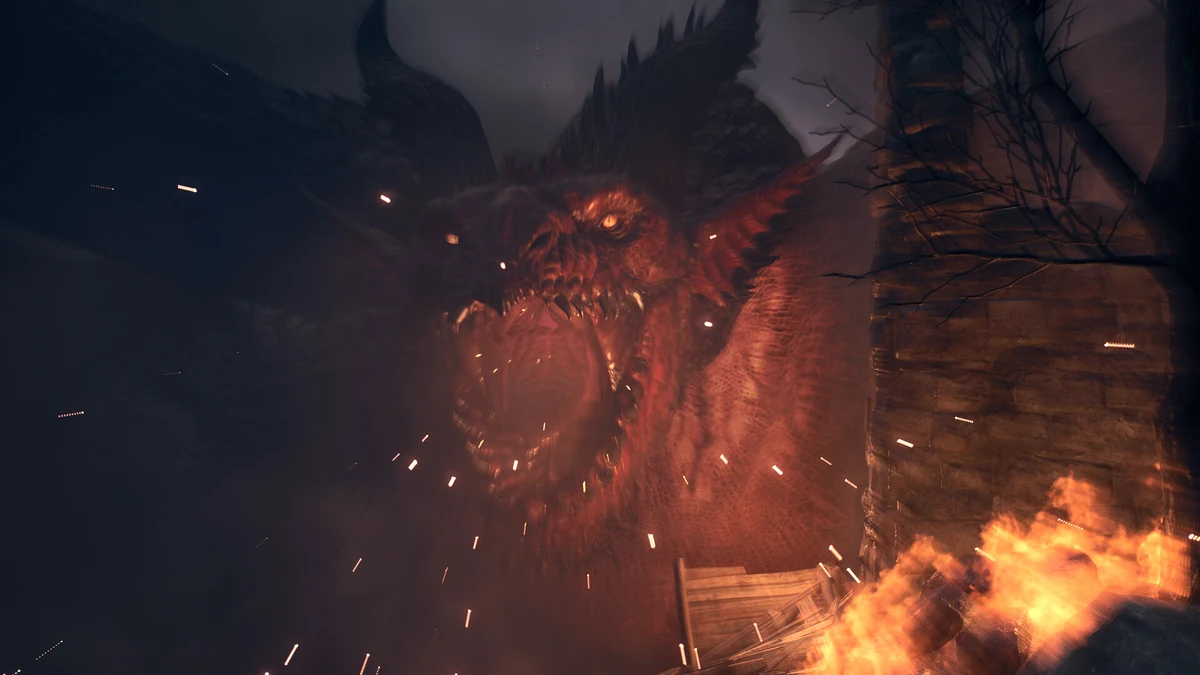 Dragon's Dogma 2
Dragon's Dogma 2 Hard Mode — how it works and when to use it
Understand what Title Update 4.0 confirms, which saves can use Hard Mode and which switching and reward details still require verification.