
Happy Wheels controls: movement, actions and ejection
A readable keyboard reference, the difference between action and jump, and what changes after ejection or between versions.
Applies to: Browser default keyboard diagram; Steam shortcuts separately identified
Quick answer
The official browser diagram assigns the arrow keys to movement and leaning, Space to the main action, Shift/Ctrl to other actions, and Z to eject. Space is not a universal jump button: its effect depends on the character and whether you are still riding.
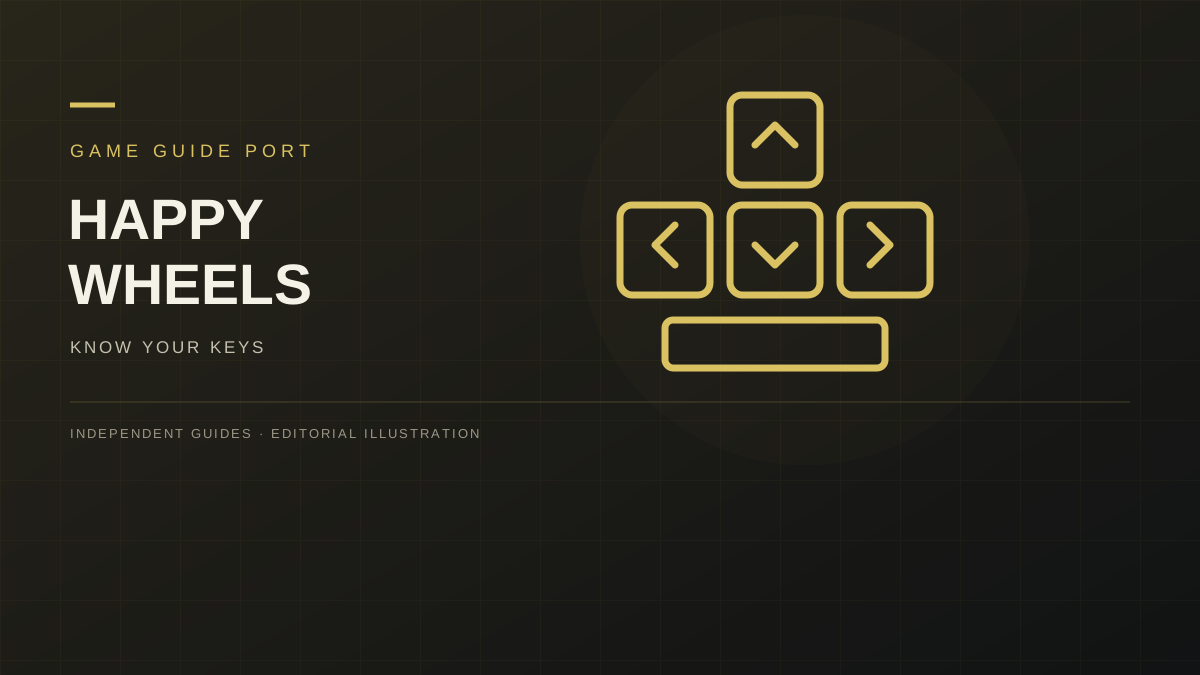
Default browser keyboard map
This table transcribes the functions shown on the official browser controls diagram. It is a reference for default bindings, not a promise that your saved settings or another edition uses the same keys.

| Key | Official function | How to read it |
|---|---|---|
| ↑ | Forward | Movement input; the vehicle determines the result. |
| ↓ | Reverse | Backward movement input. |
| ← / → | Lean | Separate balance input from forward movement. |
| Space | Main action | Not a universal jump command. |
| Shift / Ctrl | Other actions | Character-dependent actions, not guaranteed extra movement keys. |
| Z | Eject | Leave the vehicle; do not confuse this with restarting. |
To learn a character, separate the inputs: try movement first, then leaning, then the main action. Holding every key at once makes it harder to tell which action changed your position. This is a practice suggestion, not a tested solution for a particular obstacle.
Ejecting and grabbing are different actions
Z is the official ejection binding. Once the rider is no longer attached to the vehicle, do not assume the same movement description still explains every body action.
The community character reference lists Space as grab after ejection. That detail is community-documented rather than independently tested here. A failed grab is not, by itself, proof that the key binding is wrong; character state and contact with the object matter to the situation you need to report.
If you need help with a particular grab, record the character, level, platform and whether the rider has already ejected. “Space does nothing” describes several different situations. Pair that information with the character reference rather than assuming every vehicle has the same main action.
When a key does not do what you expect
- Check focus. If you were typing into a search or text field, return focus to the game before testing movement. Do not test shortcuts while entering account details.
- Check the binding shown in your settings. A changed binding can make a correct default-key table seem wrong.
- Check the character and state. Compare riding with riding, rather than a riding example with your ejected rider.
- Change one variable at a time. Keep the same level and character while testing one input. If the entire game freezes, use the loading and lag checklist instead.
An official 2012 announcement documented individually remappable keys and a restore-defaults control. That is historical evidence of the feature, not verification of the current menu layout. Before restoring a layout, record any custom bindings you want to keep. This page does not supply an invented sequence of settings buttons.
Steam shortcuts and touch controls
The Steam v1.99.1 announcement adds Esc for pausing alongside Tab, and F11 for fullscreen. Those are Steam release-note details, not additional keys transcribed from the browser diagram.
The browser’s v1.98 release notes record touch controls and an option to force them on or off. A touch interface should be read on its own terms: keyboard names are not button labels for every phone or standalone mobile app.
Sources and review scope
- Official browser controls image — visually checked.
- TotalJerkface — “squirts”, February 8, 2012 — historical remapping announcement.
- Steam v1.99.1 announcement — Steam shortcuts.
- Official JavaScript release log — touch controls.
- Happy Wheels Wiki on Fandom — community character controls — secondary source for grabbing; not an official manual.
Basic keys were checked against the official controls graphic. Grab behavior is attributed to the community reference, not independently verified. Not independently play-tested.
Not independently play-tested. This is not a claim that every platform or game version was tested. Source review: Oct 7, 2026.
More Happy Wheels Guides
 Happy Wheels
Happy Wheels characters and vehicles: a roster reference
Identify the familiar desktop characters, distinguish community names from official claims, and choose what to practise first.
 Happy Wheels
Happy Wheels: Steam vs browser — which version fits you?
Compare the official ways to play, Steam pricing and features, platform requirements, and what to check before buying.
 Happy Wheels
Happy Wheels not loading or lagging? Start with the symptom
Separate a blank game, an empty level list, low frame rate, and Steam startup trouble before choosing a troubleshooting step.
 Happy Wheels
Happy Wheels custom levels: finding courses and offline play
Understand the level browser, keep track of a course, and know what Steam confirms about downloading levels for offline use.
 Happy Wheels
Happy Wheels accounts: login recovery and Steam linking
Find official registration and recovery routes, understand activation emails, and prepare an existing account for Steam linking.