How to Transfer Wallpaper Engine Wallpapers to Android
Pair the Android companion app with the Windows app over a local network, then transfer selected wallpapers.
Applies to: Official Android pairing steps and limitations · checked October 21, 2026
Quick answer
The Android app cannot download Steam Workshop items directly. Pair it with Wallpaper Engine on Windows using the displayed PIN, then send selected wallpapers from the desktop app.
Before pairing
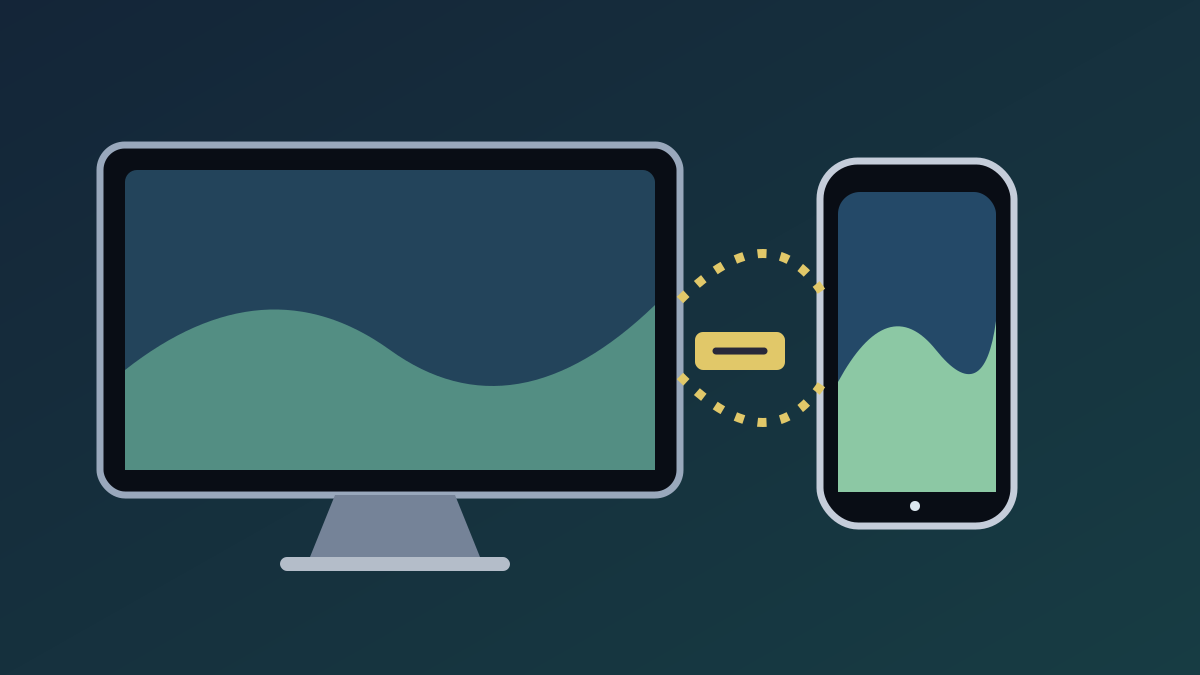
Install the official Android app and have the Windows desktop app available. Both devices need the same local network for the documented pairing flow. The Android app cannot download Steam Workshop items directly.
Pair the devices
- On Windows, choose Mobile → Connect new Device. A four-digit PIN appears.
- In Android, choose Add → Pair with Computer.
- Select the computer and enter its PIN.
Transfer a wallpaper
After pairing, select a wallpaper on Windows and send it to the connected phone. The official guide recommends Scene wallpapers for mobile and lets you choose quality.
Known limitations
Android lock-screen support depends on the manufacturer and launcher. The official FAQ says wallpaper audio is always silent on Android. To remove one, set a different wallpaper through Android settings.
Official sources
Checked October 21, 2026.
Based on official pairing instructions and Android FAQ; not tested across devices.
Not independently installed or tested. Every Windows build and Android device has not been assessed. Source review: Oct 21, 2026.
More Wallpaper Engine Guides
 Wallpaper Engine
Is Wallpaper Engine Free? Windows Price, Android App & Wallpapers
The Windows desktop app is a one-time Steam purchase; Workshop wallpapers and the Android companion app are free. Check Steam for your region’s current price.
 Wallpaper Engine
Steam Workshop Wallpapers: Find, Subscribe & Back Up
Find and subscribe to Wallpaper Engine items through Steam Workshop, then understand what happens to local files when an item is removed.
 Wallpaper Engine
How to Start, Pause and Stop Wallpaper Engine on Windows
Set Wallpaper Engine to start with Windows and use its documented pause and stop controls.
 Wallpaper Engine
Wallpaper Engine Performance Settings: Reduce Load While Gaming
Use the Performance tab and application rules to control wallpaper behavior while games or full-screen apps run.
 Wallpaper Engine
Wallpaper Engine on Multiple Monitors: Support & Mixed Resolutions
What official sources confirm about multi-monitor support, spanning displays, and mixed resolutions.
 Wallpaper Engine
Is Wallpaper Engine Available on Mac, Linux or iPhone?
Check current official platform support for Windows, Android, macOS, Linux and iOS.