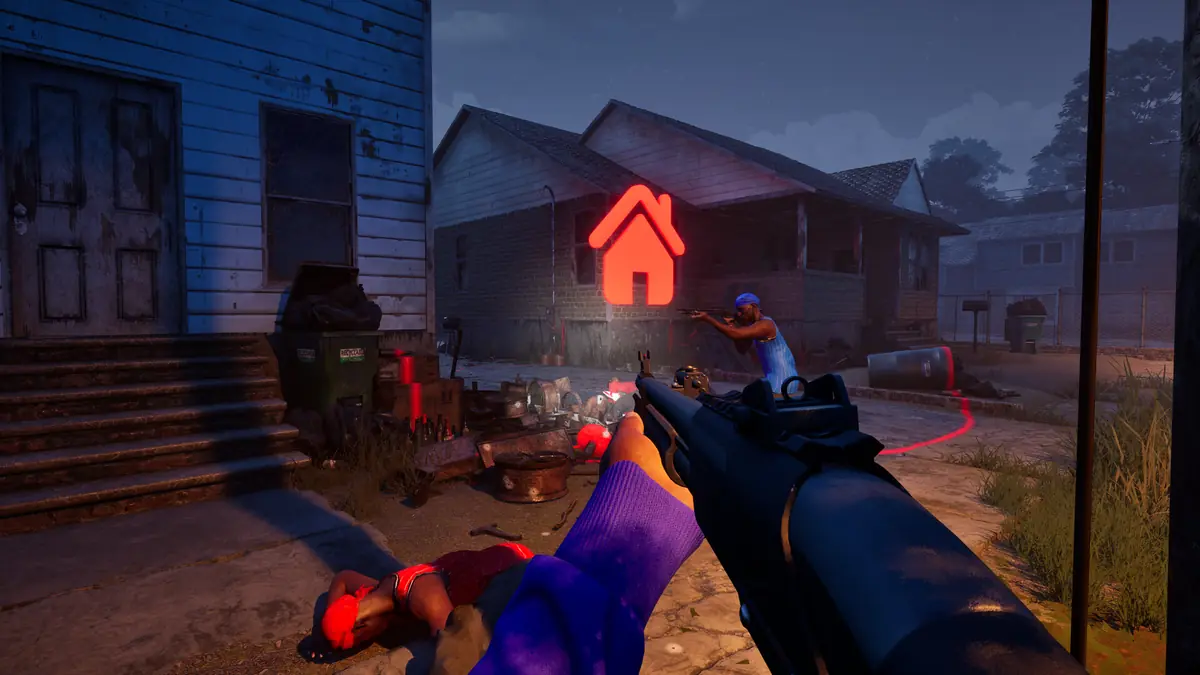
Hood Warfare 2: How to Play with Friends
How to play Hood Warfare 2 with friends — public matchmaking, Create/Join Game, and the private password lobbies added on October 14, 2026.
Applies to: Playing Hood Warfare 2 with other people, checked on October 14, 2026
Quick answer
There are three ways to play together. Public matchmaking drops you into a standard lobby; Create/Join Game lets you choose the map, mode and match settings; and private password-only lobbies were added in patch 1.0.1.4 on October 14, 2026. That same patch fixed "various join game issues and crashes", which answers most of the earlier cannot-join-my-friend reports.
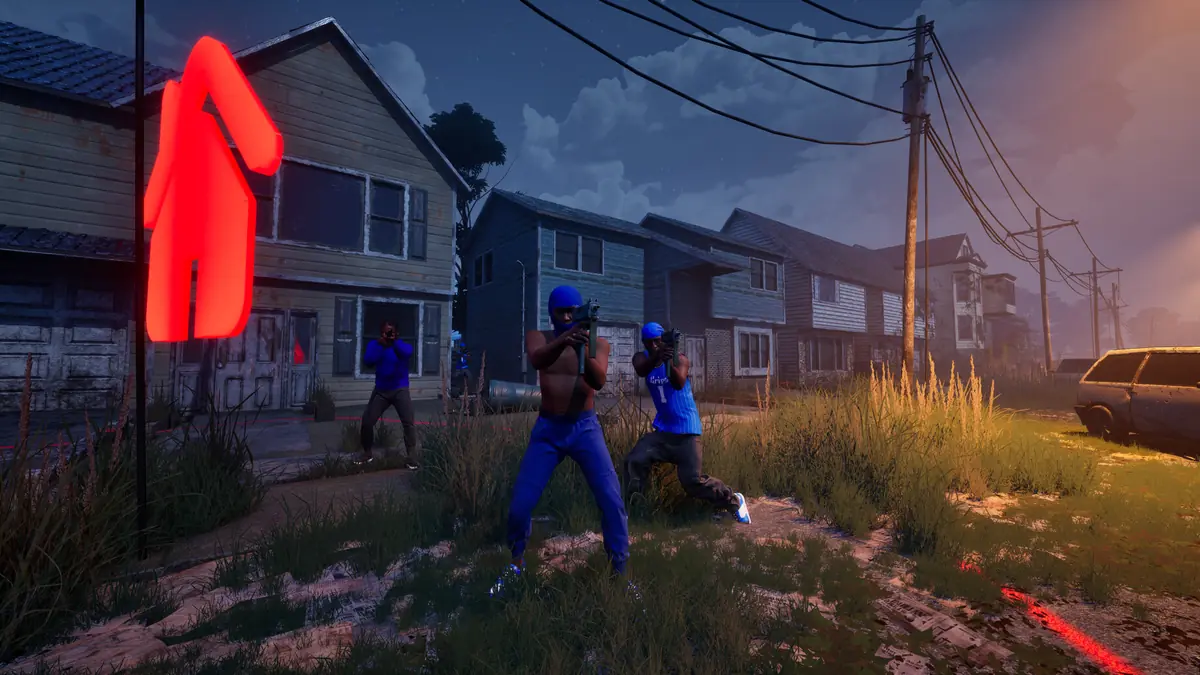
Three ways to play together
Hood Warfare 2 offers three routes into a match with other people, and the third one is new.
| Method | How it works | Best for |
|---|---|---|
| Quick Play | Standard matchmaking drops you into a live match. | Playing with strangers. |
| Create/Join Game | You choose the map, mode and match settings, and can fill remaining team slots with bots. | Playing with a group on your terms. |
| Private password lobbies | A password-only lobby, added on October 14, 2026. | Playing only with people you invited. |
The developer's own description of the second route is: "Choose your map, mode, and match settings, and add bots to fill out the teams." That makes Create/Join Game the practical option when your group wants a specific mode without waiting for matchmaking to drop you into one.
Private password lobbies
Private matches arrived in patch 1.0.1.4, released on October 14, 2026. The patch note describes them as follows: "Private Matches now in game, create a private password only lobby with your friends."
This is a genuinely new feature rather than a fix, and it is the cleanest answer to wanting a match with only your own group. Before that patch, the previous guidance — use Create/Join Game and hope — was the best available option.
Why you cannot join a friend
The launch week produced a steady stream of "cannot join" reports in the official Steam discussions, covering both matchmaking and friend lobbies. Most of those predate the current build.
Official status: patch 1.0.1.4 lists "Fixed various join game issues and crashes" among its changes, which addresses the bulk of what was being reported.
If you are still having trouble on 1.0.1.4, work through this list in order:
- Check you are on the same build. Everyone should see 1.0.1.4 in the bottom-right corner of the main menu. A mismatch between versions is a common cause of a lobby that will not load.
- Restart Steam completely. The developer's own patch note says exiting Steam fully may be required to receive an update, and it also clears stale session state.
- Confirm the lobby settings. If you are using a private lobby, check that everyone has the same password and is trying to join the same lobby rather than a second one someone created.
- Have the host create the lobby first, then invite, rather than having several people attempt to create a session at once.
- If your whole group fails at the same time, on different networks, the problem is not on your end. Wait and retry.
About the server model
Players in the official Steam discussions describe matches as peer-to-peer and raise concerns about what that means for connection quality and security. Others in the same threads dispute that framing.
There is no official statement on how matches are hosted. Neither patch note mentions the network model, the store page does not describe it, and the developer has not responded in the discussions on the point. Because of that, this page states only what players report and does not assert a technical architecture.
What can be said factually is that the game lists an online PvP mode, that a broadband connection is required, and that connection complaints were common enough in the launch week to be among the most-discussed topics in the community hub.
What is not published
- The maximum number of players in a private lobby.
- The maximum squad or party size when joining public matchmaking.
- Whether a party is preserved across consecutive matches or must be re-formed.
- How matches are hosted, and whether the model differs between public and private games.
If you would rather play alone, the solo and bots page covers what the game supports. If connection problems persist, the troubleshooting page deals with that separately.
Sources and review scope
- Steam — Hood Warfare 2 announcements, patch 1.0.1.4 — used for the private match and join-fix wording quoted above, and for the update guidance about exiting Steam.
- Steam store listing — used for the Create/Join Game description, the bot-fill wording, the online PvP category and the broadband requirement.
- Steam community discussions — used for the join problems, the peer-to-peer reports and the disagreement about them, all attributed to players.
The private-lobby feature and the join-game fixes are quoted from the developer. The network model is described only as player reporting because no official source addresses it. The troubleshooting order above is standard practice and is not a developer-published procedure.
Checked on October 14, 2026 against the Steam store listing for Hood Warfare 2, the developer's own Steam announcements, and the Steam Web API. Live figures such as player counts, review totals and patch state change quickly and should be rechecked before you rely on them.
Not independently play-tested. This is not a claim that every platform or game version was tested. Source review: Oct 14, 2026.
More Hood Warfare 2 Guides
 Hood Warfare 2
Hood Warfare 2: Can You Play Solo Against Bots?
Yes — Hood Warfare 2 supports bot matches and its store listing includes single-player. What the developer confirms, and what it leaves unsaid.
 Hood Warfare 2
Hood Warfare 2 Player Count and Steam Charts
Live Hood Warfare 2 player numbers from the official Steam API, and why SteamDB, Steam Charts and other trackers show different totals.
 Hood Warfare 2
Is Hood Warfare 2 on PS5 or Xbox?
Hood Warfare 2 is PC-only. No PS5, PS4, Xbox, Switch or mobile version exists, and no console port has been announced — official platform data, checked October 14, 2026.
 Hood Warfare 2
Hood Warfare 2 Patch Notes and Current Status
Every Hood Warfare 2 patch since launch — 1.0.10 on October 12 and 1.0.1.4 on October 14, 2026 — and which reported launch problems are now fixed.
 Hood Warfare 2
Hood Warfare 2 Troubleshooting: Crashes and Kicks
Fix Hood Warfare 2 crashes, connection failures and anti-cheat false kicks, symptom by symptom — and see what the October 14 patch already resolved.
 Hood Warfare 2
Hood Warfare 2 Price and Editions - Is It Worth It?
Hood Warfare 2 costs $5.99, currently $5.39 in a launch discount ending October 15, 2026. There is only one edition: no Deluxe, no DLC, no microtransactions.