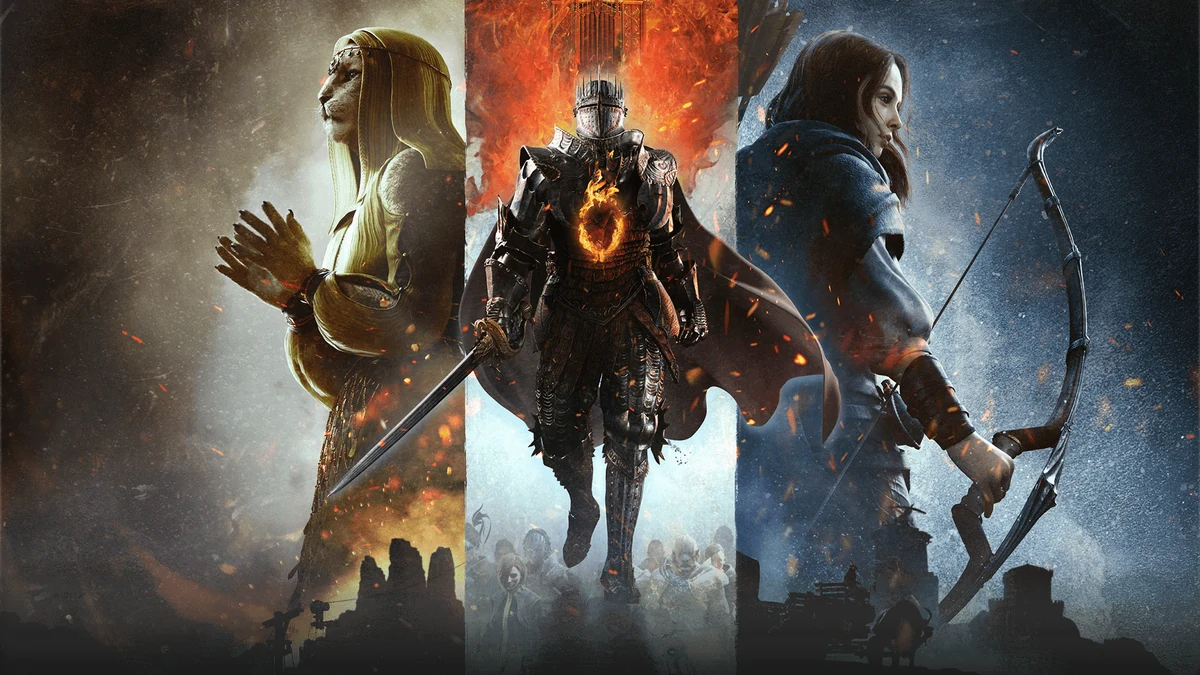
Dragon's Dogma 2 New Game Plus — what carries over and what resets
Separate traditional post-ending New Game Plus from the 2026 restart option, then protect quests and ending access before resetting.
Applies to: Base game and Title Update 4.0 restart option · complete current-build exception list unverified
Quick answer
Traditional New Game Plus becomes available after finishing the story. Published guides report that level, equipment and inventory carry over, while quest progress resets and equipment is returned after reaching Borderwatch. Title Update 4.0 also added a separate way to restart from the beginning with current save data. Both overwrite access to the active quest state, so finish desired endings and timed quests first.
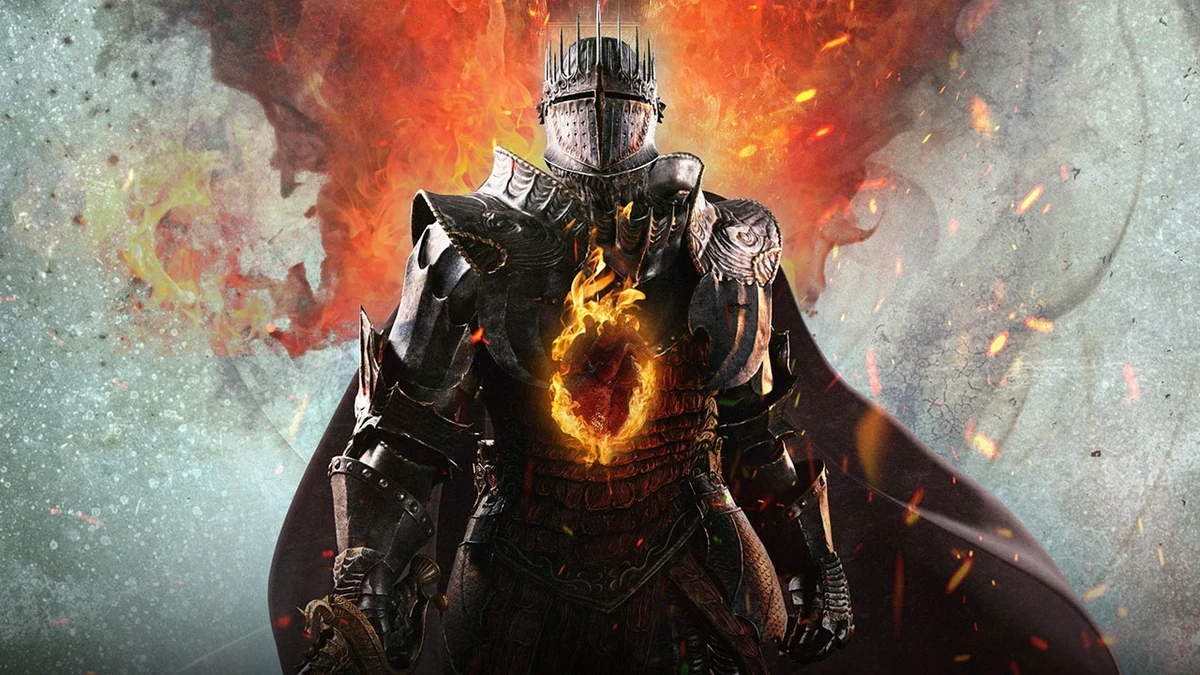
Version distinction: older guides describe the post-ending NG+ option. Title Update 4.0 added a separate feature that can carry current save data into a restart before an ending. Read the title-screen warning for the option actually selected.
Two ways to restart
Traditional NG+
Finish an ending, then choose the new-playthrough option from the title screen. PowerPyx warns to explore alternate endings before confirming NG+ because the active run is replaced.
Restart with current data
Capcom lists a Title Update 4.0 feature that starts over from the beginning while carrying saved data. PC Gamer reports the current warning as keeping level, equipment and items while resetting quests and quest items.
What published guides say carries over
- Arisen level and equipment.
- Inventory/items, returned after reaching Borderwatch in the reported traditional route.
- Character design can be changed at the new start.
- The world map is reported as already unfogged in traditional NG+.
PowerPyx endings guide and trophy roadmap · Checked October 15, 2026. The current complete exception list has not been independently replayed.
What resets
Quest progress restarts. PC Gamer specifically reports quest items resetting in the 2026 current-data restart. Expect story gates, side quests and NPC states to require fresh progression; do not assume a quest-specific key item survives because ordinary inventory does.
Before confirming
- Finish every ending path you still want from the current save.
- Complete timed quests and spend or record current-run resources.
- Record the first Seeker’s Token location if a Sphinx attempt is active.
- Read which of the three current save states the prompt will replace.
- Choose Hard Mode separately; carry-over and difficulty are different decisions.
Dark Arisen and Unmoored World
PC Gamer reports that Dark Arisen cannot be started from an active Unmoored World state. A restart/NG+ returns the character to the normal story, after which Vernworth and Brant can be reached again. PC Gamer access report · Checked October 15, 2026.
Sources
- Capcom update history: Title Update 4.0 current-save restart feature; Checked October 15, 2026.
- PowerPyx endings guide and roadmap: post-ending NG+, carry-over and Borderwatch return; Checked October 15, 2026.
- PC Gamer: 2026 restart warning and Unmoored limitation; Checked October 15, 2026.
Recheck after changes to save slots, carry-over exceptions, quest items or Dark Arisen access.
Capcom confirms a current-save restart feature. PowerPyx reports traditional post-ending carry-over; PC Gamer reports the 2026 Dark Arisen restart warning. Exact exceptions are qualified.
Not independently play-tested. This is not a claim that every platform or game version was tested. Source review: Oct 15, 2026.
More Dragon's Dogma 2 Guides
 Dragon's Dogma 2
Dragon's Dogma 2: Dark Arisen guide — content, access, and current version
Choose the right edition, reach Norgan, understand Lost Rites and relic appraisal, and separate the paid expansion from Hard Mode and free updates.
 Dragon's Dogma 2
Dragon's Dogma 2 Prey for the Pack — find and save Rodge
Start Morris’s timed quest in Checkpoint Rest Town, follow the Moonglow clues, find Rodge inside Putrid Cave and bring him home for the successful reward.
 Dragon's Dogma 2
Dragon's Dogma 2 editions and Dark Arisen buying guide
Compare the base game, legacy Deluxe Edition, standalone Dark Arisen expansion and current bundle without paying twice for content.
 Dragon's Dogma 2
How to start Dragon's Dogma 2: Dark Arisen
Check the required story progress, Brant dialogue, nighttime location, recommended levels and Unmoored World limitation before starting.
 Dragon's Dogma 2
Dragon's Dogma 2 Hard Mode — how it works and when to use it
Understand what Title Update 4.0 confirms, which saves can use Hard Mode and which switching and reward details still require verification.
 Dragon's Dogma 2
Dragon's Dogma 2 on Switch 2 — content, performance, and differences
See what the Switch 2 package includes, how it differs from other platforms and what performance claims are still unsupported.