
over the hill System Requirements and Steam Deck Status
Compare the published PC minimum with the current Steam Deck status and understand what has not been specified.
Applies to: Steam launch listing · Windows and Steam Deck
Quick answer
The published Windows minimum is Windows 10, an Intel Core i5-7400 or Ryzen 5 2600, 8 GB RAM, a GTX 1070 or Radeon RX 5600, DirectX 11, broadband internet, and 4 GB storage. Steam notes that this minimum was tested at Full HD. Funselektor supports Steam Deck, and launch coverage reports the game as Steam Deck Verified. Steam does not publish a complete recommended PC tier.
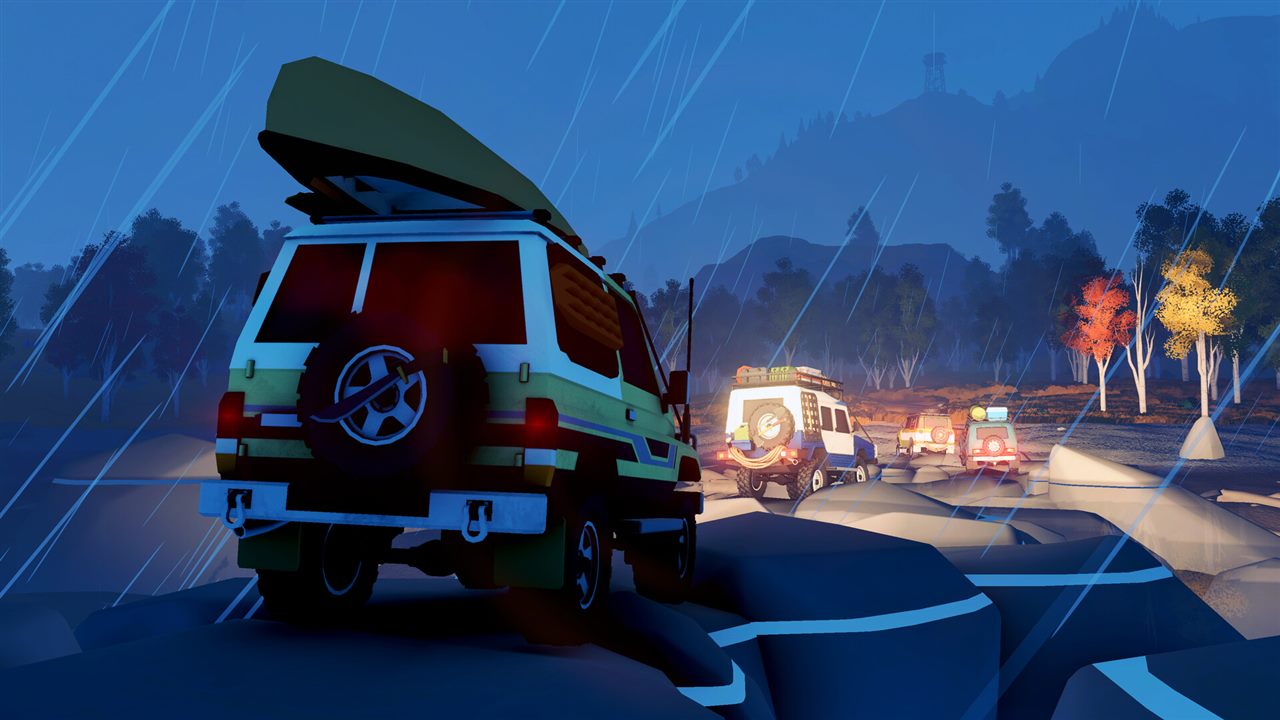
Published PC minimum
| Operating system | Windows 10, 64-bit |
|---|---|
| Processor | Intel Core i5-7400 or AMD Ryzen 5 2600 |
| Memory | 8 GB RAM |
| Graphics | Nvidia GTX 1070 or AMD Radeon RX 5600 |
| DirectX | Version 11 |
| Network | Broadband internet connection |
| Storage | 4 GB available space |
| Publisher note | Specifications tested at Full HD resolution |
This is a transcription of the store minimum, not a benchmark. Meeting a component name does not promise a particular preset or frame rate because the listing gives neither target.
The recommended tier is not published
Steam currently displays a Recommended heading without a complete recommended CPU, GPU, memory, resolution, or frame-rate target. Do not turn the minimum into a recommended build or assume that a newer part with a similar name has identical performance.
Steam Deck status
Funselektor’s launch post says the game supports Steam Deck. PC Gamer’s launch coverage reports that it is Steam Deck Verified. The earlier developer FAQ explained that Deck support uses Proton rather than a native Linux build.
Verified status is a compatibility classification, not a promise of one battery-life figure or a locked frame rate in every area and weather condition. Check the current badge on Steam before purchase because compatibility reviews can be updated.
Before buying or troubleshooting
- Compare the exact CPU and GPU models, not only their brand families.
- Leave extra disk space beyond the listed 4 GB for updates and temporary files.
- Update the game and graphics driver before investigating rendering problems.
- On Steam Deck, use the current default profile first before changing Proton versions or forcing graphics overrides.
The October 16 update fixed invisible terrain on some older GPUs, including examples from Nvidia’s GTX line. The developer says the previous -msTessOnce 0 workaround is no longer required after that update.
Sources
- Steam store — current Windows minimum and Full HD note.
- Official Steam news — Steam Deck support and October 16 GPU fix.
- Pinned developer FAQ — Proton-based Steam Deck plan and no native Linux launch build.
- PC Gamer launch coverage — reported Steam Deck Verified status.
Checked October 19, 2026. No independent performance benchmark was run for this page.
The minimum specification is transcribed from the current Steam store listing. Funselektor confirms Steam Deck support in its launch post; Steam Deck Verified is cross-checked against launch coverage. No recommended tier is invented where Steam leaves it blank.
Not independently play-tested. This is not a claim that every platform or game version was tested. Source review: Oct 19, 2026.
More over the hill Guides
 over the hill
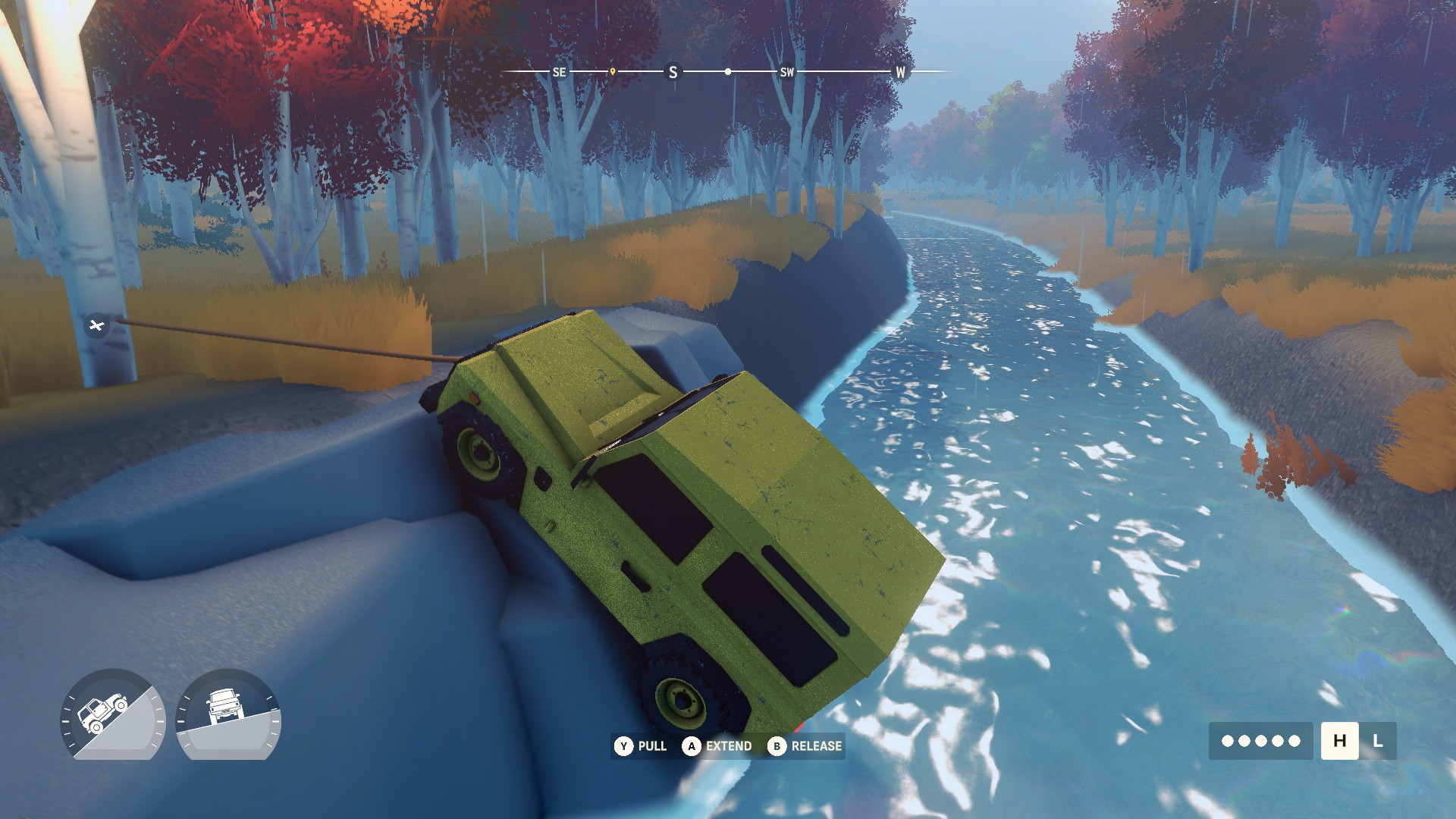
How to Find and Extract Meteorites in over the hill
Use the Meteorite Detector, connect the winch correctly, add direct co-op lines for larger rocks, and avoid relying on Demo-era fixed locations.
 over the hill
over the hill Platforms and Release Status
See what is available now on Steam, which console versions are planned for 2027, and what remains unconfirmed.
 over the hill
over the hill Multiplayer and Co-op Explained
Check the player limit, online and local co-op status, shared progression rules, and cross-play promise.
 over the hill
How Vehicle Unlocks Work in over the hill
Understand the confirmed unlock loop, upgrades, cosmetics, and why this page does not claim an unsupported complete vehicle list.
 over the hill
over the hill Maps and Regions: Canada and Algeria
Learn how the handcrafted area structure works, which regions are confirmed, and why old Demo maps are incomplete.
 over the hill
over the hill Custom Livery Mods: Install and Create
Use the official mod.io workflow, understand local testing folders, and avoid confusing livery packs with gameplay mods.