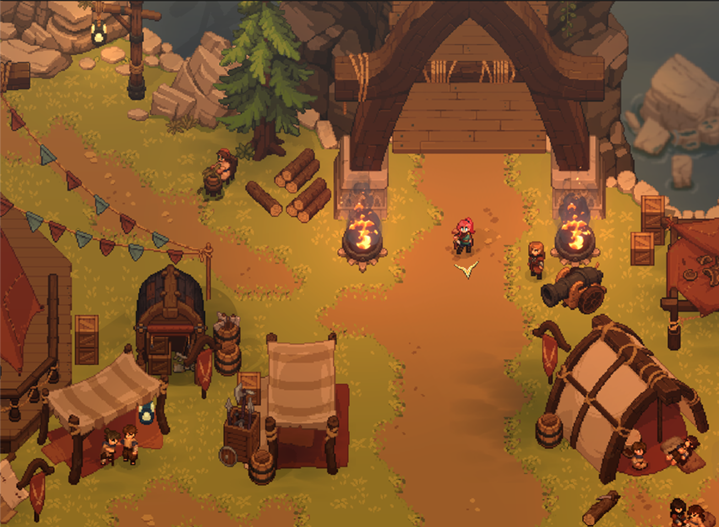
How to report a Dimraeth bug or technical issue
Use Mudtek’s stated reporting route and include the information that helps a small development team reproduce an issue.
Applies to: Official FAQ support guidance
Quick answer
Mudtek asks players to report bugs through the #🐞|bug-reports channel on its official Discord. Include what happened, what you expected, the game version, whether you were hosting or joining, and steps that reproduce the problem if you have them.
Where to report a Dimraeth bug
The official FAQ directs reports of bugs, glitches and unexpected behavior to the #🐞|bug-reports channel on the official Dimraeth Discord server. Follow the Discord link published through the official FAQ rather than an unverified invitation.
| Field | What to provide |
|---|---|
| Version | The installed release or patch number and when it occurred. |
| Expected result | What you thought the game should do. |
| Actual result | What happened instead, including exact visible error text. |
| Steps | The shortest repeatable sequence that produces the issue. |
| Context | Solo or co-op, host or joining player, region, input device and relevant system. |
| Evidence | A focused screenshot or video when it is safe and useful. |
Before sending the report
- Confirm everyone in a co-op session is on the same current build.
- Restart and test whether the issue repeats.
- Remove assumptions and describe only what you observed.
- Check that screenshots do not expose personal information or private chat.
- Search the latest official patch notes for a known fix.
For a connection problem, include the host, party size and the exact point where joining fails. For controls, include the device and Steam Input state. For a quest, provide the active objective and current region without adding avoidable story spoilers.
Check known fixes accurately
If a patch note says an issue was fixed but you still reproduce it, mention the release number and the new steps. Do not assume an old report describes the same cause simply because the symptom looks similar.
This page explains report quality; it does not send a report automatically. The official-links page provides the verified community and update destinations.
Sources
Based on the official Dimraeth FAQ. Community channels may change, so use the linked official route when reporting a new issue.
Not independently play-tested. This is not a claim that every platform or game version was tested. Source review: Oct 8, 2026.
More Dimraeth Guides
 Dimraeth
Dimraeth controls: keyboard, mouse, controller and hybrid input
Understand the official input methods and what the FAQ does—and does not—confirm about exact keybinds.
 Dimraeth
Can you play Dimraeth solo or in co-op?
What Mudtek confirms about solo play, online co-op, the player limit and choosing a session style.
 Dimraeth
Dimraeth P2P co-op and dedicated servers
Understand the official peer-to-peer hosting model and the current lack of dedicated or private servers.
DimraethDoes Dimraeth have split-screen or local multiplayer?
A direct answer from the official FAQ, plus how to avoid confusing online co-op with couch co-op.
 Dimraeth
Dimraeth difficulty settings: what Early Access confirms
Know what Mudtek has confirmed about difficulty levels without inventing presets, scaling rules or hidden modifiers.
DimraethDimraeth co-op progression and saves: what travels between worlds
Understand the official distinction between your hero’s personal progress and the world-based progress of a co-op session.